51a written report mass 2026

Get Form
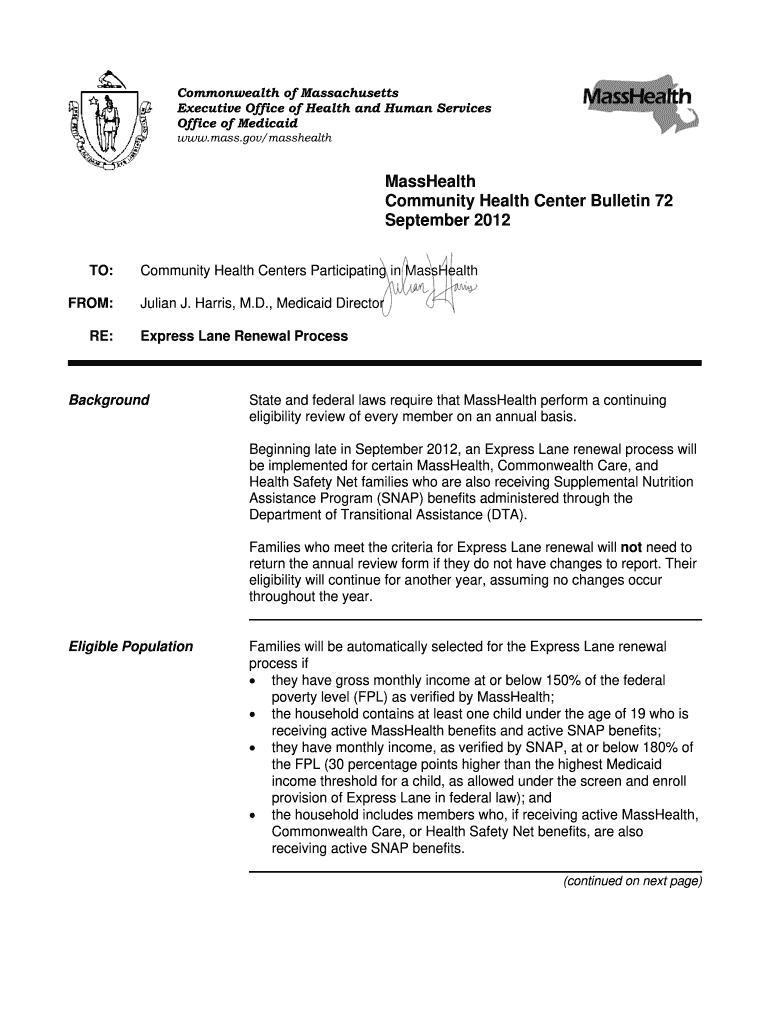
what happens when a 51a is filed against you Preview on Page 1

Here's how it works

01. Edit your what happens when a 51a is filed against you online
Type text, add images, blackout confidential details, add comments, highlights and more.
02. Sign it in a few clicks
Draw your signature, type it, upload its image, or use your mobile device as a signature pad.
03. Share your form with others
Send 51a report via email, link, or fax. You can also download it, export it or print it out.

How to use or fill out 51a written report mass with our platform

Form edit decoration
9.5
Ease of Setup
DocHub User Ratings on G2
9.0
Ease of Use
DocHub User Ratings on G2
  1. Click ‘Get Form’ to open the 51a written report mass in the editor.
  2. Begin by filling out the member's name and address in the designated fields. Ensure accuracy as this information is crucial for processing.
  3. Next, review the eligibility criteria section. Confirm that all required conditions are met, such as income levels and household composition.
  4. Proceed to complete the Eligibility Review Verification (ERV) form. Provide any necessary documentation, like pay stubs or award letters, directly within the editor.
  5. If there are changes in circumstances, fill out the relevant sections of the form detailing these changes clearly.
  6. Finally, review all entered information for accuracy before saving your document. You can easily export or share it directly from our platform.

Start using our platform today to streamline your 51a written report mass process for free!

See more 51a written report mass versions

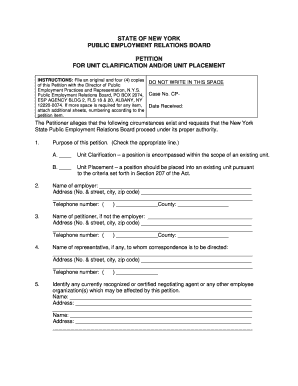
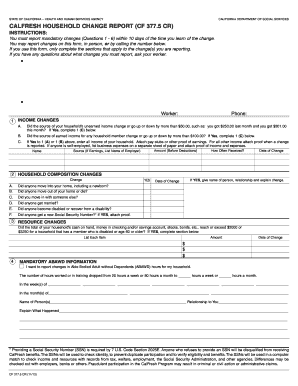
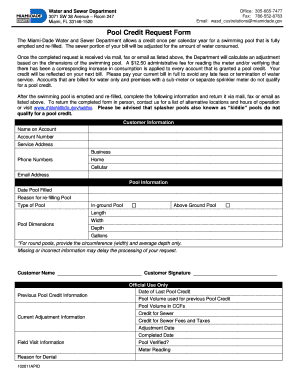
We've got more versions of the 51a written report mass form. Select the right 51a written report mass version from the list and start editing it straight away!
Versions Form popularity Fillable & printable
2012 4.9 Satisfied (50 Votes)
be ready to get more

Complete this form in 5 minutes or less

Get form

Got questions?

We have answers to the most popular questions from our customers. If you can't find an answer to your question, please contact us.
Contact us
The investigation process includes: Initial Screenings: DCF reviews the initial report of alleged abuse or neglect to decide if the case meets the criteria for investigation. Interviews: DCF talks to family members, teachers, doctors, and others who interact with the child.
There are many subsequent consequences once a 51A is filed; including Emergency Removal Proceedings initiated by DCF, to remove the child from the home for an indefinite amount of time; the Filing of a Care and Protection Proceeding; and/or the opening of a 51B investigation.
However, anyone can call and make a report. To make this call, contact the DCF Area Office serving the childs place of residence and ask for the Protective Screening Unit, or call the Child at Risk Hotline at 1-800-792-5200.
(Ch. 119, 51A) Under the law, mandated reporters are protected from liability in any civil or criminal action and from any discrimi- natory or retaliatory actions by an employer. The written report must be submitted to DCF within 48 hours after the oral report has been made.
Massachusetts law requires mandated reporters to immediately make an oral report to DCF when, in their professional capacity, they have reasonable cause to believe that a child under the age of 18 is suffering from abuse or neglect. Mandated reporters must also submit a written report to DCF within 48 hours.

Security and compliance

At DocHub, your data security is our priority. We follow HIPAA, SOC2, GDPR, and other standards, so you can work on your documents with confidence.

Learn more
ccpa2
pci-dss
gdpr-compliance
hipaa
soc-compliance
be ready to get more

Complete this form in 5 minutes or less

Get form