
Get any PDF form from the DocHub library of ready-made templates - Page 1625
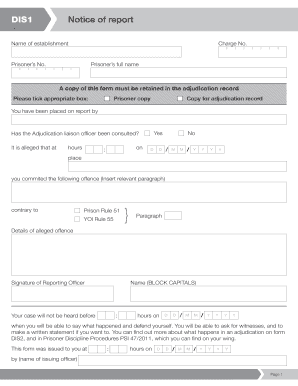
Dis 1 form

Vhcc notification request form
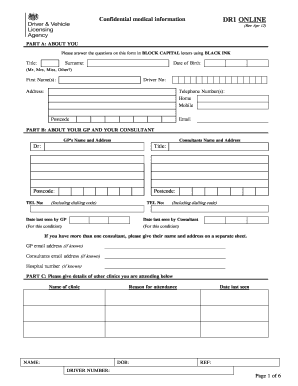
Dr1 form dvla
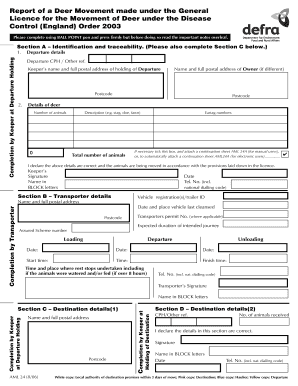
AML24 - Gov.UK
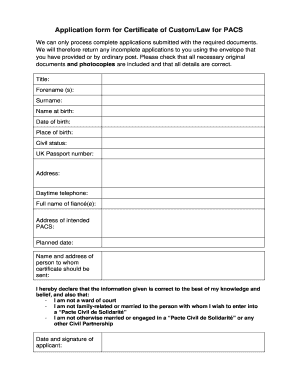
Certificate of custom
Amazon
Questionnaire systemes embarque
Mod form 1694 2013
Afps form 2
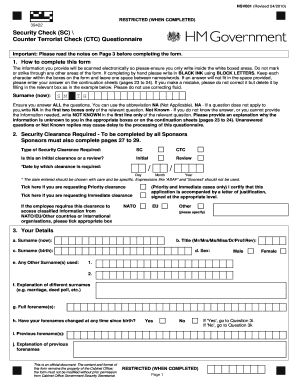
Ctc checks
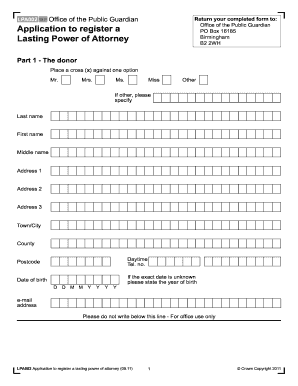
Lpa registration form
Ielts certificate pdf
Ielts application form filled sample
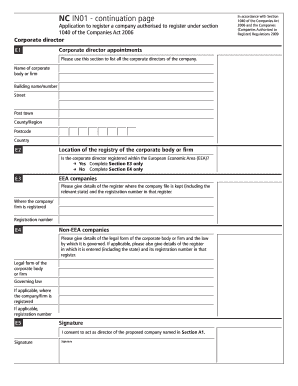
NC IN01 - continuation page - companieshouse gov
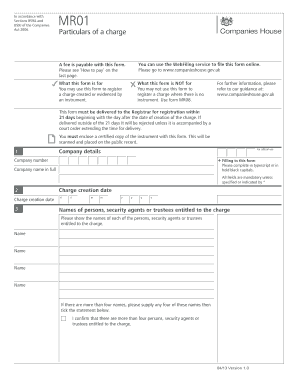
Mr01
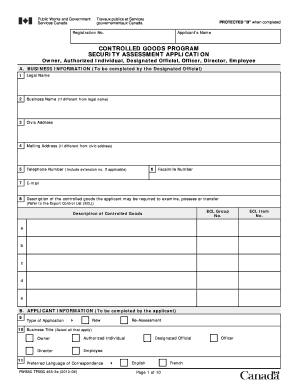
Security application canada
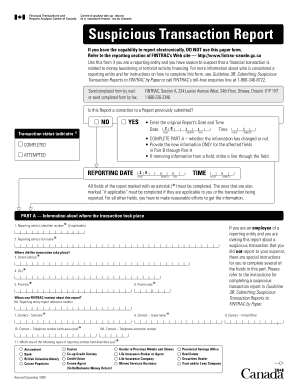
FINTRAC Suspicious Transaction Report Form ... - CANAFE
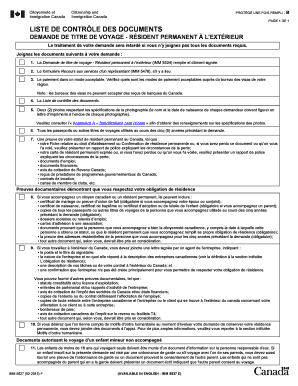
Documents canada
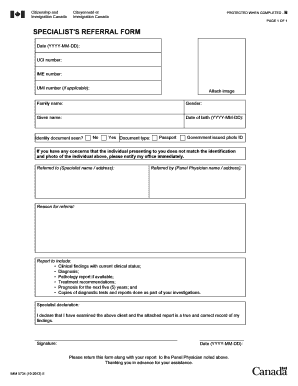
Canada visa application forms pdf
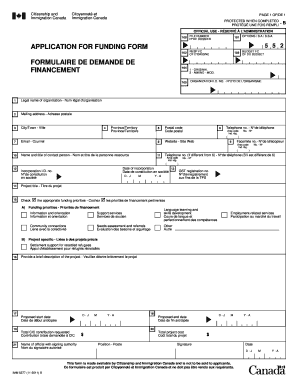
Imm5277
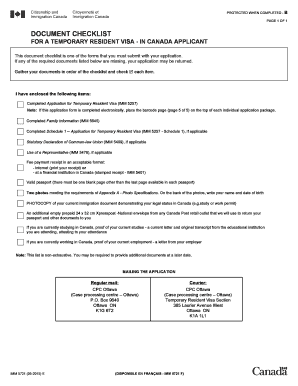
IMM 5721E: Document Checklist - For a temporary resident visa - In ... - cic gc
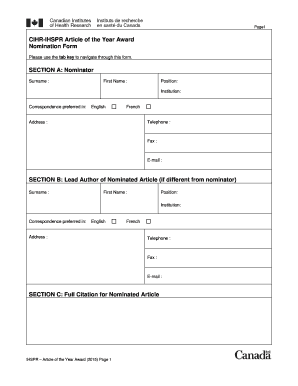
CIHR-IHSPR Article of the Year Award Nomination Form SECTION ...
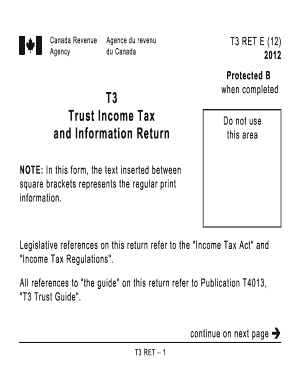
2000 t3ret fillable form 2012
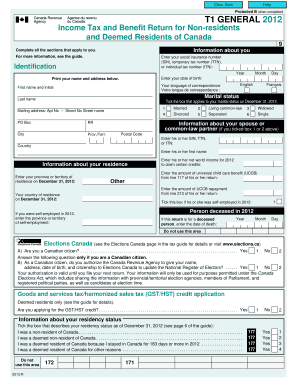
Form 5013 r t1
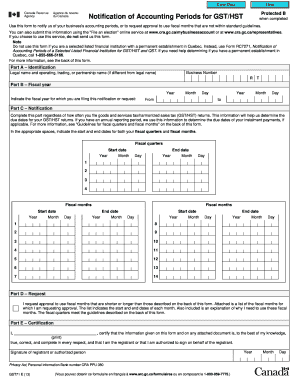
Gst71 form
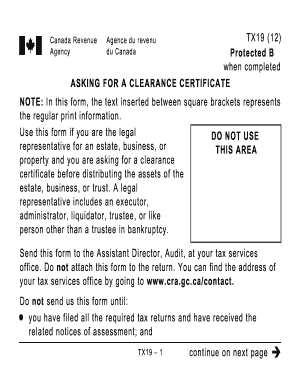
Tx19
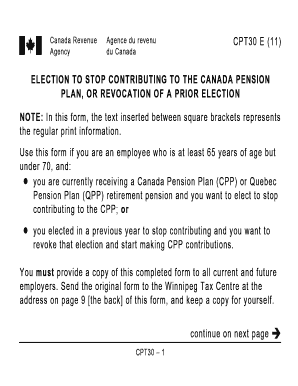
Cpt30

H: FILES ... T5001R 1 T5001E- R.FRP Printing. DEMANDE DE DISPENSE DE L'APPLICATION DE L'ARTICLE 105 DU R?GLEMENT DE L'IMP?T SUR LE REVENU - cra-arc gc

Pd24
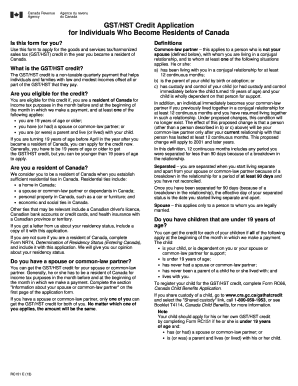
GST/HST Credit Application for Individuals Who ... - Canada.ca

B2g form
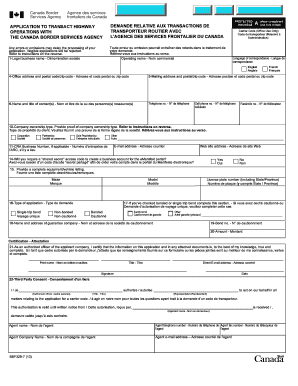
Application to Transact Highway Operations with the Canada Border ... - cbsa-asfc gc

Student oral language observation matrix

Copyright and Page Charge Forms - American Nuclear Society - ans

Afaa petition form
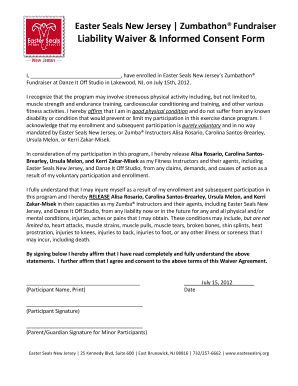
Zumba waiver form

Silent Auction Donation Request Form Company Name: Contact: Address: City, State, Zip: Phone: Fax: Email Address: Item: Fair Market Value: Suggested Minimum Bid Fax your donation form to 407-896-6994 All donations must be received by March
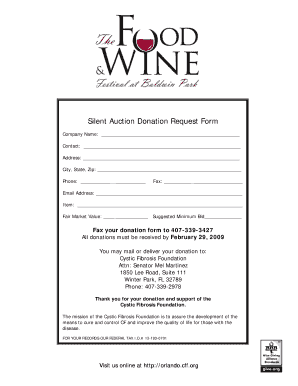
Online donation requests for silent auctions
Ciee job offer form summer 2020

R.E.A.C.H. Rubric Amistad Academy: Did I REACH for My ... - PBS - pbs
Akf application
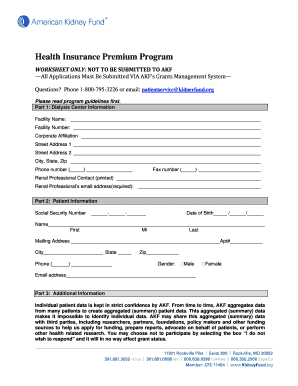
American kidney foundation patient profile worksheet

Sag shoe fund
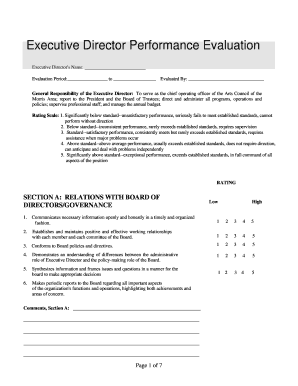
Executive Director Performance Evaluation - grdodge
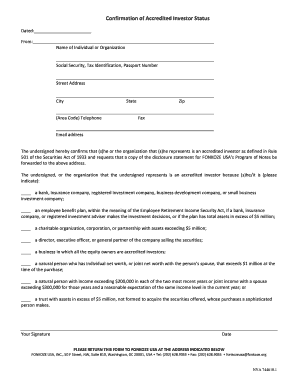
Accredited Investor Form Leigh.DOC. Image - fonkoze
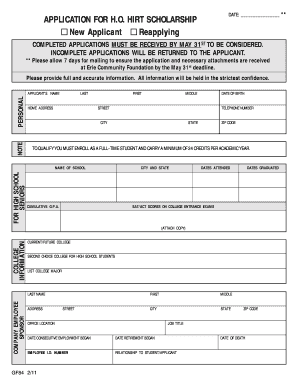
Application hirt scholarship template
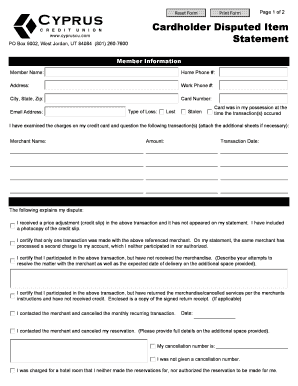
Cardholder Dispute Letter - Cyprus Credit Union
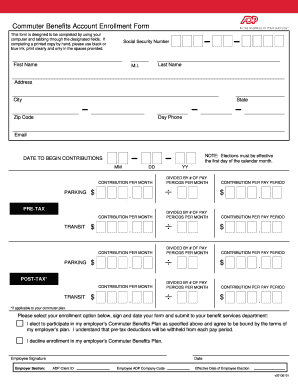
Adp commuter benefits enrollment form
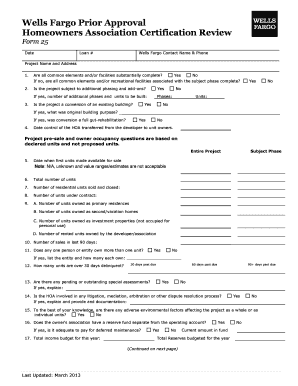
Hoa certification form
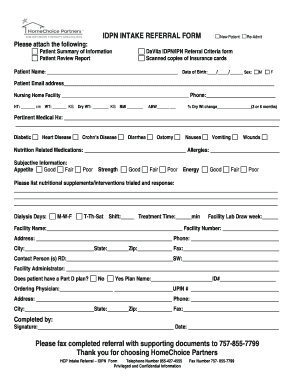
Sample intake referral forms
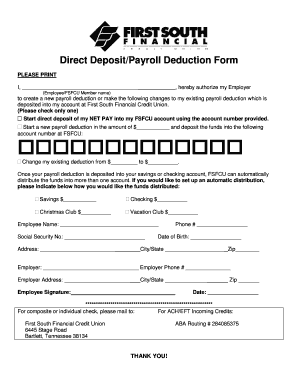
Direct deposit first south form

Skip A Loan Payment Form - AmeriChoice Federal Credit Union
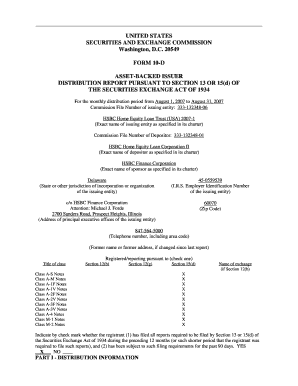
Ethan Frome - HSBC Bank USA

Hsbc insurance surrender form

UNIFORM STATUTORY FORM POWER OF ATTORNEY

Novad payoff authorization form

Form 116 fmls
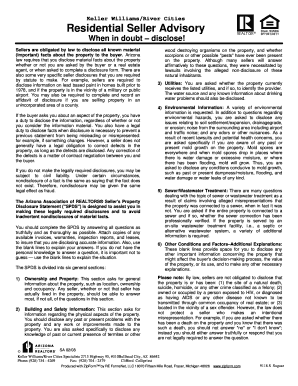
Residential Seller Advisory - Keller Williams Realty

Your Home Wish List - Keller Williams Realty

Kw preston
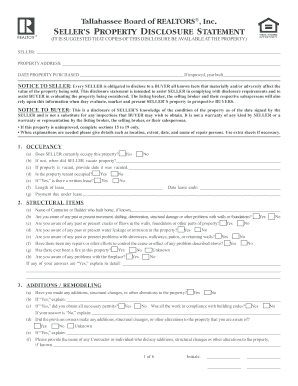
Sellers Property Disclosure Stmt. Sellers Property Disclosure Stmt
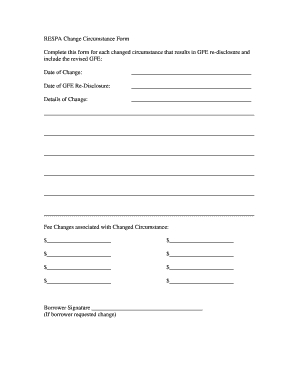
Trid change of circumstance form
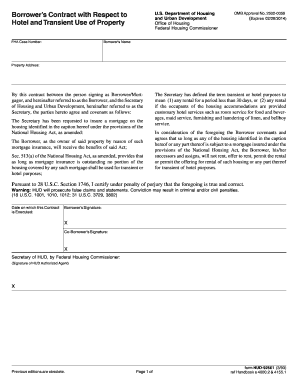
Contract of property form
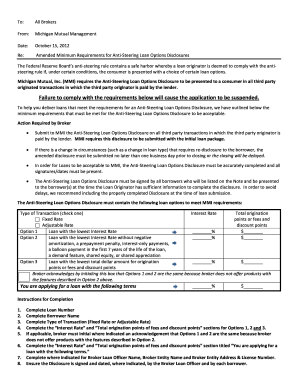
Steering loan
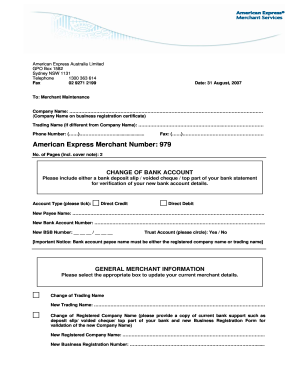
American number 979
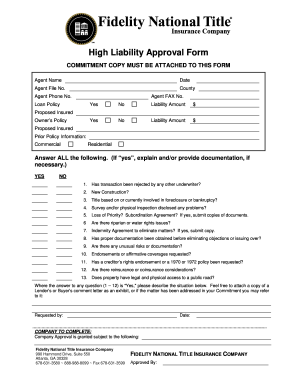
High liability form
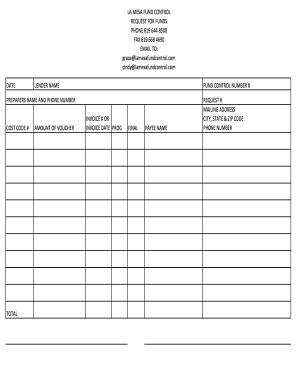
Draw a request form

Personal Financial Statement - Fort Community Credit Union

BECU Mortgage Loan Administration Automatic Payment (ACH ... - becu

4606t
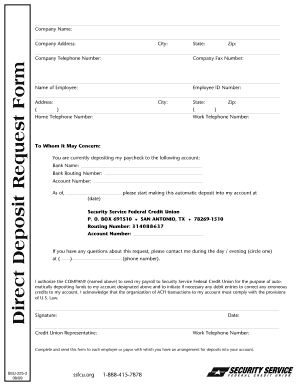
Ssfcu direct deposit form

MARQUEE REQUEST FORM - Citizens National Bank
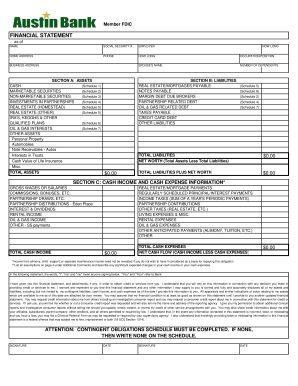
Austin bank financial statement

Wire Transfer Request Fax Form - First Liberty National Bank

Srp direct deposit form
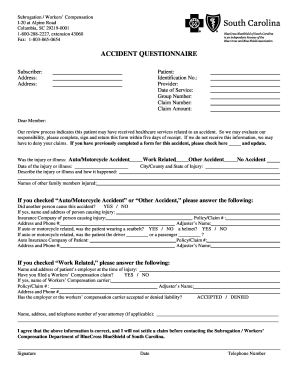
Bcbs accident questionnaire
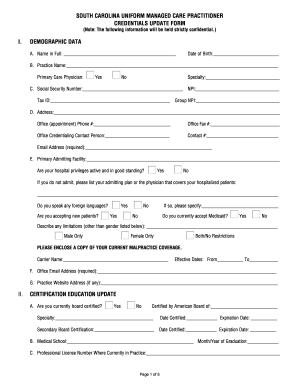
Sc uniform managed care
Weokie email
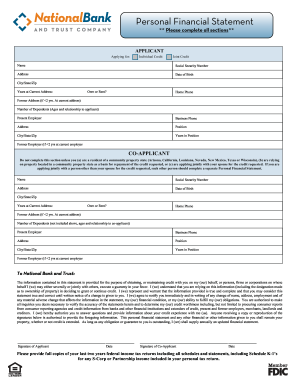
An automated Personal Financial Statement form. - National Bank ...
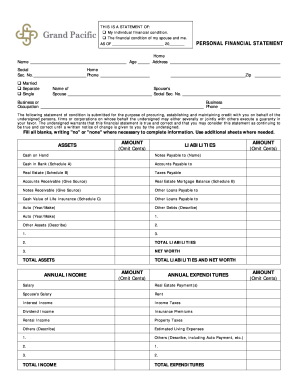
PERSONAL FINANCIAL STATEMENT - KCSourceLink

Form application letter
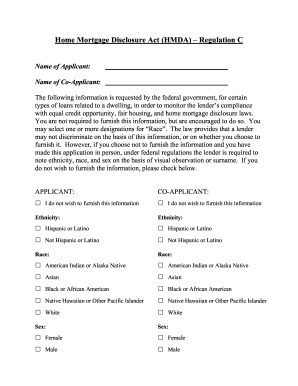
Mary bank hmda regulation c
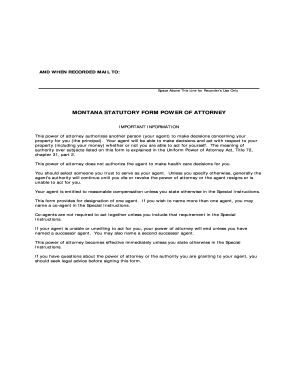
Montana statutory form power poa
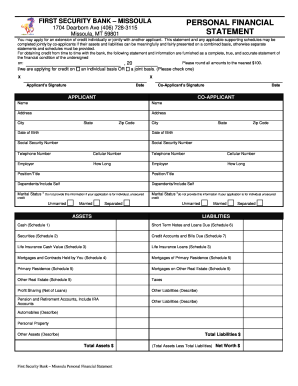
Security bank statement of account

Montana state fund payroll report
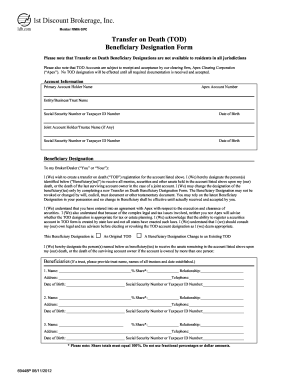
Tod forms
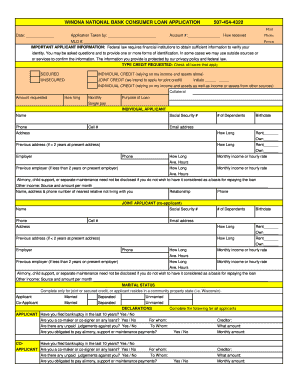
Personal Loan Application - Winona National Bank
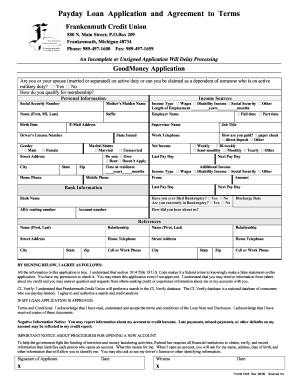
Terrible credit payday loans
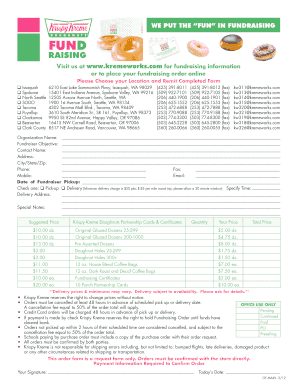
Krispy kreme fundraiser form
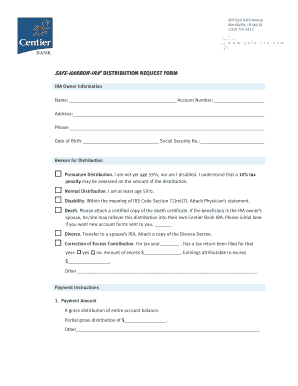
Centier bank online

Decatur earthmover credit union login
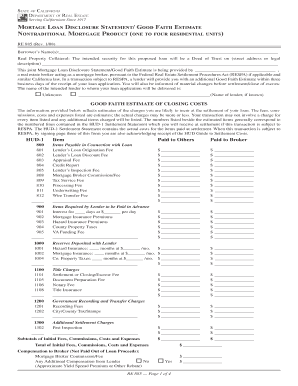
Mortgage loan disclosure statement
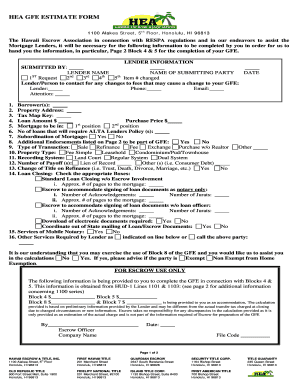
HEA GFE ESTIMATE FORM - Finance Factors, Ltd.
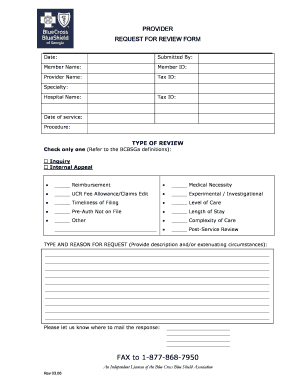
Georgia review form
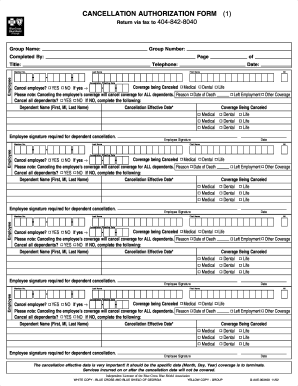
Blue cross blue shield cancellation form
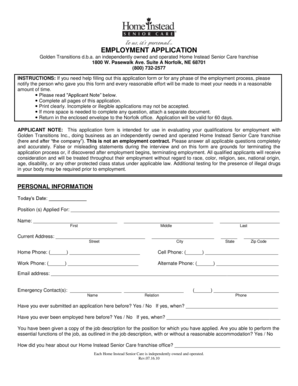
Home instead application form

EMPLOYMENT APPLICATION - Home Instead Senior Care

West palm beach housing authority application
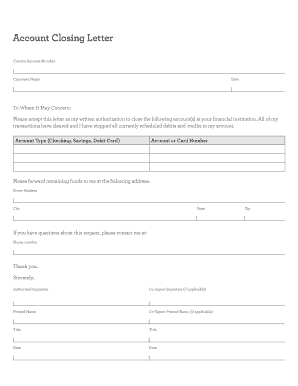
Wells fargo account closure letter
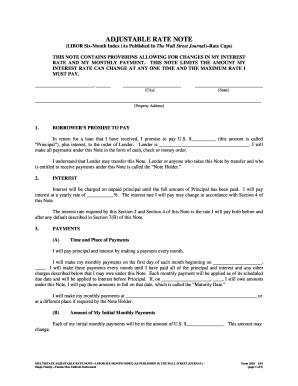
Form 3520 - Fannie Mae
Benefit from the DocHub online library of fillable PDF forms
Searching the PDF forms doesn't have to be a tedious and time-consuming process. With the DocHub online library, it has become easier to find the fillable PDF forms and modify them in your browser. The service allows you to adjust the document to your needs using powerful editing tools.
You can use online document editing features to modify almost any type of document with ease. You just need to find the template of your choice, open it in the editor, and use the toolbar to make the necessary corrections.
Follow this guide to get your document done with DocHub:
- Find the PDF template you need.
- Click the Get Form button to open the file in the editor.
- Use the toolbar to fill out and edit the document.
- Easily add and highlight text, insert images, checkmarks, and symbols.
- Drop new fillable fields, and rearrange or delete pages from your file.
- Save changes and download your record.
DocHub empowers everyone to streamline document editing, signing, and distribution, and form completion. Create an account and benefit from our well-organized PDF Forms library and comprehensive editor.