
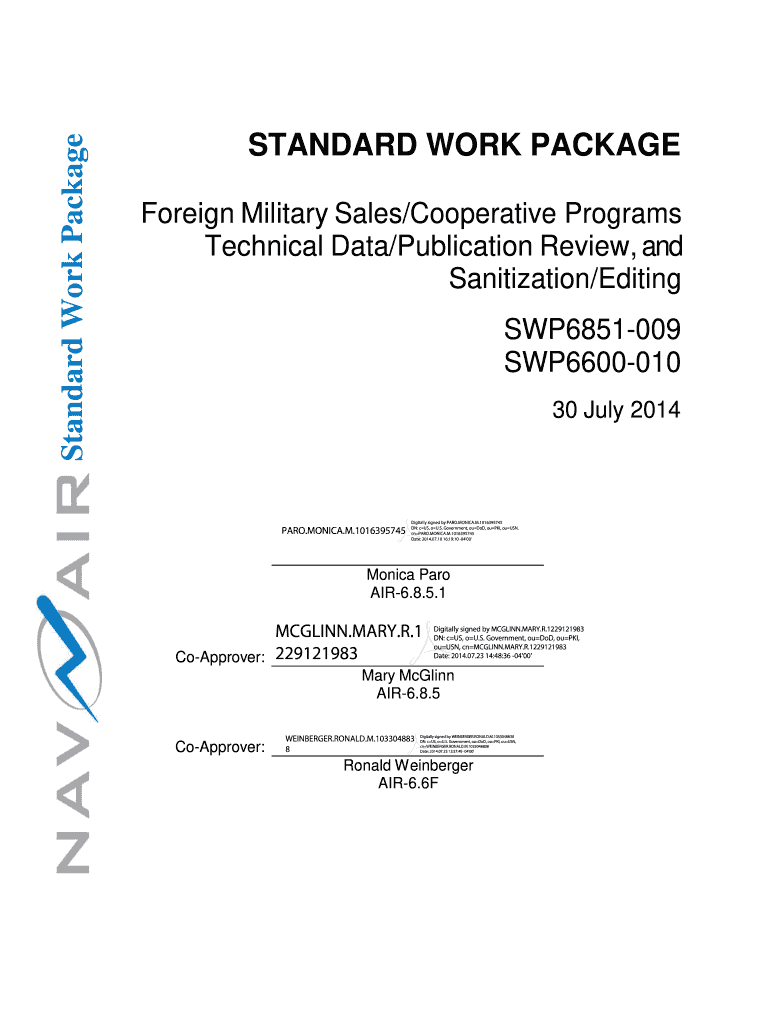




Here's how it works



How to use or fill out navair swp6851 009 with our platform

- Click ‘Get Form’ to open the navair swp6851 009 document in the editor.
- Begin by reviewing the 'Purpose' section to understand the objectives of the form. This will guide you on how to approach filling it out.
- Move to the 'Inputs/Suppliers' section and enter relevant details about your inputs, ensuring all required fields are completed accurately.
- In the 'Owner' section, specify the responsible parties for this work package. Use our platform's text fields for easy input.
- Proceed to 'Review and Sanitization Requirements'. Here, indicate any specific requirements that apply to your data sanitization process.
- Complete each subsequent section, such as 'Skills Required' and 'Work Steps', following the guidance provided in each part of the document.
- Once all sections are filled out, review your entries for accuracy before saving or exporting your completed form.
Start using our platform today for free and streamline your document editing process!
It's free
See more navair swp6851 009 versions
| Versions | Form popularity | Fillable & printable |
|---|---|---|
| 2014 | 4.8 Satisfied (303 Votes) |
Got questions?
Can I draw my electronic signature to approve my navair swp6851 009?
Sure, electronically drawing your signature is acceptable, but only if you utilize a tool that complies with industry regulations and policies. Try DocHub, which ensures eSignature validity under ESIGN and UETA requirements. All you need to eSign your navair swp6851 009 is an account with DocHub and an internet connection. Once you open your document in our editor, click Sign and select the Draw tool.
How do you complete navair swp6851 009 on Android?
It is a no-brainer on a computer or via a mobile device to complete a navair swp6851 009 with DocHub. All you need to do is open any installed web browser on your smartphone and go to the DocHub website. Once authenticated, add your document and open it in editing mode. Use our toolbar to make your edits and save changes. Optionally, keep your document in your files or send it to a recipient on the spot.
Is NAVAIR a part of the navy?
Is NAVAIR civilian?
Is Navsea a part of the Navy?
Security and compliance
At DocHub, your data security is our priority. We follow HIPAA, SOC2, GDPR, and other standards, so you can work on your documents with confidence.
Learn more


