
Get any PDF form from the DocHub library of ready-made templates - Page 1600
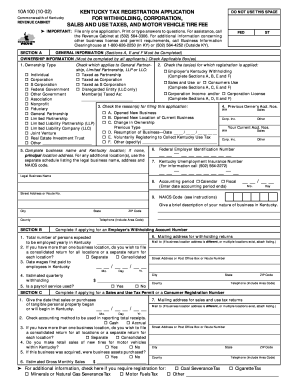
Form 10a100 2002

Request for Visit (RFV) Form - Defense Security Service
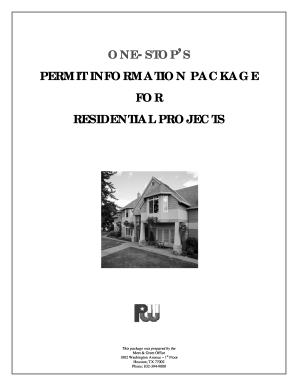
Permits city of houston 2012 form
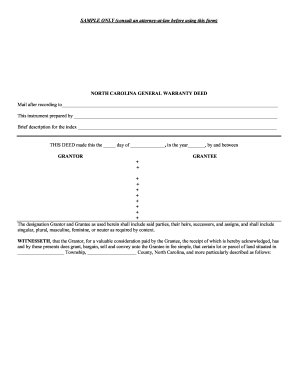
North carolina general warranty deed form
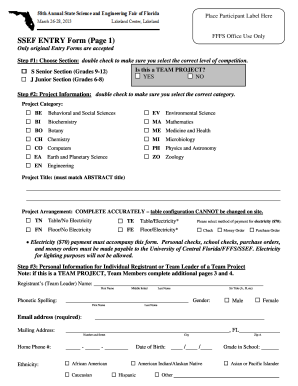
Sef intry form

Application of Employment for Operation Positions - PUMPCO ...
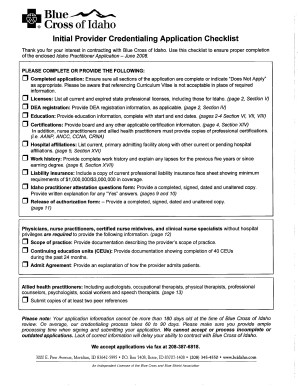
Credentialing Application - Bcidaho.com
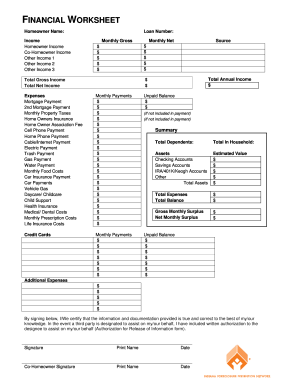
Indiana financial worksheet
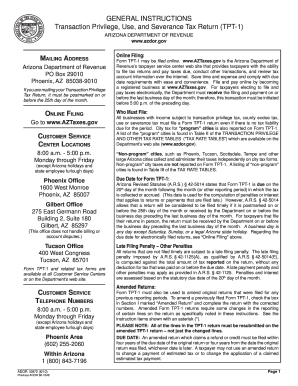
How to fill out transaction privilege use and severance tax return 2010 form

Driving School Enrollment Contract - Pearland Driving School

Referral for nycha fill online printable
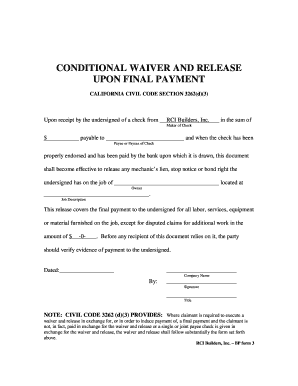
Conditional waiver and release on final payment

Driving record filler
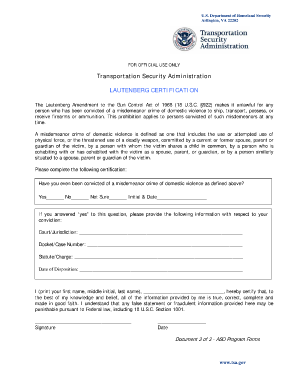
Lautenberg form
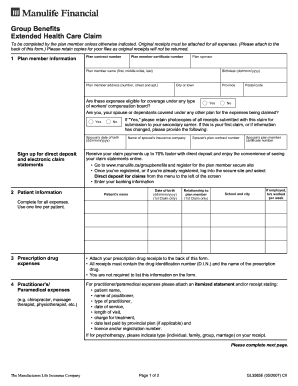
Manulife gl3585e fillable form
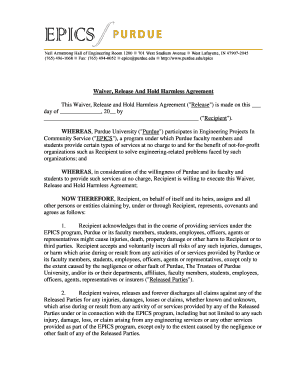
Waiver hold harmless form

J fire
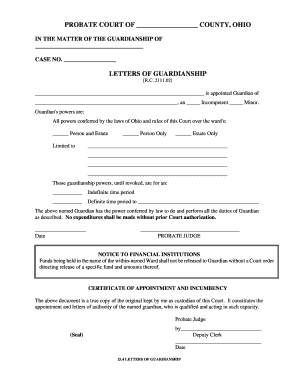
Guardian ohio conferred
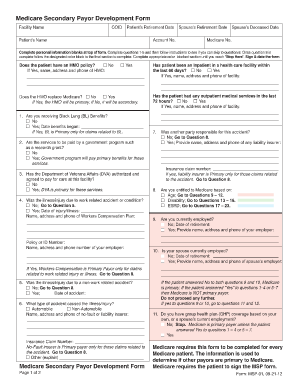
Medicare secondary payer form
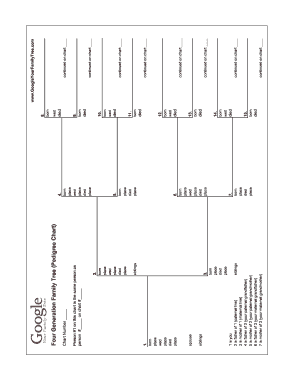
6 generation pedigree chart
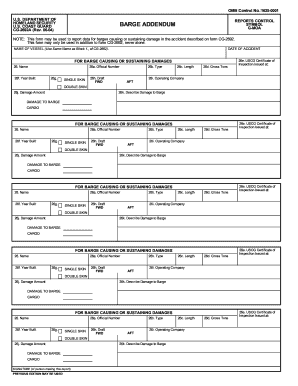
When to fill out 2692 barge addendum 2004 form
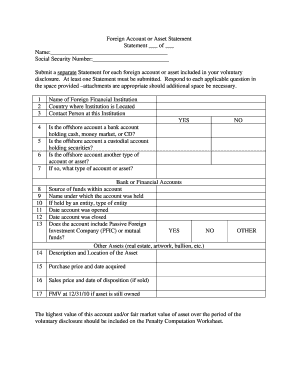
Amazon
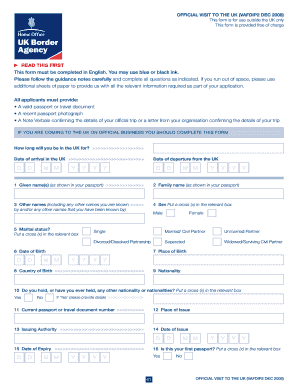
Uk immigration and migration form
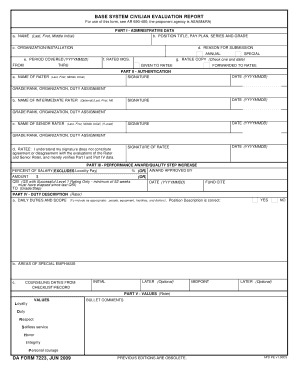
BASE SYSTEM CIVILIAN EVALUATION REPORT DA FORM 7223 ...
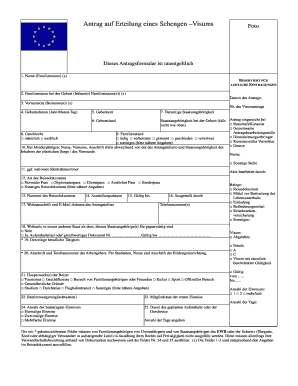
Visums
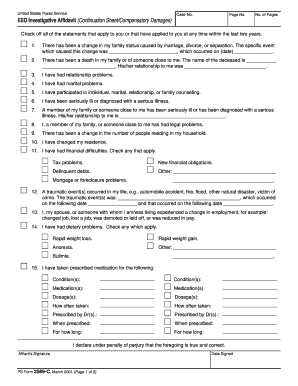
Form 2569
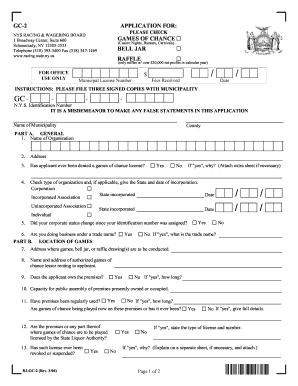
Bjgc gc bell jar pdf

Dc d4 form 2022
Fifth appellate district california court of appeal

Fillable calendar 2013
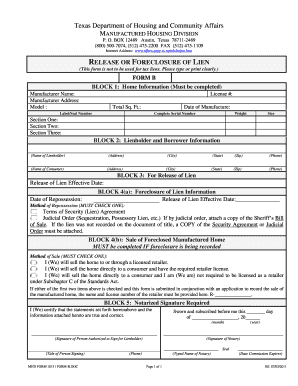
Form b

Florida inspector qualifications form
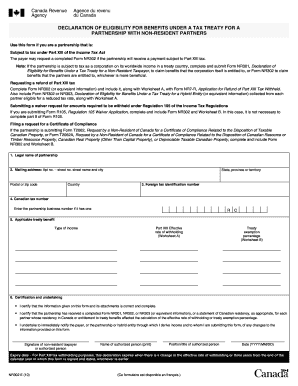
Nr302
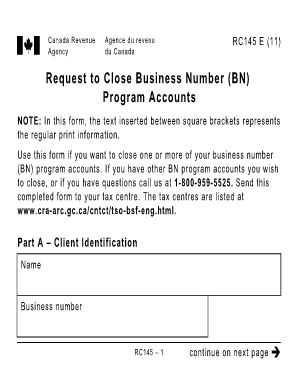
Rc145

Bbmp birth certificate application form pdf
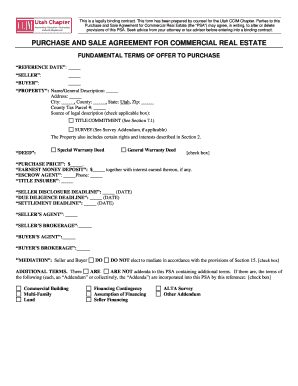
Printable estate sale contract

Da form 5841 july 2020

Aldot mb 01 2012 form

Commutation arizona

Mi proof service notice
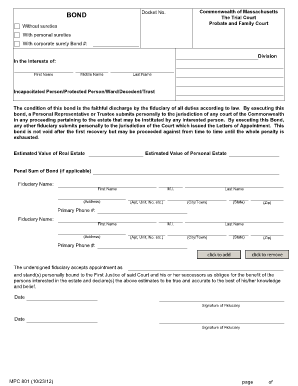
Mpc 801 instructions
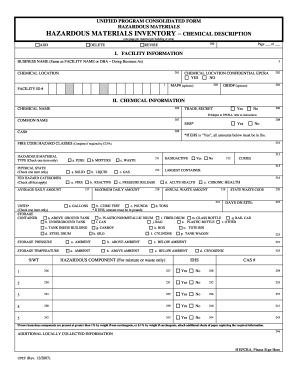
Blank inventory grid form
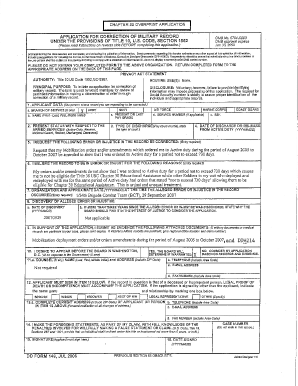
Form 149
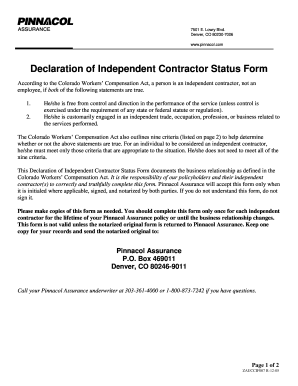
Workers comp exemption form

Cacfp meal count form
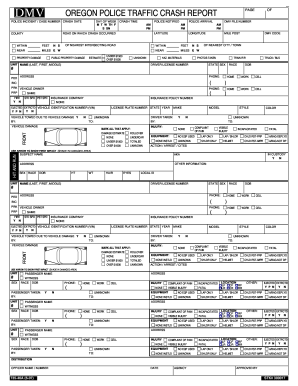
Dmv 735 46a 2007 form
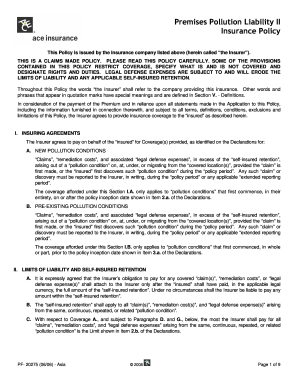
Get
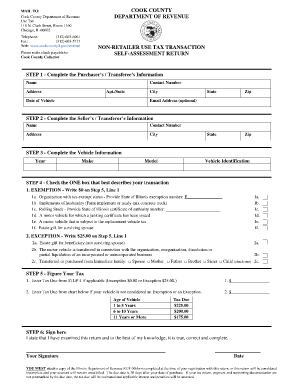
Rut 50

Notice of continued administration
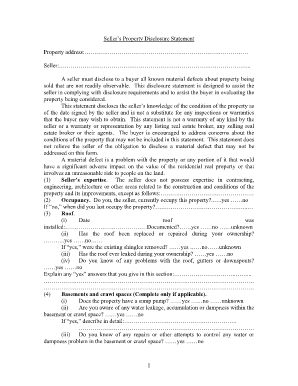
Seller's Property Disclosure Statement - parealtor
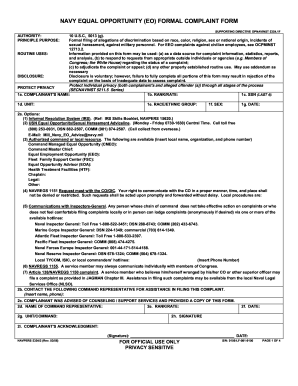
Navpers 53542 2006 form

Studentsnepsc form

T2sch4
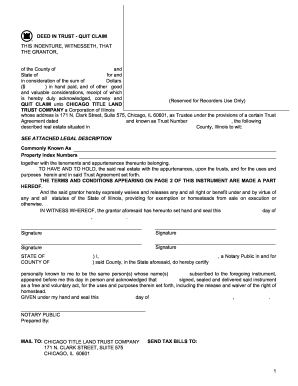
Trust deed agreement euro form
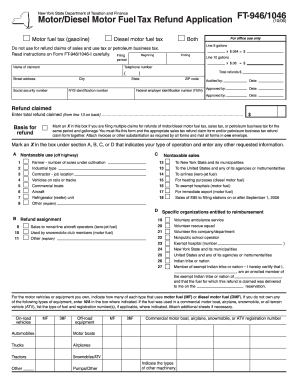
Form ft 9461046 2006
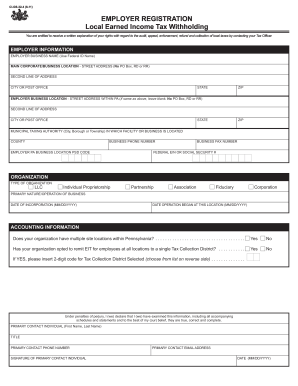
Adp employee information form
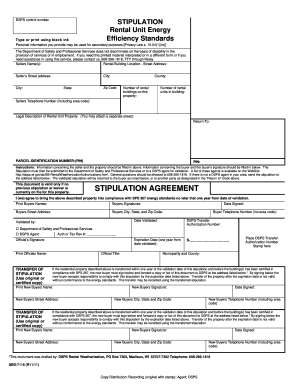
Sbd 7115 form

Ny employment report
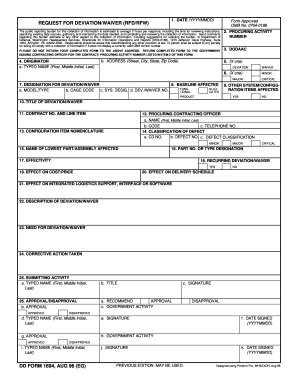
Blank consent forms deviation
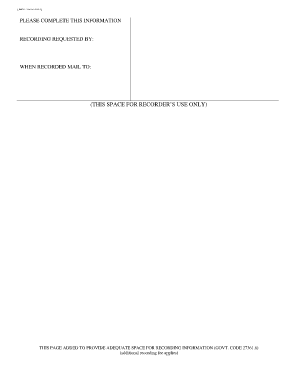
Clark county recorder cover sheet
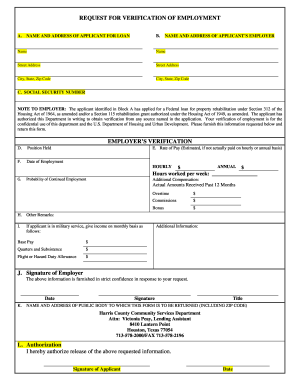
Request for verification of employment fillable form

Mib claim form
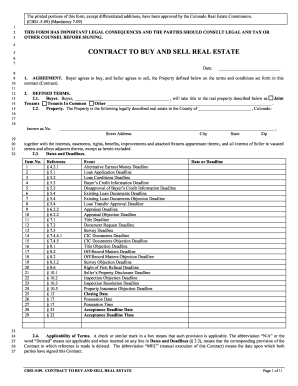
Writable colorado residential lease agreement 2009 form
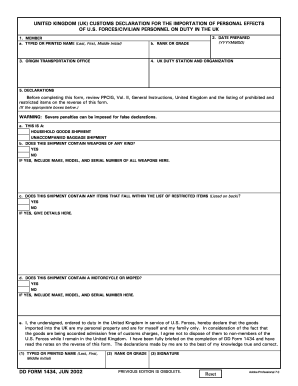
Dd form customs declaration
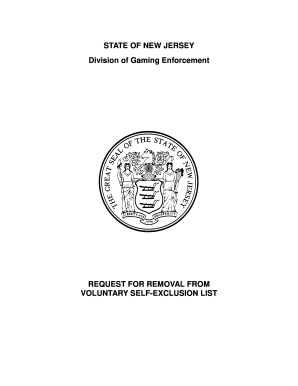
Nj self exclusion removal list form
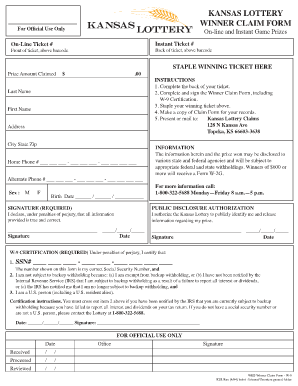
Kansas lottery claim form
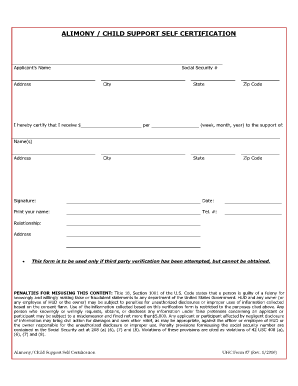
Spousal support receipt template
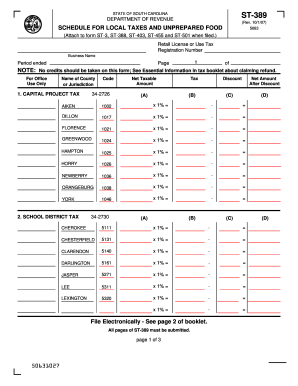
St389 sc fill in 2007 form
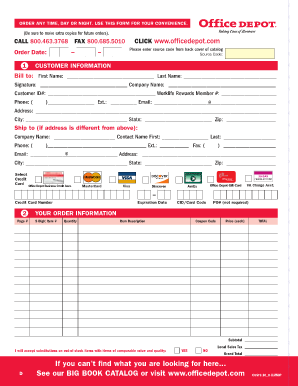
Fax order form

Printable tennessee sales tax exemption certificate
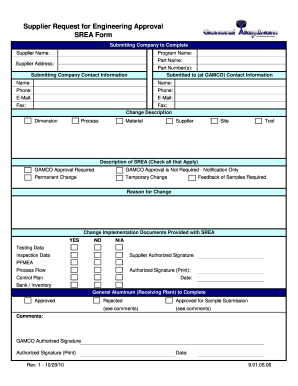
Supplier srea mail

Imm5540
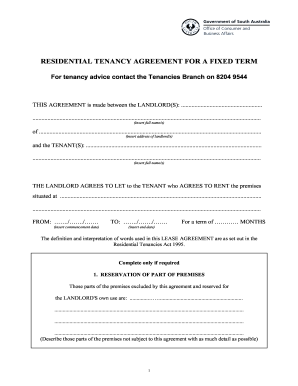
Residential tenancy agreement for a fixed term for tenancy advice contact the tenancies branch on 82049544 2004 form

Can you fax notice of intent not renew lease form

2011 worksheet a earned income credit
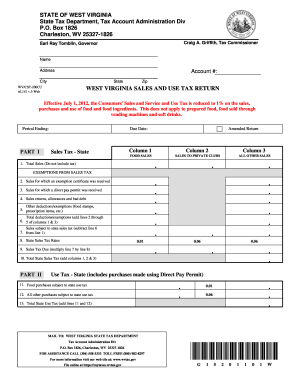
Wvcst 200cu 2011 form

Customs form 5291

Interested entities 2009 form

Retirement documents
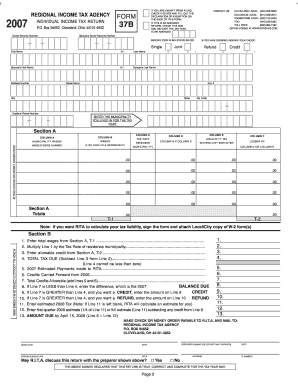
Ohio regional income tax agency form 37 2007

Gap employment information job application

APPLICATION FOR SPECIAL PERMIT FOR SOCIAL AFFAIR SA ... - nj

Form sl 8

City of madison plumbing permit form
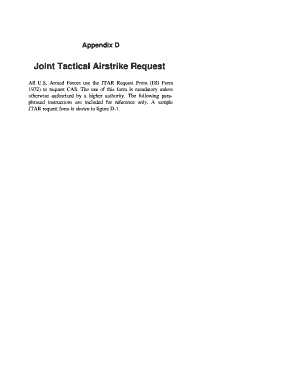
Anmoloai form online
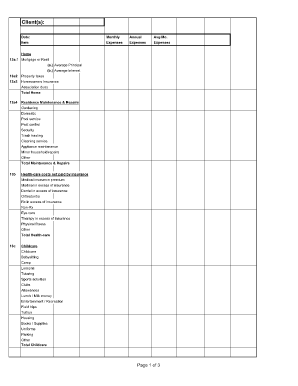
Divorce living expenses fillable worksheet form
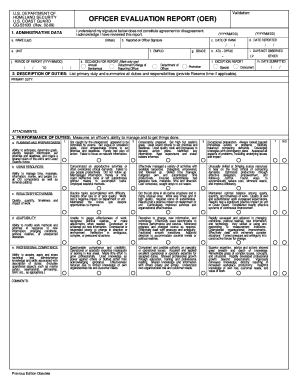
DAYS NOT OBSERVED

Notice to creditors in newspaper michigan

1099 form 2013 fillable
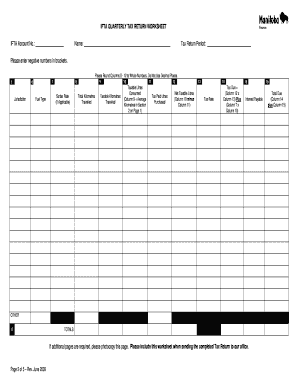
Ifta worksheet

Oregon lien release form
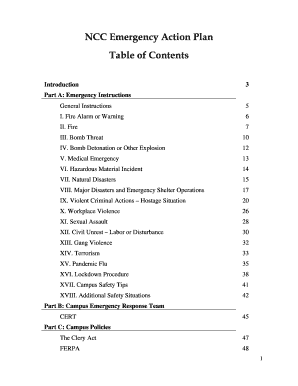
Table of content plan of action form
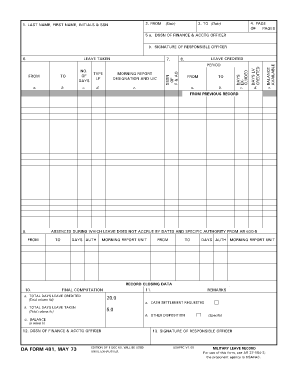
Da 481
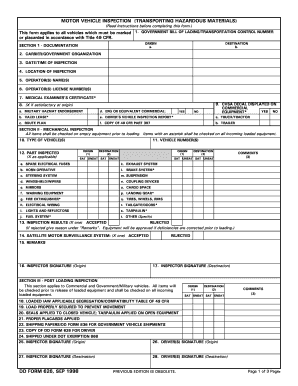
Army motor vehicle inspection form 1998
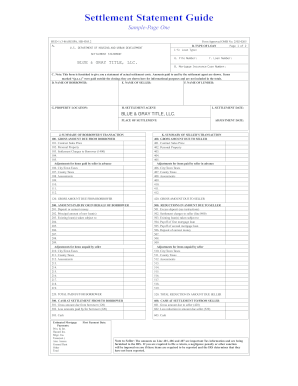
Settlement Statement Guide - Fredericksburg Title Insurance Company

As tax form 390 2007
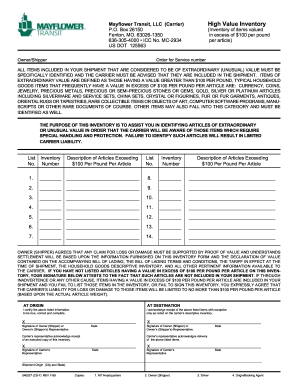
Mayflower transit high value inventory form 1999
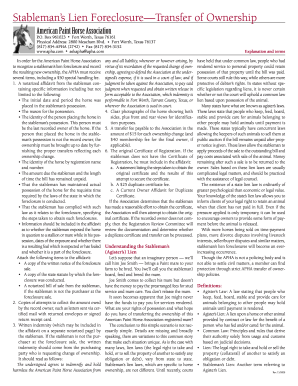
Stablemans lien california 2009 form

Omb no 3206 0141 2011 form

Equity trust forms doi
Benefit from the DocHub online library of fillable PDF forms
Searching the PDF forms doesn't have to be a tedious and time-consuming process. With the DocHub online library, it has become easier to find the fillable PDF forms and modify them in your browser. The service allows you to adjust the document to your needs using powerful editing tools.
You can use online document editing features to modify almost any type of document with ease. You just need to find the template of your choice, open it in the editor, and use the toolbar to make the necessary corrections.
Follow this guide to get your document done with DocHub:
- Find the PDF template you need.
- Click the Get Form button to open the file in the editor.
- Use the toolbar to fill out and edit the document.
- Easily add and highlight text, insert images, checkmarks, and symbols.
- Drop new fillable fields, and rearrange or delete pages from your file.
- Save changes and download your record.
DocHub empowers everyone to streamline document editing, signing, and distribution, and form completion. Create an account and benefit from our well-organized PDF Forms library and comprehensive editor.