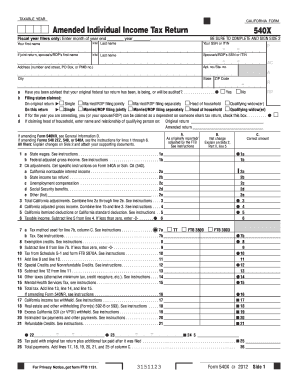
Type text, add images, blackout confidential details, add comments, highlights and more.
02. Sign it in a few clicks
Draw your signature, type it, upload its image, or use your mobile device as a signature pad.
03. Share your form with others
Send it via email, link, or fax. You can also download it, export it or print it out.
How to use or fill out form 149 with our platform
Ease of Setup
DocHub User Ratings on G2
Ease of Use
DocHub User Ratings on G2
Click ‘Get Form’ to open form 149 in the editor.
Begin by reviewing the header section, which typically includes your name and contact information. Fill in these fields accurately to ensure proper identification.
Next, navigate to the main body of the form where you will find various sections requiring specific information. Carefully read each prompt and input the necessary details as requested.
If there are checkboxes or multiple-choice questions, simply click on your selection to mark it. Ensure that all required fields are completed before proceeding.
Finally, review your entries for accuracy. Once satisfied, save your changes and utilize our platform’s signing feature if a signature is required.
Start using our platform today for free to streamline your form completion process!
Form 149 (Revised 08-2025) r Agricultural r Common Carrier r Locomotive Fuel r Air and Water Pollution Control, Machinery, Equipment, Appliances. IndicateRead more
Forms Resources for Veterans Seeking Discharge Upgrade
DD Form 149 (to request a discharge upgrade through the Boards for Correction of Military/Naval Records; submit with supporting materials outlined in ManualRead more
Oct 29, 2025 OIG also offers a FOIA Electronic Reading Room, where it provides frequently requested records for public inspection in electronic form.Read more
Cookie consent notice
This site uses cookies to enhance site navigation and personalize your experience.
By using this site you agree to our use of cookies as described in our Privacy Notice.
You can modify your selections by visiting our Cookie and Advertising Notice.