Type text, add images, blackout confidential details, add comments, highlights and more.
02. Sign it in a few clicks
Draw your signature, type it, upload its image, or use your mobile device as a signature pad.
03. Share your form with others
Send commutation arizona via email, link, or fax. You can also download it, export it or print it out.
How to use or fill out commutation arizona with our platform
Ease of Setup
DocHub User Ratings on G2
Ease of Use
DocHub User Ratings on G2
Click ‘Get Form’ to open the commutation application in the editor.
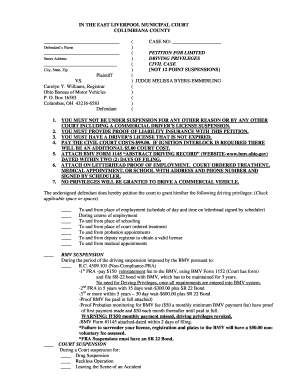
Begin by entering the date at the top of the form, followed by your name and ADOC number. Ensure all personal information is accurate.
In the section for current offenses, list each offense you wish to be considered for commutation. Remember, you must have served a minimum of two years on these offenses.
Indicate if there are any detainers and provide details about any special court orders or imminent danger of death status.
In the narrative sections, describe your involvement in the crime, your institutional record, positive accomplishments since imprisonment, reasons for seeking commutation, and plans upon returning to society.
Finally, sign and date the application before forwarding it to the Arizona Department of Corrections as instructed.
Start filling out your commutation application today using our platform for free!
Commutation Voltage Triac. Commutating dv/dt is the rate-of-rise of voltage across the main terminals that a triac can support (block without switchingRead more
Ariz. Admin. Code R20-5-122 - Lump Sum Commutation
The granting of a lump sum petition will only be granted if the facts demonstrate a reasonable basis for financial betterment or rehabilitation of the claimant.Read more
Cookie consent notice
This site uses cookies to enhance site navigation and personalize your experience.
By using this site you agree to our use of cookies as described in our Privacy Notice.
You can modify your selections by visiting our Cookie and Advertising Notice.