




01. Edit your california dmv export vehicle online
Type text, add images, blackout confidential details, add comments, highlights and more.

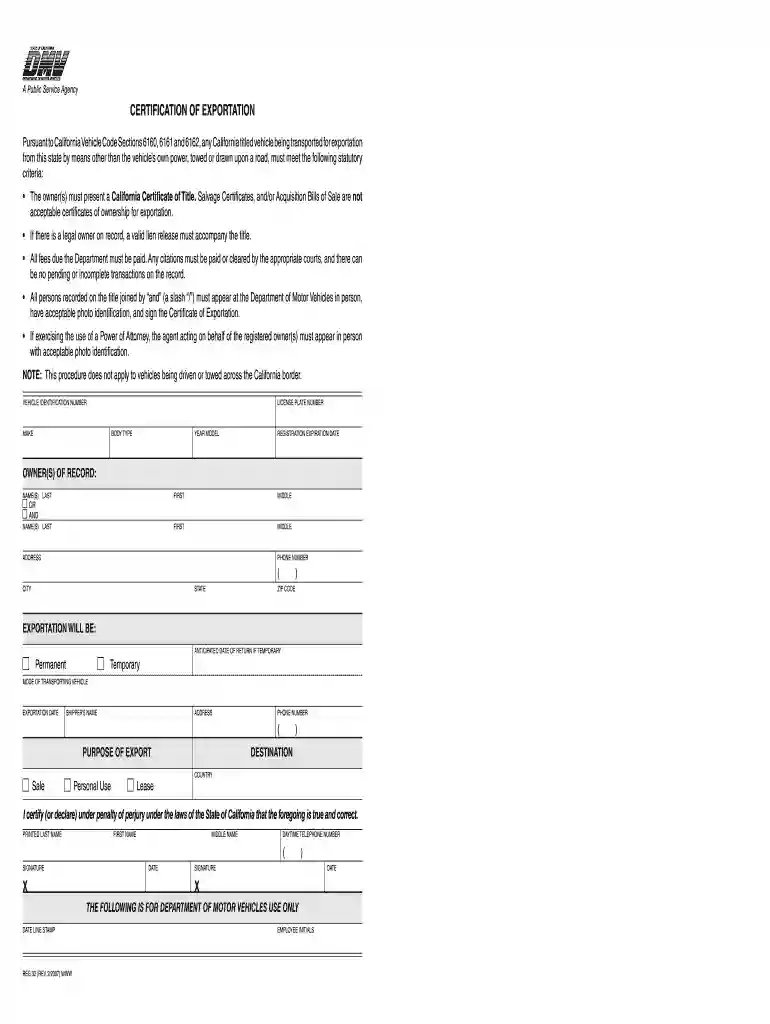
Type text, add images, blackout confidential details, add comments, highlights and more.

Draw your signature, type it, upload its image, or use your mobile device as a signature pad.

Send reg 32 via email, link, or fax. You can also download it, export it or print it out.

Start using our platform today to fill out your Certificate of Exportation effortlessly and for free!
At DocHub, your data security is our priority. We follow HIPAA, SOC2, GDPR, and other standards, so you can work on your documents with confidence.
The purpose of this brochure is to provide some basic information to help faculty, academic officers, and university administrators to identify how and whenRead more
Feb 23, 2021 Financial Statements and Supplementary Data of this. Annual Report on Form 10-K for information on total marketing costs for the year.Read more
DMV requires owners to sign and present a Certification of Exportation (REG 32) form in person at a DMV office when the owner is exporting a vehicle to anotherRead more


