




01. Edit your 641 form online
Type text, add images, blackout confidential details, add comments, highlights and more.

Type text, add images, blackout confidential details, add comments, highlights and more.

Draw your signature, type it, upload its image, or use your mobile device as a signature pad.

Send sba 641 via email, link, or fax. You can also download it, export it or print it out.

Start using our platform today to fill out your sba 641 form online for free!
At DocHub, your data security is our priority. We follow HIPAA, SOC2, GDPR, and other standards, so you can work on your documents with confidence.
Mar 15, 2023 Strategies for challenging deliberative process withholdings Records not predecisional Risk of Public Confusion Secret Law Foreseeable harm.Read more
11. I request business counseling service from the Small Business Administration (SBA) or an SBA Resource Partner. I agree to cooperate should I be selectedRead more
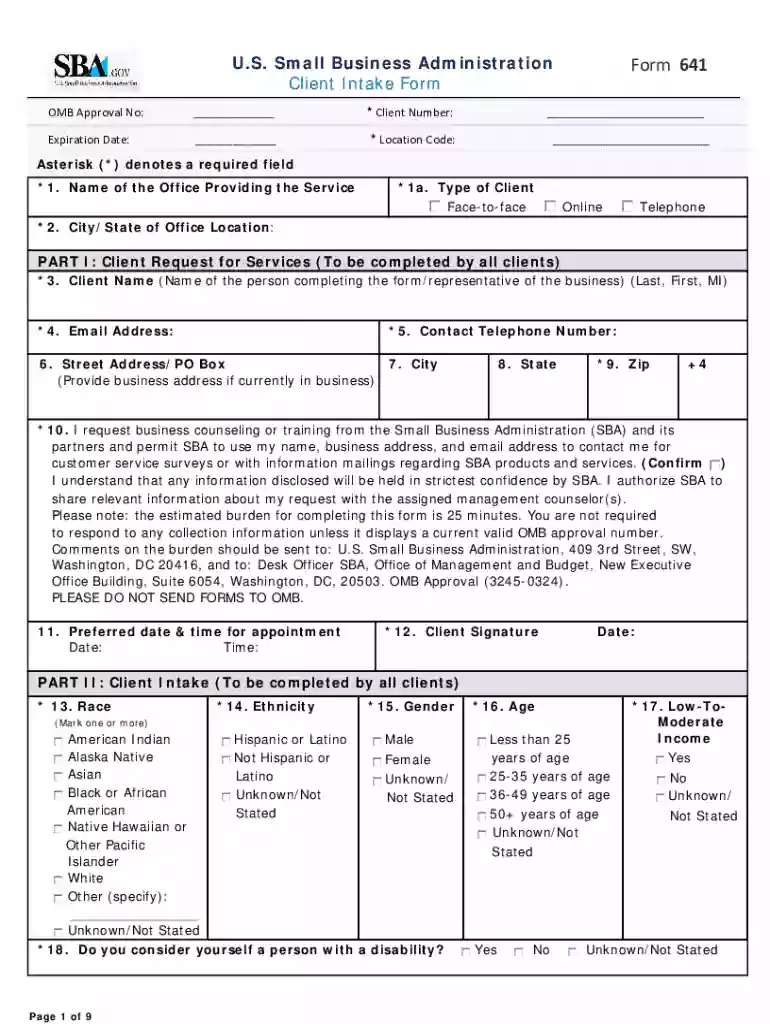
Feb 13, 2025 SBA Form 641 is used to collect information from the Agencys resource partners, including: Small Business Development Centers, SCORE, andRead more


