
Get any PDF form from the DocHub library of ready-made templates - Page 1542

Constitution day training certificate
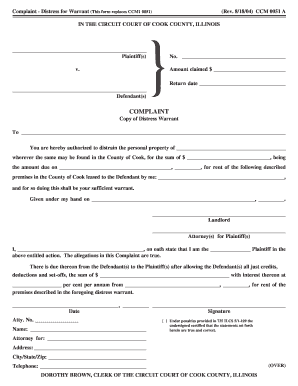
Format of distress warrant

(Rev. 12/4/00) CCG 0005 A IN THE CIRCUIT COURT OF COOK COUNTY ...

IN THE CIRCUIT COURT OF COOK COUNTY, ILLINOIS COUNTY ...
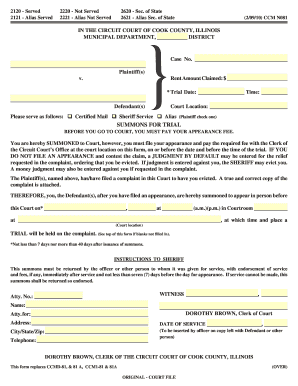
Clerk of circuit court of cook county forms
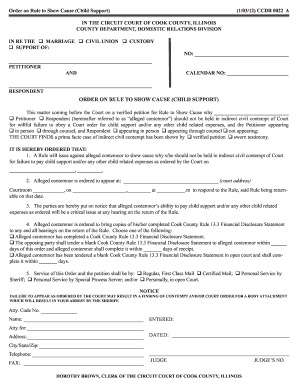
Order on Rule to Show Cause (Child Support) (1/03/12) CCDR ...
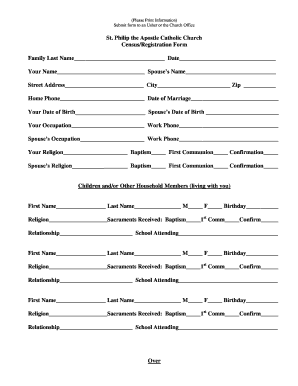
Church census form
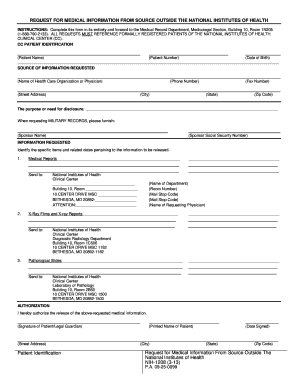
Nih 1208
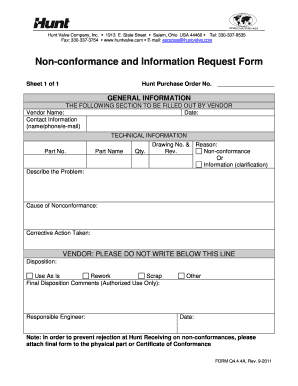
Download Form Q4.4.4A - Hunt Valve Company, Inc.

Eagle Letter of Recommendation Guidelines - Boy Scout Troop 114 ...

Authorization for Cremation and Disposition Form
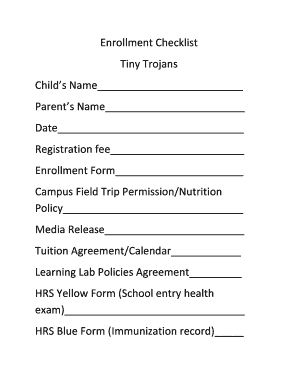
Enrollment Checklist Tiny Trojans Child39s bb - Taravella High School
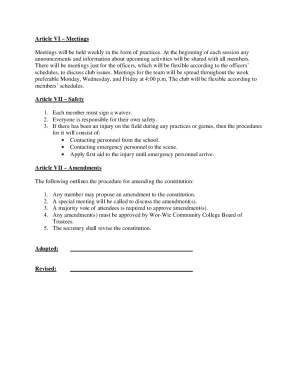
Football club constitution template
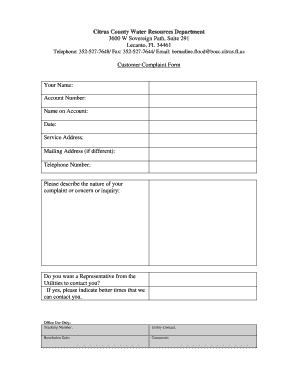
Complaint county
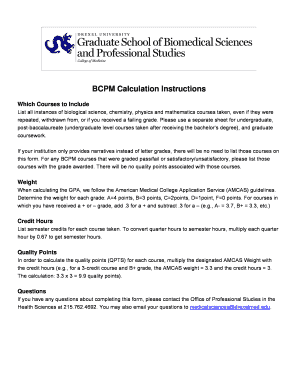
Drexel gpa
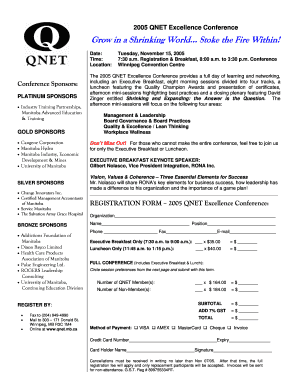
Qnet registration form
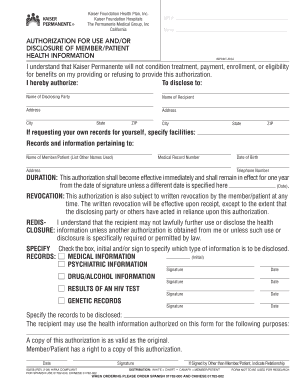
Authorization for use and or/disclosure of member/patient health information

Term Deposit Form - Westpac
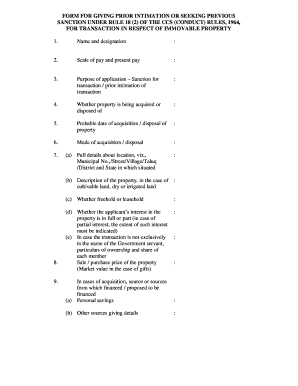
Permission for purchase of flat
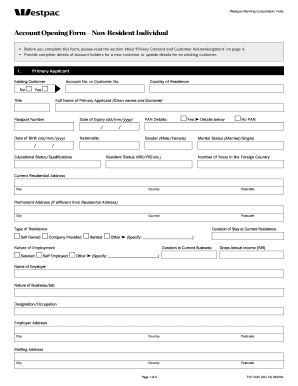
Westpac png job vacancies 2021
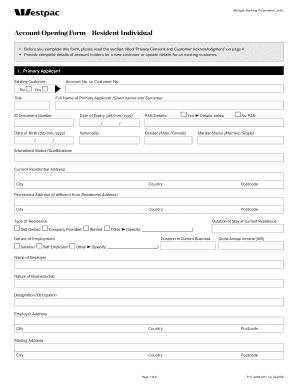
Westpac png application forms
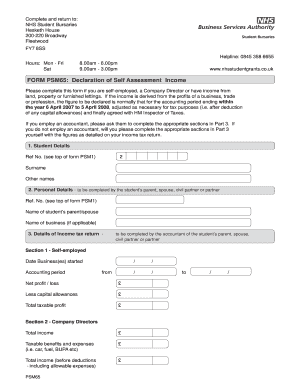
Form psm65
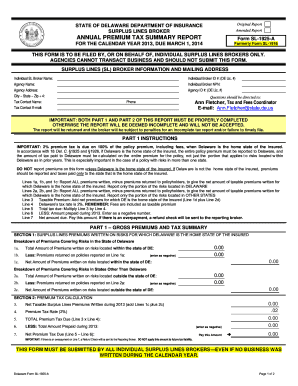
Form SL-1925-A - Delaware's Insurance - delawareinsurance
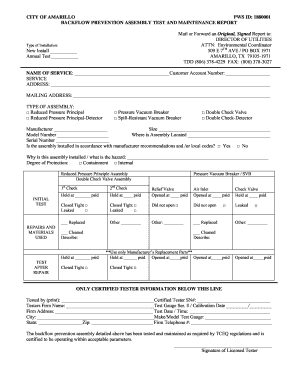
Backflow Certificationdoc - amarillo
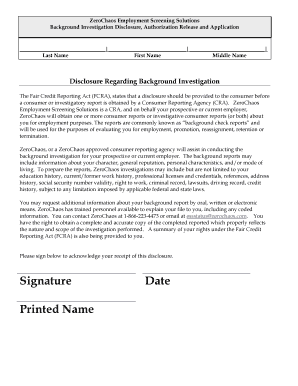
Background Research Application and Release - Lakeshore
Printable va form 6
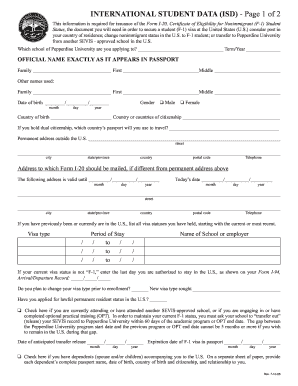
Pepperdine isd print
Welding blueprints pdf

Rguhs convocation form pdf
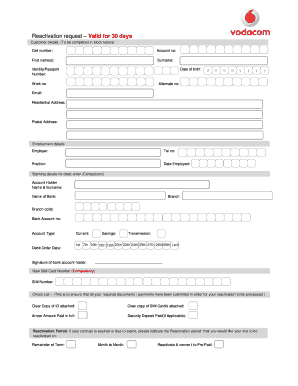
How to unsuspend vodacom sim card online
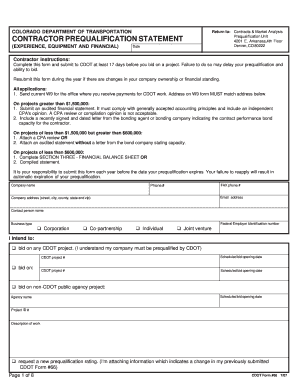
Return to: CONTRACTOR PREQUALIFICATION STATEMENT - coloradodot
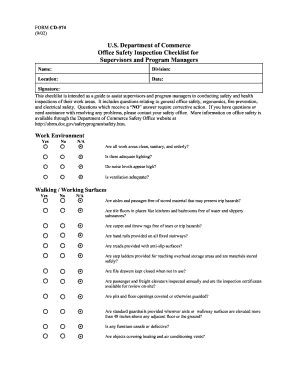
Cd 574 form
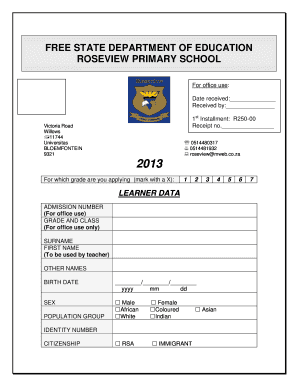
Brandwag primary school
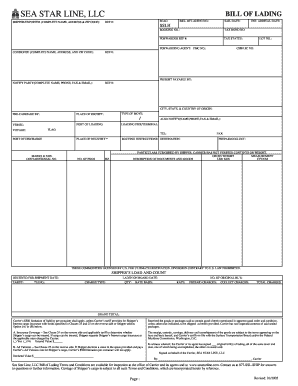
Plantilla de bl
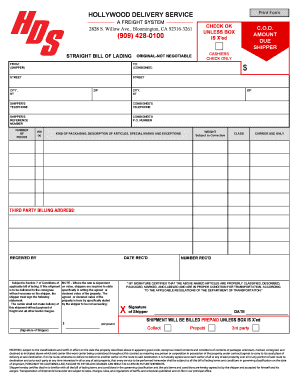
Hds bol
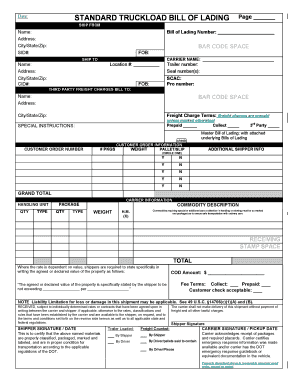
Printable blank bill of lading pdf
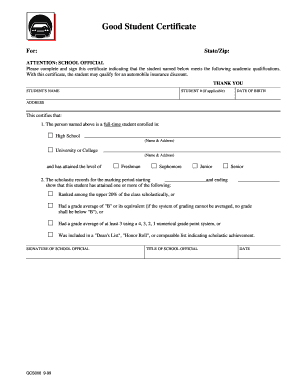
Safeco good student form
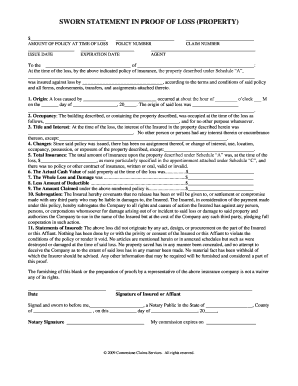
Proof of loss
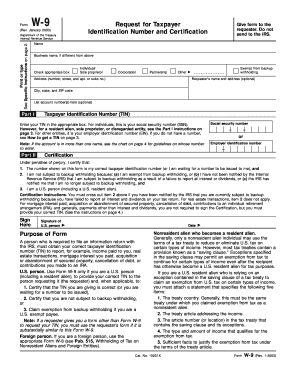
W9 form vermont
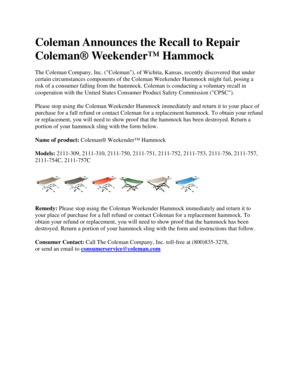
Coleman weekender hammock
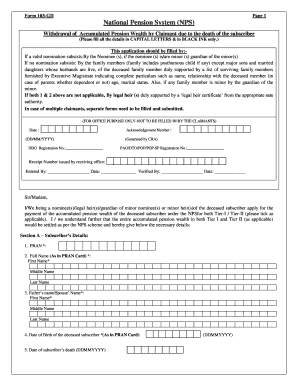
Nps death claim form 103 gd
Change management plan example pdf
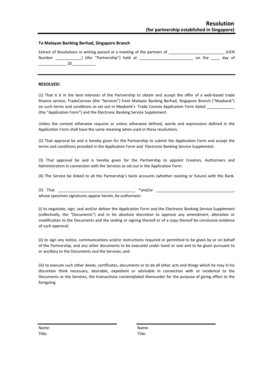
Deed of partnership maybank

Residency affidavit

Schools circumstance request transfer
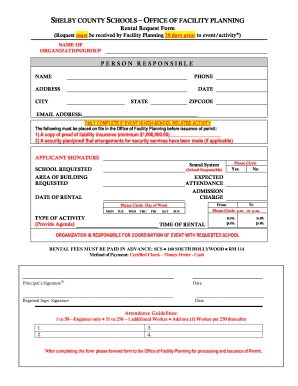
Facility Request Form - Shelby County Schools - scsk12
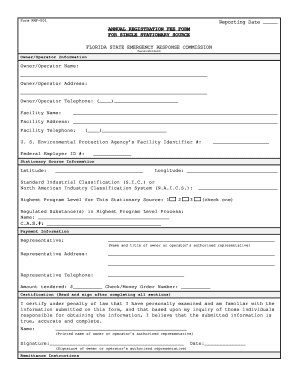
Florida rmp
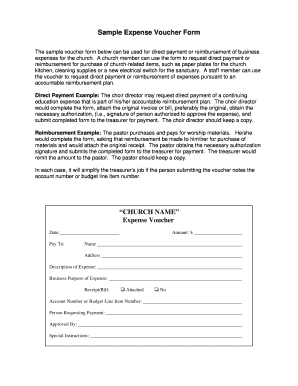
Church payment voucher
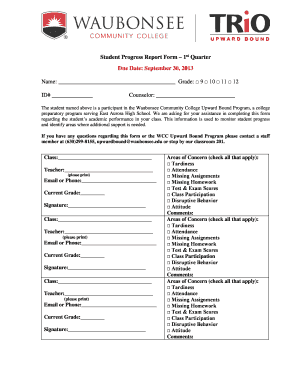
Student Progress Report Form - Waubonsee Community College - waubonsee
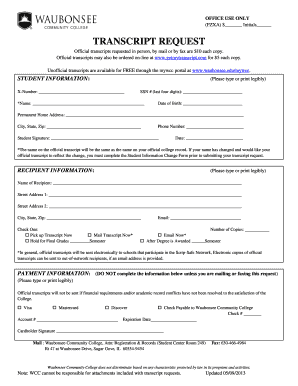
Waubonsee community college transcripts
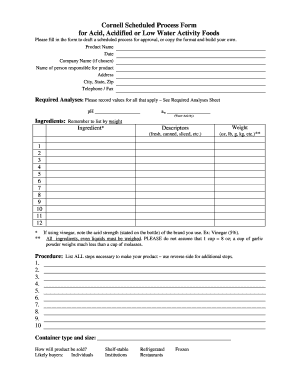
Cornell scheduled process

28 Team League - usbcongress internapcdn

Unpaid leave form
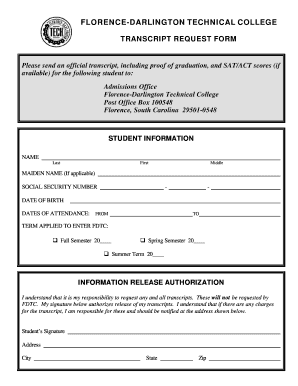
Darlington technical college transcript request
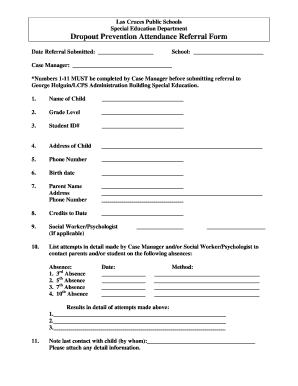
Dropout prevention referral form
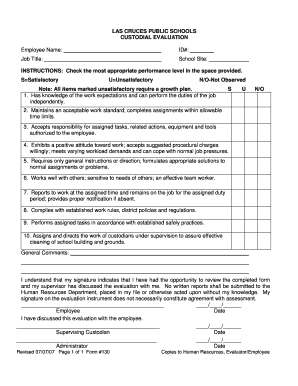
New mexico public schools
Predra vista high school physical forms
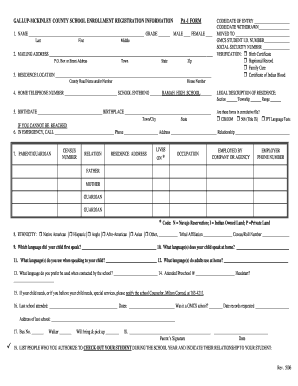
Gmcs pa1
Portfolio templates download

Print new mexico inventory for parents and potentially gifted students form
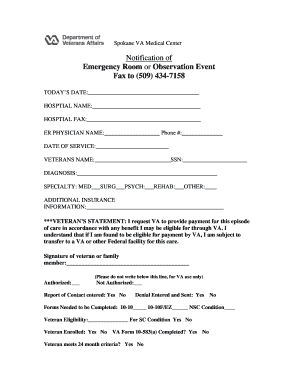
Notification of ER or Observation Form - Spokane VA Medical Center
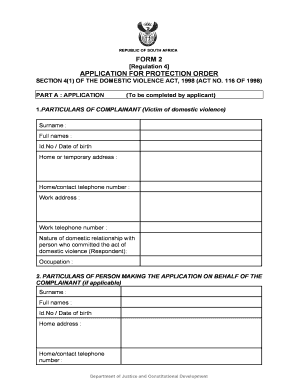
South african protection order
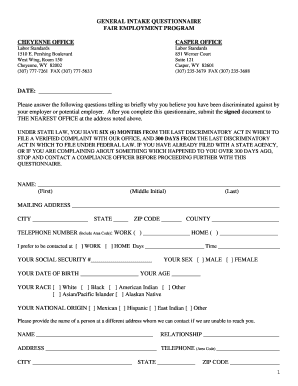
General intake program

Waiver for field trip
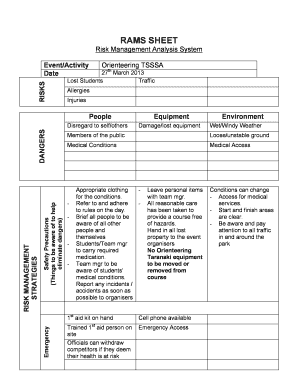
Rams document template
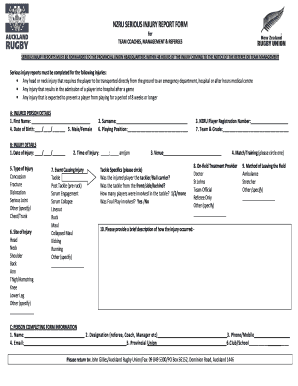
Rugby injury forms
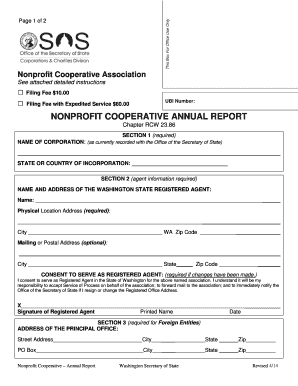
Washington annual report form
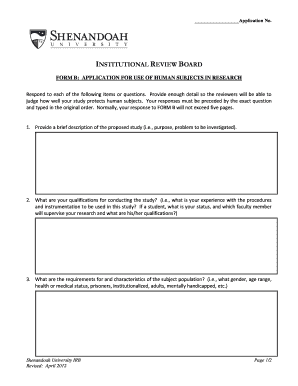
Shenandoah university irb
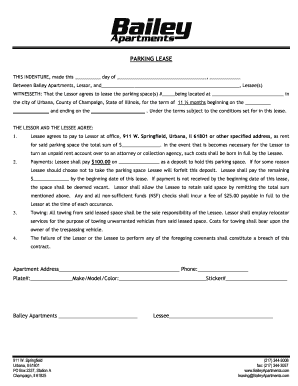
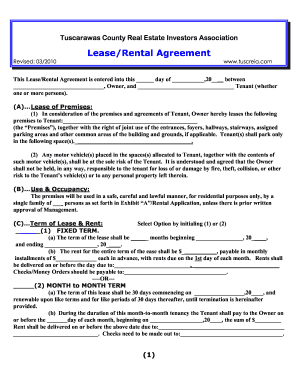
07-08 Parking Lease New tenants

N nr intaut online

Human cgflmatop printable
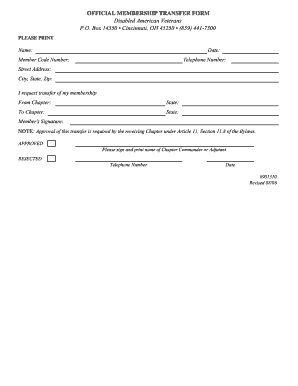
Church membership transfer form
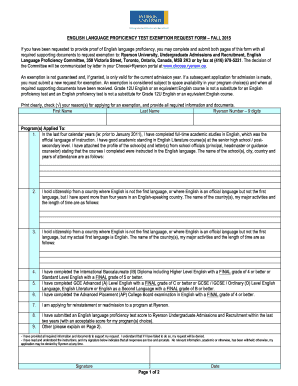
English Language Proficiency Test Exemption Request Form - ryerson
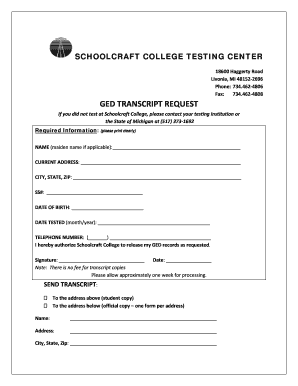
Schoolcraft college transcripts

Qardan hasana org
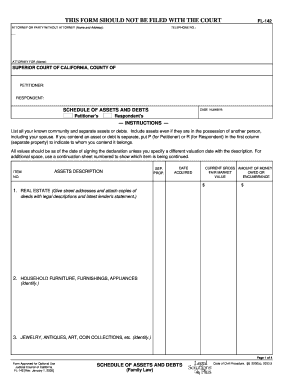
Schedule of Assets and Debts (F

Montana form 120
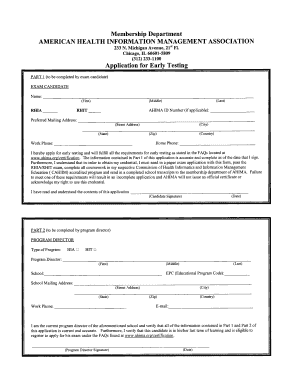
Early Testing Exam Application - American Health Information ... - ahima
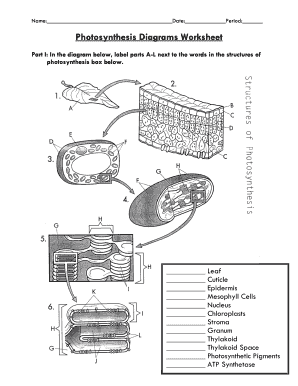
Photosynthesis diagrams worksheet answer key
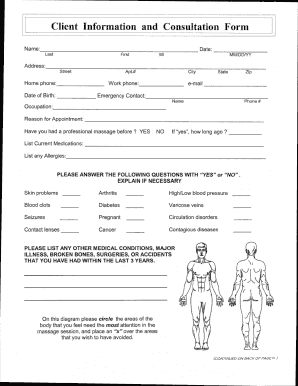
First-time Client Health History Form - Massage by Leisa
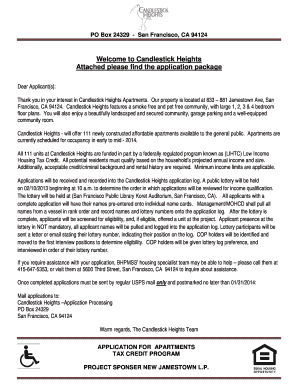
New Jamestown LP Candlestick Heights. Tenant Income Certification Questionnaire, One Form per Adult Member of the Household

Dental insurance information form
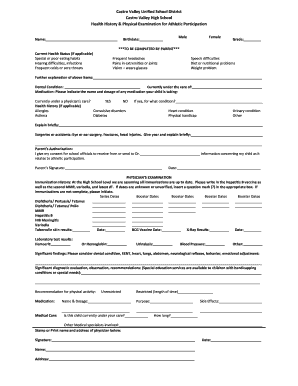
Physical Exam form.pdf - Castro Valley High School - castrovalleyhigh
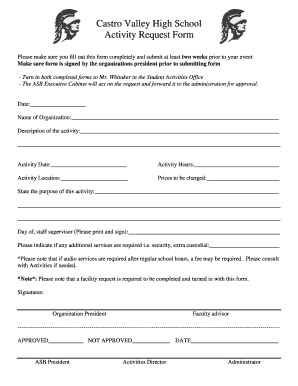
Activity request
Arizona appealing superior court
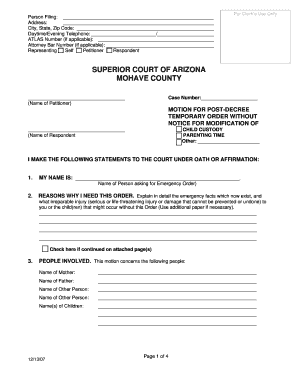
Temporary order notice
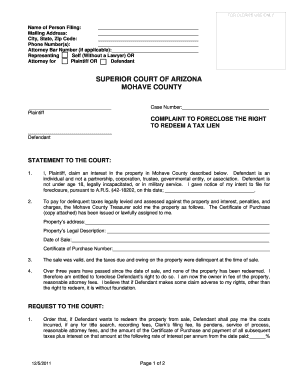
Complaint to Foreclose the Right to Redeem a Tax Lien
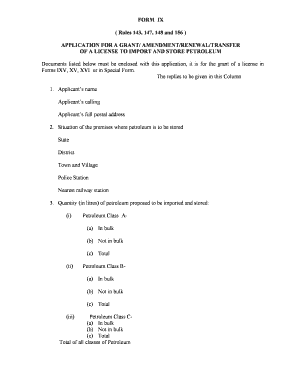
Peso login
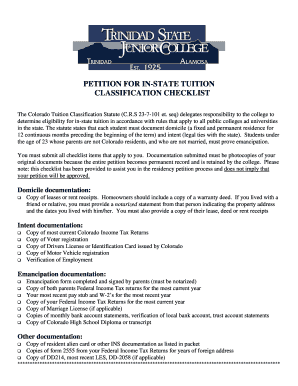
In-state Residency - Trinidad State Junior College - trinidadstate
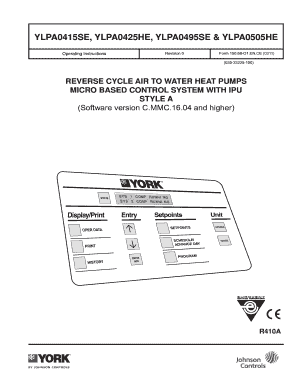
O1ence ipu blank
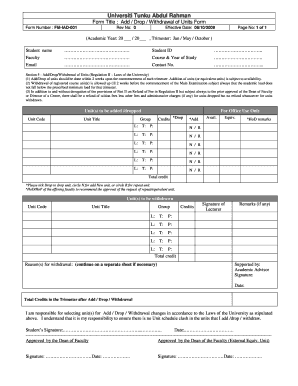
Utar withdrawal form
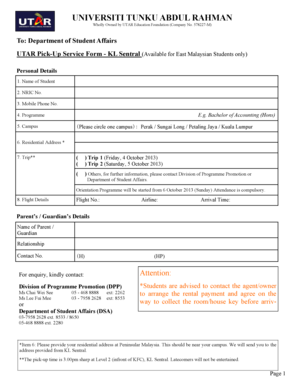
Utar education foundation
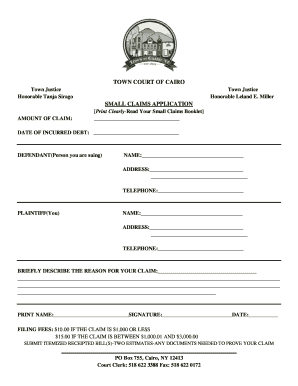
Town court of cairo small claims bapplicationb - Town of Cairo NY - cairony vt-s
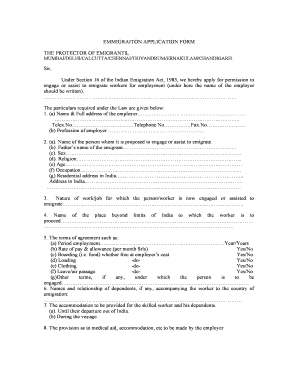
Protector of emigrants online
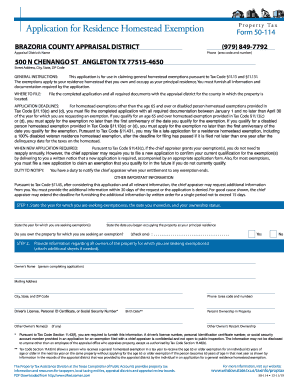
Form 50 114 2011
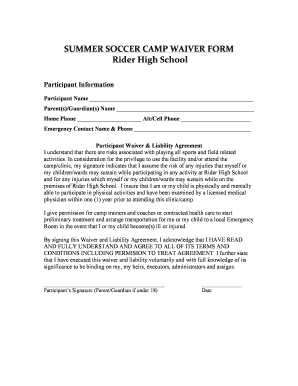
SUMMER SOCCER CAMP WAIVER FORM Rider High School
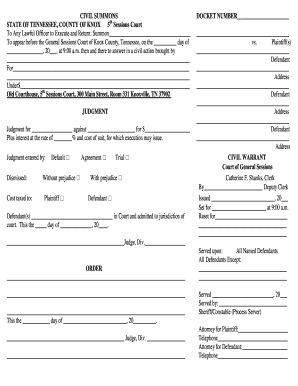
CIVIL SUMMONS DOCKET NUMBER STATE OF TENNESSEE COUNTY OF - knoxcounty
Columbia southetn university form
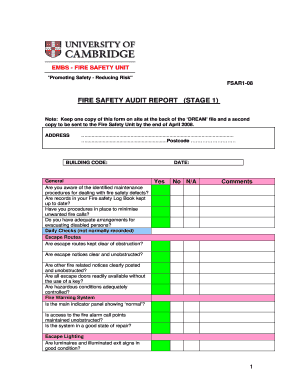
Fire audit report
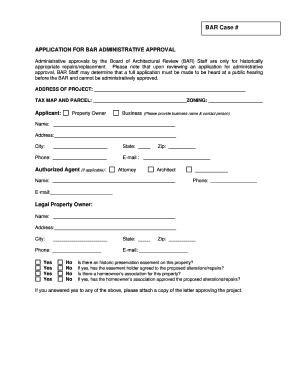
(BAR) Application for Administrative Approval - City of Alexandria - alexandriava
Benefit from the DocHub online library of fillable PDF forms
Searching the PDF forms doesn't have to be a tedious and time-consuming process. With the DocHub online library, it has become easier to find the fillable PDF forms and modify them in your browser. The service allows you to adjust the document to your needs using powerful editing tools.
You can use online document editing features to modify almost any type of document with ease. You just need to find the template of your choice, open it in the editor, and use the toolbar to make the necessary corrections.
Follow this guide to get your document done with DocHub:
- Find the PDF template you need.
- Click the Get Form button to open the file in the editor.
- Use the toolbar to fill out and edit the document.
- Easily add and highlight text, insert images, checkmarks, and symbols.
- Drop new fillable fields, and rearrange or delete pages from your file.
- Save changes and download your record.
DocHub empowers everyone to streamline document editing, signing, and distribution, and form completion. Create an account and benefit from our well-organized PDF Forms library and comprehensive editor.