
Get any PDF form from the DocHub library of ready-made templates - Page 1543

Colour blindness certificate online

Reeves business forms

A.C.C. BUILDING PERMIT & APPLICATION - Towamensing Trails
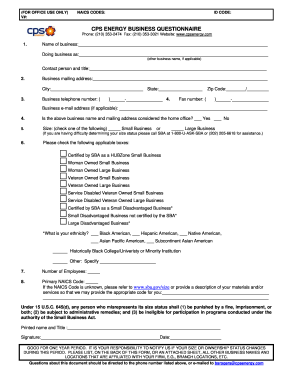
Cps questionnaire

Survivors Invite - Relay For Life - relay acsevents
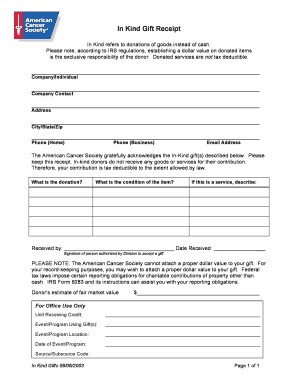
In kind gift receipt
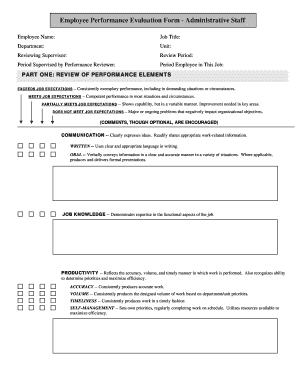
Employee Performance Evaluation Form - Administrative Staff - umanitoba
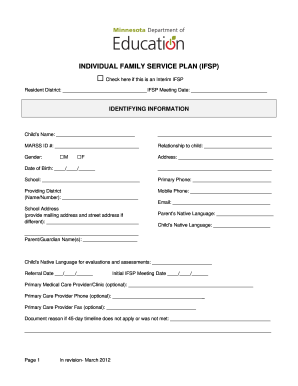
Individual Family Service Plan
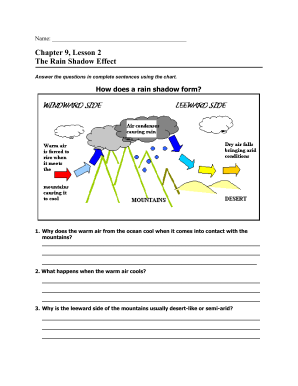
Rain shadow lesson answer key
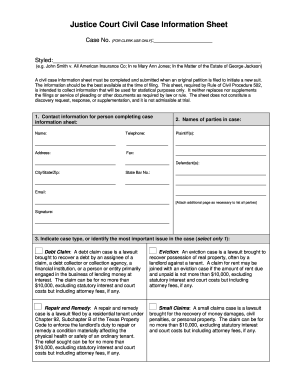
Justice court civil information sheet county
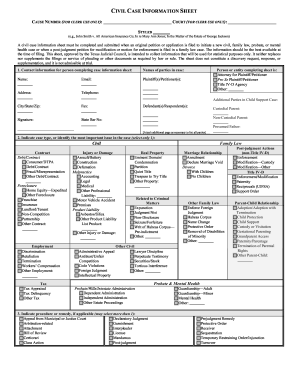
CIVIL CASE INFORMATION SHEET - co wise tx
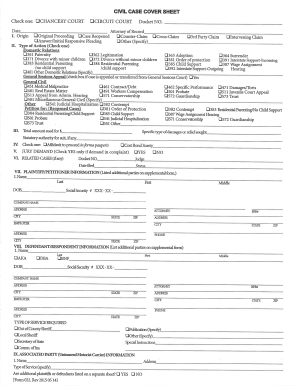
CIVIL CASE COVER SHEET - Hamilton County - hamiltontn
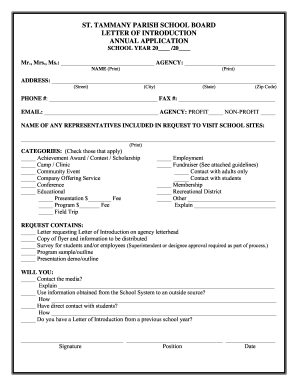
Letter introduction st
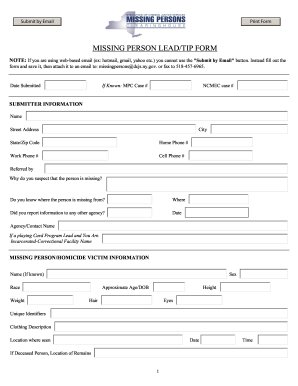
New york state missing persons
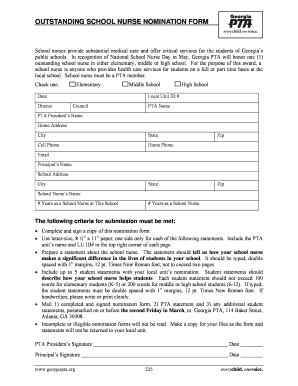
School nurse forms
Credit Card Payment Form - Schiller International University - staging schiller
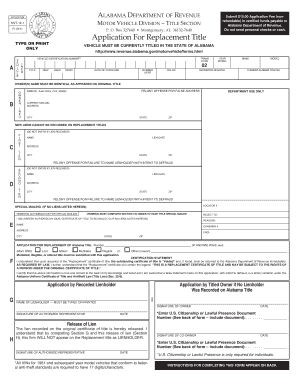
Mvt 12 1 alabama

DocHub cea form f

Fl 10 1 10
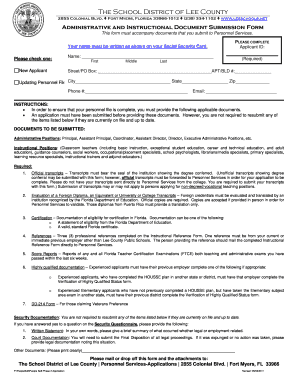
Document Submission Form - Lee County Public Schools

Tax tohono o
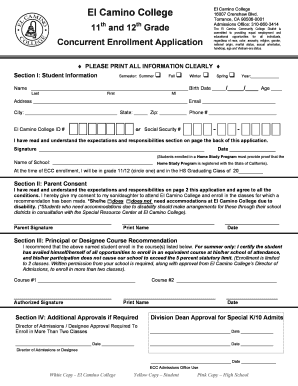
El camino concurrent enrollment
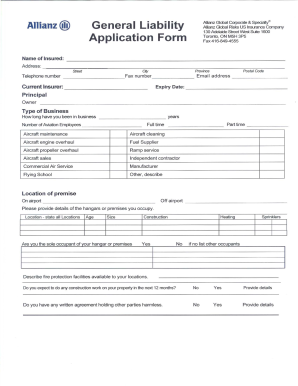
Form js davidson form
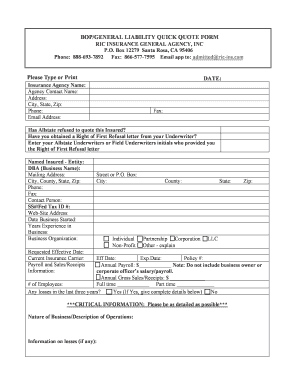
General liability quote

Motion for default judgment sample
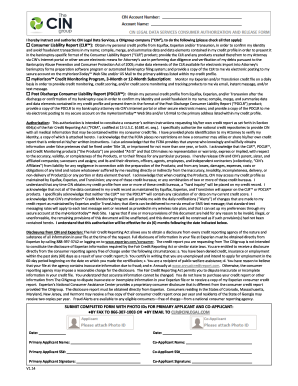
Cin legal form
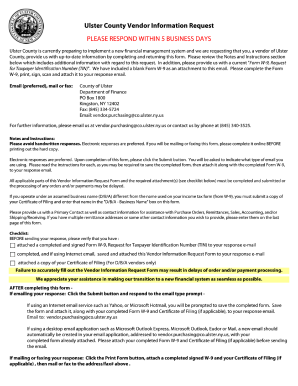
Ulster county vendor

EXaM RefunD ReQuest foRM - HR Certification Institute - hrci

Hud 2992 form

Research Literacy Project Term Paper Grading Rubric - bxscience

Chemistry form ws1 2 2a answer key
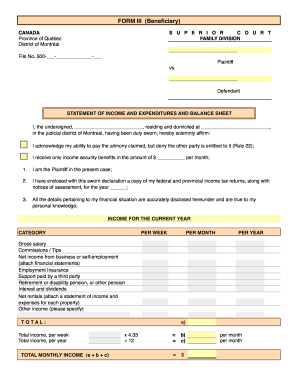
Canada beneficiary
Cleveland naacp 7100
Odyssey nomination form
Model admission form
A modest proposal answer key pdf
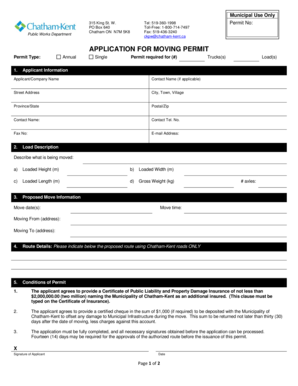
APPLICATION FOR MOVING PERMIT - Chatham-Kent - chatham-kent
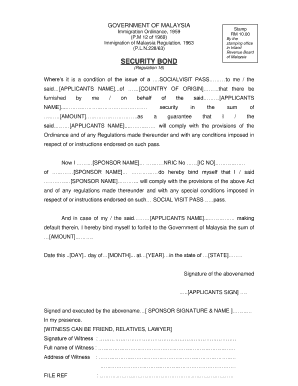
Borang personal bond imigresen

Dd form 369
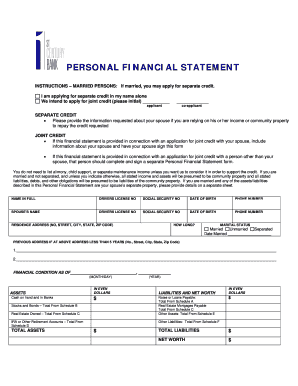
First century bank statement pdf
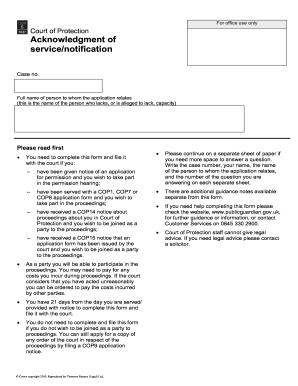
Form cop5
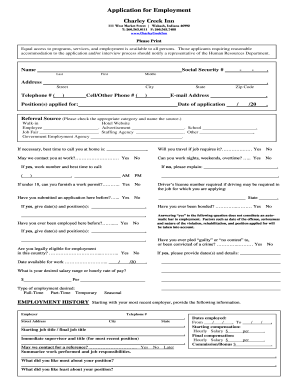
Application for Employment Charley Creek Inn

Casey life skills
Blank church church budget form pdf
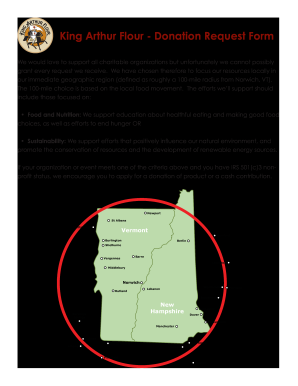
King arthur catalog request
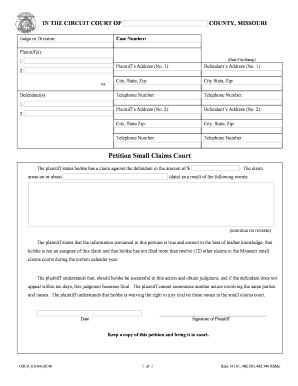
Petition Small Claims Court - 7th Judicial Circuit Court of Missouri - circuit7
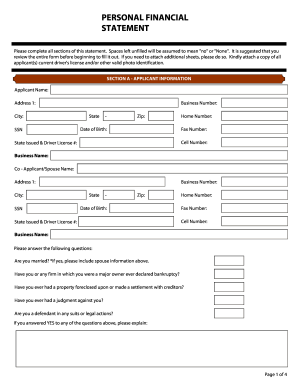
Financial Statement Form - Bloom Commercial Real Estate
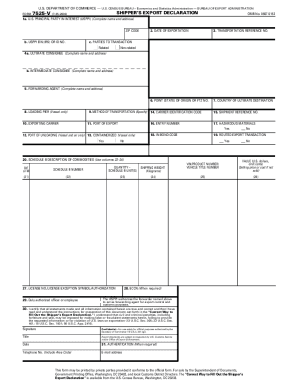
Shipper form 7525 v

Rate of respiration virtual lab answer key
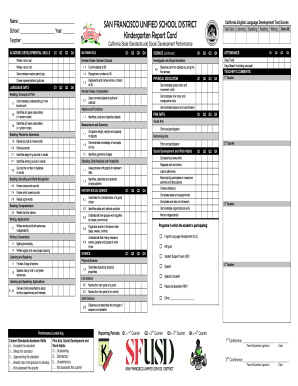
Report Card grade Kdoc - web sfusd
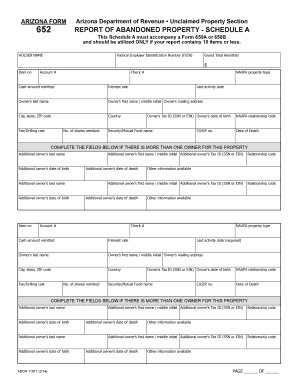
Arizona Form 11017. Unclaimed Property Report - Schedule A - azunclaimed
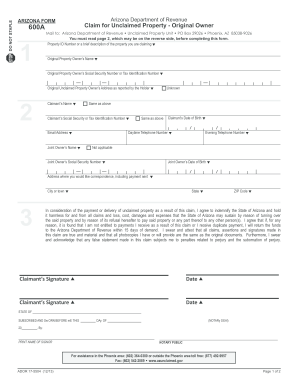
Arizona form 600 2013
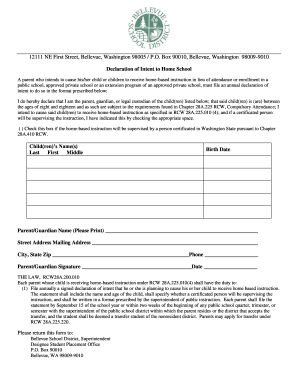
Declaration of Intent to Home School - Bellevue School District - bsd405
Bellevue School District ACTIVITY / FUNDRAISER APPROVAL FORM - bsd405
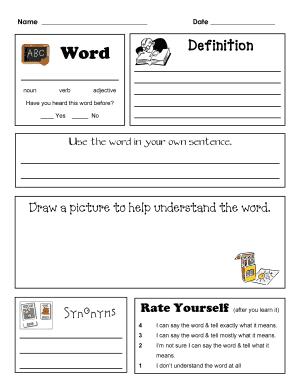
Margot politis
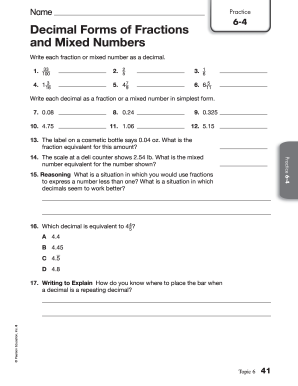
Decimal forms of fractions and mixed numbers practice 6 4
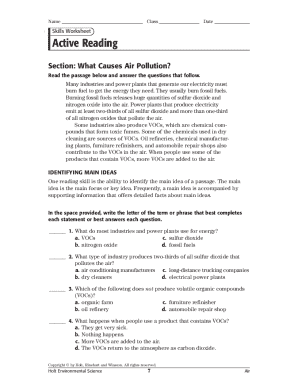
Active skills for reading 1 answer key
Elevation certificate sample
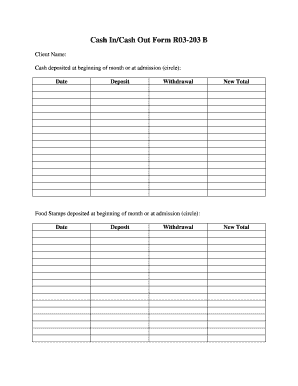
Cash out form

Form indigent
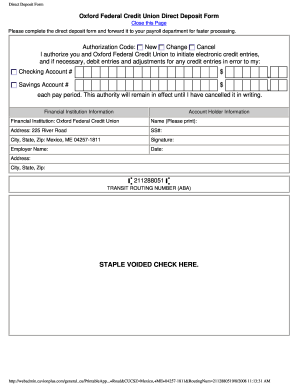
Oxford federal credit union routing number
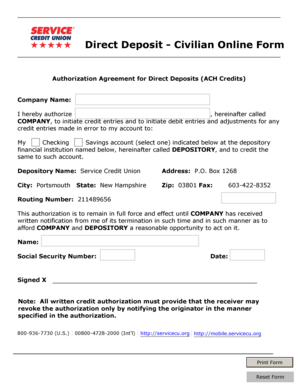
Service credit union direct deposit form
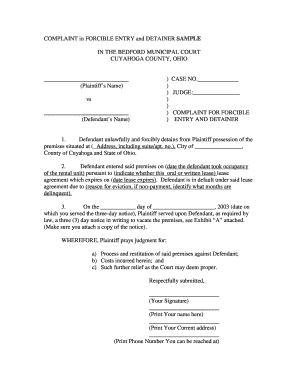
Complaint for forcible entry sample
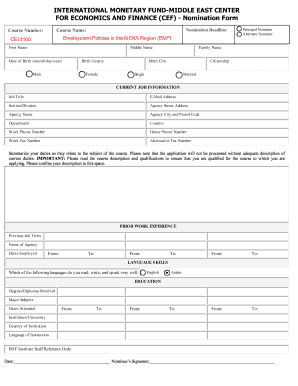
Cef nomination form
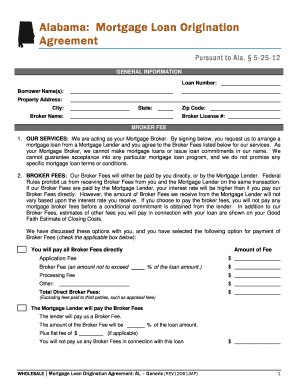
Mortgage loan origination agreement
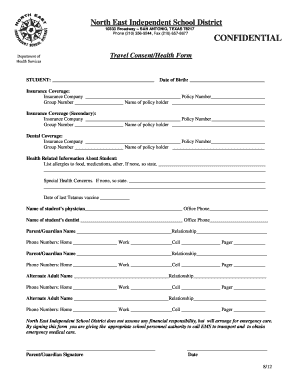
Medication Addendum to Parent Travel Consent Form - North East ... - neisd
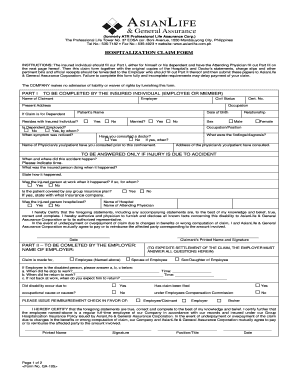
Asianlife reimbursement form
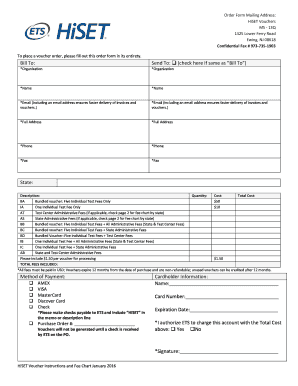
Hiset ets form

Mcallen isd field trip parent permission form
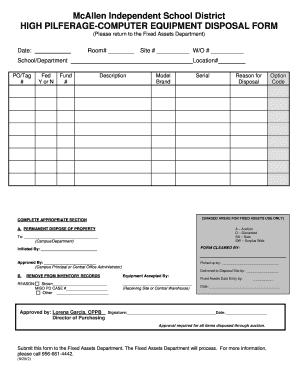
Computer disposal form

Declaration travel health insurance

Sample contract for fence installation
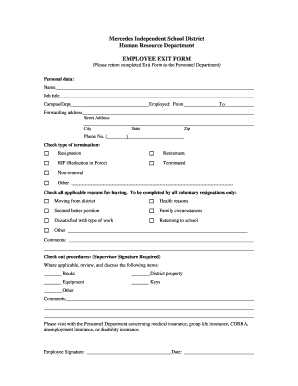
Tx independent school district

Financial assistance report pdf
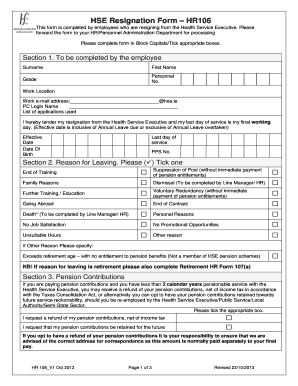
Hse resignation policy

Palm beach school district badge renewal
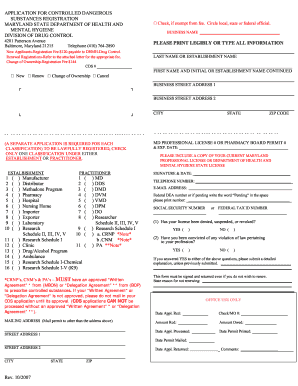
Cds application maryland form
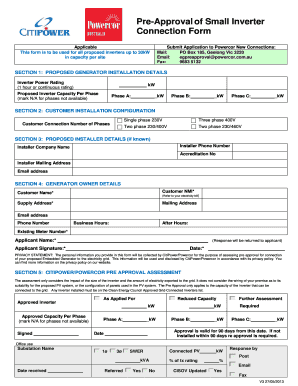
Photovoltaic solar generator connection form pdf
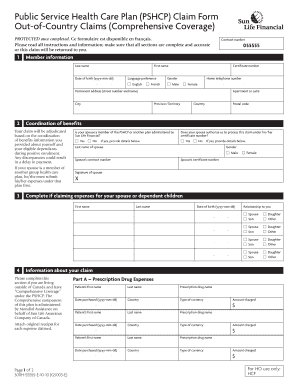
Pshcp out of country form
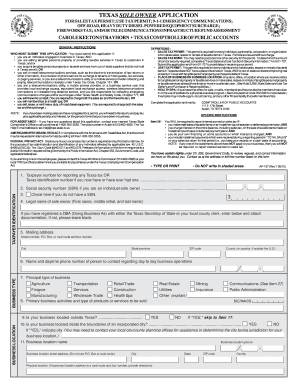
Ap-157 Sole Owner Application - FormSend
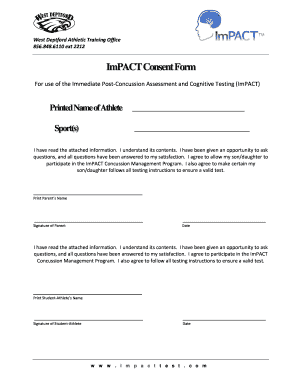
Page 9 Individual ImPACT Consent Form
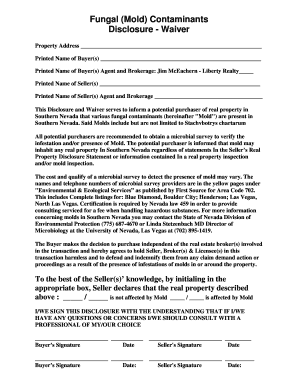
Mold disclosure and waiver form
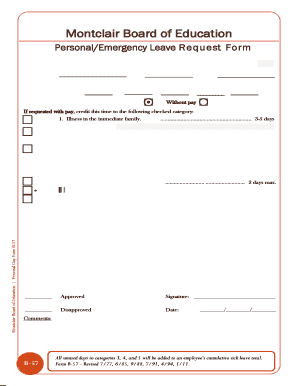
Montclair board of education montclair nj
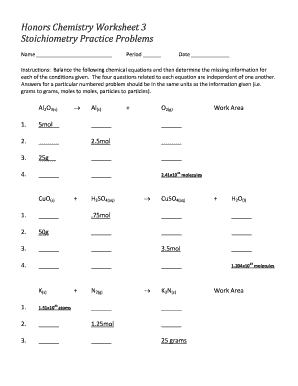
Chemistry worksheet stoichiometry practice

APPLICATION FOR WASHINGTON STATE CAREER AND ...

Application for Last-Resort Financial Assistance - Emploi-Qu bec

Sq 214 353

HomeSchool Declaration of Intent - Sultan School District

Spanish is fun book 1 pdf

Expulsion form
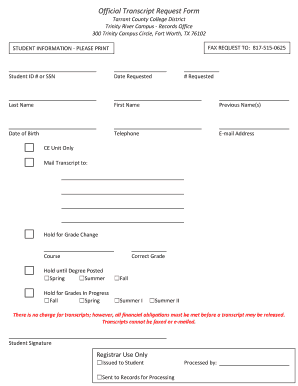
Tarrant county college transcript
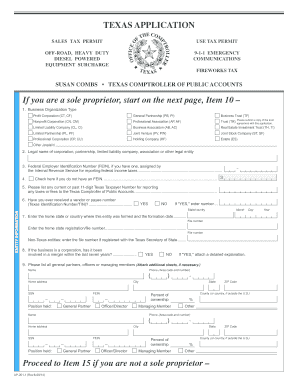
Texas tax id number
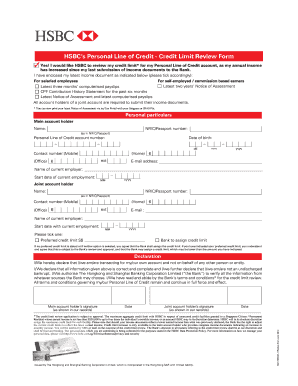
Redeem hsbc credit card point

Worksheets on geometry proofs

Exit interview template with signature
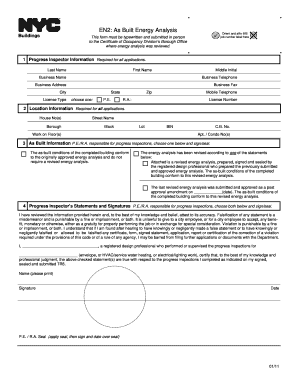
En2 form online
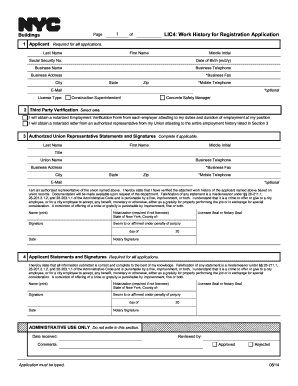
Nyc preschool registration form print
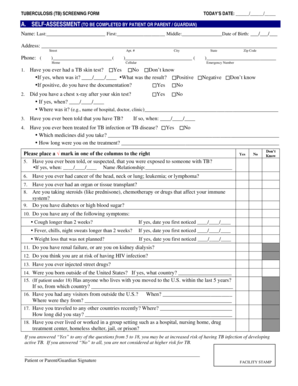
A. SELF-ASSESSMENT (TO BE COMPLETED BY PATIENT OR PARENT ... - home nyc
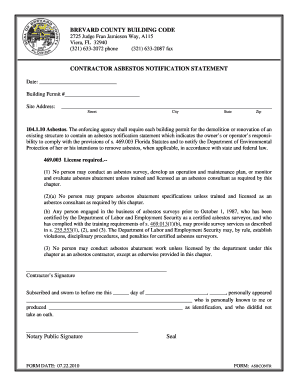
Contractor Asbestos Notification Statement - Brevard County
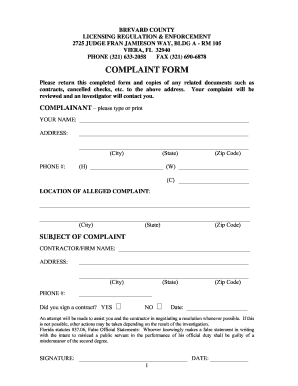
COMPLAINT FORM - Brevard County
Benefit from the DocHub online library of fillable PDF forms
Searching the PDF forms doesn't have to be a tedious and time-consuming process. With the DocHub online library, it has become easier to find the fillable PDF forms and modify them in your browser. The service allows you to adjust the document to your needs using powerful editing tools.
You can use online document editing features to modify almost any type of document with ease. You just need to find the template of your choice, open it in the editor, and use the toolbar to make the necessary corrections.
Follow this guide to get your document done with DocHub:
- Find the PDF template you need.
- Click the Get Form button to open the file in the editor.
- Use the toolbar to fill out and edit the document.
- Easily add and highlight text, insert images, checkmarks, and symbols.
- Drop new fillable fields, and rearrange or delete pages from your file.
- Save changes and download your record.
DocHub empowers everyone to streamline document editing, signing, and distribution, and form completion. Create an account and benefit from our well-organized PDF Forms library and comprehensive editor.