




01. Edit your form online
Type text, add images, blackout confidential details, add comments, highlights and more.

Type text, add images, blackout confidential details, add comments, highlights and more.

Draw your signature, type it, upload its image, or use your mobile device as a signature pad.

Send it via email, link, or fax. You can also download it, export it or print it out.

Start using our platform today to streamline your document editing and completion process for free!
Sure, a typed name is accepted as a legitimate electronic signature when you add it to your form utilizing a compliant solution like DocHub. Simply add your tennessee mtas skilled to our editor, click Sign in the top tool pane → Create your signature → Type your name in the appropriate tab, and select how it will look on your document.
Apart from a comprehensive toolset for editing PDFs on mobile phones, DocHub enables you to sign your tennessee mtas skilled along the way. Open our editor in your browser, make modifications using DocHub’s toolset, and finish your editing by eSigning the finished form.
At DocHub, your data security is our priority. We follow HIPAA, SOC2, GDPR, and other standards, so you can work on your documents with confidence.
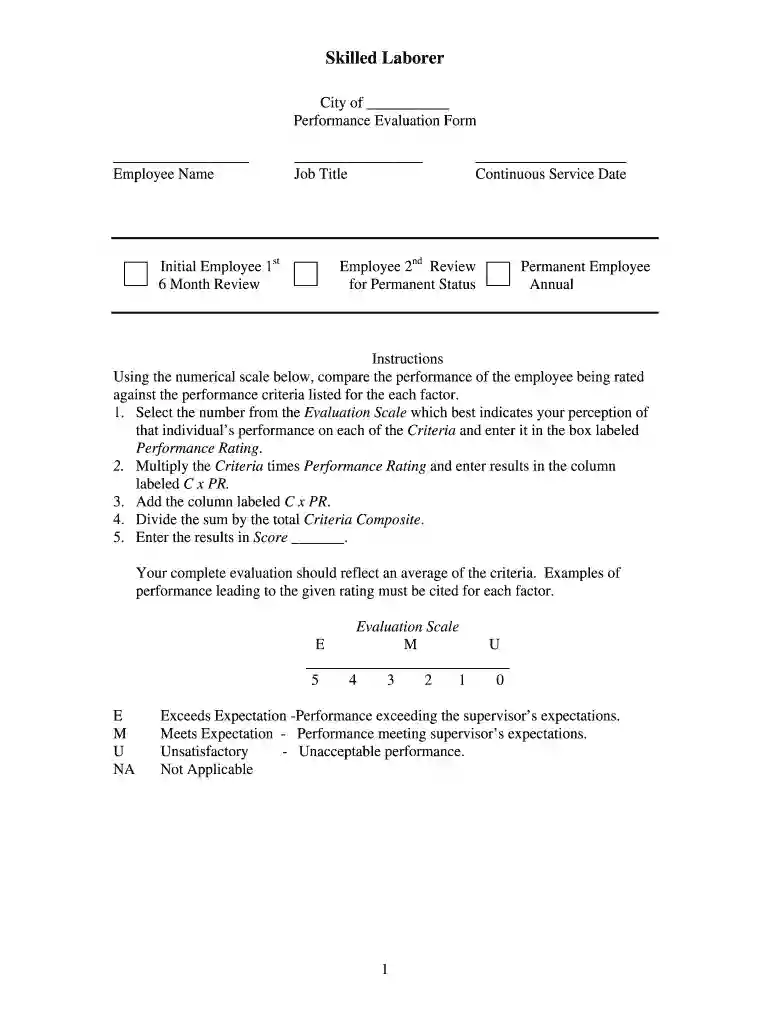
SKILLED LABORER DEFINITION: The employee is responsible for performing construction maintenance tasks of a skilled nature: finishing concrete, laying brick
Professional staff help arrange workshops in enterprise accounting, sewer line rehabilitation, contract operations, budgeting, personnel matters, and generalRead more


