




01. Edit your chair cover express online
Type text, add images, blackout confidential details, add comments, highlights and more.

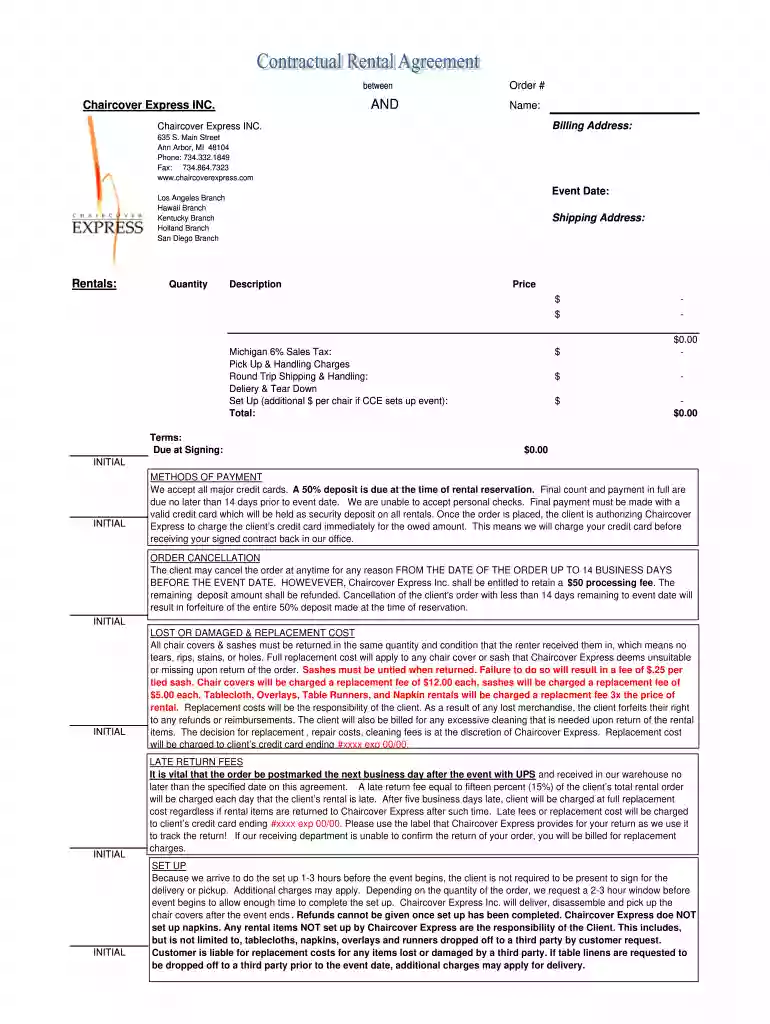
Type text, add images, blackout confidential details, add comments, highlights and more.

Draw your signature, type it, upload its image, or use your mobile device as a signature pad.

Send contract chair via email, link, or fax. You can also download it, export it or print it out.

Start filling out your Rental Contract today for free using our editor!
Log in to your DocHub account and import your furniture rental contract template to our editor using one of its upload methods - from your device, cloud storage, protected URL, or your DocHub folders if you have already managed your document before. Open our editor, click the Sign button in the upper toolbar, and decide on your signing method. You can upload an image of your handwritten signature, draw it, enter your name, or use a QR code as an alternative.
You can complete and sign your Rental Contract - Chair Cover Express online, even on a tight deadline. All you need to access high quality editing instruments on any device is a DocHub account, which you can register within a few moments. Once you register, add your file or find what you are searching for in our catalog, complete it utilizing the editing instruments you want, and place your electronic signature on it at the end.
At DocHub, your data security is our priority. We follow HIPAA, SOC2, GDPR, and other standards, so you can work on your documents with confidence.
Listed below are available tables and chairs for use at the following rental spaces. Multipurpose rooms: Four (4) 6ft x 3ft rectangle tables, 20 chairsRead more
By signing this form, renter accepts the event quote (if applicable) and terms and conditions as stated on the attached pages.Read more


