
Get any PDF form from the DocHub library of ready-made templates - Page 1386
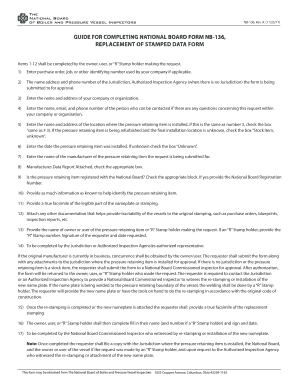
Nb data form download

Illinois age requirement for a work permit

Il annual report pdf

Final supervision
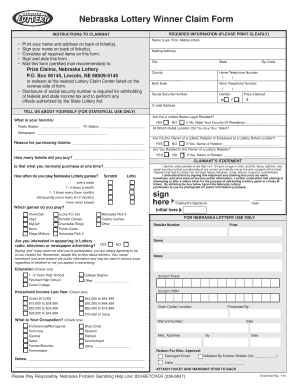
Nebraska claim form
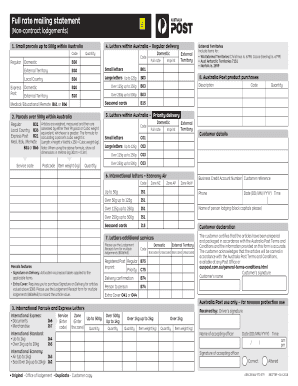
Full rate mailing statement (8837789) - Australia Post
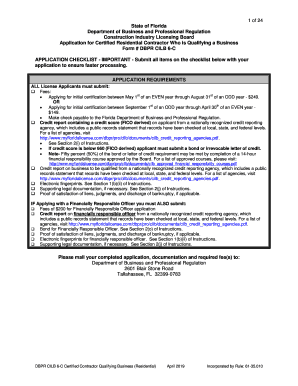
Dbpr cilb 6 a certified contractor qualifying business general
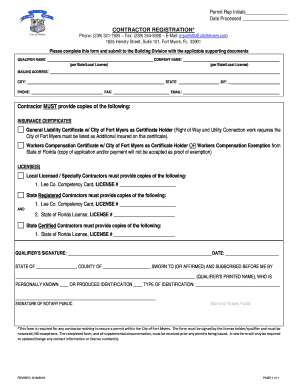
Fort myers beach contractor registration form
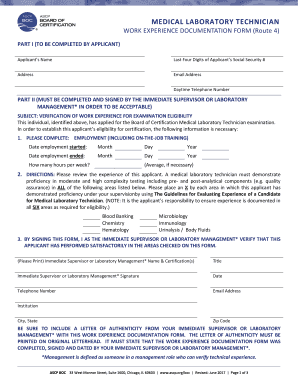
Ascp forms
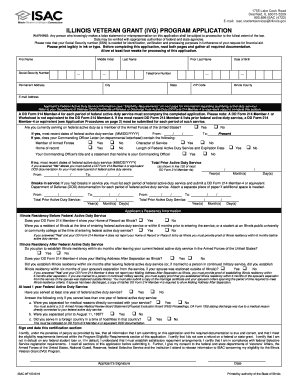
Ivg application
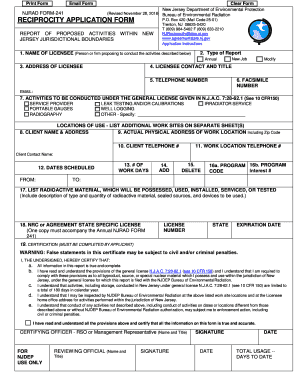
New jersey reciprocity application
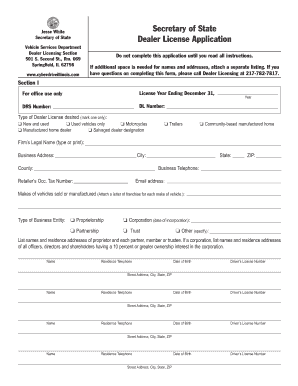
Illinois dealer forms
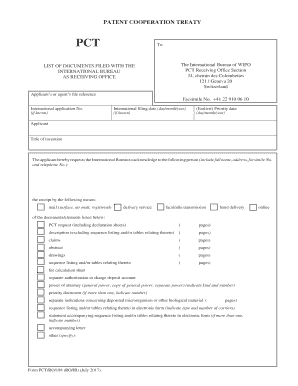
PCT Forms/Formulaires/Formbltter/Formularios// ... -...

Illinois certifying
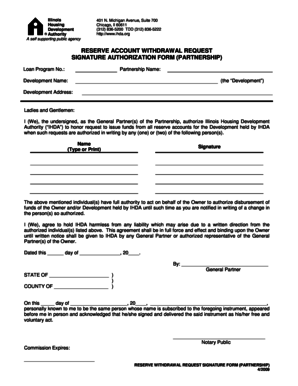
Reserve withdrawal form
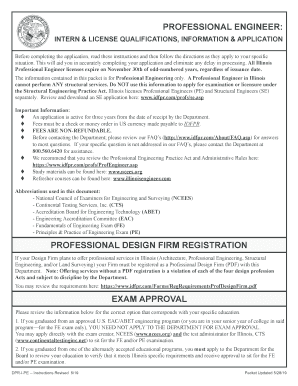
Dpr i pe
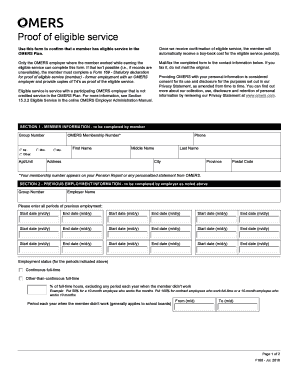
Omers eligible service
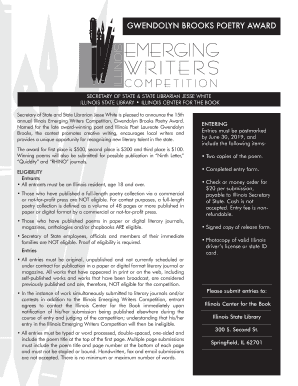
Illinois emerging

Eta 81
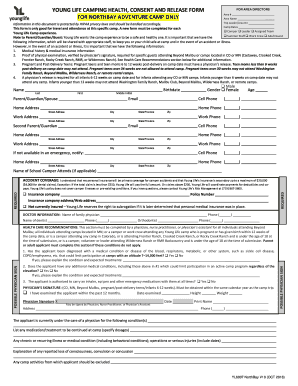
Young life health form online
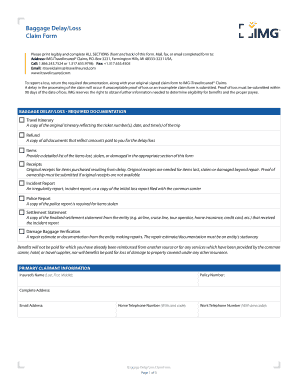
Baggage Delay/Loss Claim Form - iTravelInsured

Your Rights as a Tenant in Washington State - WashingtonLawHelp bb
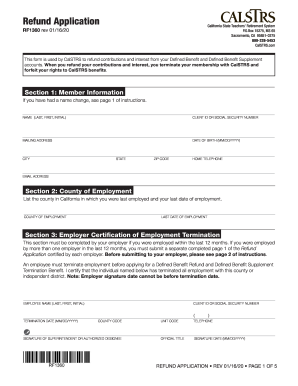
Calstrs refund form

Answers to 50 Questions Injured People Ask - Call Now For Help
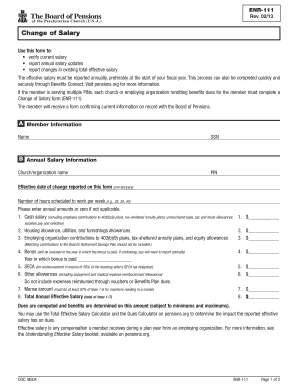
Usable salary change for for work

Form rp6
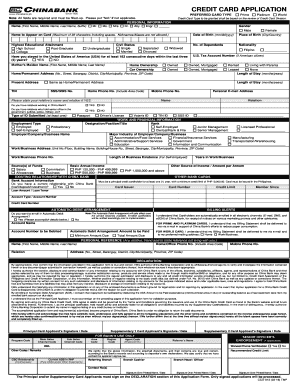
Chinabank easi save application form

Home based edmonton
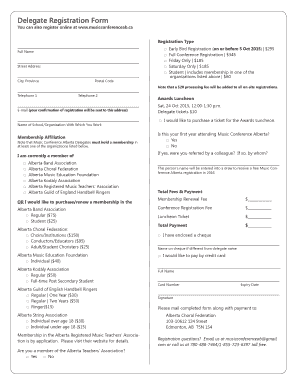
Delegate Registration Form - musicconferenceabca

P11d word template 2017-2019 form
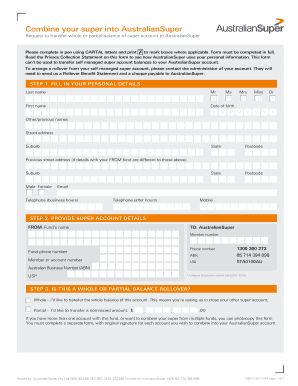
Australiansuper com forms
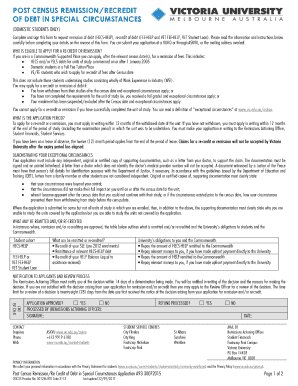
A93 Post Census Remission Recredit of Debt in Special Circumstances

Reschedule of Appointment

Austraia super chande my details
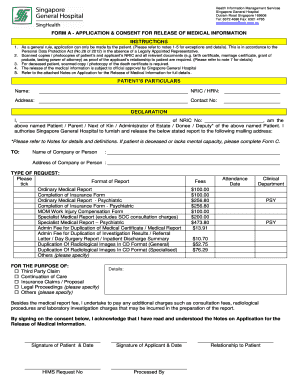
Singapore general hospital employment form
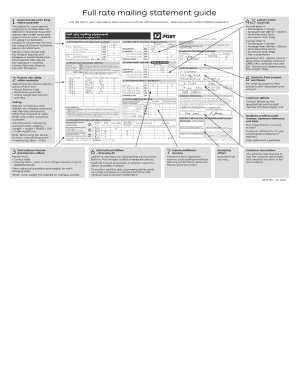
Full rate mailing statement

Hospital Claim Formexisting 20190404

200mm dincel
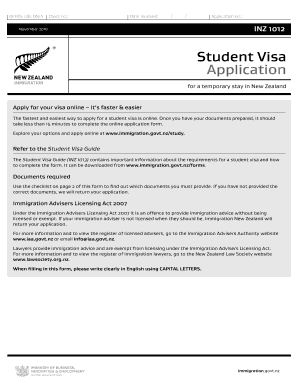
New zealand form
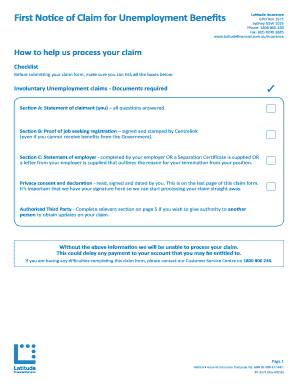
First Notice of Claim for bUnemploymentb Benefits - Latitude Financial bb

Energex form 1641
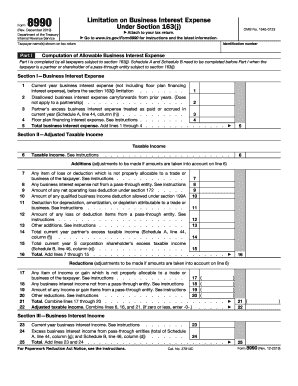
2019 8990 form
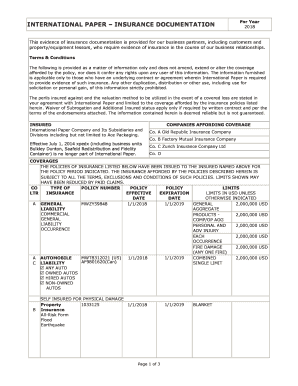
Insurance templates fill out and print
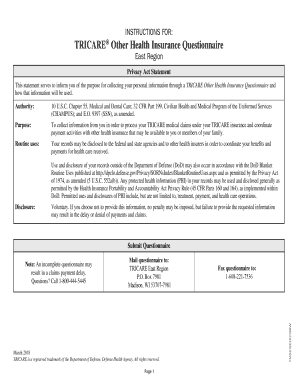
Tricare humana east

Checklist contracting inhertely government functions
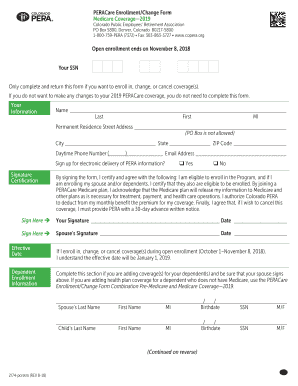
Peracare enrollment change form medicare coverage 2018-2019
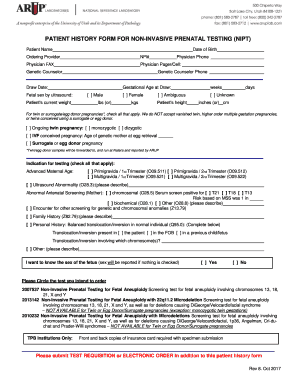
Nipt arup
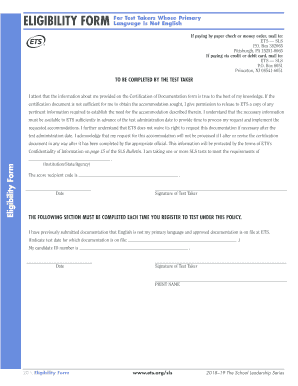
SLS ELIGIBILITY FORM For Test Takers Whose Primary Language is not English. ELIGIBILITY FORM
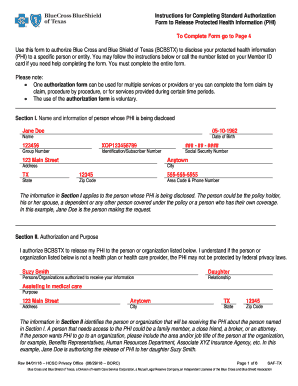
Texas standard authorization form

Emedny 520101

Missed Appointments Affect More Than Just Revenue - Everseat
Lab Requisitions & OrdersChildren's Hospital Colorado

Blue cross wf3861
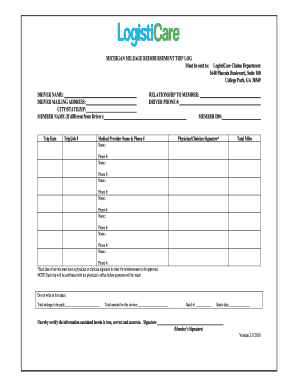
Logisticare michigan
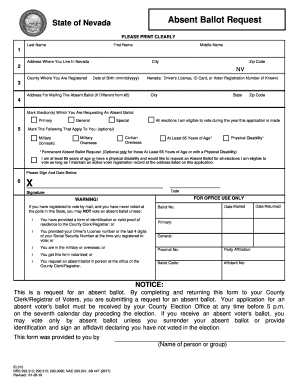
2019 nevada nursing personnel forms
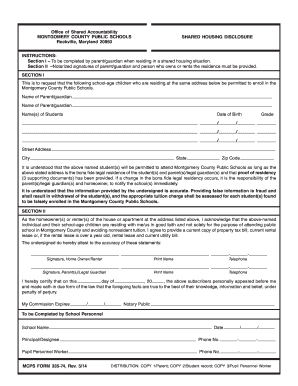
Mcps copy plus eform
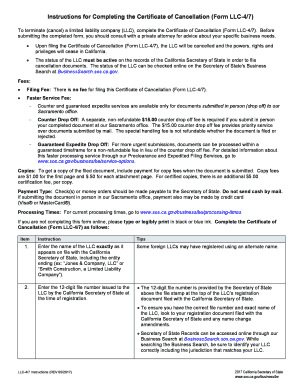
Ca 4 7 form
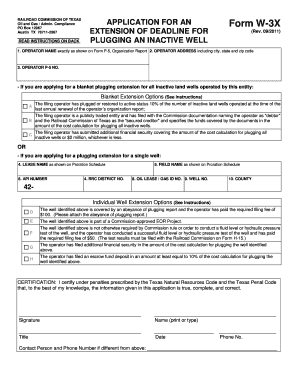
Texas 3x
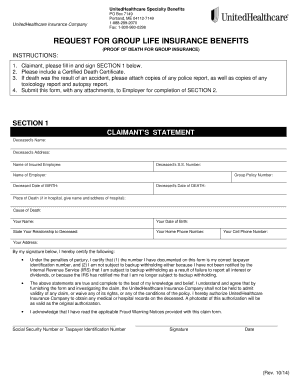
Request group life
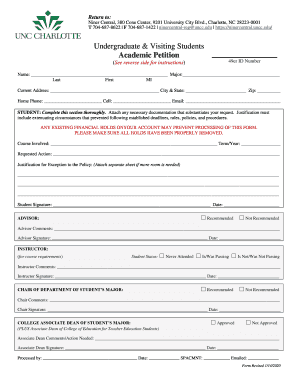
Academic petition

Use this form to request insurance authorization - UNMC
Fordham university transcript request form
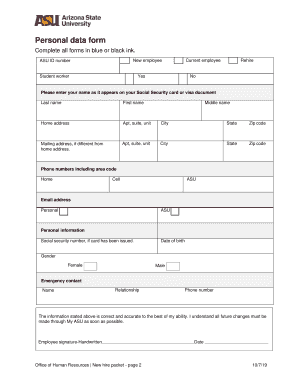
Your new employee to-do list
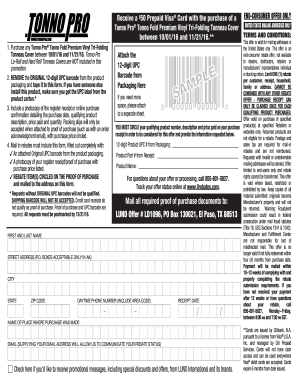
Tonno pro form
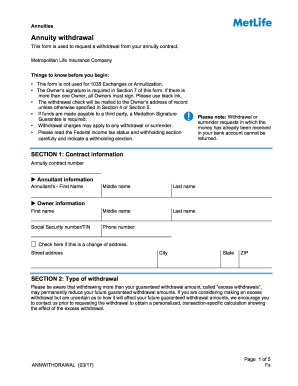
Metlife annuity withdrawal form

Uob cyb 77 f form
How to get a upin number for atf

Authorization annuity

Please note that only completed
Umr acts of third party subrogation inquiry form
2019 Quincy College Financial Aid Information Form
Memorial release
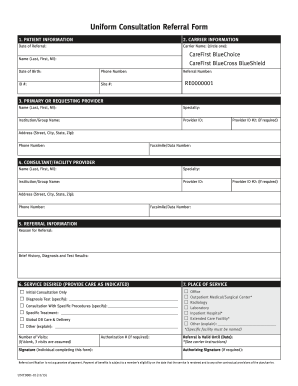
Maryland uniform referral form
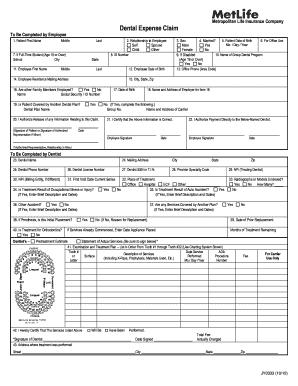
Metlife reimbursement form

Manulife insurance claim form

5498 esa

Cms 855i
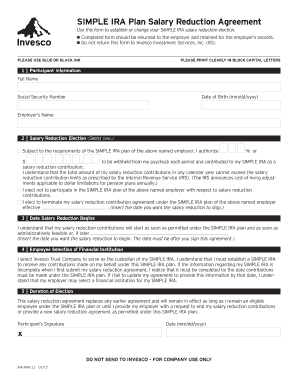
Edward jones simple ira contribution transmittal form

Hackensack meridian health medical record release form
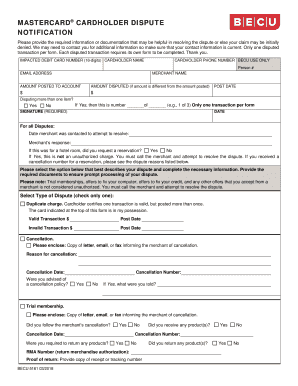
Becuorg

Hippa form 2020
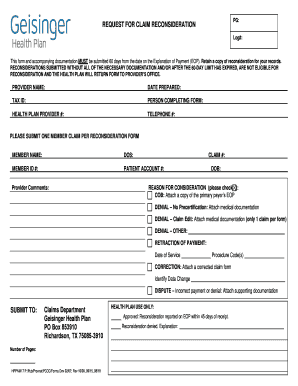
Certification initial

Aetna surgery precertification form
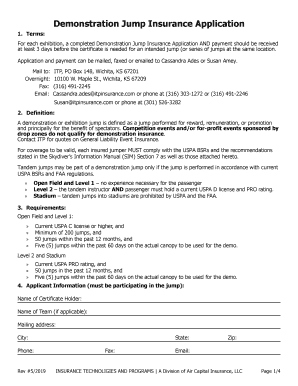
Demonstration jump
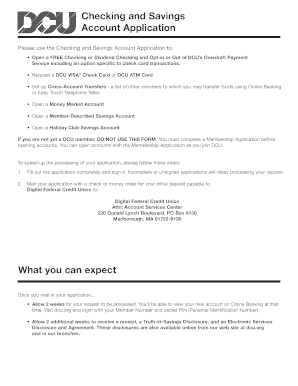
Checking account forms
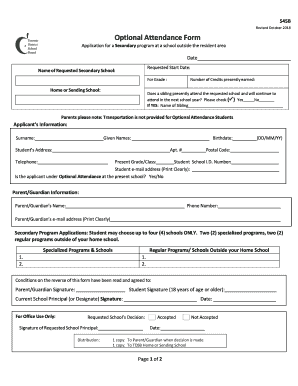
Optional attendance

Aetna precertification form

2019 list reporting
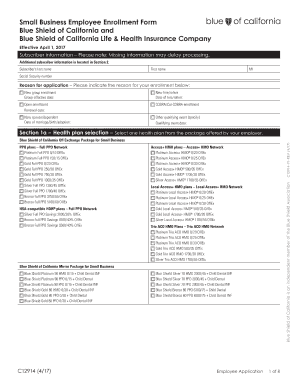
Employee enrollment application
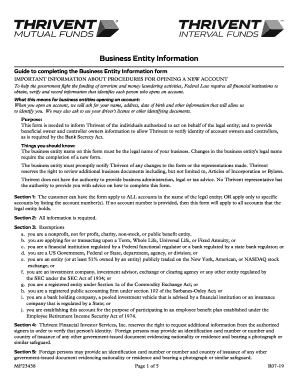
Guide to completing the Business Entity Information form
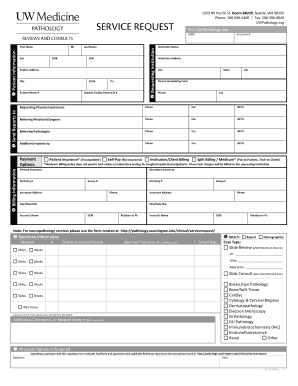
Slide Review and Consult Request Form - UW Medicine Pathology

Microbiology/Molecular Infectious DiseaseRequisition
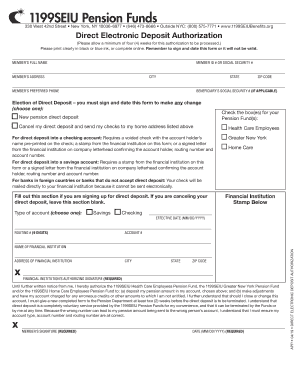
1199SEIU Pension Funds
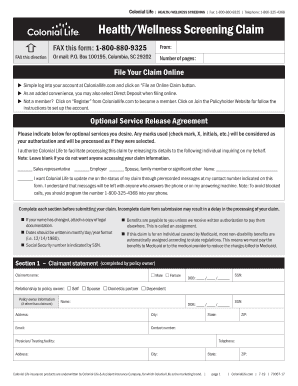
Colonial life wellness claim form
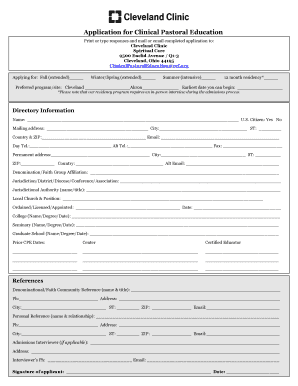
Association for clinical pastoral education application form
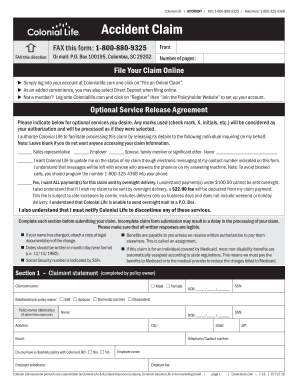
Colonial life work disability form

Oq contractor

Gap form

Download the Living Donor Assessment Form - Wexner ...
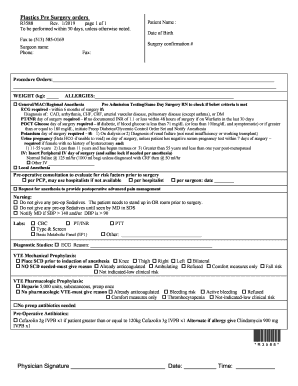
Surgery form
Benefit from the DocHub online library of fillable PDF forms
Searching the PDF forms doesn't have to be a tedious and time-consuming process. With the DocHub online library, it has become easier to find the fillable PDF forms and modify them in your browser. The service allows you to adjust the document to your needs using powerful editing tools.
You can use online document editing features to modify almost any type of document with ease. You just need to find the template of your choice, open it in the editor, and use the toolbar to make the necessary corrections.
Follow this guide to get your document done with DocHub:
- Find the PDF template you need.
- Click the Get Form button to open the file in the editor.
- Use the toolbar to fill out and edit the document.
- Easily add and highlight text, insert images, checkmarks, and symbols.
- Drop new fillable fields, and rearrange or delete pages from your file.
- Save changes and download your record.
DocHub empowers everyone to streamline document editing, signing, and distribution, and form completion. Create an account and benefit from our well-organized PDF Forms library and comprehensive editor.