
Get any PDF form from the DocHub library of ready-made templates - Page 1387

Delta community form

2018 NM MAD 379

Day and ross bol
Critical Care Medicine Certification Exam DatesABIM.org
Identifier form

Form skin lesion

Da townley

Health wellness claim form
Stendra samples
Afcu wire
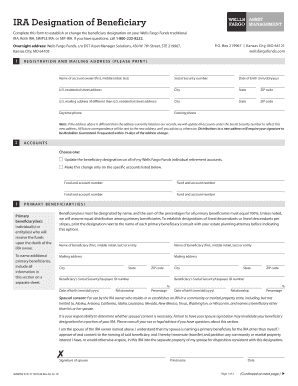
Wells fargo in whiteville n c
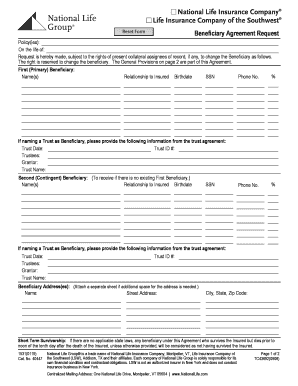
National life income stream start form

4560 g
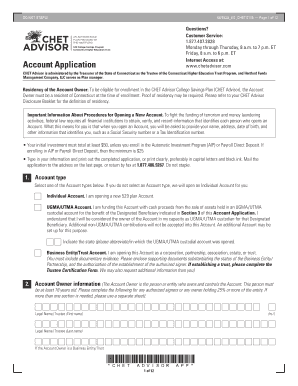
Chetadvisor com
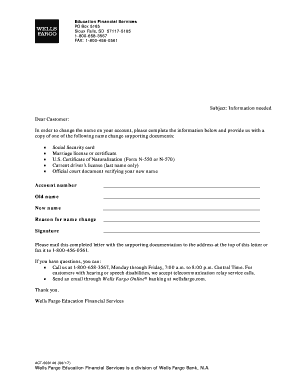
Wells fargo name change form
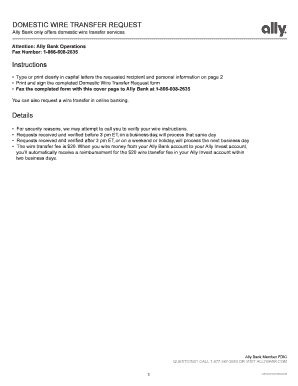
Wire transfer request approval letter
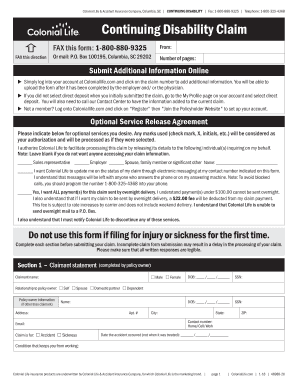
Colonial life insurance forms for claims
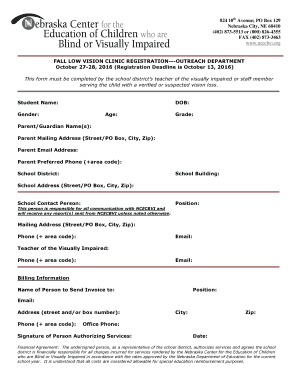
824 10th Avenue; PO Box 129
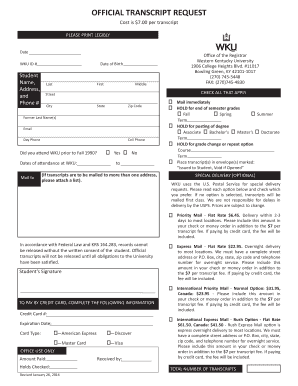
Wku transcript
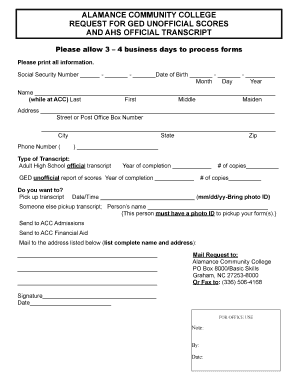
Alamance community college transcripts
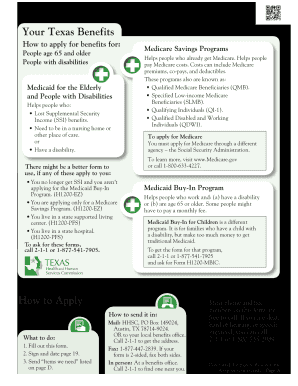
H1200 form

Ulm iv
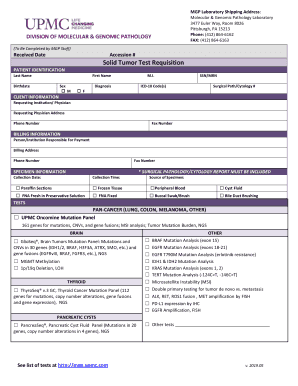
Solid Tumor Test Requisition - UPMC Molecular & Genomic Pathology ...
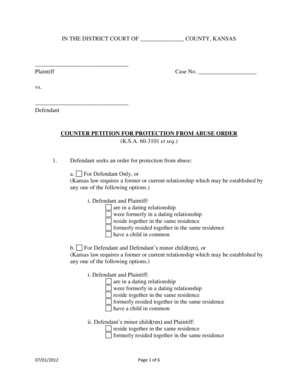
COUNTER PETITION FOR PROTECTION FROM ABUSE ORDER et seq - kansasjudicialcouncil

Booster Clubs, PTAs and
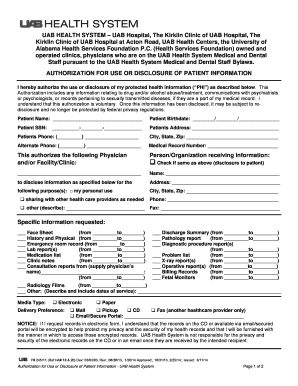
Use disclosure form

In plan massmutual roth rollover form distrubition

Mcdaniel college transcript
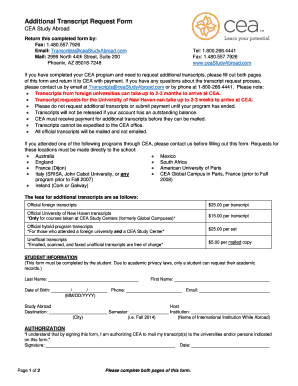
Additional transcript
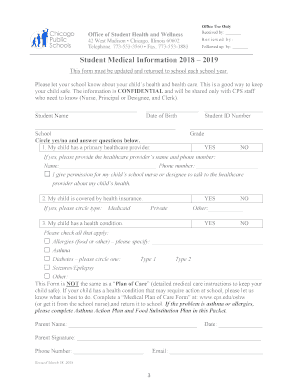
Cps med form

Sfsu minors
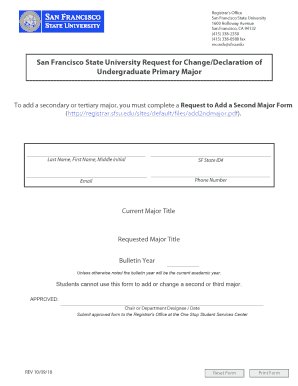
Sfsu form
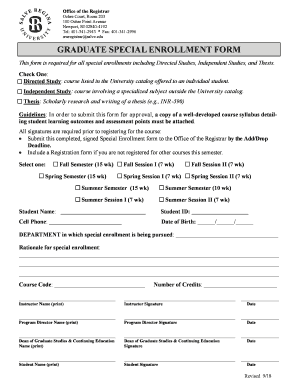
College Graduate Health Care Options, Special Enrollment Period ...
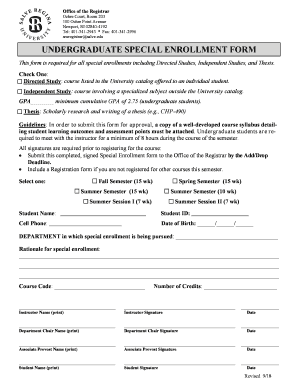
Undergraduate special enrollment form - Salve Regina University

Disqualified form
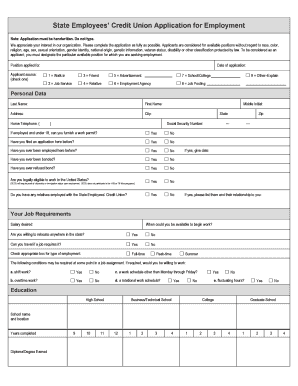
State Employees ' Credit Union Application for Employment. We appreciate your interest in our organization. Please complete the application as fully as possible. Applicants are considered for available positions without regard to race,

Mv 904sp
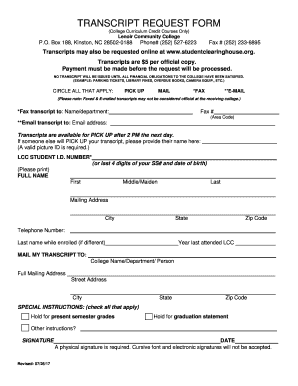
Lenoir cc transcript request

Sanfordchart org mychart en us pdf adult proxy form pdf

Toastmasters form club

Download Application - Camp Lohikan

Bem 245
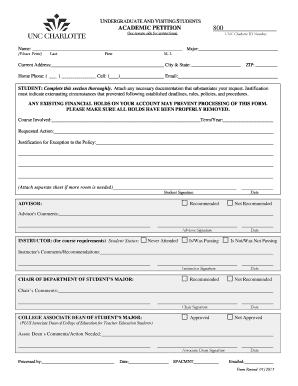
Academic petition

Project gold
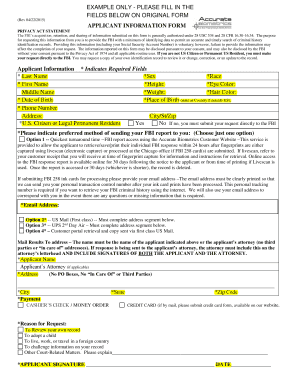
Biometric form
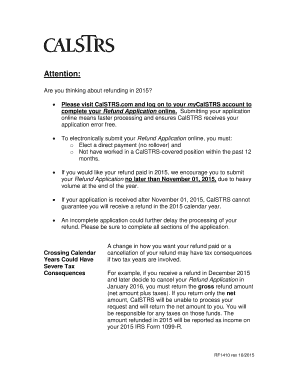
Calstrs refund
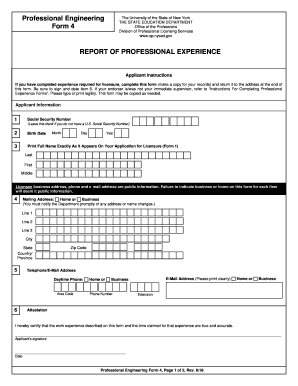
Nysed 4
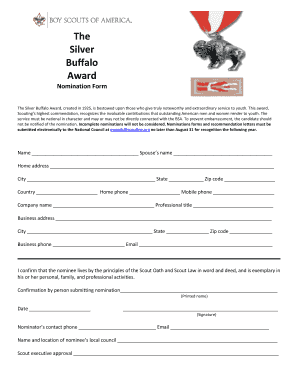
Buffalo award
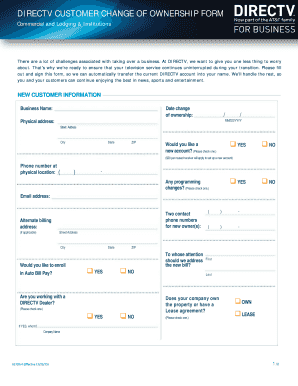
Directv change ownership
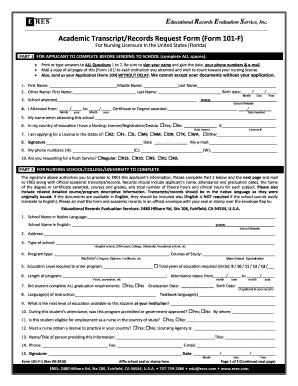
101 eres

Candidate consultation
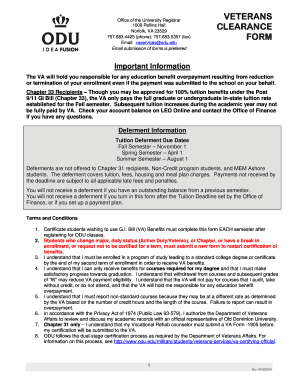
Va clearance form

Baton Rouge, LA 70884

Postal letterhead

Fiduciary account application
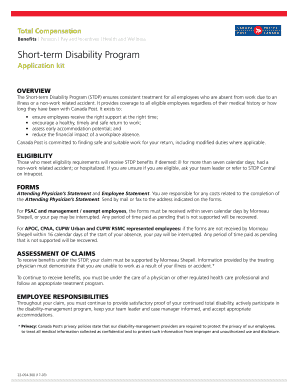
Canada post program form

Arborist report template

Anz super withdrawal

Pagcor machine
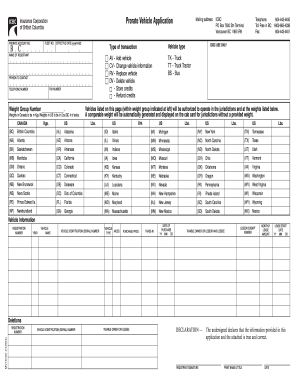
Mv1510v prorate vehicle application icbc

Evaluation comparative quebec
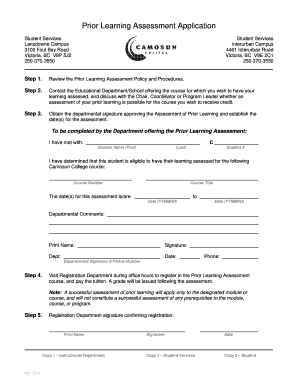
Camosun form
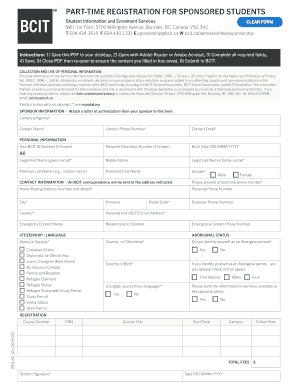
Bcit sponsorship form
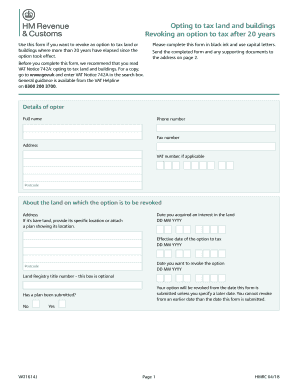
Vat1614a
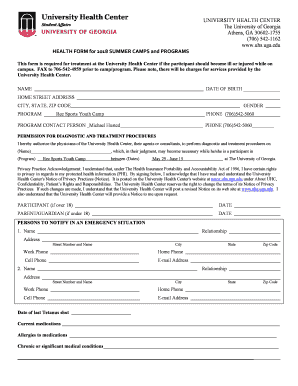
Health form for summer programs rev feb 2018
Custodian-parent.pdf - Citizenship and Immigration Canada ...
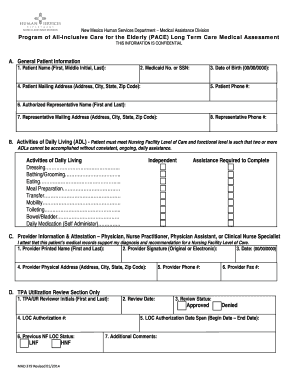
Medical assessment form
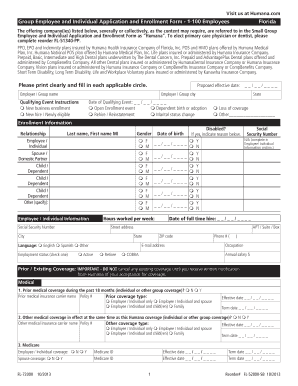
Fl 72000

Ares form
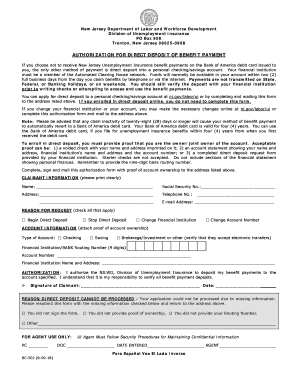
Bc 502 form

Pto 2038 uspto
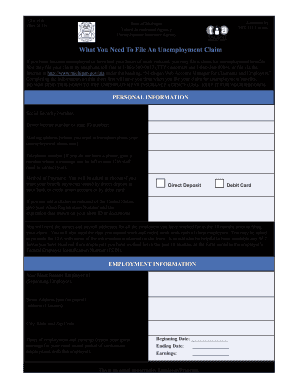
Michigan unemployment
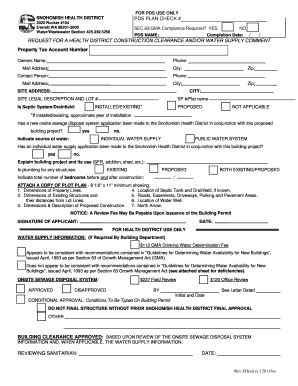
Snohomish health district clearance form
Fillable Online How to File an Answer to a Complaint in ...

Oh estimated
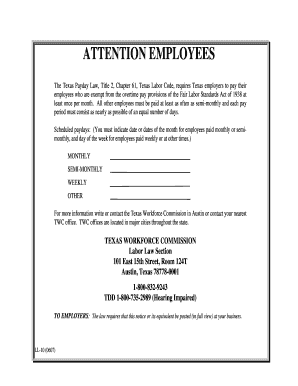
Form LL-10: Texas Payday Law Poster - Northwood University - northwood
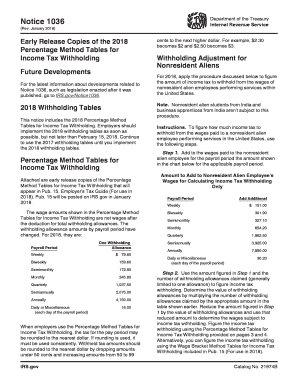
Notice 1036
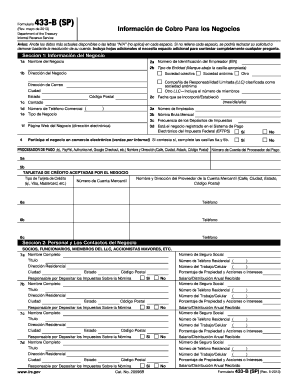
Form 433 sp
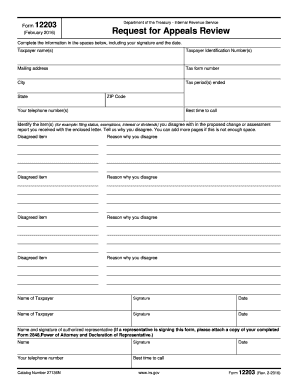
Irs office of appeals address
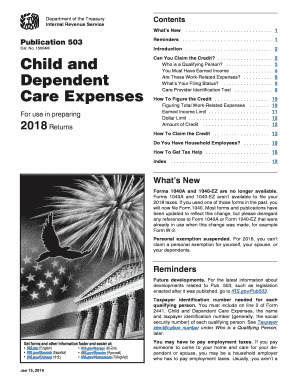
Irs publication 503
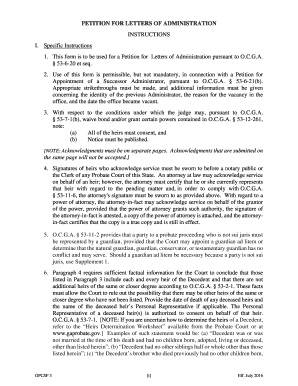
Form 3 Final ICJE
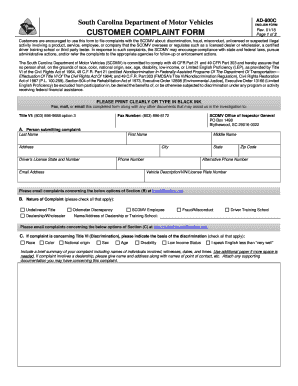
If filing a complaint against a vehicle dealership, please complete Form DE-002C: Dealer Licensing & Audit

8844
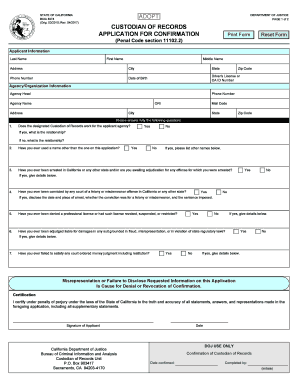
Bcia 8374
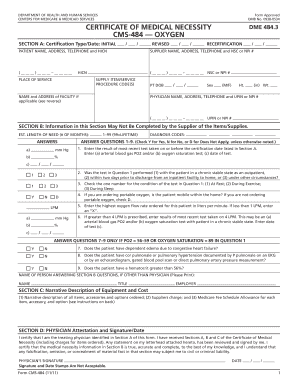
484 Backer. Notice of Exclusions from Medicare BenefitsSkilled Nursing Facility (NEMB-SNF) - cms

Self request
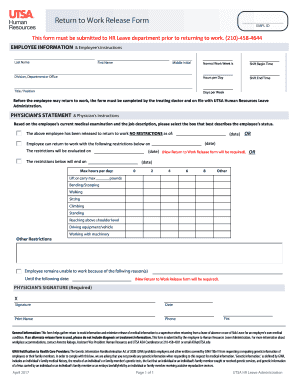
Return to work release form - UTSA
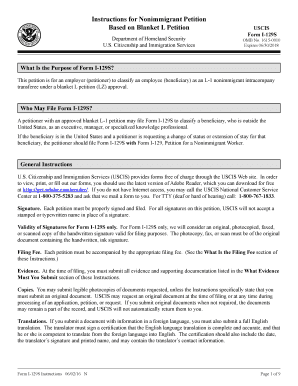
I 129s
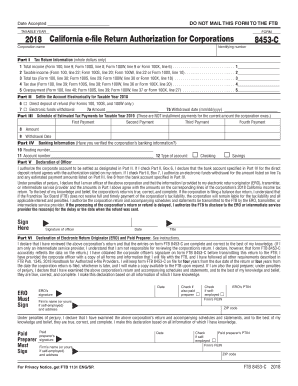
2018 Form 8453-C-California e-file Return Authorization for Corporations. 2018 Form 8453-C-California e-file Return Authorization for Corporations

CDTFA-65. Notice of Closeout for Sellers Permit

Form 2519
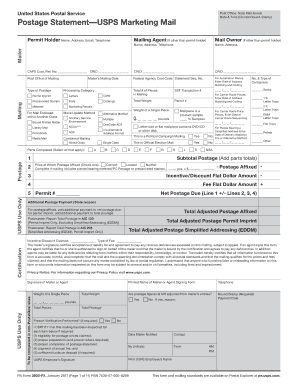
Ps form 3602 r
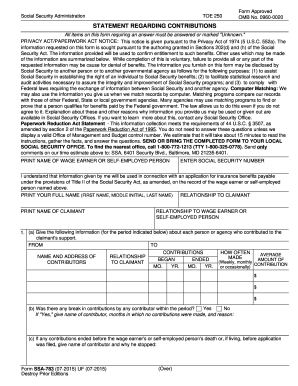
Form 783

Jv672

12 995 b
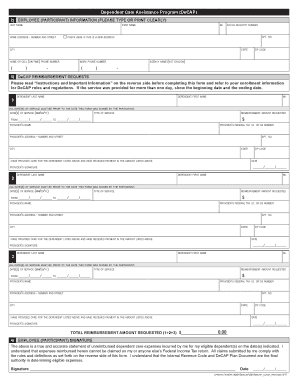
Instructions completing the eap case activity and billing form

Fl 560
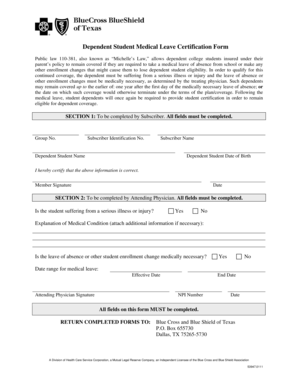
Public law 110381, also known as Michelles Law, allows dependent college students insured under their - bcbstx
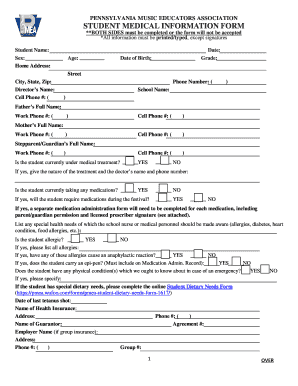
**BOTH SIDES must be completed or the form will not be accepted
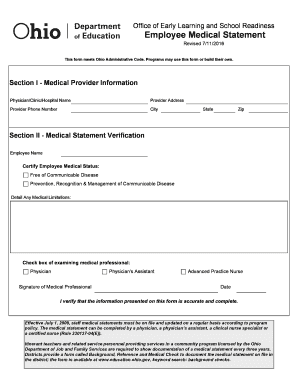
Section I - Medical Provider Information
Benefit from the DocHub online library of fillable PDF forms
Searching the PDF forms doesn't have to be a tedious and time-consuming process. With the DocHub online library, it has become easier to find the fillable PDF forms and modify them in your browser. The service allows you to adjust the document to your needs using powerful editing tools.
You can use online document editing features to modify almost any type of document with ease. You just need to find the template of your choice, open it in the editor, and use the toolbar to make the necessary corrections.
Follow this guide to get your document done with DocHub:
- Find the PDF template you need.
- Click the Get Form button to open the file in the editor.
- Use the toolbar to fill out and edit the document.
- Easily add and highlight text, insert images, checkmarks, and symbols.
- Drop new fillable fields, and rearrange or delete pages from your file.
- Save changes and download your record.
DocHub empowers everyone to streamline document editing, signing, and distribution, and form completion. Create an account and benefit from our well-organized PDF Forms library and comprehensive editor.