
Get any PDF form from the DocHub library of ready-made templates - Page 1384

Illinois not for profit registration
Organizing illinois of

Fillable Online 50504 fill-in. State Form 50504, Indiana ...
Services australia au centrepay business

En firearms
Order on Motion to Change Venue - Utah Courts - utcourts
Certificate of Waiver Medical Test Site
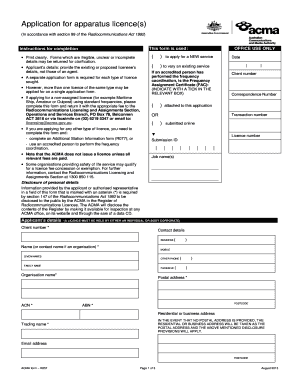
Acma application form to change equipment

Blank church church budget pdf 2019-2020 Doc Template ...
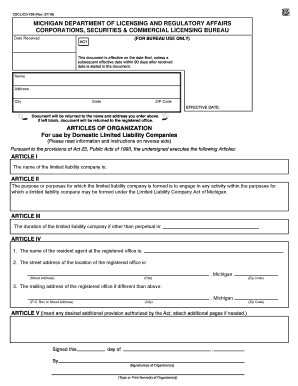
Certificate of amendment to the articles of organization

Michigan llc form 700

Oregon tort claim form
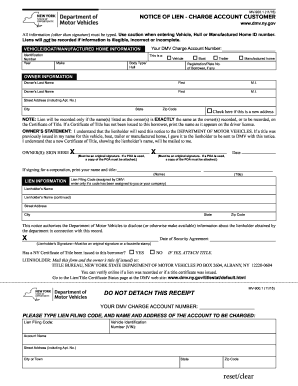
Notice of lien form ny
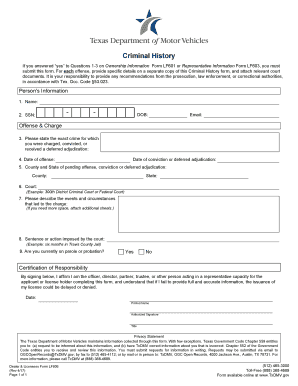
Lf606
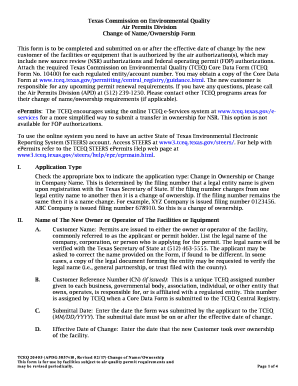
Tceq form when you send letter to customers for violations
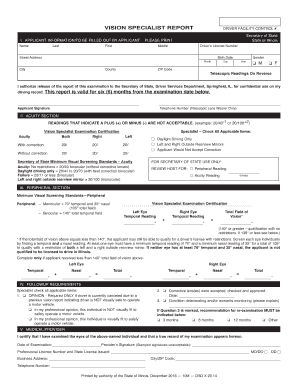
State of illinois vision special report

Virginia dmv license renewal
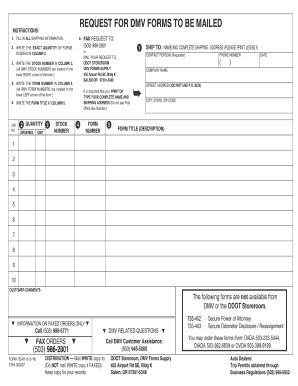
735 6110
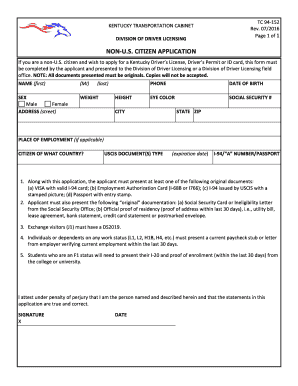
Tc 94 152

Customer ServiceLake Havasu City

Schengen visa form pdf
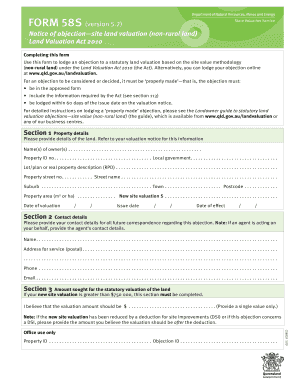
Form 58S: Notice of objection site land valuation (non-rural ... - DocHub

Order Replacement STCW CertificateSALT Services
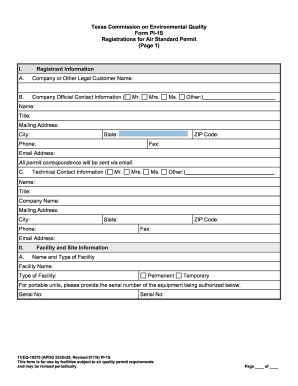
Form PI-E - Notification of Change to Qualified Facilities - TCEQ
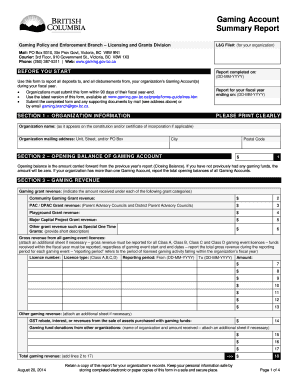
Gaming account summary report

Sde 0093

Penn dot cs 704

Form havasu

Vehicle service department 2016-2019 form

Uk eto coc
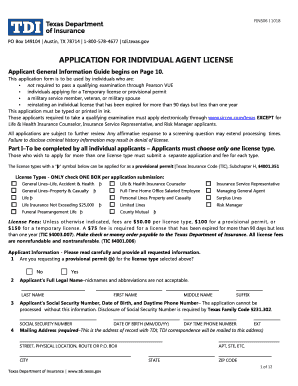
Form individual agent
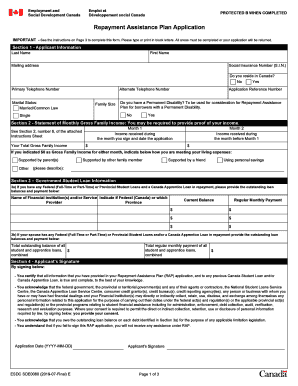
Repayment assistance plan form
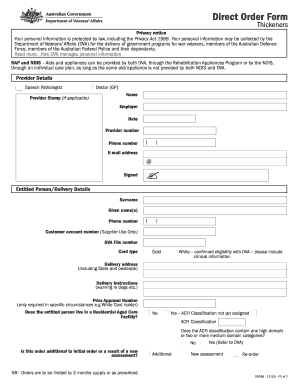
D9166 Direct Order Form - Thickeners. D9166 Direct Order Form - Thickeners
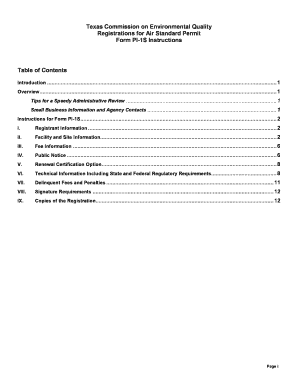
Pi 1s
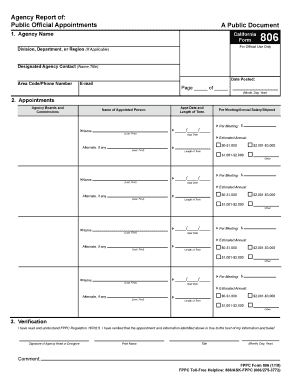
Fppc 806
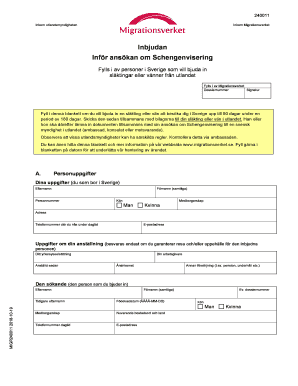
Inbjudan

Rwm707 tda form

Caa 2129

Delaware dmv form for out of state

CPR and First Aid Training Request Form - Oregon.gov

Alcohol interlock exemption

Delaware affidavit form for titling
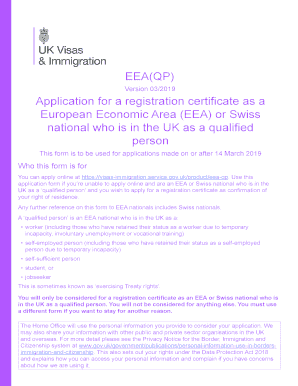
Eea fm online application form
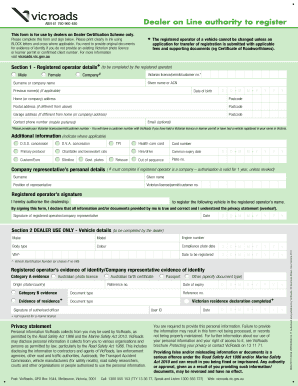
Dealer online authority to register

Kansas reinstatement
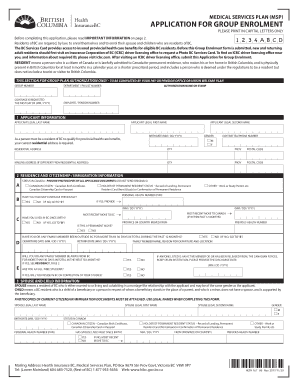
Form application british columbia
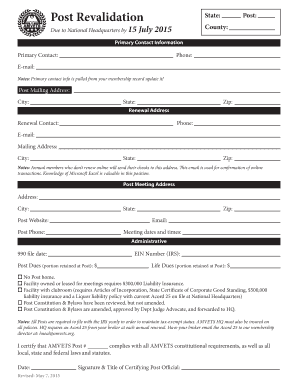
Post revalidation

Immigrant investorStuart Investments

VET Payment Plan Application.pdf
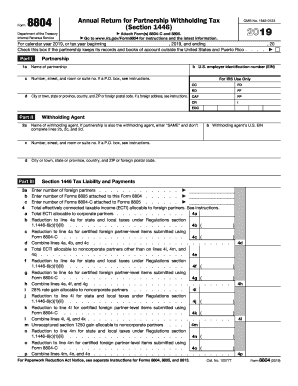
2018 form 8804
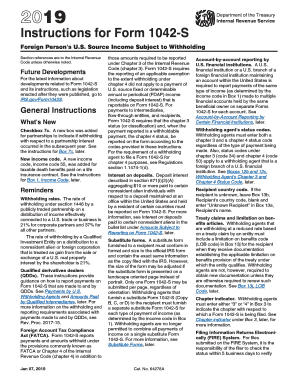
Form 1042s
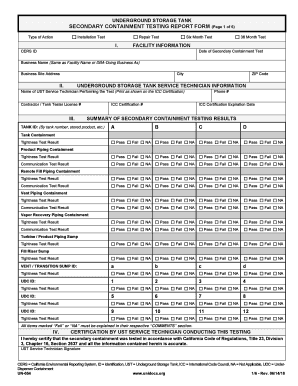
Underground Storage Tank Secondary Containment Testing Report Form

Seattle release

Grid landlord
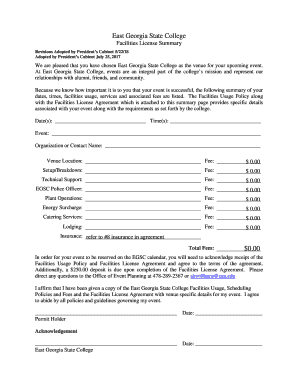
Revisions Adopted by Presidents Cabinet 5/22/18
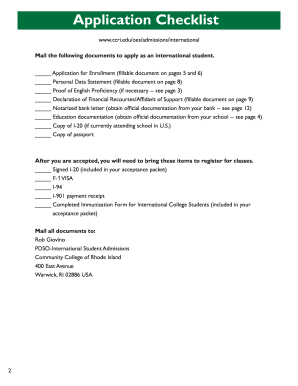
Edmonds Community College: International Student Services ...
DISCLOSURE CONCERNING ARBITRATION AND CLASS ACTION WAIVER
Practice Management Conference - AUA2019
Lohikan form
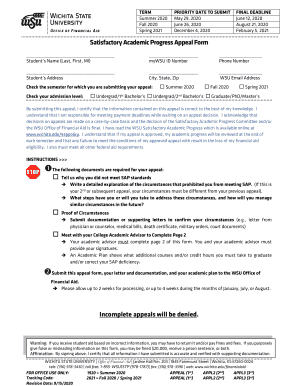
February 5, 2021

2016 UNUM CL-1091

Transcript request form - St. Cloud State University

TRiO Program Application - Pierce College - ctc.edu - pierce ctc
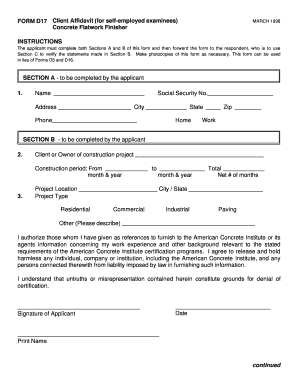
D16 form
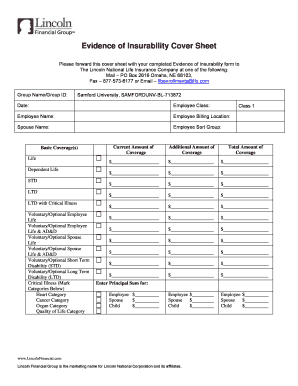
Please forward this cover sheet with your completed Evidence ...
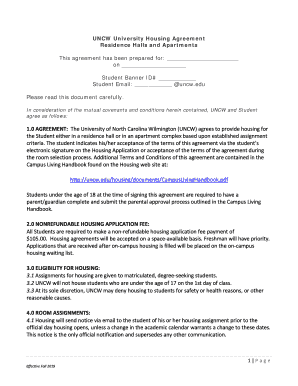
UNCW University Housing Agreement Residence Halls and ...

(PDF) Proceedings of the 13th Hokkaido Indonesian Student ...

FINRA-NYSE TRF Subscriber Service Agreement RETAIL Mar2020.doc
Academic Calendar and Final Exam ScheduleTexas A&M ...
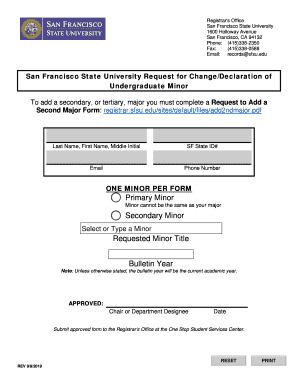
Sfsu minors
Dade county for transcript
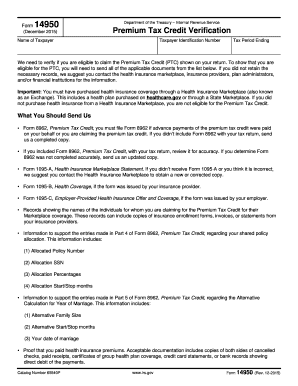
Form 14950

Financial aid emergency application

Lohikan form
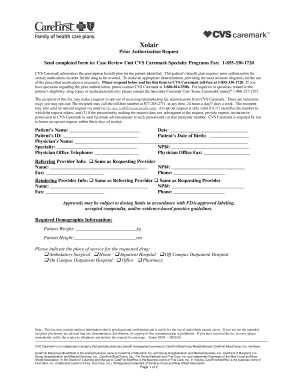
CVS Caremark is required by law
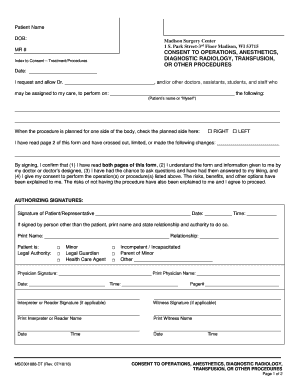
Park Street-3rd Floor Madison, WI 53715

Otolaryngology KMC & SYC

Readmission To Laguardia Community College - Fill Online ...

Igetc

Verification residence
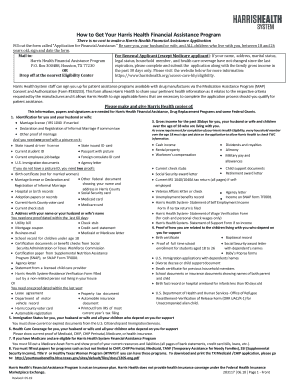
Harris application online
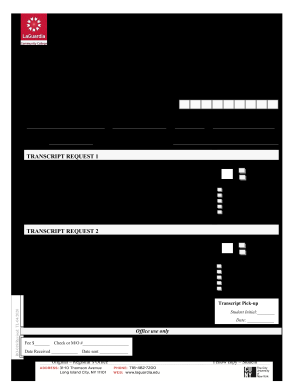
Laguardia community college transcript
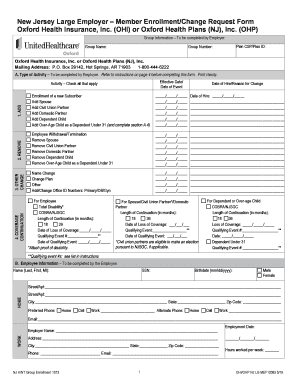
Member Enrollment/Change Request Form Oxford Health Insurance, Inc.
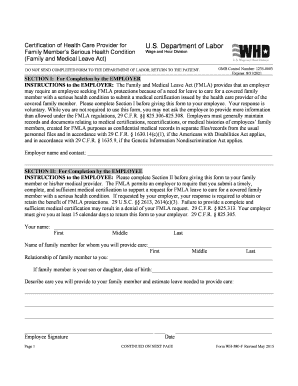
Regulation 4320 - Short-Term Leaves for Certified Teachers ...
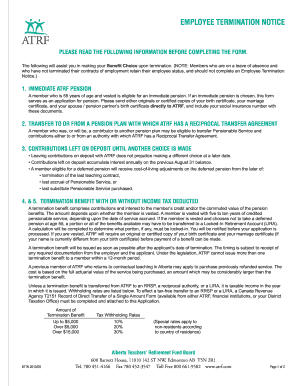
Rental termination notice
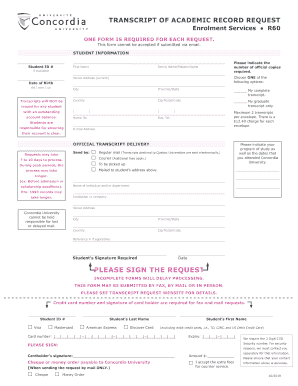
Transcript of Academic Record Request - Concordia University
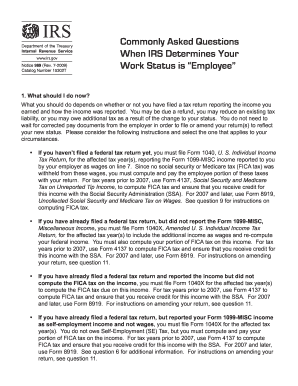
989 form
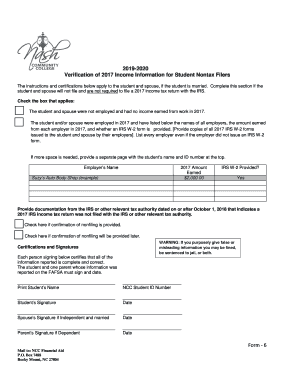
Student and spouse will not file and are not required to file a 2017 income tax return with the IRS
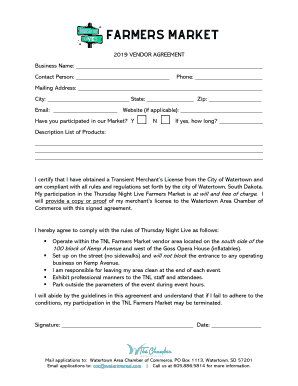
Email: Website (if applicable):
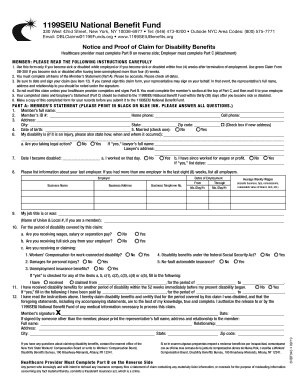
Disability Claim Form1199SEIU Benefit Fund

Aama continuing education roster

2019 2020 Freshman Admissions Appeal Form
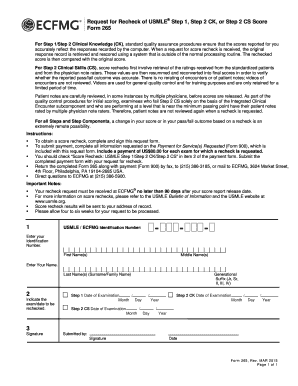
Form 265
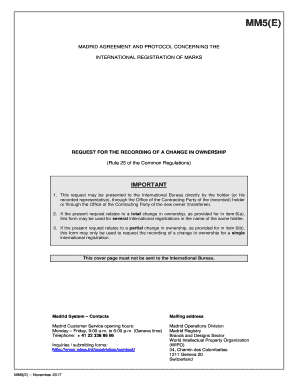
Mm5 form

Banco frances transferencias al exterior

Virtus 1099r
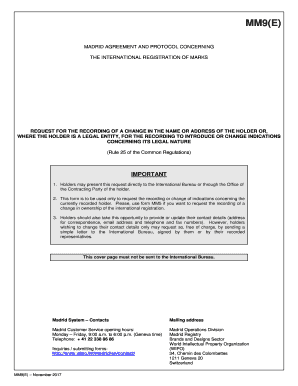
Mm9 wipo
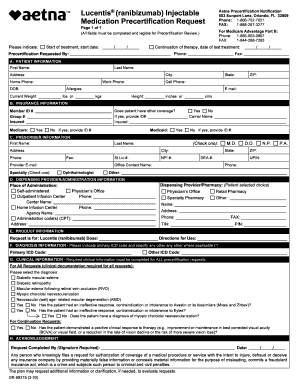
PRIOR APPROVAL REQUEST Member Information

Physical therapy invoice layout paper
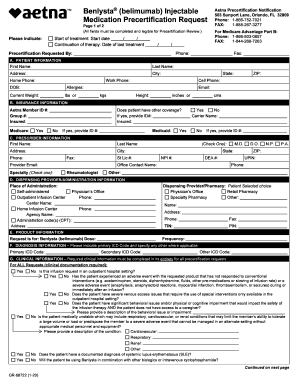
GR 68722 Medication Precertification Form - Aetna
Benefit from the DocHub online library of fillable PDF forms
Searching the PDF forms doesn't have to be a tedious and time-consuming process. With the DocHub online library, it has become easier to find the fillable PDF forms and modify them in your browser. The service allows you to adjust the document to your needs using powerful editing tools.
You can use online document editing features to modify almost any type of document with ease. You just need to find the template of your choice, open it in the editor, and use the toolbar to make the necessary corrections.
Follow this guide to get your document done with DocHub:
- Find the PDF template you need.
- Click the Get Form button to open the file in the editor.
- Use the toolbar to fill out and edit the document.
- Easily add and highlight text, insert images, checkmarks, and symbols.
- Drop new fillable fields, and rearrange or delete pages from your file.
- Save changes and download your record.
DocHub empowers everyone to streamline document editing, signing, and distribution, and form completion. Create an account and benefit from our well-organized PDF Forms library and comprehensive editor.