Regulation 4320 - Short-Term Leaves for Certified Teachers ...-2026

Get Form
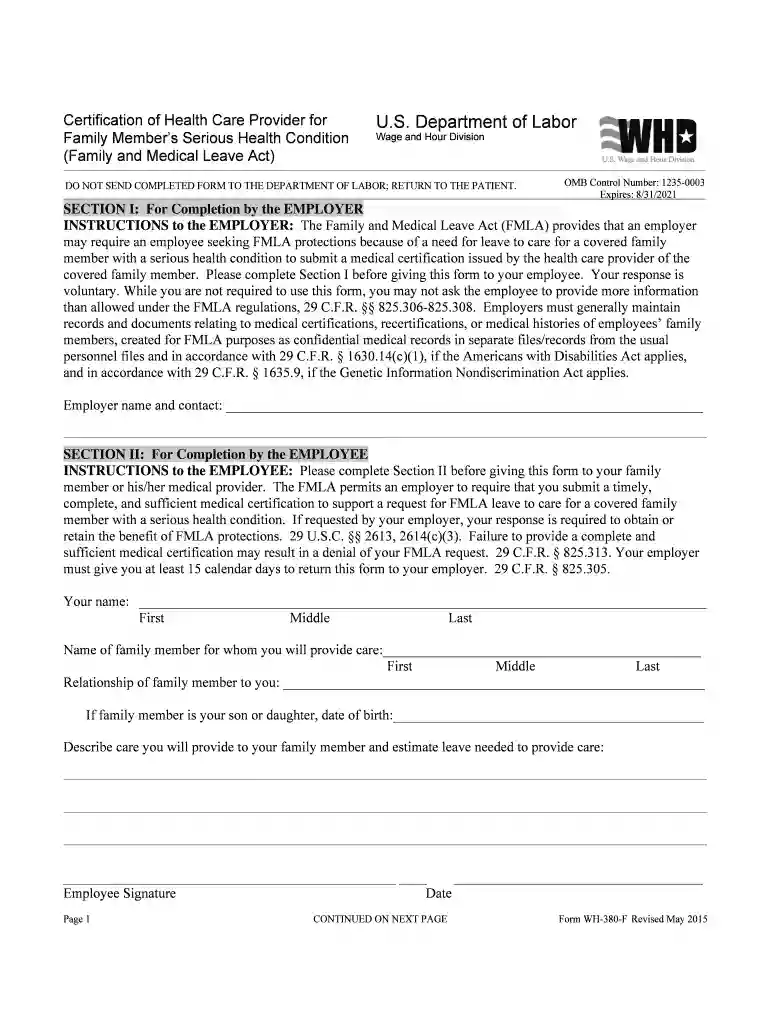
Regulation 4320 - Short-Term Leaves for Certified Teachers ... Preview on Page 1

Here's how it works

01. Edit your form online
Type text, add images, blackout confidential details, add comments, highlights and more.

02. Sign it in a few clicks
Draw your signature, type it, upload its image, or use your mobile device as a signature pad.

03. Share your form with others
Send it via email, link, or fax. You can also download it, export it or print it out.

How to use or fill out Regulation 4320 - Short-Term Leaves for Certified Teachers ... with our platform

Form edit decoration
9.5
Ease of Setup
DocHub User Ratings on G2
9.0
Ease of Use
DocHub User Ratings on G2
  1. Click ‘Get Form’ to open it in the editor.
  2. Begin by entering your name, phone number, job title, and employee ID in the designated fields. This information is crucial for processing your leave request.
  3. Fill in the dates for your leave request, including the estimated start and return dates. Ensure these are accurate to avoid any delays.
  4. Select the reason for your absence by checking the appropriate box. If documentation is necessary, make sure to attach it as required.
  5. Review the terms regarding unpaid leave and medical certification requirements. Acknowledge your understanding by signing at the bottom of the form.
  6. Once completed, save your document and submit it via fax or email as indicated on the form.

Start using our platform today to streamline your leave request process effortlessly!

See more Regulation 4320 - Short-Term Leaves for Certified Teachers ... versions

We've got more versions of the Regulation 4320 - Short-Term Leaves for Certified Teachers ... form. Select the right Regulation 4320 - Short-Term Leaves for Certified Teachers ... version from the list and start editing it straight away!
Versions Form popularity Fillable & printable
2020 4.8 Satisfied (87 Votes)
2018 4.3 Satisfied (220 Votes)
be ready to get more

Complete this form in 5 minutes or less

Get form

Got questions?

We have answers to the most popular questions from our customers. If you can't find an answer to your question, please contact us.
Contact us

Most eSignature solutions require users to have a paid subscription. With DocHub, there are two options for you to add an electronic signature to your Regulation 4320 - Short-Term Leaves for Certified Teachers ... at no cost:

  • You can do it during a 7-day trial period;
  • You can subscribe to a free plan.

The second option, however, has restrictions on the number of signatures, sign requests, emails, and documents for editing available per month. You can check for full information here.

You can find the latest and most relevant version of the Regulation 4320 - Short-Term Leaves for Certified Teachers ... in our DocHub forms collection. Browse it by categories or utilize the search field to get the exact template that suits your situation. You may open this form for editing after you find it.

An employee is entitled to 12 weeks of FMLA leave in a 12-month period. An employees 12-month FMLA period (that is, the timeframe during which the employee may use the 12 weeks of FMLA leave) begins on the date the employee first takes FMLA leave and continues for a 12-month period from the date of first usage.
Most states (36) have laws on the minimum number of leave days for public employees and/or teachers, with the most common state policy ensuring at least 10 paid sick days. However, all of the 148 large districts that NCTQ tracks enumerate leave policies for teachersand all of them start with at least eight days.

Security and compliance

At DocHub, your data security is our priority. We follow HIPAA, SOC2, GDPR, and other standards, so you can work on your documents with confidence.

Learn more
ccpa2
pci-dss
gdpr-compliance
hipaa
soc-compliance
be ready to get more

Complete this form in 5 minutes or less

Get form