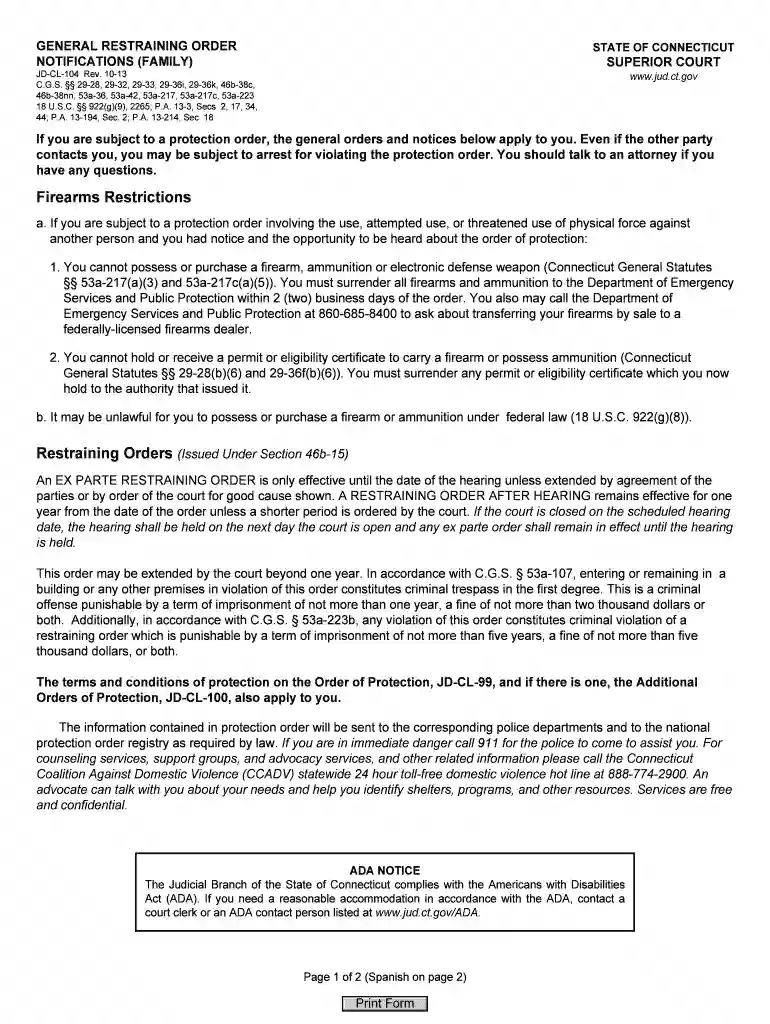
restraining order notifications pdf Preview on Page 1

Restraining order notifications pdf 2026

Here's how it works

  • 01. Edit your form online

    Type text, add images, blackout confidential details, add comments, highlights and more.

  • 02. Sign it in a few clicks

    Draw your signature, type it, upload its image, or use your mobile device as a signature pad.

  • 03. Share your form with others

    Send it via email, link, or fax. You can also download it, export it or print it out.

How to use or fill out restraining order notifications pdf with our platform

Form edit decoration
9.5
Ease of Setup
DocHub User Ratings on G2
9.0
Ease of Use
DocHub User Ratings on G2
  1. Click ‘Get Form’ to open the restraining order notifications PDF in the editor.
  2. Begin by reviewing the Firearms Restrictions section. Ensure you understand the prohibitions regarding firearm possession and the requirement to surrender any firearms within two business days.
  3. Next, navigate to the Restraining Orders section. Familiarize yourself with the differences between an Ex Parte Restraining Order and a Restraining Order After Hearing, noting their durations and conditions.
  4. Fill in any required personal information as prompted by the form. This may include your name, contact details, and specifics related to the protection order.
  5. Review all entries for accuracy before saving your changes. Utilize our platform’s features to highlight important sections or add notes if necessary.

Start using our platform today for free to complete your restraining order notifications PDF efficiently!

See more restraining order notifications pdf versions

We've got more versions of the restraining order notifications pdf form. Select the right restraining order notifications pdf version from the list and start editing it straight away!

VersionsForm popularityFillable & printable
20164.8 Satisfied (185 Votes)
20134.4 Satisfied (310 Votes)

be ready to get more

Complete this form in 5 minutes or less

Security and compliance

At DocHub, your data security is our priority. We follow HIPAA, SOC2, GDPR, and other standards, so you can work on your documents with confidence.

Related links

Protection Orders

A notification of the order is emailed to local law enforcement agencies where the parties live and work. This notification process ensures all appropriateRead more

Learn more
Written Notification

The form requires the petitioner to list the reasons for the order which can include: disorderly conduct, harassment, aggravated harassment, criminal mischief,Read more

Learn more
Part 80: Rules and Regulations on Controlled Substances in

(2) A certified and authorized individual making any administration of a controlled substance pursuant to a physician order or protocol order shall notify aRead more

Learn more
If you believe that this page should be taken down, please follow our DMCA take down process here