




01. Edit your form online
Type text, add images, blackout confidential details, add comments, highlights and more.

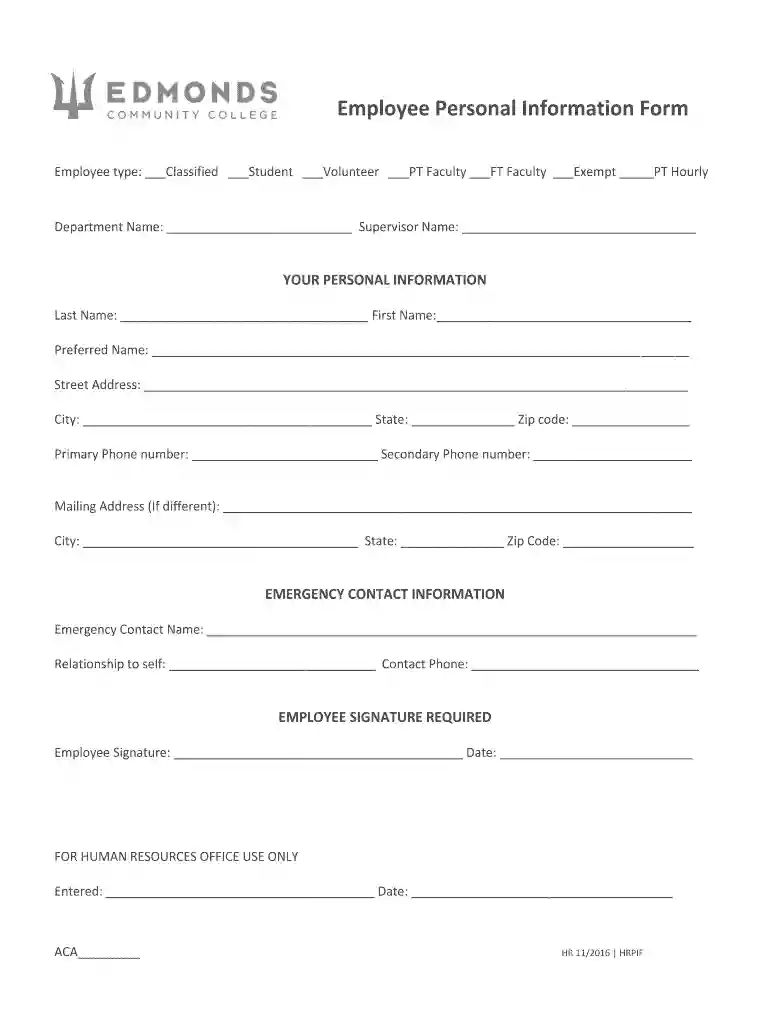
Type text, add images, blackout confidential details, add comments, highlights and more.

Draw your signature, type it, upload its image, or use your mobile device as a signature pad.

Send it via email, link, or fax. You can also download it, export it or print it out.

Start filling out your new hire packet today for a smooth onboarding experience!
We've got more versions of the new hire packet - Edmonds Community College form. Select the right new hire packet - Edmonds Community College version from the list and start editing it straight away!
At DocHub, your data security is our priority. We follow HIPAA, SOC2, GDPR, and other standards, so you can work on your documents with confidence.
Employers can use this form to document the retirement status of all new employees. DRS Contact Information. Employer Support Services (ESS). 360.664.7200Read more
Return your ballot to a ballot drop box. Your ballot must be returned to a ballot drop box by 8 p.m. on Election Day. Plan ahead to avoid lines.
Violation: An Edmonds Community College employee may have violated the Ethics in Public Service Act when they allowed a private citizen to rent state facilitiesRead more


