
Get any PDF form from the DocHub library of ready-made templates - Page 1108
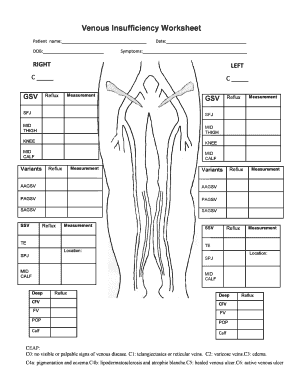
Venous Insufficiency Worksheet
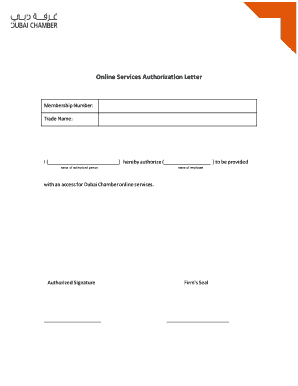
Online Services Authorization Letter - Dubai Chamber
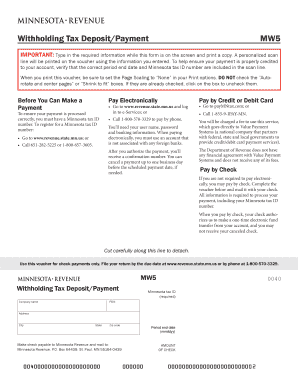
MW5, Withholding Tax Deposit Payment Voucher
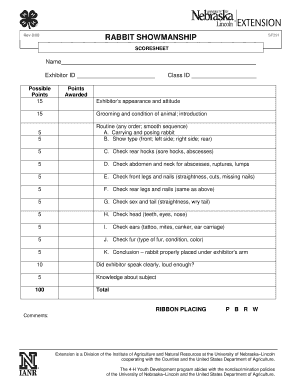
Rabbit showmanship scorecard
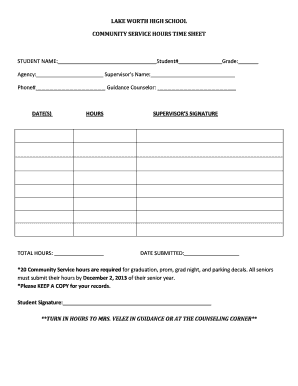
LAKE WORTH HIGH SCHOOL COMMUNITY SERVICE HOURS - lwchs
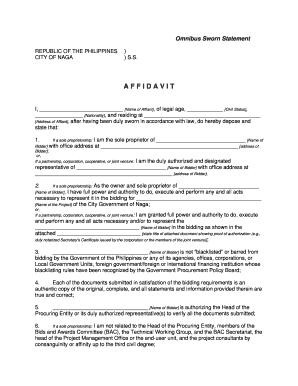
Omnibus sworn statement

Protocol endorsement form
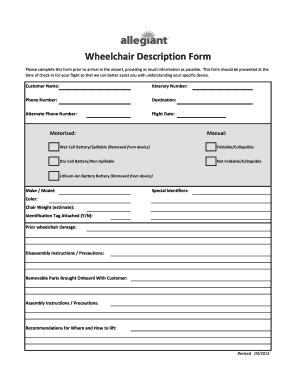
Wheelchair Description Form - Allegiant Air

Appliance addendum

Finder Executive Producer Agreement

Boe 230 m
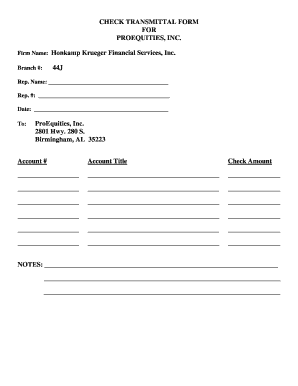
Check transmittal form

SME Direct Form New and Maintenance - Mashreq

Food in School Permisson Slipdocx - portal cranburyschool
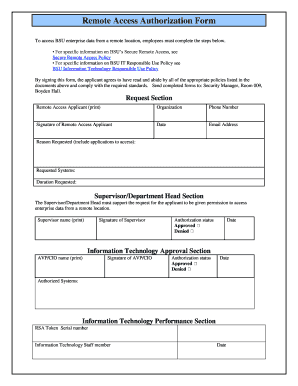
Remote Access Authorization Form

My culture project
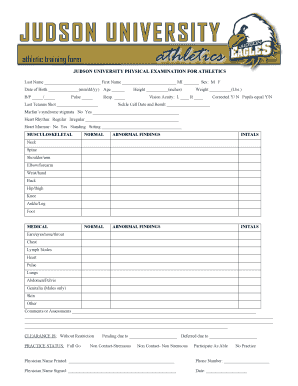
JUDSON UNIVERSITY athletics athletic training form
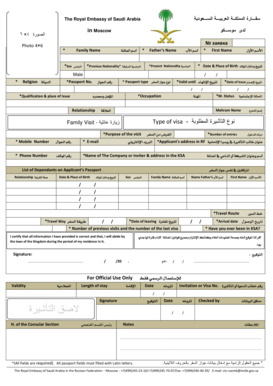
Saudi arabia visa application form sample

Table Tennis Scoresheet
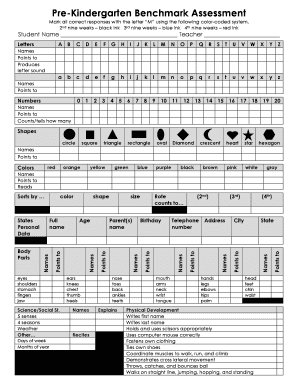
Kindergarten benchmark assessment pdf
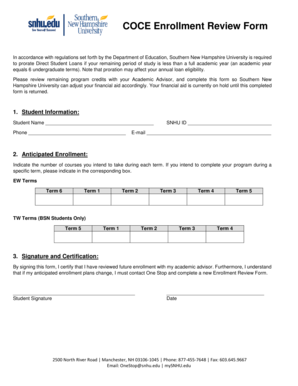
Enrollment Review Form - Southern New Hampshire University
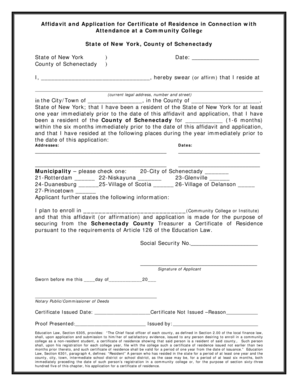
Certificate of residence schenectady county
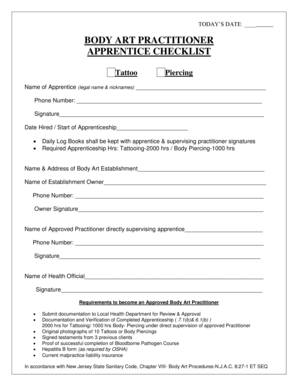
Tattoo apprenticeship checklist
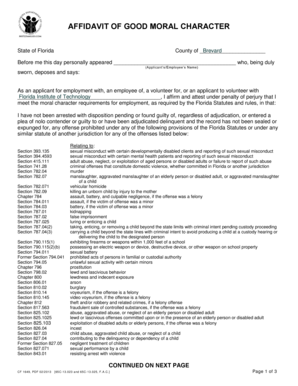
Affidavit of good moral character sample
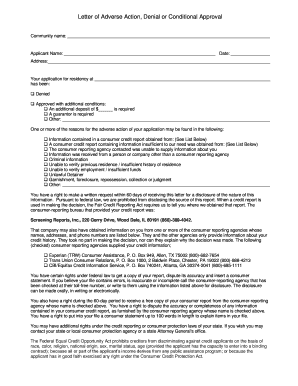
Adverse action letter conditional approval
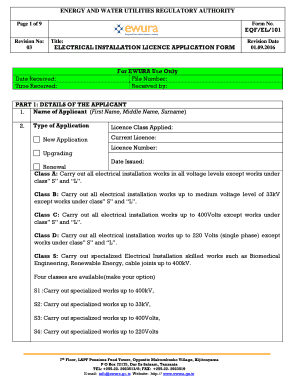
Ewura electrical license

Mmac cds proposal
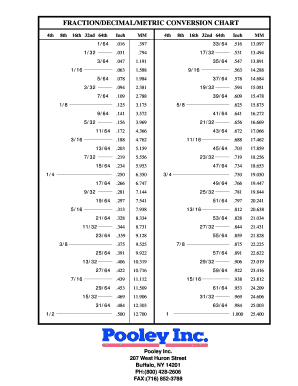
Fraction chart 64ths
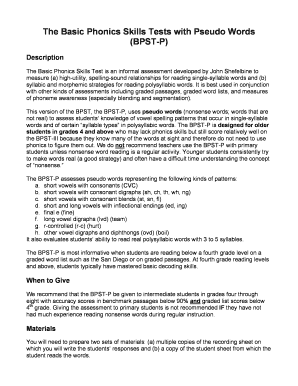
BPST-P complete doc

Mad libs love story
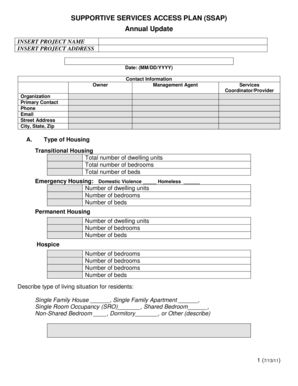
SUPPORTIVE SERVICES ACCESS PLAN (SSAP)

Kitchen action plan
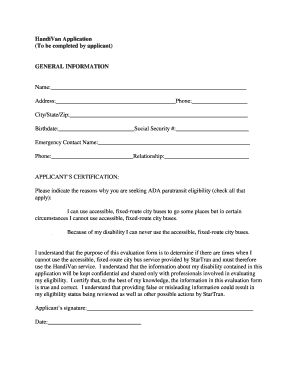
Handivan application
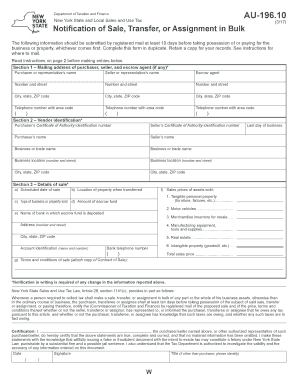
Au 196 10

Roommate questionnaire for adults pdf
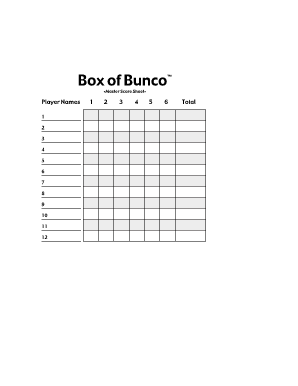
Bunco score sheets word document
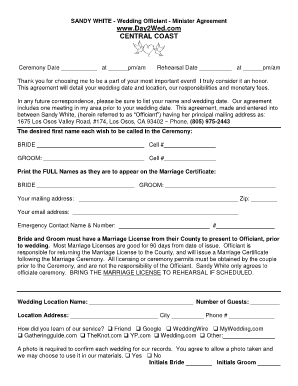
Wedding officiant pdfs form
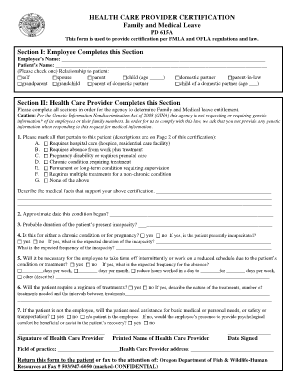
Reed group fmla forms pdf

Mortgage assistance form
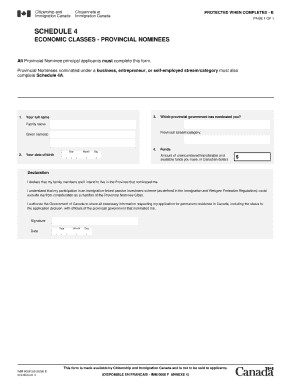
Imm 0008 sch4

Approximating irrational numbers worksheet

Inspira vineland medical records
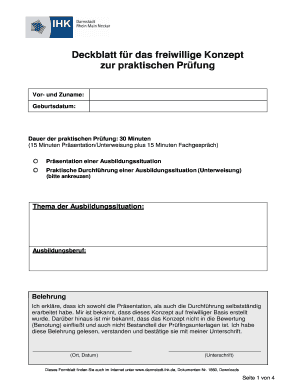
Deckblatt fr das freiwillige Konzept zur praktischen - IHK Darmstadt
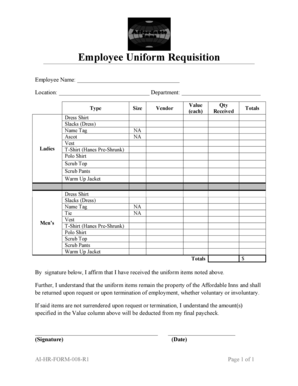
Uniform requisition form

New Property Management Client Information Sheet - The Spectrum

Moraine Hills and Volo Bog Archery Application - dnr illinois
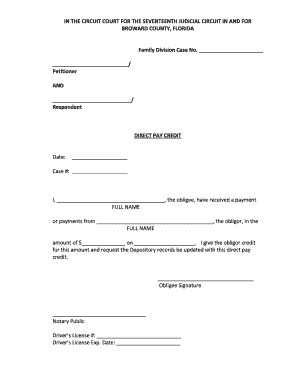
Direct Pay Credit - Broward County Clerk of Court
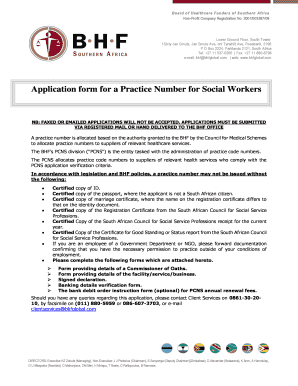
Bhf registration

Form 15 articles of revival

ROCKY FORD SCHOOL DISTRICT Emergency Crisis - rockyford k12 co
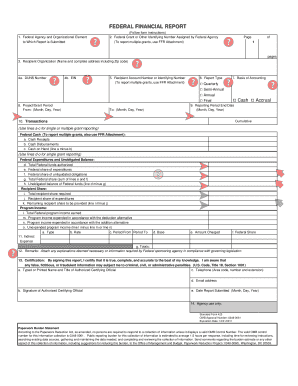
Sf 425

Act 153 volunteer affidavit
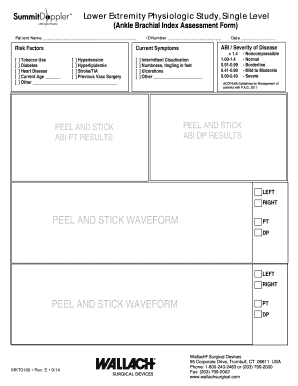
Ankle brachial index

Ultrasonic testing report format

Opwdd 147 form

Std255c
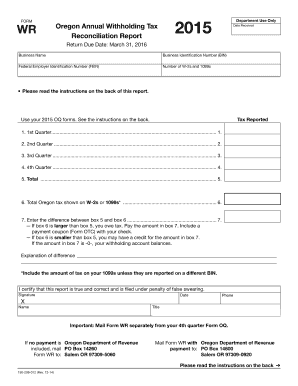
Form wr oregon 2015

Sos ks gov

Iprc form

Annexure e sample

Student cumulative file checklist california

560-021 Oversize Overweight Vehicle Single Trip Permit Application - wsdot wa

Special olympics physical

Near miss report in word format
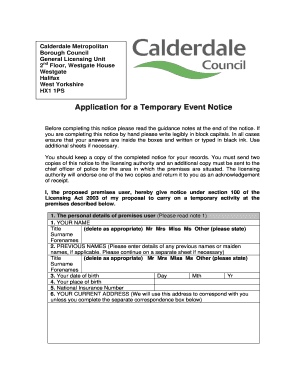
Application for a Temporary Event Notice - Calderdale - calderdale gov

Transcript Request Form - Commonwealth Institute of Funeral Services

Ppe evaluation form template

BVRP Agreement - Xcel Energy

Application for civilian base access - Patrick Air Force Base 45th
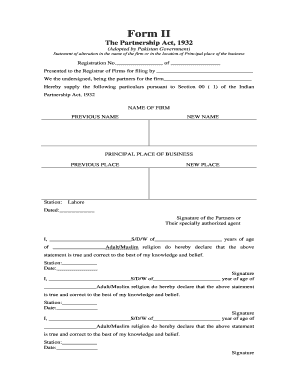
Form 2 partnership act karnataka
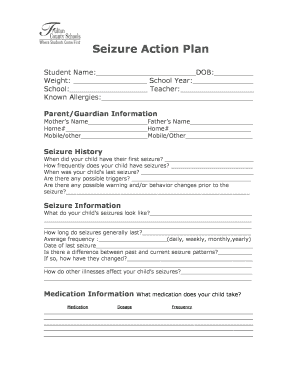
Seizure documentation sample

Hipaa form for student shadowing
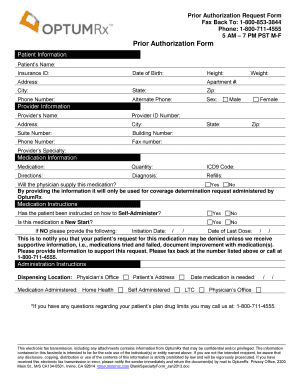
Optumrx appeal form pdf
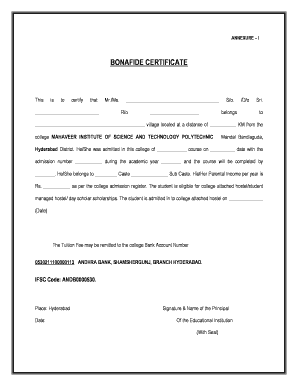
Bonafide certificate

Sandals application form
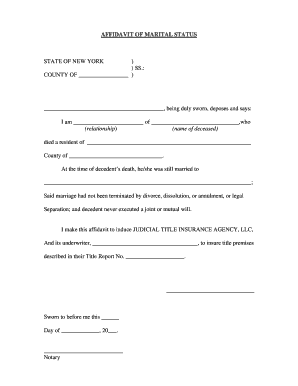
Affidavit of marital status
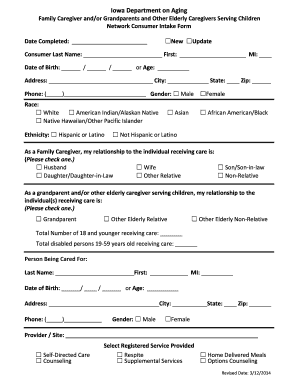
Intake forms

Aig cancellation form

Parenting Time Complaint - Ottawa County Michigan - miottawa

Fire drill report form - Indiana Rural Health Association - mcrh msu

Request bill form

San mateo county encroachment permit
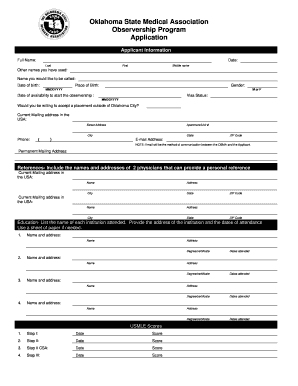
Oklahoma State Medical Association Observership Program

Download a Rental Application Form - Ray White Dulwich Hill
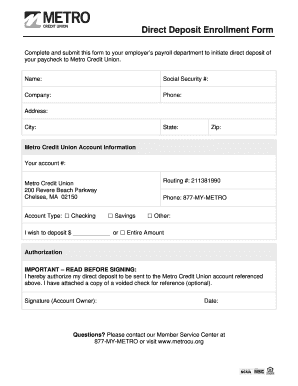
Metro credit union direct deposit form
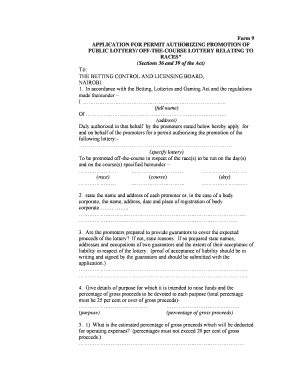
Gambling license cost in kenya

Clubhouse Rental Agreement Clubhouse Agreement
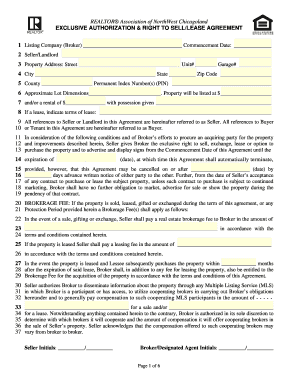
Realtor association of northwest chicagoland residential lease
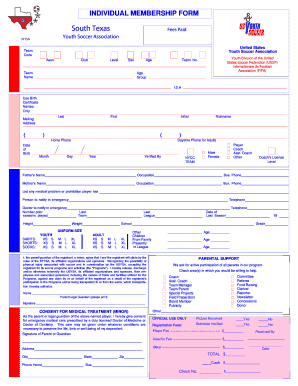
Player Registration Form - South Texas Youth Soccer Association - stxsoccer

Souvenir Journal Ad Form - Wix
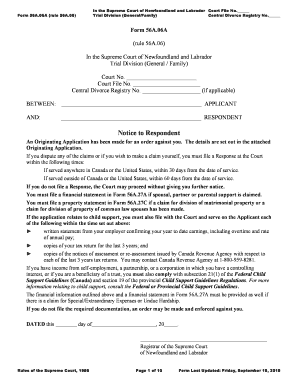
Originating application nl
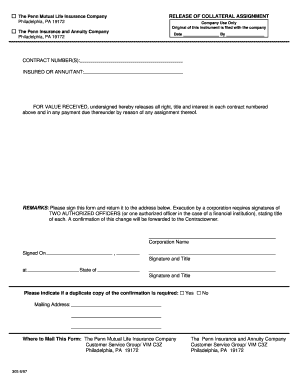
Release of Collateral Assignment Form - Penn Mutual Life
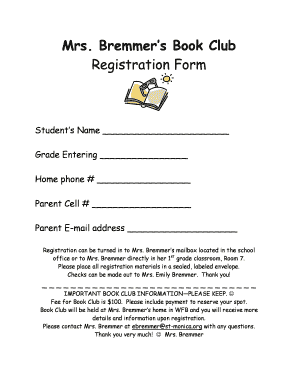
Book club registration form

ESP PSRP Referral Form - Chicago Public Schools
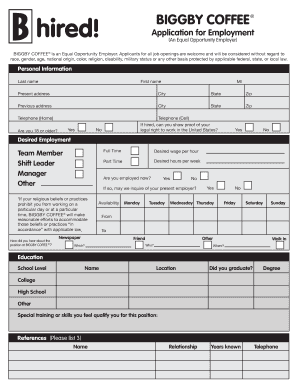
Print Application - City Apps

Print order form - Gramco School Supplies
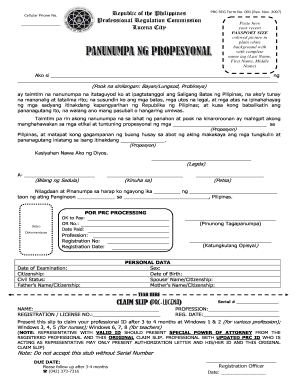
Panunumpa ng propesyonal sample filled up
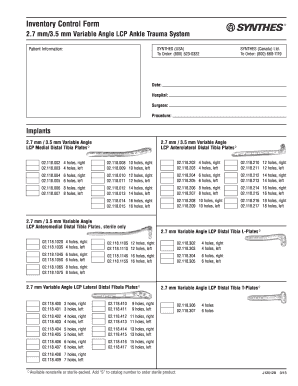
Synthes va ankle inventory
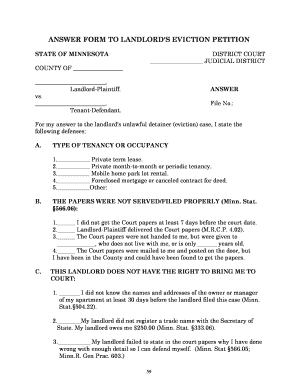
Fillable defendant answer eviction
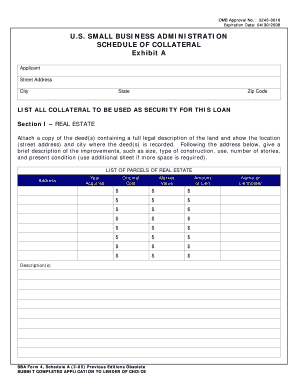
SBA Schedule Of Collateral (Non-Fillable) - purchaseadd
Benefit from the DocHub online library of fillable PDF forms
Searching the PDF forms doesn't have to be a tedious and time-consuming process. With the DocHub online library, it has become easier to find the fillable PDF forms and modify them in your browser. The service allows you to adjust the document to your needs using powerful editing tools.
You can use online document editing features to modify almost any type of document with ease. You just need to find the template of your choice, open it in the editor, and use the toolbar to make the necessary corrections.
Follow this guide to get your document done with DocHub:
- Find the PDF template you need.
- Click the Get Form button to open the file in the editor.
- Use the toolbar to fill out and edit the document.
- Easily add and highlight text, insert images, checkmarks, and symbols.
- Drop new fillable fields, and rearrange or delete pages from your file.
- Save changes and download your record.
DocHub empowers everyone to streamline document editing, signing, and distribution, and form completion. Create an account and benefit from our well-organized PDF Forms library and comprehensive editor.