




01. Edit your form online
Type text, add images, blackout confidential details, add comments, highlights and more.

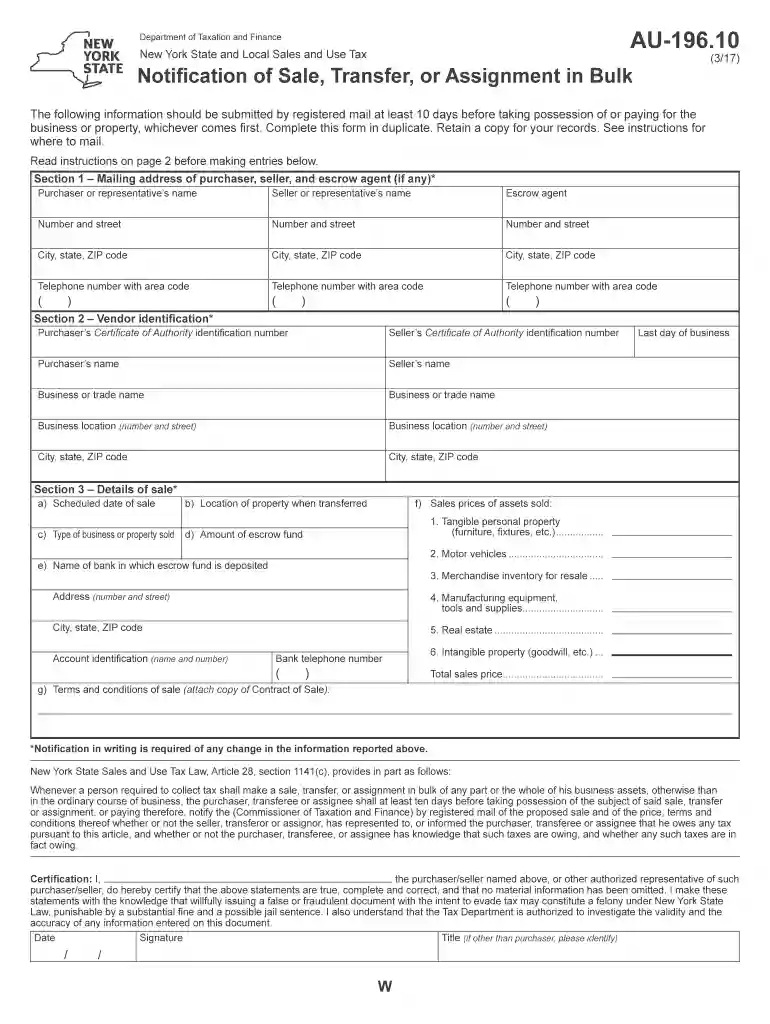
Type text, add images, blackout confidential details, add comments, highlights and more.

Draw your signature, type it, upload its image, or use your mobile device as a signature pad.

Send it via email, link, or fax. You can also download it, export it or print it out.

Start filling out your AU-196.10 form online for free today!
We've got more versions of the au 196 10 form. Select the right au 196 10 version from the list and start editing it straight away!
At DocHub, your data security is our priority. We follow HIPAA, SOC2, GDPR, and other standards, so you can work on your documents with confidence.
ARAB-196 Selected Topics: Non-Recurring (1-10). Topics vary by section. Repeatable for credit with different topic. Print this page. Print this Page
. For Technical Help call 1-800-332-3281. This Owners Manual is designed to help you get the most out of your Hobart products. 196 328 CABLE, work 10 no.
Whenever a person required to collect tax shall make a sale, transfer, or assignment in bulk of any part or the whole of his business assets, otherwise than inRead more


