
Get any PDF form from the DocHub library of ready-made templates - Page 1107
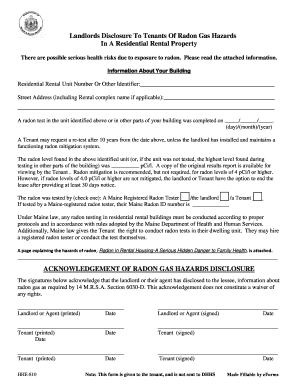
Maine Landlord's Disclosure of Radon Gas
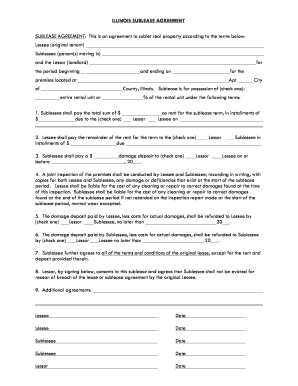
Illinois-sublease-agreement-template docx

Miaa volleyball score sheet

California real estate exam prep pdf
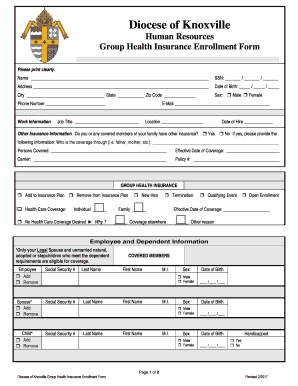
Group Health Insurance Enrollment Form
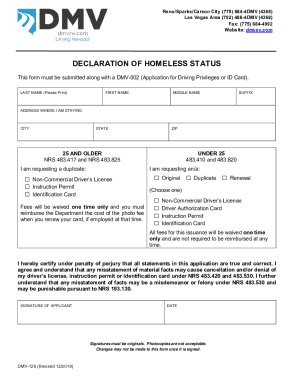
Nevada identification card

Extraordinary licence letter employer wa
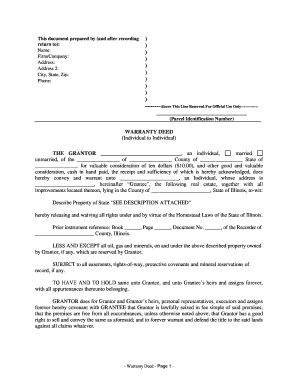
Il warranty deed
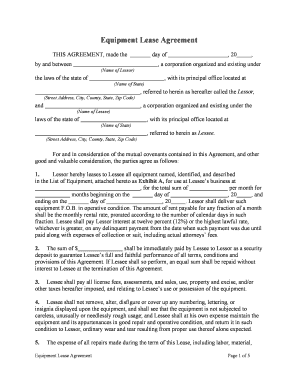
Equipment rental agreement

Hcad disability exemption
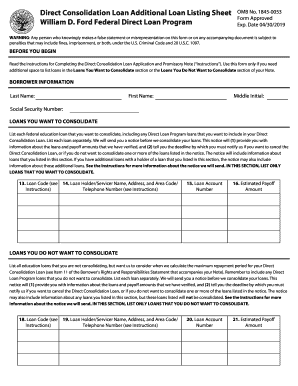
Direct Consolidation Loan Application - Additional Loan Listing Sheet This form is used only if appl

4dx scoreboard template excel
Crayon care scottish rite
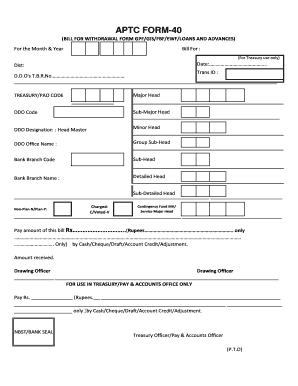
Aptc form 40 in word format
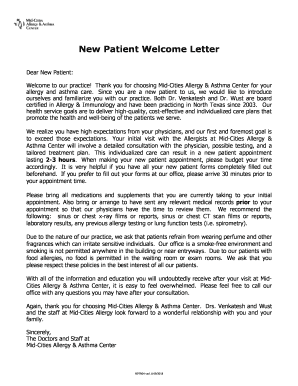
New patient welcome letter primary care
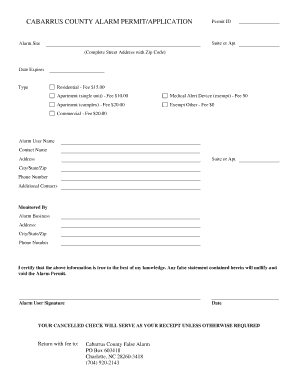
Cabarrus county false alarm reduction program

Diabetes intake form
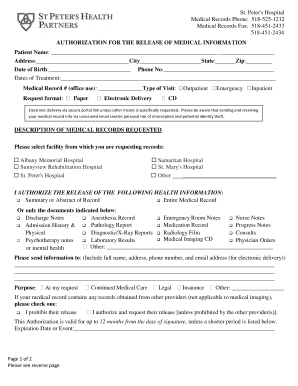
St peter's medical records
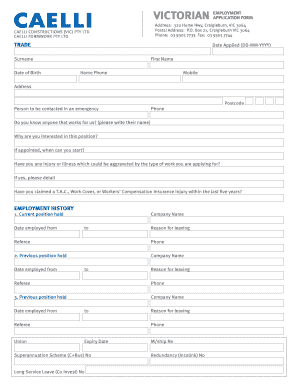
Caelli construction jobs
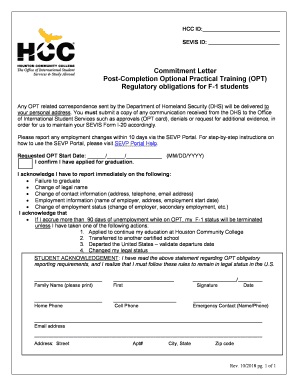
Hcc acceptance letter
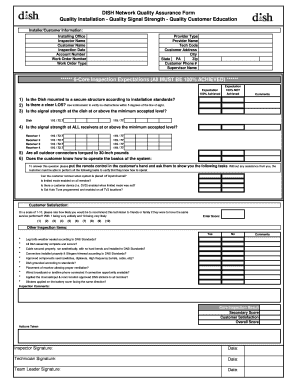
Quality assurance form template

DoDEA Form 21 SHSM H-12-3 Sport Physical
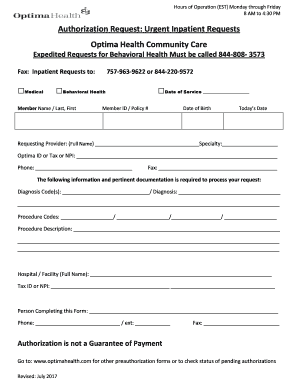
Optima medicaid prior authorization form

Mozambique visa application form
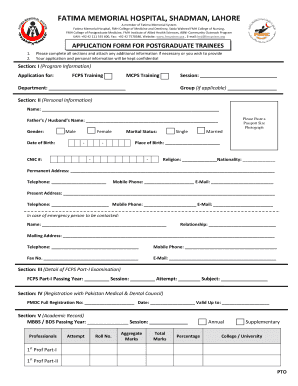
Fatima memorial hospital college nursing lahore
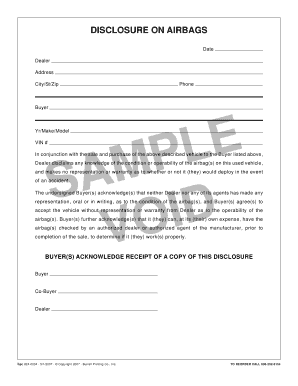
Airbag disclosure form
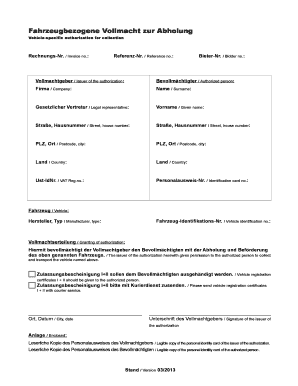
Autobid vollmacht
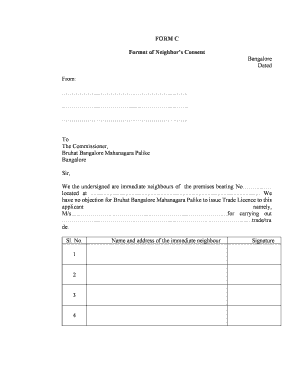
Neighbor consent letter sample
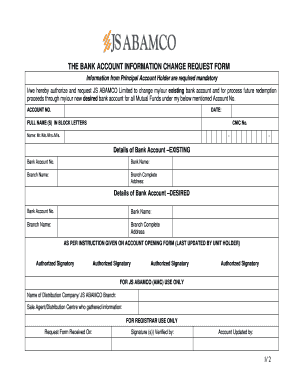
THE BANK ACCOUNT INFORMATION CHANGE REQUEST FORM
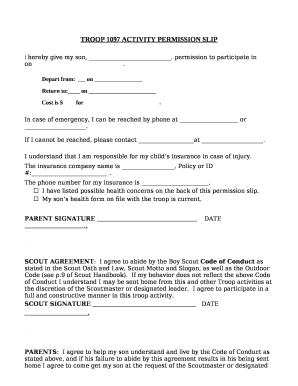
Application to date my son
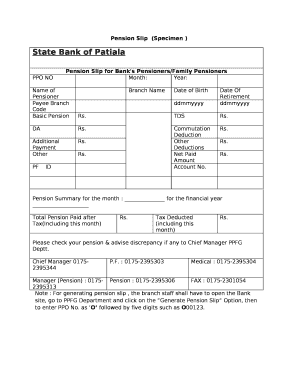
Pension slip format
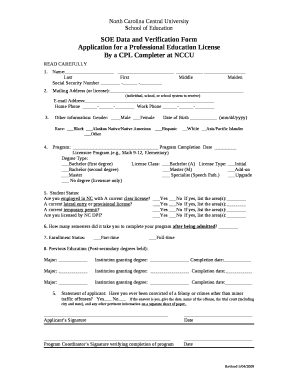
SOE Data and Verification Form
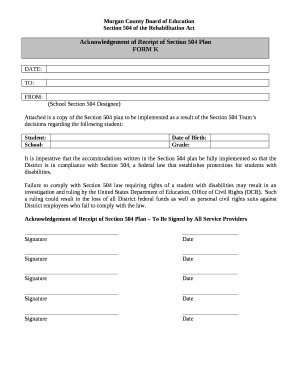
Acknowledgement of Receipt of Section 504 Plan
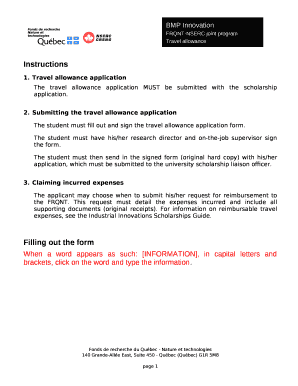
Travel allowance request letter format
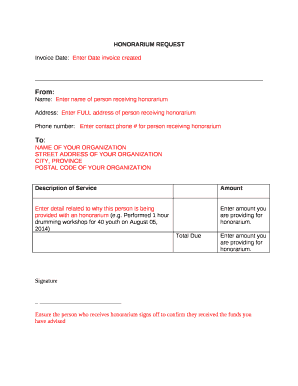
Honorarium invoice template
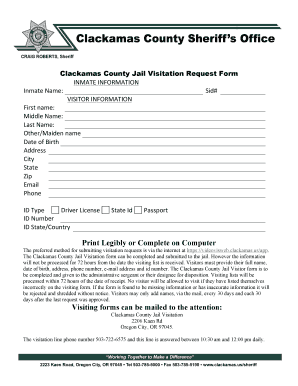
Clackamas county jail visiting
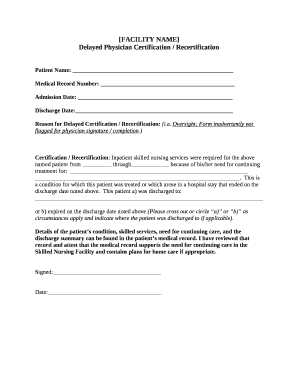
Delayed Physician Certification Recertification
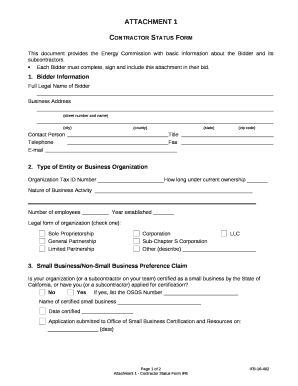
Nature of business template
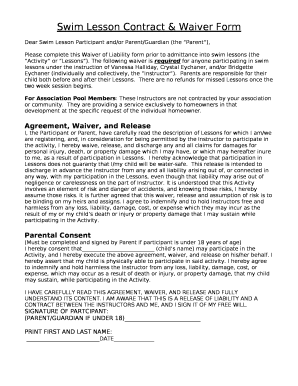
Swim Lesson Contract & Waiver Form
Fill out by hand
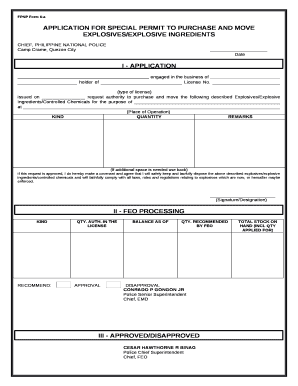
FPNP Form 6-a
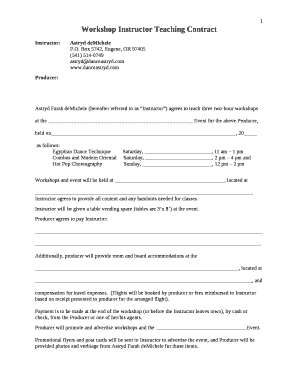
Training workshop contract template
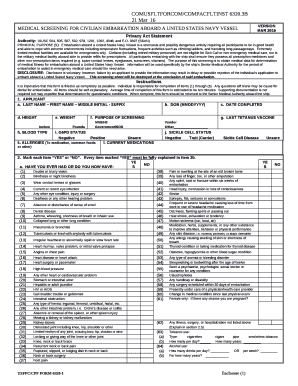
Opnav 6420 1
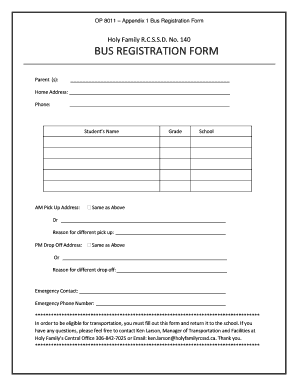
Bus registration form
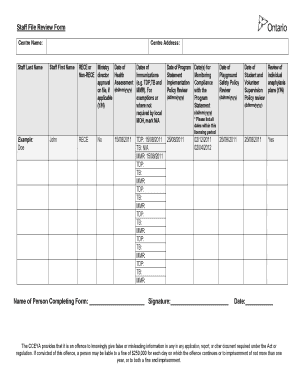
Staff File Review Form
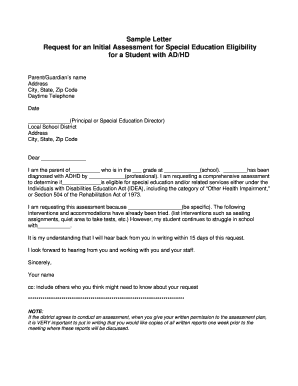
Request for an Initial Assessment for Special Education Eligibility
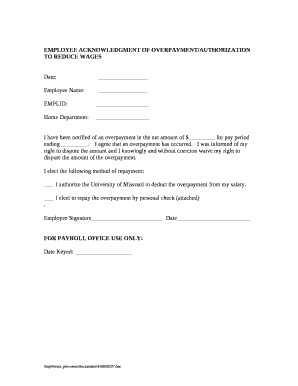
Terminated employee overpayment letter

Pa quiet title

PETITION FOR AUTHORITY TO OPEN SAFE DEPOSIT BOX

Sanlam unit trust disinvestment form
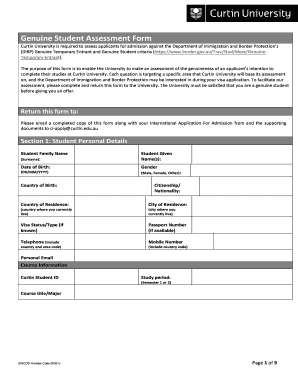
Genuine student assessment form

Event safety plan template
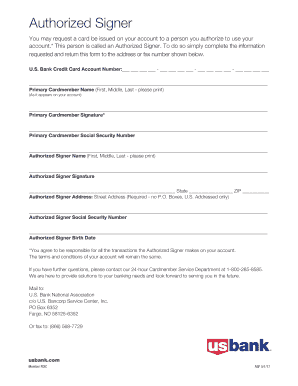
Us bank authorized
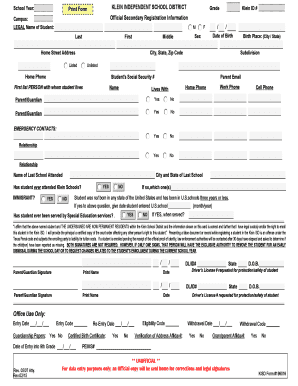
Klein isd address affidavit
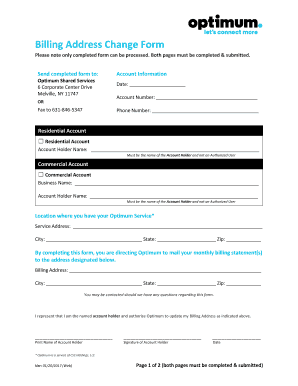
Optimum bill pdf
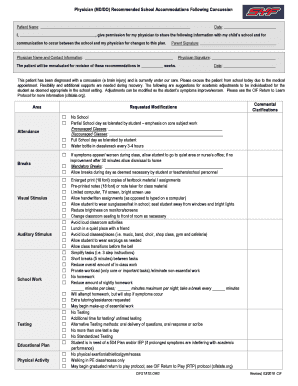
Recommended School Accommodations Following Concussion

Little Rock School District Sign-in Sheet 2 4 5 6 9 10 15 16 18 - profdev lrsd

Reasonable suspicion testing checklist
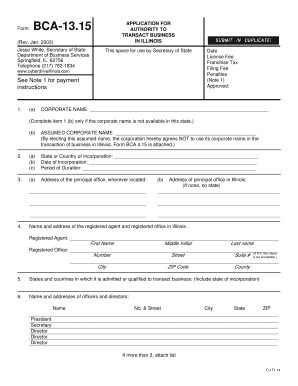
Application for Authority to Transact Business in Illinois Application for Authority to Transact Bus

Appendix authorisation and sponsorship declaration

Bereavement leave form
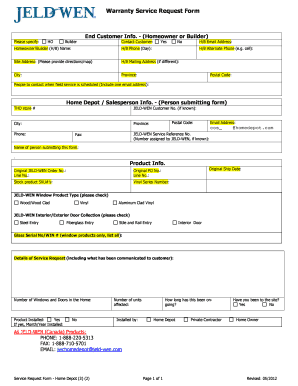
Jeld wen warranty claim

This form should be completed by an Appearance Enhancement or Barber Business owner who will have an
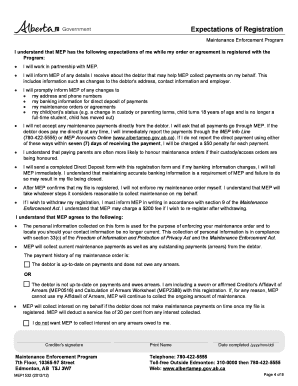
Goa desktop A D billie troughton Desktop CR Regi Pkg xps - justice alberta
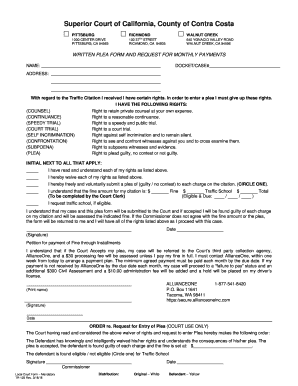
Written Plea Form - Request For Payment TR-123 - Superior Court
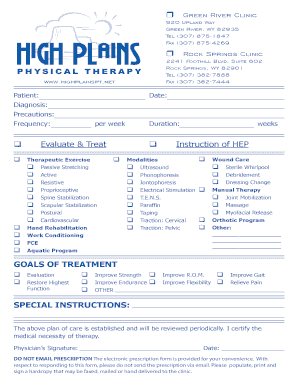
Physiotherapy prescription pad

Dental Hygiene Applicant Shadowing Form - centralgatech

FIRE WATCH LOG
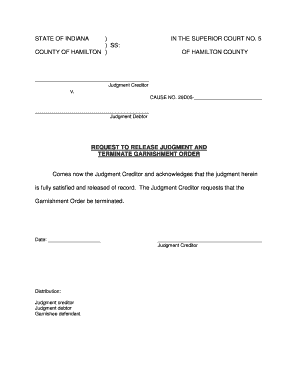
Indiana release garnishment

Professional Esthetics Diploma Application Form - spaacademy
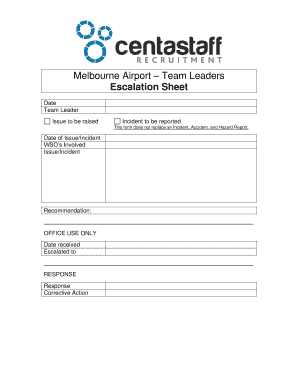
Escalation Form - Team Leader
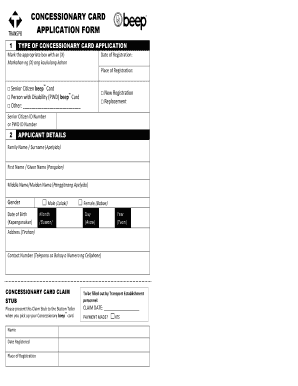
Pwd beep card
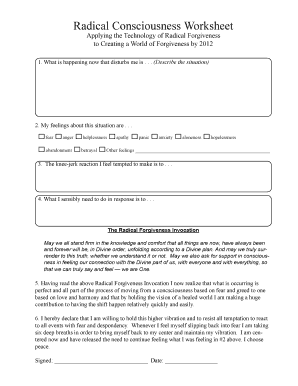
Radical forgiveness pdf download
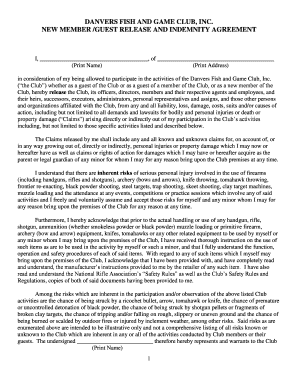
RELEASE AND INDEMNITY AGREEMENT - Danvers Fish and Game Club

Vulnerable sector check edmonton

Pay Bills Online - City of Oak Park

5 - Insurance Verification - GoodLife Physical Therapy
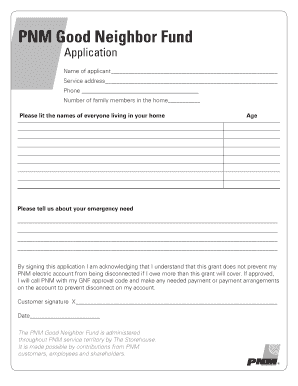
Good Neighbor Fund Application - PNM
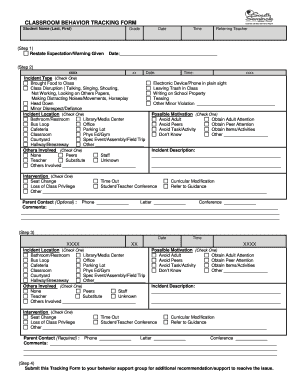
CLASSROOM BEHAVIOR TRACKING FORM - ssms scps k12 fl

K-PAX Worksheet (PDF) - Mr Tyler's Lessons
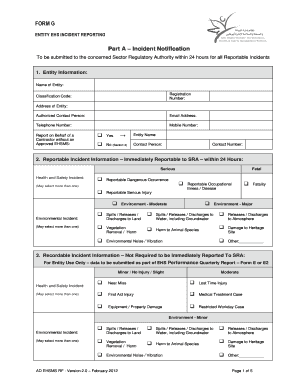
Entity EHS Incident Report Form - Form G - ADWEA
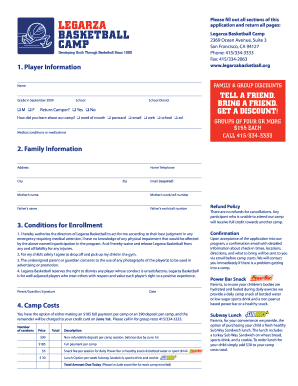
Tell a friend bring a friend get a discount! - Legarza Basketball Camp - legarzabasketball
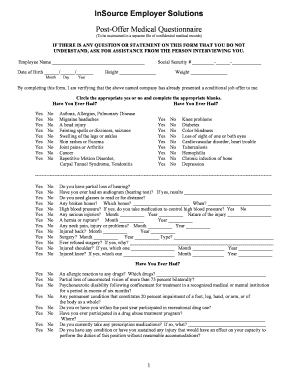
InSource Employer Solutions Post-Offer Medical Questionnaire
Bus note template

Blueline investigations

Royal rangers nigeria

Employee acknowledgement form
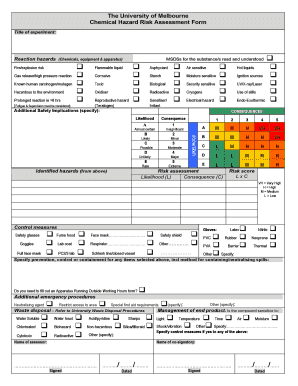
Chemical risk assessment template excel
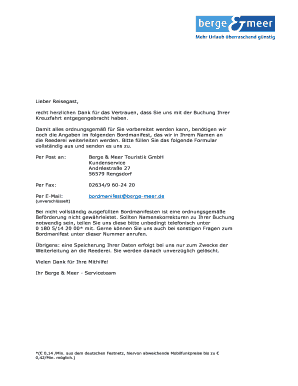
Berge meer bordmanifeste
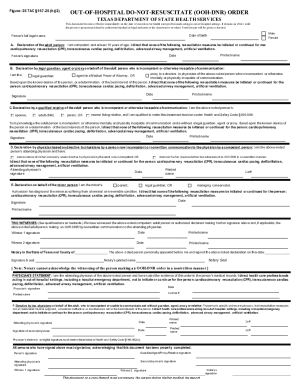
Texas out hospital dnr form
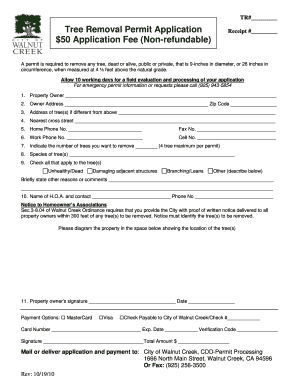
Tree removal receipt

Clarification Record - bhrdewvbborgb
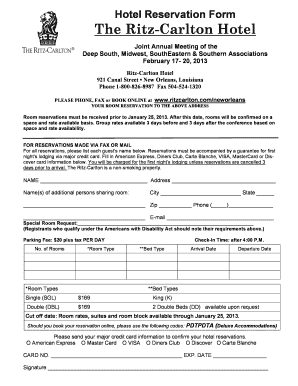
Ritz carlton hotel in usa document and i d card
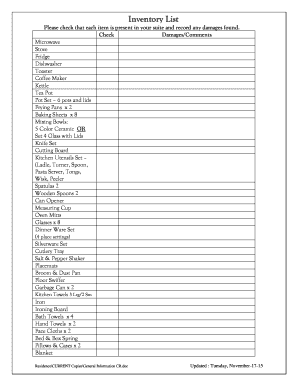
Hospital inventory list

Endothermic and exothermic practice worksheet pdf
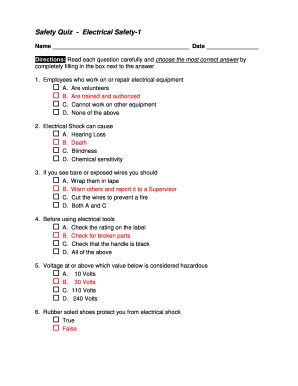
Printable workplace safety quiz with answers
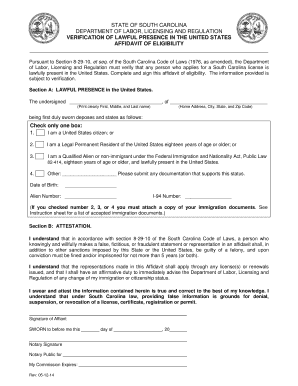
NOTARIZED AFFIDAVIT - South Carolina - llr sc
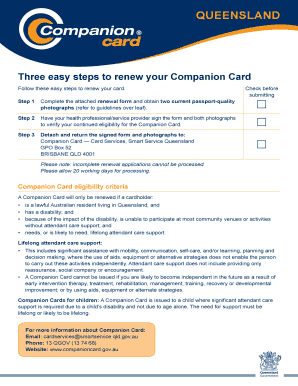
Companion card renewal qld
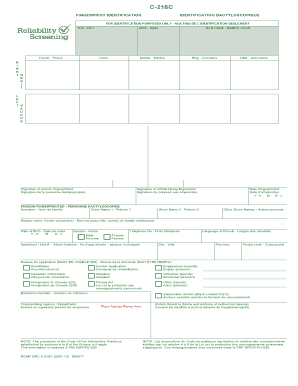
RCMP GRC C-216C Page 1 of de 2 - Reliability Screening Solutions
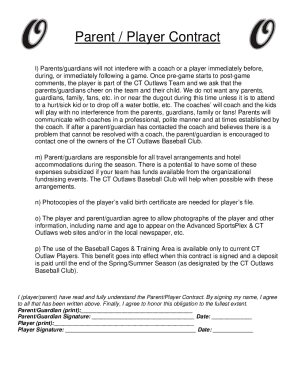
Travel baseball parent contract
Benefit from the DocHub online library of fillable PDF forms
Searching the PDF forms doesn't have to be a tedious and time-consuming process. With the DocHub online library, it has become easier to find the fillable PDF forms and modify them in your browser. The service allows you to adjust the document to your needs using powerful editing tools.
You can use online document editing features to modify almost any type of document with ease. You just need to find the template of your choice, open it in the editor, and use the toolbar to make the necessary corrections.
Follow this guide to get your document done with DocHub:
- Find the PDF template you need.
- Click the Get Form button to open the file in the editor.
- Use the toolbar to fill out and edit the document.
- Easily add and highlight text, insert images, checkmarks, and symbols.
- Drop new fillable fields, and rearrange or delete pages from your file.
- Save changes and download your record.
DocHub empowers everyone to streamline document editing, signing, and distribution, and form completion. Create an account and benefit from our well-organized PDF Forms library and comprehensive editor.