
Get any PDF form from the DocHub library of ready-made templates - Page 1030
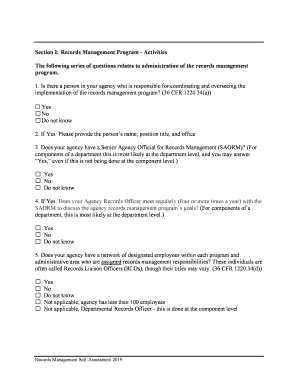
Digital Preservation Handbook - Project Consult - SLIDELEGEND

Fcc gmdss
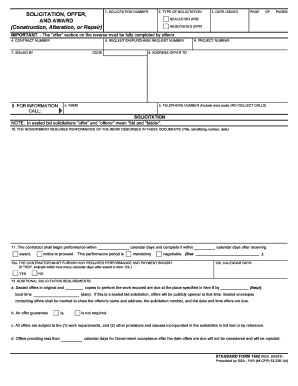
1442

Form 1447
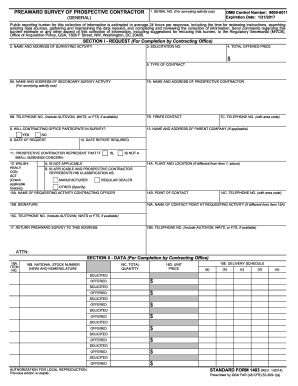
Sf 1403
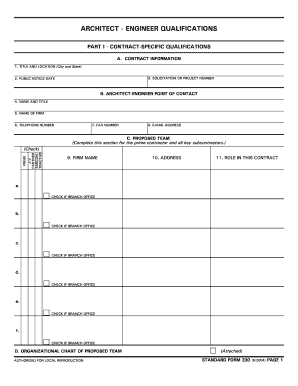
C:PERFORMFORMSS330 FRP - web anl

Us sf 1413

Water review
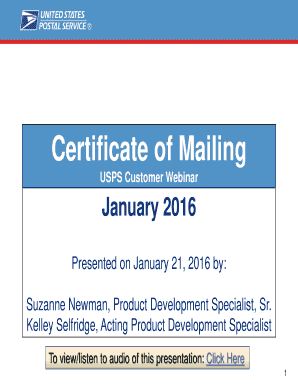
Mailing form
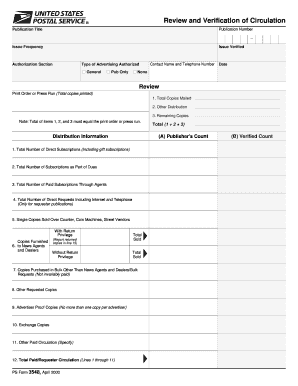
Usps ps verification

Form 1357 fill

Confirmation certification printable
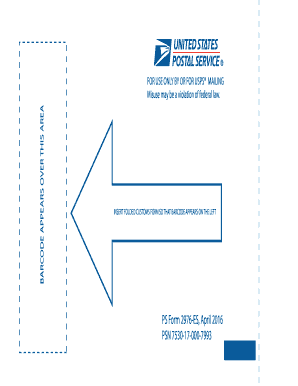
Ps form 2976 es

Usps form 3533

Form 3553

Nrlca grievance form
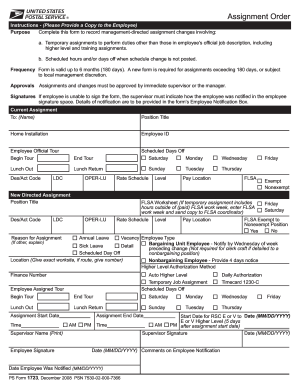
Ps form 1723

Mail fraud complaint
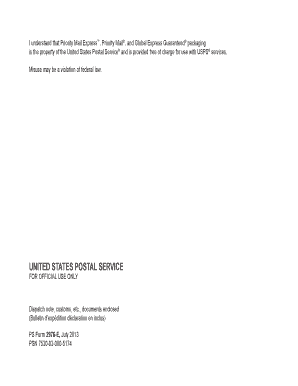
Usps 2976e note documents
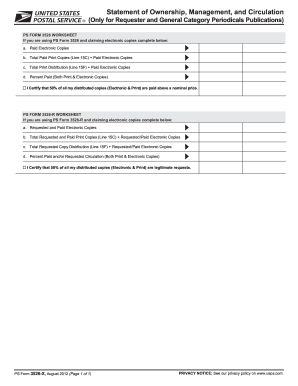
Disclosure non

Ps form 1507
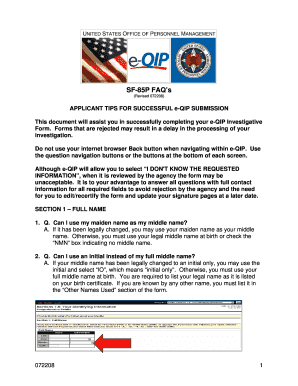
Sf 85p applicant tips for successful e qip submission form

Investigations notice

Sf 39

Sf 1152

Sf 813
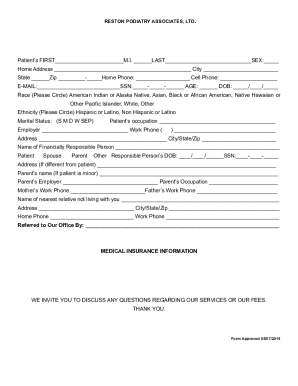
Fillable Online liberalarts vt Department CourseName Topic

Virginia asthma action plan

Pt1 form
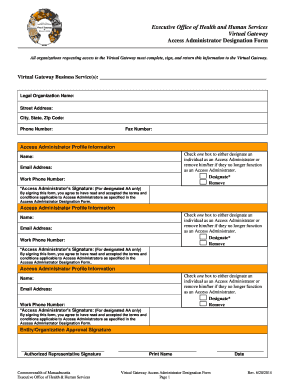
Virtual gateway access administrator
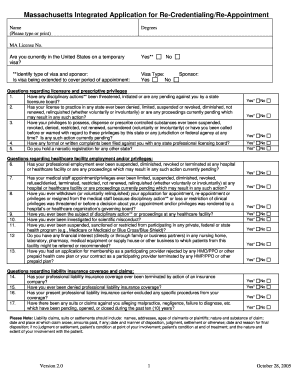
Ma re appointment
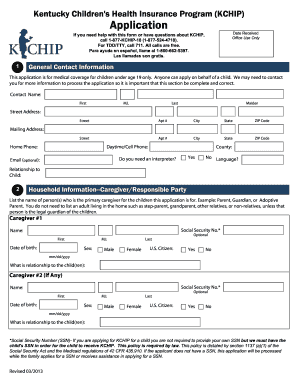
Kchip online

Illinois application marriage license
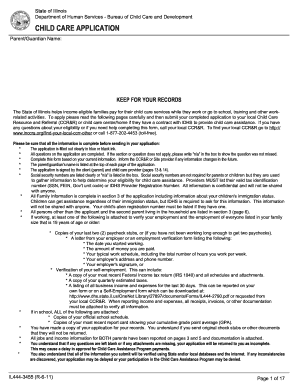
Illinois child care application online
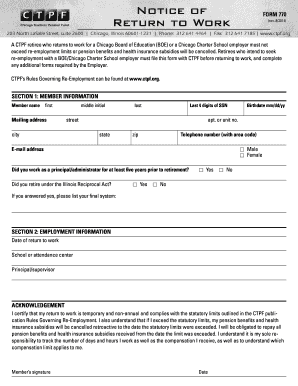
Ctpf form

Iowa medicaid enrollment application

Imagingcenter4 dhs state ia us

Hawaii advance directive
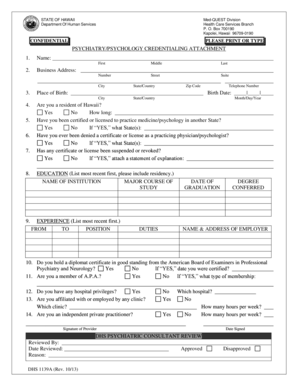
Hawaii dhs 1139a online

Hawaii dhs 1128 form

Hawaii pmmis

Dhs 1180
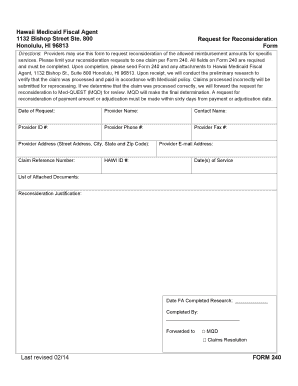
Hawaii 240 request reconsideration
Hi medicaid web eligibility
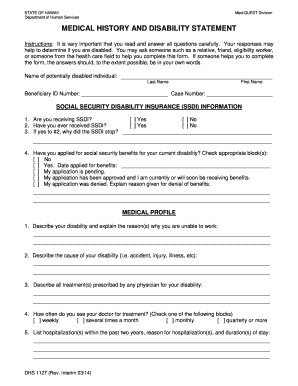
Dhs 1127
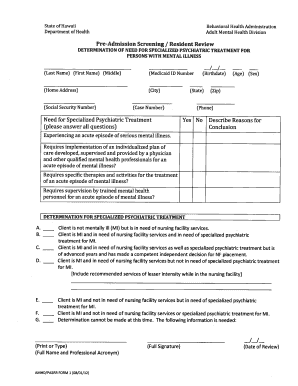
Hawaii pasrr

Dhs 1149

Ct health assessment form 2023
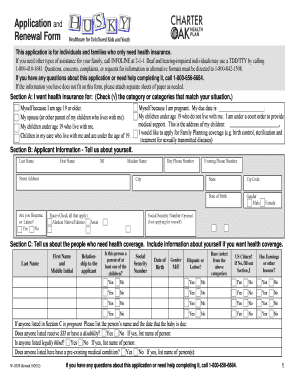
Ct application form online

Connecticut department servicesddap
Bluechiprealtygroup property724-pismo-ct724 Pismo Ct San Diego CA 92109Blue Chip Realty Group

Oklahoma odh form

Credentialing oklahoma form
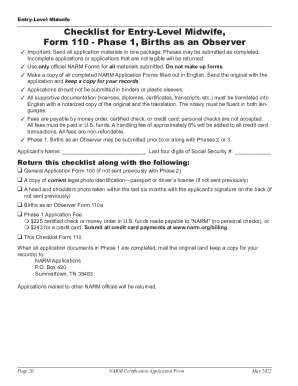
Narm pdffilesAppFormsNARM Certified Professional Midwife (CPM) Application
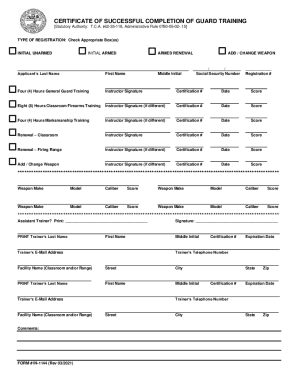
Certificate of Successful Completion of Guard Training
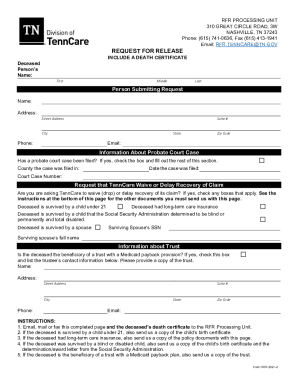
Tennessee states

Citizenship refugee

Five Star Painting hiring Residential sales estimator in

Florida form paternity

Florida dh 680 form download

Tarrant county service request form
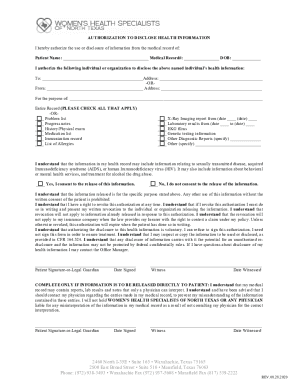
NEW PATIENT FRONT OFFICE FORMS COMPLETE 08282020 DB - WHSNT

HEALTH HISTORY FORM - WalgreensComprehensive Adult New Patient Health History QuestionnaireFree Medi

Tx dshs registry
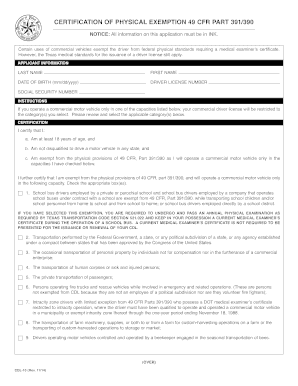
Cdl 10
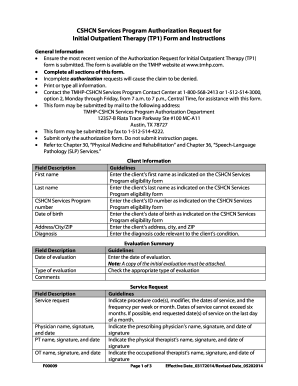
Medicaid tp form
How to become a provider for medicaid

Tmhp health
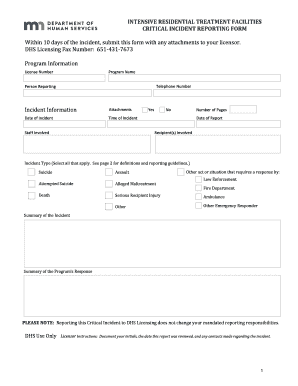
Licensing Forms - Minnesota Department of
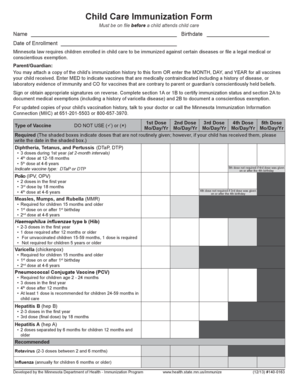
Mn child care form
Rule 25 assessment

Marriage LicensesCounty of Lexington - South Carolina
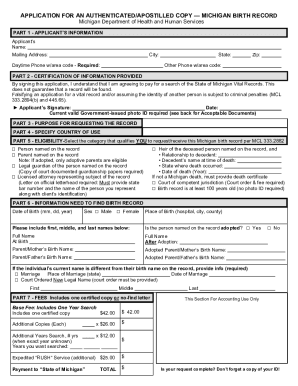
Forms justia michiganstatewideJustia :: Michigan Birth Record - Application For An
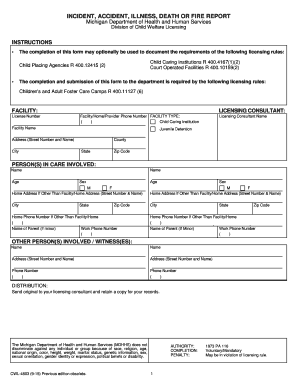
Michigan accident report

Michigan provider application

Safety coloring book pdf

Mi nursing school
Case sheet form
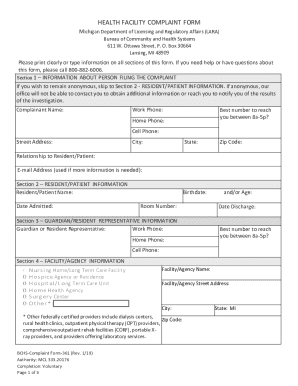
Michigan lara

Michigan child development care

Companies contracted to iemas

Usps form 3600 fcm1 2013
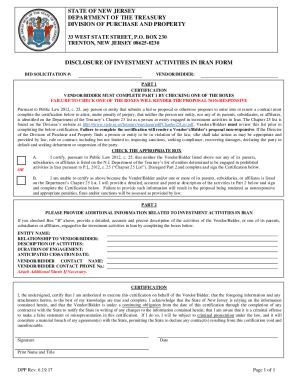
Fortmonmouthnj Parcel-B-Addendum-3ADDENDUM # 3 REQUEST FOR OFFERS TO PURCHASE - Fort Monmouth

Cambridge Rental Registration Form
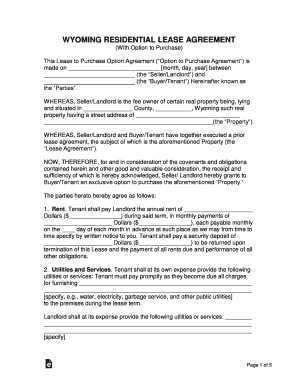
Wyoming Lease With Option to Purchase
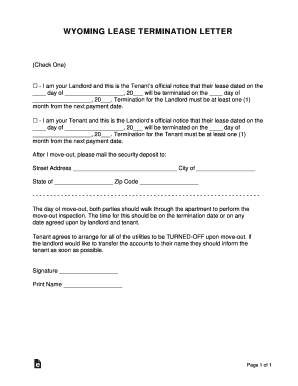
Wyoming Lease Termination Letter

-IndianHillsPineBluffs Household Declaration xlsx
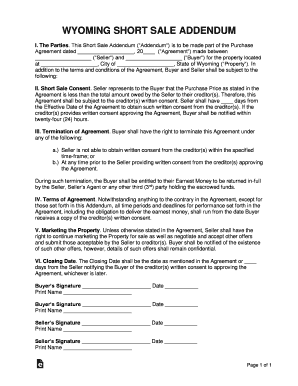
Wyoming Short Sale Addendum to Purchase Agreement

Atlas Real Estate Group's Available Rentals - Tenant Turner
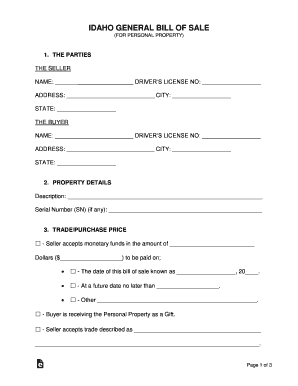
WA State Licensing (DOL) Official Site: Transfer ownership of
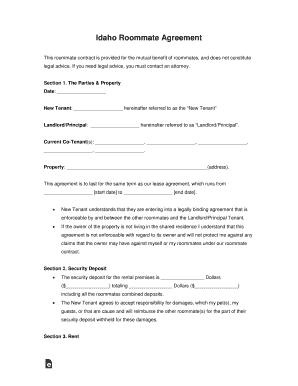
Free Idaho Roommate (Room Rental) Lease Agreement Form
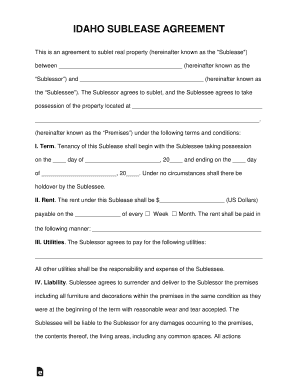
Between (hereinafter known as the

Agreements west-virginia-lease-agreementWest Virginia Lease Agreement - Download PDF and WORD

Need printable 1 bedroom lease

Landlord Tenant Authorization Form - City of Black Diamond
Seattle tenant law
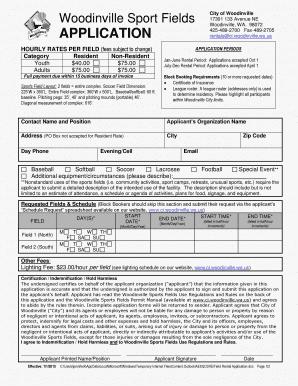
Woodinville fields application
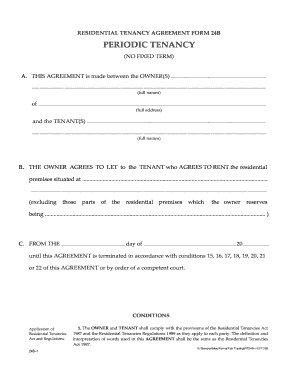
Periodic tenancy agreement template uk
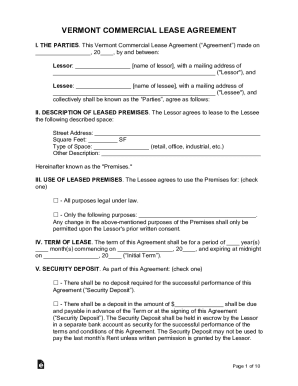
Vermont Commercial Lease AgreementLegal Forms and
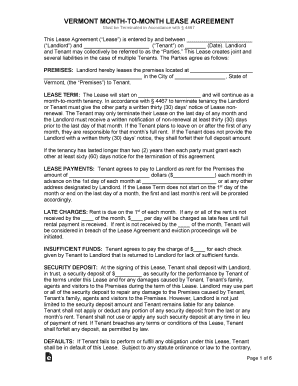
PRESENTED BY VERMONT APARTMENT OWNERS SERVICES, LLC AND
Benefit from the DocHub online library of fillable PDF forms
Searching the PDF forms doesn't have to be a tedious and time-consuming process. With the DocHub online library, it has become easier to find the fillable PDF forms and modify them in your browser. The service allows you to adjust the document to your needs using powerful editing tools.
You can use online document editing features to modify almost any type of document with ease. You just need to find the template of your choice, open it in the editor, and use the toolbar to make the necessary corrections.
Follow this guide to get your document done with DocHub:
- Find the PDF template you need.
- Click the Get Form button to open the file in the editor.
- Use the toolbar to fill out and edit the document.
- Easily add and highlight text, insert images, checkmarks, and symbols.
- Drop new fillable fields, and rearrange or delete pages from your file.
- Save changes and download your record.
DocHub empowers everyone to streamline document editing, signing, and distribution, and form completion. Create an account and benefit from our well-organized PDF Forms library and comprehensive editor.