
Get any PDF form from the DocHub library of ready-made templates - Page 1028

Nwsfamilydocs
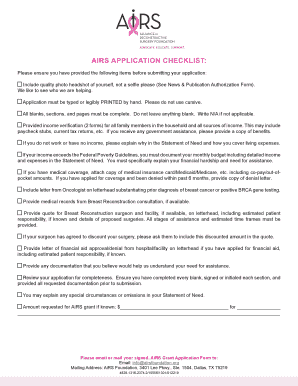
Airs application
Caravelle boat owners manual
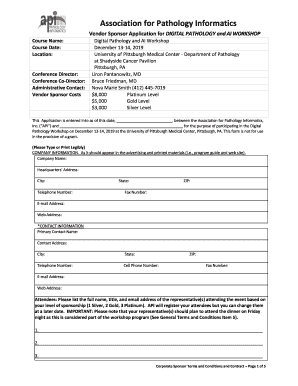
Conference Director:
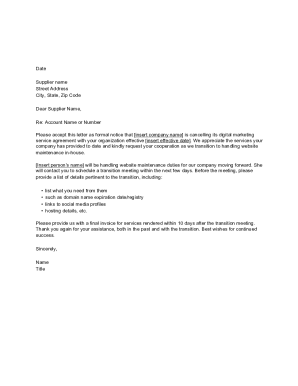
Letter Canceling Website Services Letter Canceling Website Services

PART MATERIALNUMBER(S):

40+ Best Request for Proposal Templates & Examples (RPF Templates)
Dmi form
Soccer formation creator
EHA CORPORATE SPONSOR PROGRAM APPLICATION
Wedding photography release form

MASTER ADDICTION COUNSELOR
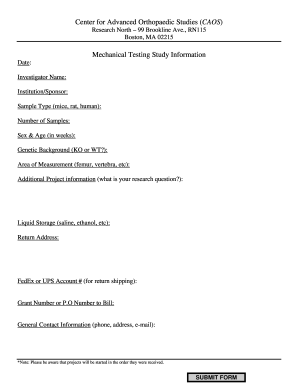
CAOSMechanicalTestingRequisition Form doc

Issa cleaning standards
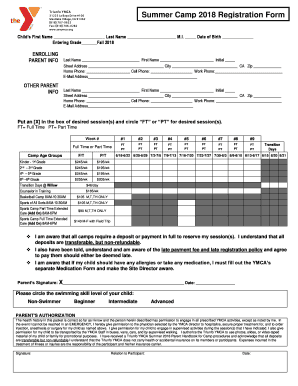
Triunfo ymca summer camp - Southeast Ventura County YMCA
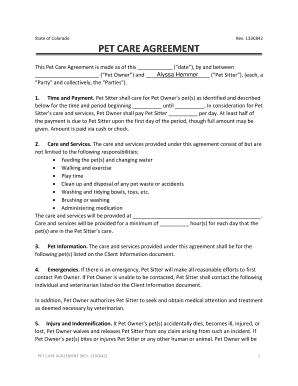
Pet Care Agreement - Alyssa's Pet Sitting
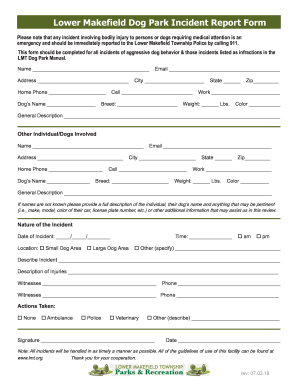
Dog park incident report

Loving Family Animal Hospital

Arbeitgeberbescheinigung
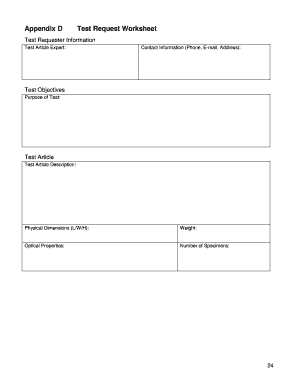
Planning guide form
INCIDENT REPORT FORM - qbua
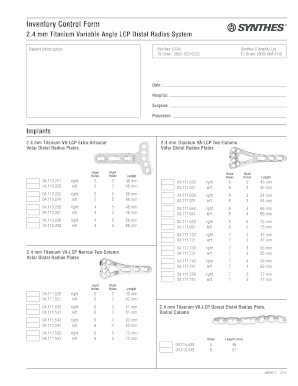
Synthes va distal radius inventory

Wirecard auftrag online
1 ASOCIAIA DE PROPRIETARI LOCATARI (1) Bloc nr
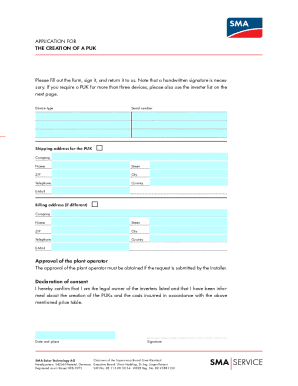
Sma solar technology ag puk form
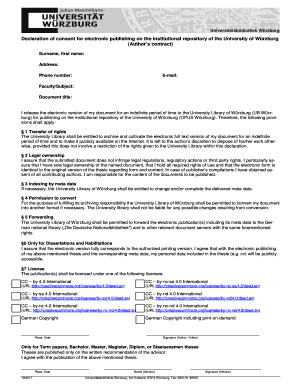
Declaration of consent for electronic publishing on the institutional repository of the University o
2020 Membership Application Dues
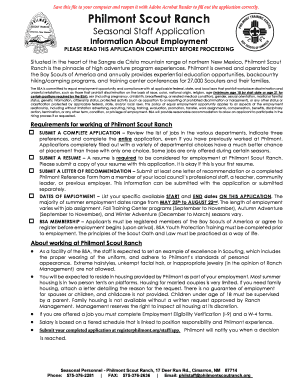
Philmont staff application

Conference annual forms instructions

Ambassador application form

Asps membership application information

ET20-exhibitor-prospectus indd
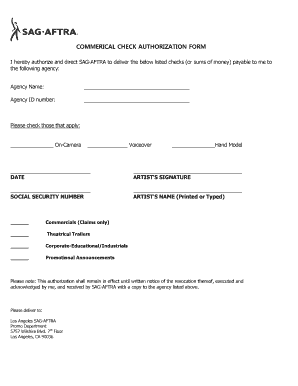
Sag aftra check authorization
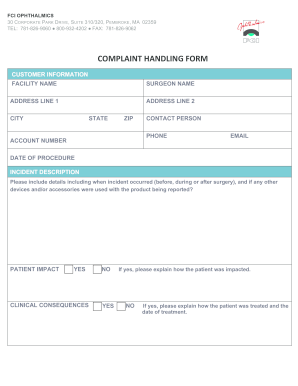
FCI Complaint Form 112019 docx

Maac link standard intake
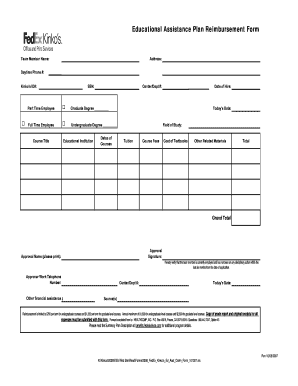
Eductional assistance reimbursement form
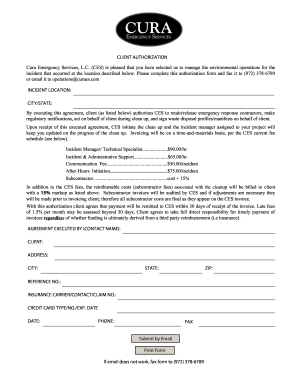
Cura Emergency Services, L
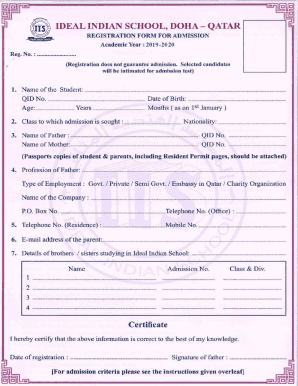
Ideal indian school admission 2023 24
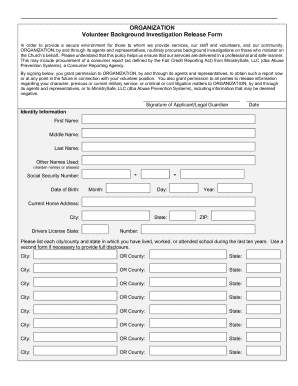
Background Check - Verified Volunteers - Sterling Volunteers
Barcode Service Only

Power of attorney forms to print out
Order Regarding Registration of Cases and Claims - Stryker
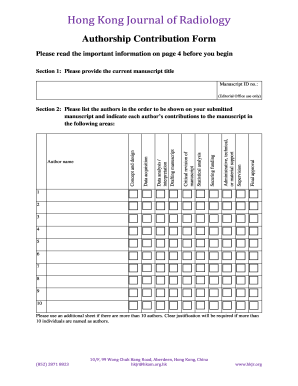
Authorship contribution form
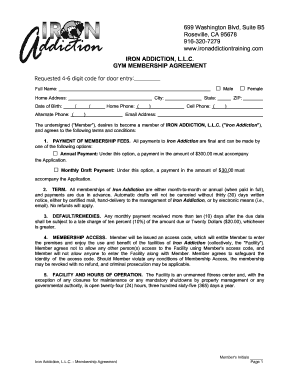
IRON ADDICTION, L L C GYM MEMBERSHIP AGREEMENT

Annotation rubric
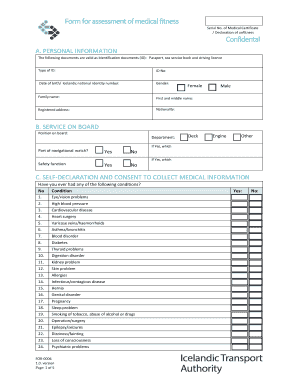
Medical certificate format

Blueprint test form

Costco volume
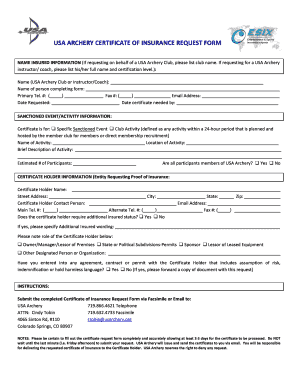
USA Archery Certificate of Insurance Request Form - teamusa

PC Perks Enrollment Form
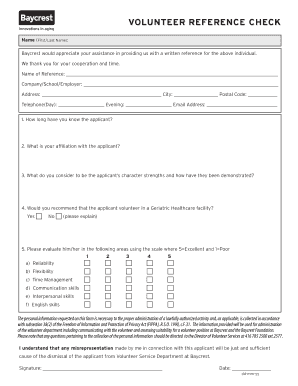
Editable check
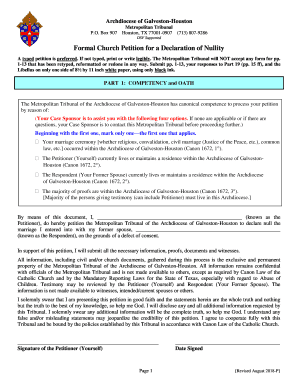
Archgh formal download

Assateague boat personal renewal fill

Authorized representatives of NICWA will be photographing, videotaping, and web streaming at various

The Y Package Plan Information Sheet
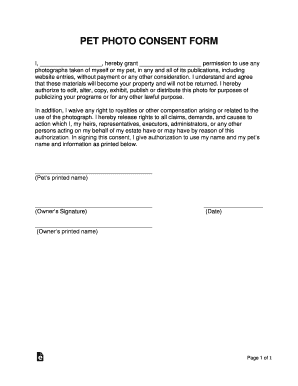
Photographer Release Form - Infinite i
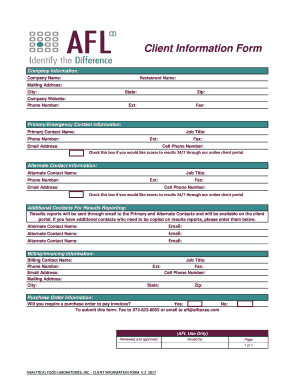
Check this box if you would like access to results 24 7 through our online client portal

Incident Reporting Policy - Disabled Sports USA

Sample Incident ReportMajor Injury or Illness - Disabled Sports USA
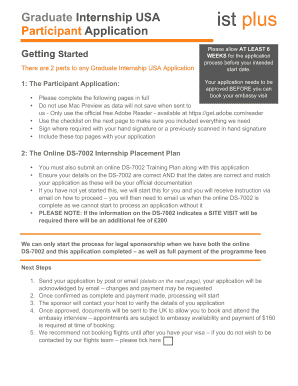
Graduate Internship USA Participant Application - IST Plus
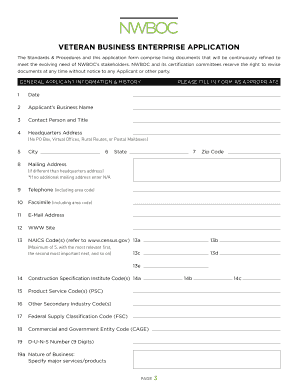
Veteran business enterprise application
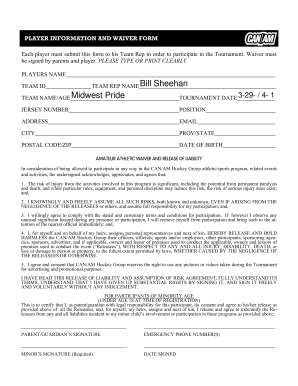
Athlete Waiver Form - National Christian School Athletic

How long to wait for tanning? - Prescription acne medications
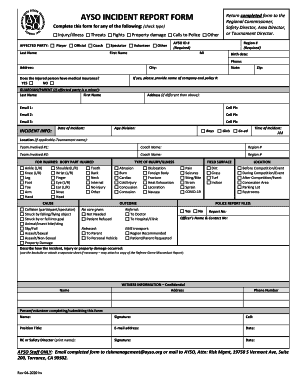
Report an incident form

RGA Request Form - bmcgeecobbcomb
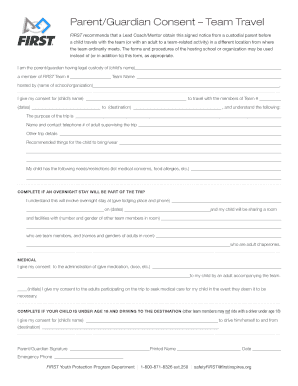
Parent guardian travel
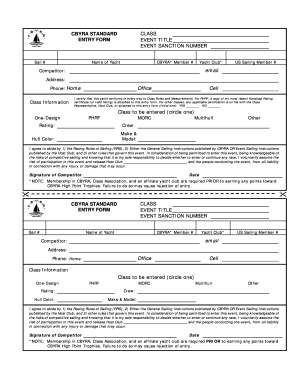
Standard entry form
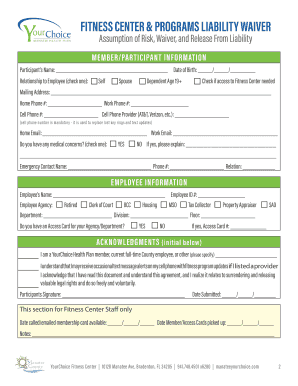
FITNESS CENTER & PROGRAM LIABILITY WAIVER

Consent and Release Form Having been fully informed of the
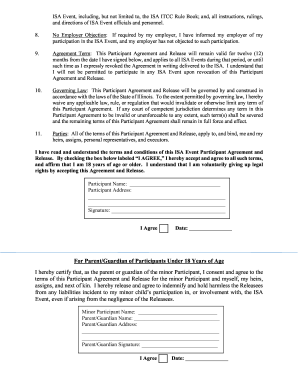
NOTICE TO ISA EVENT PARTICIPANTS REQUIRED EMERGENCY CONTACT
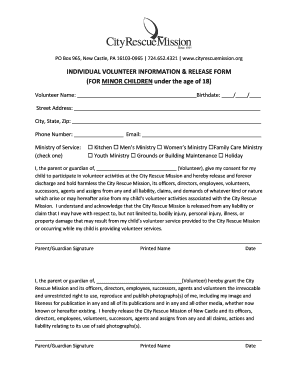
Individual Volunteer Release Form - Minor - City Rescue Mission

Fore at for a power of attorney
PDF application form - Allianz Care
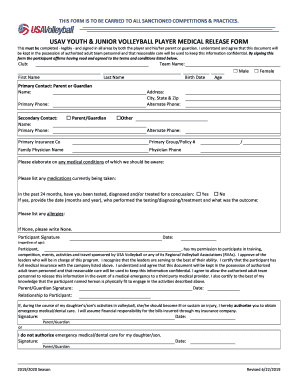
Concussion & Cardiac Arrest - Evergreen Region Volleyball
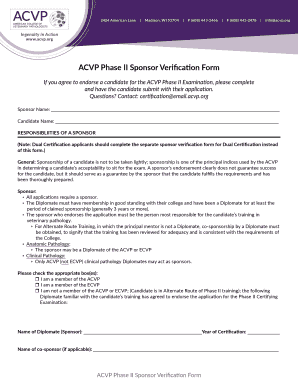
Sponsor form
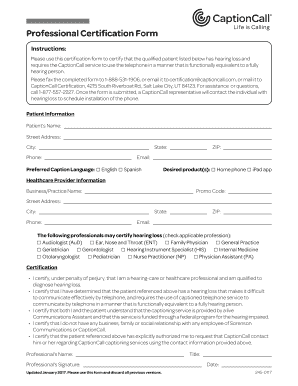
Professional certification form

Bge residential service application
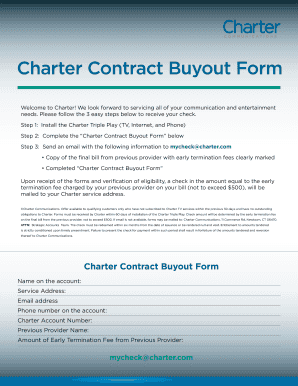
Mycheck spectrum com
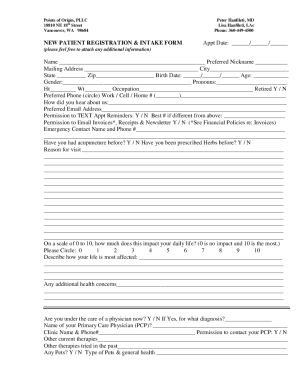
Points of Origin NEW PATIENT INTAKE FORM
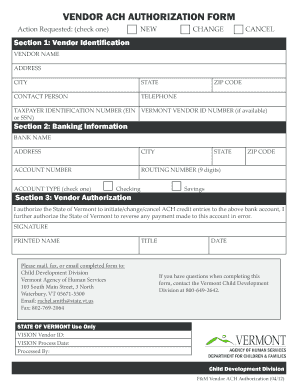
Vendor ach authorization form

Alcohol screening questionnaire (usaudit)
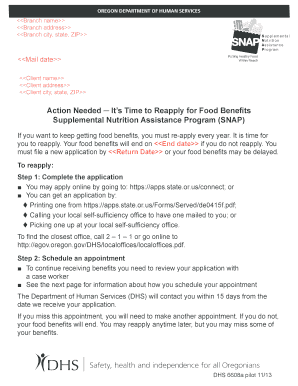
Oregon benefits form program snap
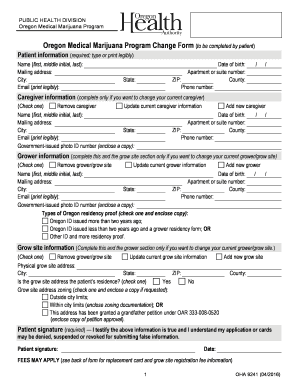
Change form
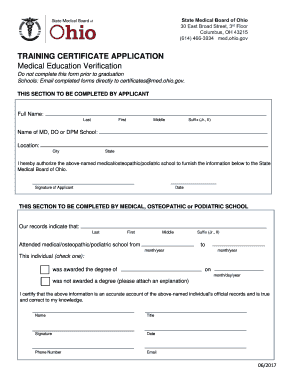
Ohio education certificate
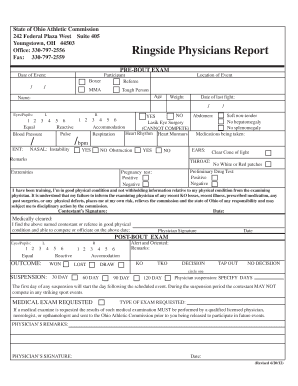
Ohio athletic form

Ohio sudden death
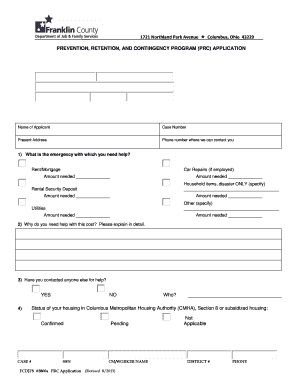
Ohio franklin prc application

Ohio form pha application
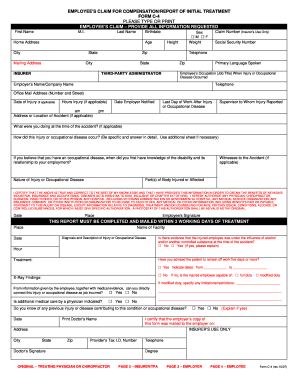
Form c 4 pdf
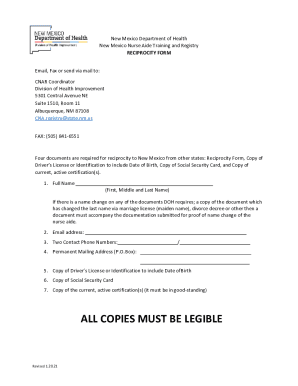
New Mexico Nurse Aide Reciprocity Form

Nj benefit status

Nebraska power attorney form

RNCPatientIntakeForm doc

Nc medical consent
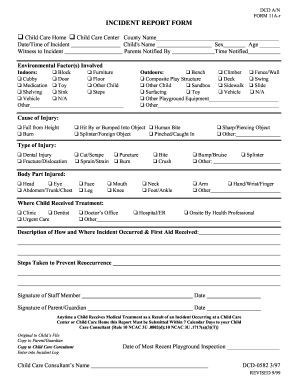
Nc incident report form

UPMC Western MarylandHome

Md state claim form

Maryland cds registration
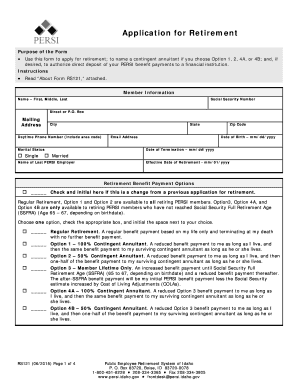
Application for Retirement (RS121) - PERSI - Idaho
Mississippi divorce forms pdf
Benefit from the DocHub online library of fillable PDF forms
Searching the PDF forms doesn't have to be a tedious and time-consuming process. With the DocHub online library, it has become easier to find the fillable PDF forms and modify them in your browser. The service allows you to adjust the document to your needs using powerful editing tools.
You can use online document editing features to modify almost any type of document with ease. You just need to find the template of your choice, open it in the editor, and use the toolbar to make the necessary corrections.
Follow this guide to get your document done with DocHub:
- Find the PDF template you need.
- Click the Get Form button to open the file in the editor.
- Use the toolbar to fill out and edit the document.
- Easily add and highlight text, insert images, checkmarks, and symbols.
- Drop new fillable fields, and rearrange or delete pages from your file.
- Save changes and download your record.
DocHub empowers everyone to streamline document editing, signing, and distribution, and form completion. Create an account and benefit from our well-organized PDF Forms library and comprehensive editor.