




Here's how it works



How to use or fill out AC3253-S with our platform

- Click ‘Get Form’ to open the AC3253-S in the editor.
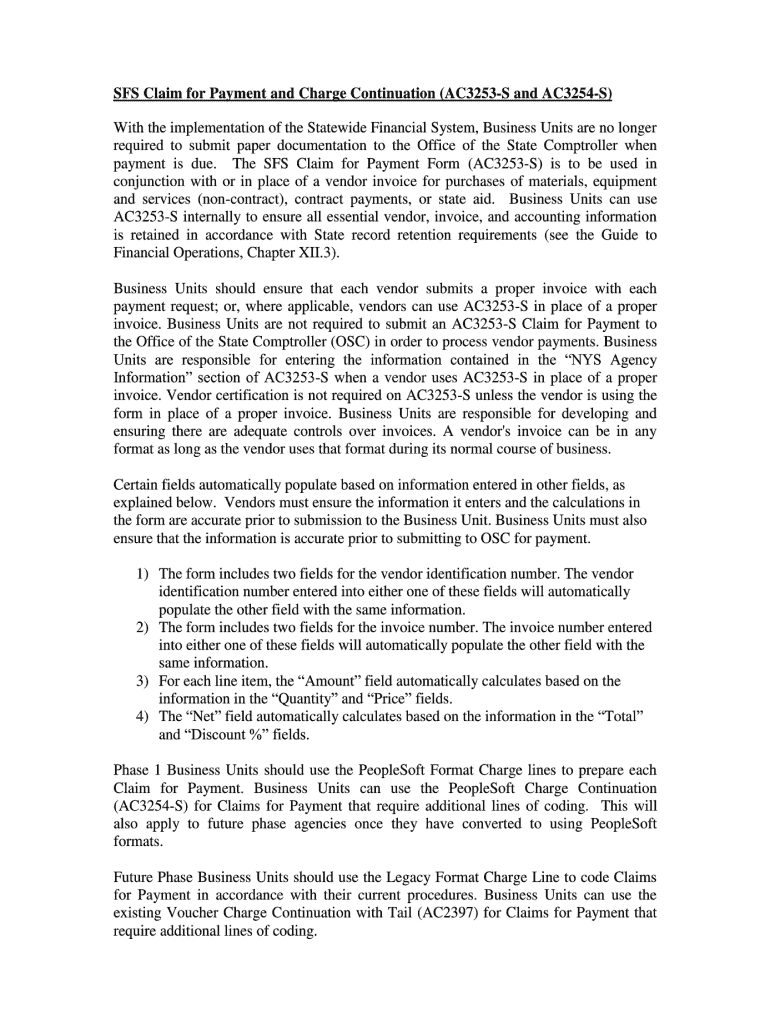
- Begin by entering the vendor identification number in one of the two provided fields. This will automatically populate the other field for your convenience.
- Next, input the invoice number in either of its designated fields, ensuring consistency as it will auto-fill in the second field.
- For each line item, enter the quantity and price. The ‘Amount’ field will automatically calculate based on these inputs, simplifying your data entry.
- Finally, review the ‘Total’ and ‘Discount %’ fields to ensure accuracy; the ‘Net’ field will calculate automatically based on this information.
Start using our platform today to streamline your AC3253-S form completion for free!
It's free
Got questions?
How can I sign my ac3253 s on iOS?
With DocHub, you can easily sign your ac3253 s or any other document on iOS, even without installing extra applications. You can access your DocHub account from any web-connected browser and complete and sign your form in any preferred method with just a couple of clicks.
How do you edit ac3253 s online?
With DocHub, you have several convenient ways to edit your ac3253 s online. You can drag and drop the form and modify it directly at the DocHub website or use our browser extension to fill out your form right away. Additionally, you can modify your PDF on your smartphone, as DocHub works with all the available mobile platforms.
Security and compliance
At DocHub, your data security is our priority. We follow HIPAA, SOC2, GDPR, and other standards, so you can work on your documents with confidence.
Learn more


