




Here's how it works
How to use or fill out Housing industry site safety pack - form 10 - WorkCover NSW with our platform

- Click ‘Get Form’ to open it in the editor.
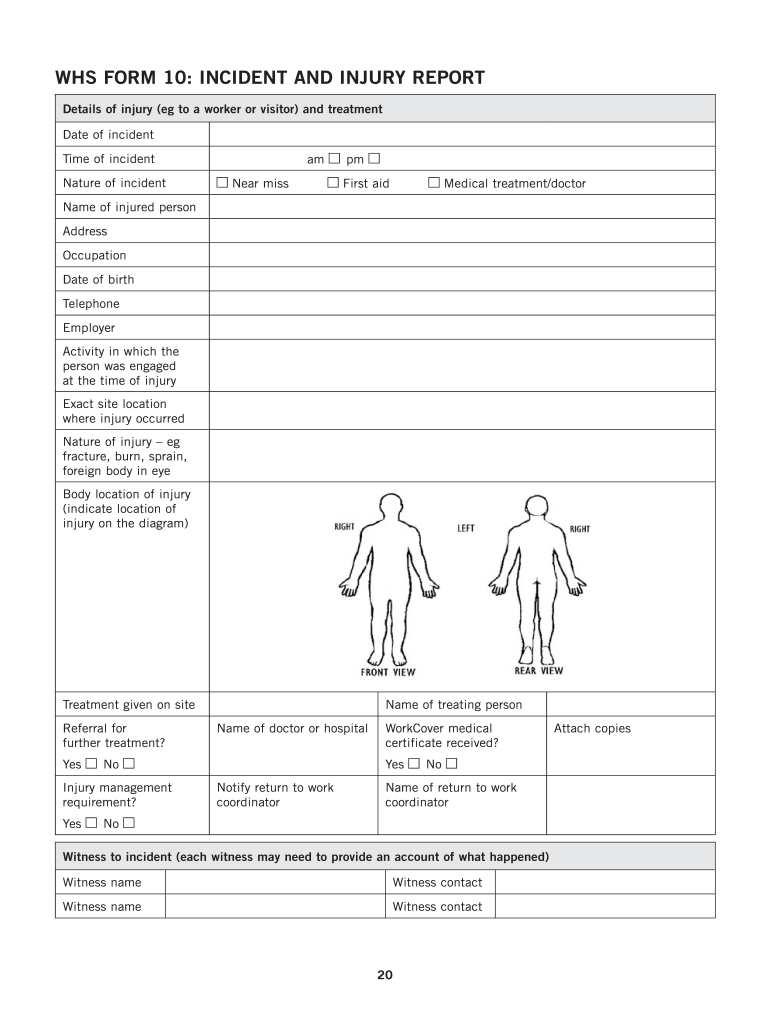
- Begin by entering the details of the injury, including the date and time of the incident. Specify whether it was a near miss or required first aid or medical treatment.
- Fill in the personal information of the injured person, such as their name, address, occupation, date of birth, and telephone number.
- Describe the activity the person was engaged in at the time of injury and provide the exact site location where it occurred.
- Indicate the nature and body location of the injury. Use the provided diagram to mark where on the body the injury occurred.
- Document any treatment given on-site and whether a referral for further treatment is necessary. Include details about any doctors or hospitals involved.
- List witnesses to the incident along with their contact information. Ensure each witness can provide an account if needed.
- Complete sections regarding property damage, including details of damage and immediate response actions taken.
- Finally, ensure all required fields are filled out accurately before saving your completed form for submission.
Start using our platform today to streamline your form completion process for free!
It's free
See more Housing industry site safety pack - form 10 - WorkCover NSW versions
Got questions?
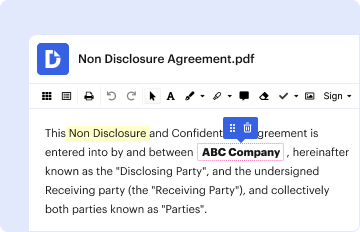
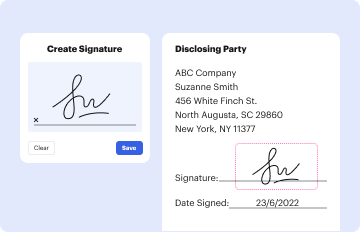
Can I type my eSignature on my workcover swms template?
Sure, a typed name is recognized as a valid electronic signature when you add it to your paperwork utilizing a compliant solution like DocHub. Simply import your workcover swms template to our editor, click Sign in the top tool pane → Create your signature → Type your name in the appropriate tab, and decide how it will appear on your document.
How to complete and sign Housing industry site safety pack - form 10 - WorkCover NSW online?
You may easily fill out, modify, and even eSign your Housing industry site safety pack - form 10 - WorkCover NSW utilizing DocHub. Create a new profile and begin your free trial. After that, you can upload the document with the form and easily make all the required edits. No need to print on paper or use a third-party application to sign it, as you can put your electronic signature on your document faster through DocHub.
Security and compliance
At DocHub, your data security is our priority. We follow HIPAA, SOC2, GDPR, and other standards, so you can work on your documents with confidence.
Learn more


