




Here's how it works

01. Edit your birth certificate form online
Type text, add images, blackout confidential details, add comments, highlights and more.

02. Sign it in a few clicks
Draw your signature, type it, upload its image, or use your mobile device as a signature pad.

03. Share your form with others
Send birth certificate form printable via email, link, or fax. You can also download it, export it or print it out.
How to use or fill out ar birth certificates with our platform

- Click ‘Get Form’ to open the ar birth certificate application in the editor.
- Begin by entering the full name at birth in the designated fields. Ensure accuracy as this is crucial for record retrieval.
- Fill in the date of birth, including month, day, and year. Specify the city or town and county of birth.
- Provide details about the place of birth, including the name of the hospital or street address.
- Enter the full names of both parents: first, middle, and last names. If applicable, include the original name if the child has been adopted.
- Indicate your relationship to the person whose certificate is being requested and state your reason for requesting it.
- Sign and provide your telephone number. Remember that photo identification is required for all requests.
Start filling out your ar birth certificate application today on our platform for free!
Fill out ar birth certificates online
It's free
See more ar birth certificates versions
We've got more versions of the ar birth certificates form. Select the right ar birth certificates version from the list and start editing it straight away!
Security and compliance
At DocHub, your data security is our priority. We follow HIPAA, SOC2, GDPR, and other standards, so you can work on your documents with confidence.
Learn more


Related forms
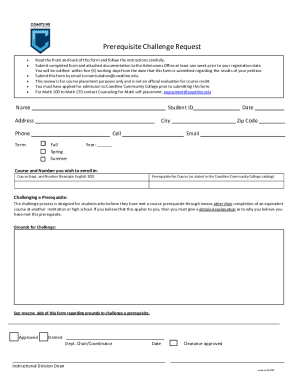
Prerequisite Evaluation Challenge Request
The document outlines the process for submitting a Prerequisite Challenge Request at Coastline Community College. It det ...

Application For Admission - Hudson Valley Community College - hvcc
The document is an application for admission to Hudson Valley Community College, detailing the required biographical, ac ...

Permit Forms Search
The document is a Residential Building Permit Application for the City of Bonita Springs, Florida, outlining the require ...
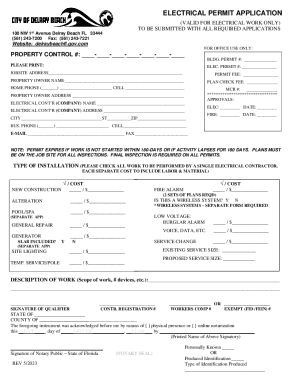
City of Delray Beach, FL - Building Department Information
The document is an Electrical Permit Application for electrical work in Delray Beach, Florida. It outlines the necessary ...
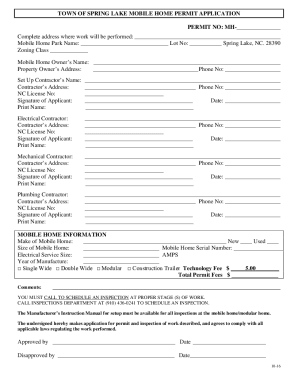
TOWN OF SPRING LAKE MOBIL HOME PERMIT APPLICATION
The document is a Mobile Home Permit Application for the Town of Spring Lake, NC. It includes sections for applicant inf ...
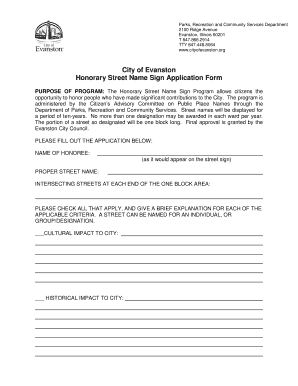
Honorary Street Name Sign Application Form - City of Evanston - cityofevanston
The document outlines the Honorary Street Name Sign Program in Evanston, allowing citizens to honor individuals or group ...

Honorary Street Name Sign Application Form - City Of
The document outlines the Honorary Street Name Sign program by the City of Evanston, allowing citizens to honor individu ...
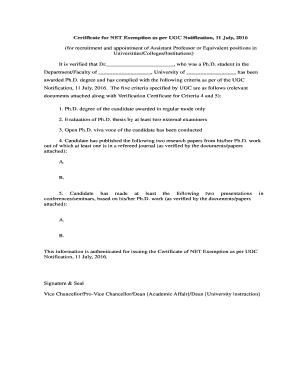
Net exemption certificate
The document is a Certificate for NET Exemption issued in accordance with the UGC Notification dated July 11, 2016. It v ...