




Here's how it works

01. Edit your i9 form colorado online
Type text, add images, blackout confidential details, add comments, highlights and more.

02. Sign it in a few clicks
Draw your signature, type it, upload its image, or use your mobile device as a signature pad.

03. Share your form with others
Send i9 documents via email, link, or fax. You can also download it, export it or print it out.
How to use or fill out i 9 form with our platform

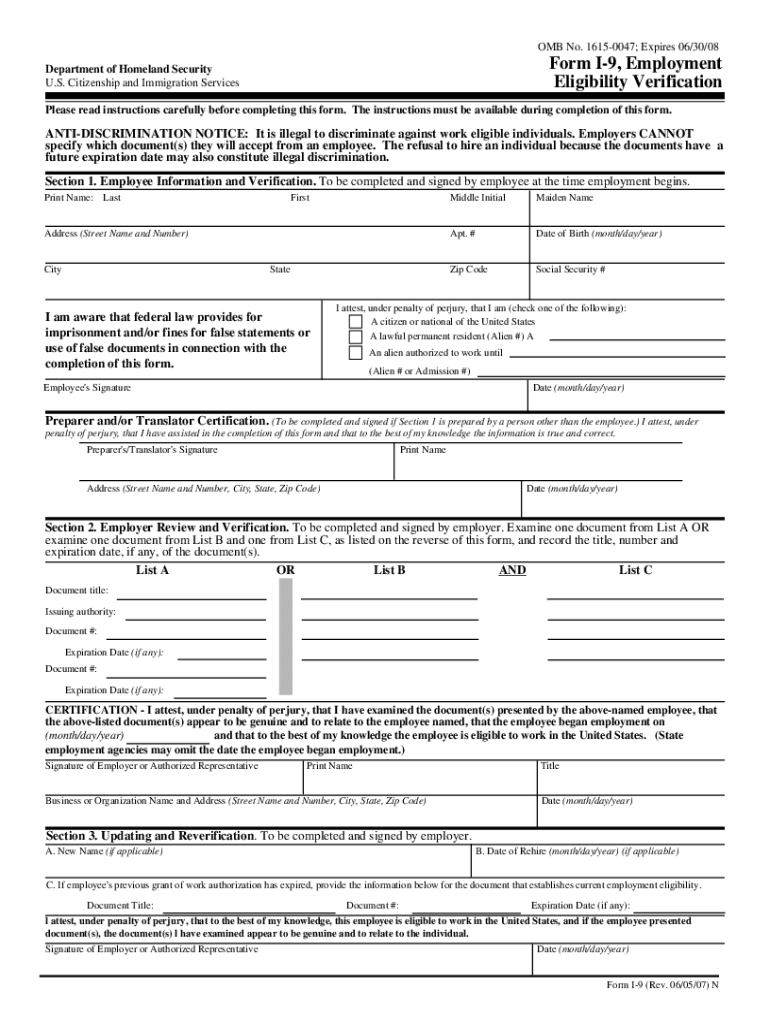
- Click ‘Get Form’ to open the I-9 form in the editor.
- In Section 1, enter your personal information including your name, address, date of birth, and Social Security number if applicable. Ensure you check the appropriate box indicating your citizenship status.
- If someone else is assisting you in completing Section 1, they must fill out the Preparer/Translator Certification section. Make sure they sign and provide their details.
- Move to Section 2 where your employer will verify your identity and employment eligibility. They will need to examine documents from List A or a combination of List B and C. Ensure that all required fields are filled accurately.
- Finally, if necessary, complete Section 3 for any updates or reverifications regarding your employment eligibility. This includes documenting any changes in name or rehire dates.
Start using our platform today to easily fill out your I-9 form online for free!
Fill out i 9 form online
It's free
See more i 9 form versions
We've got more versions of the i 9 form form. Select the right i 9 form version from the list and start editing it straight away!
| Versions | Form popularity | Fillable & printable |
|---|---|---|
| 2007 | 4.9 Satisfied (42 Votes) |
Security and compliance
At DocHub, your data security is our priority. We follow HIPAA, SOC2, GDPR, and other standards, so you can work on your documents with confidence.
Learn more


Related forms
Martincommunicationsinc stagingppiChild & Teen Partial Hospitalization Mental Health Treatment
Martincommunicationsinc stagingppiChild & Teen Partial Hospitalization Mental Health Treatment
The document is a referral form for the Child and Adolescent Partial Hospitalization Service (CAPHS) within the Departme ...
Super user form
The document outlines the process for registering a Super User for Geisinger Health Plan's secured Employer section on t ...

Prodwebsite amhi inassetsEasy-Health-proposalEasy Health Proposal Form - prodwebsite amhi in
Prodwebsite amhi inassetsEasy-Health-proposalEasy Health Proposal Form - prodwebsite amhi in
The document is an insurance proposal form for Apollo Munich Health Insurance, titled 'Easy Health'. It outlines the nec ...

Admiralins wp-content uploadsAdmiralPro Delta TEC RENEWAL PROFESSIONAL LIABILITY APPLICATION
Admiralins wp-content uploadsAdmiralPro Delta TEC RENEWAL PROFESSIONAL LIABILITY APPLICATION
The document is an application for professional liability insurance (claims made and reported coverage) from AdmiralPro ...
CITY OF TUALATIN
The document is a liquor license application form for the City of Tualatin, requiring detailed information about the app ...

SHF Truck and Tractor pull forms and rules indd
The document is a vendor application form and agreement for the Sublimity Harvest Festival, detailing vendor requirement ...
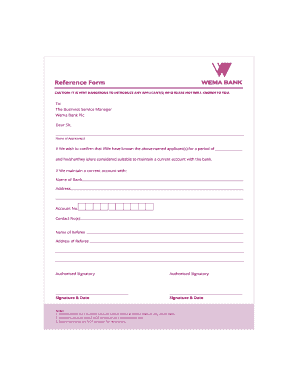
Wema bank reference form
The document is a reference form for applicants seeking to open a current account at Wema Bank Plc. It requires the refe ...
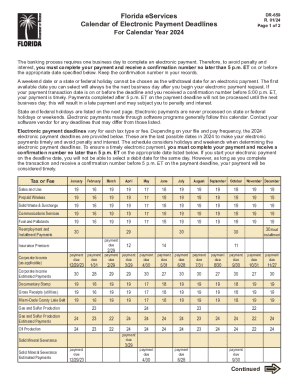
Florida May Stop Businesses from Going Cashless
The document outlines the electronic payment deadlines for various taxes and fees in Florida for the calendar year 2024. ...