




Here's how it works

01. Edit your anti arson application online
Type text, add images, blackout confidential details, add comments, highlights and more.

02. Sign it in a few clicks
Draw your signature, type it, upload its image, or use your mobile device as a signature pad.

03. Share your form with others
Send new york anti arson application via email, link, or fax. You can also download it, export it or print it out.
How to use or fill out anti arson with our platform

- Click ‘Get Form’ to open the anti-arson application in the editor.
- Begin by entering the 'Name of Applicant or Insured' and 'Location of Property'. Ensure accuracy as this information is crucial for processing your application.
- In the 'Amount of Insurance' section, specify the desired coverage amount. This should reflect your property's value and needs.
- Select the appropriate option under 'Applicant Is', indicating whether you are an owner, absentee owner, tenant, or other.
- Fill in the 'Valuation' section with details such as purchase date, price, estimated replacement cost, and any improvements made. This helps justify your insurance amount.
- Complete the underwriting questions honestly. If any answers are 'Yes', ensure to provide additional details in Part 2.
- Finally, review all entered information for accuracy before signing and dating the application at the bottom.
Start filling out your anti-arson application today for free using our platform!
Fill out anti arson online
It's free
See more anti arson versions
We've got more versions of the anti arson form. Select the right anti arson version from the list and start editing it straight away!
| Versions | Form popularity | Fillable & printable |
|---|---|---|
| 1982 | 4.9 Satisfied (457 Votes) |
Security and compliance
At DocHub, your data security is our priority. We follow HIPAA, SOC2, GDPR, and other standards, so you can work on your documents with confidence.
Learn more


Related forms

Declaration entitlement benefits
The document is a Declaration of Entitlement form for Totally Disabled Worker Benefits under Industrial Insurance, issue ...
State of Vermont Careers
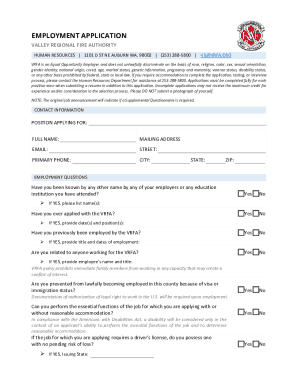
The document is an employment application for the Valley Regional Fire Authority (VRFA), outlining the application proce ...
Chamberofcommerce united-statesutahNorth Tooele County Fire District in Stansbury Park, UT
Chamberofcommerce united-statesutahNorth Tooele County Fire District in Stansbury Park, UT
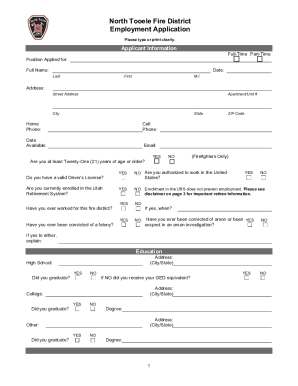
The document is a job announcement from the North Tooele Fire District for a full-time Firefighter/EMT position. It outl ...
History Department- GSR Staff Appointment - UCLA Chavez
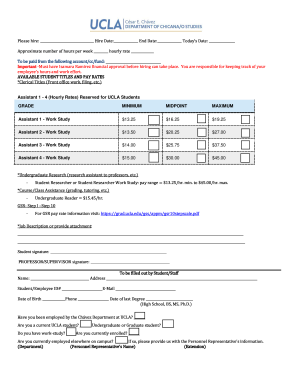
The document outlines the hiring process for student employees at UCLA, detailing necessary information such as hire dat ...
Pa corrected
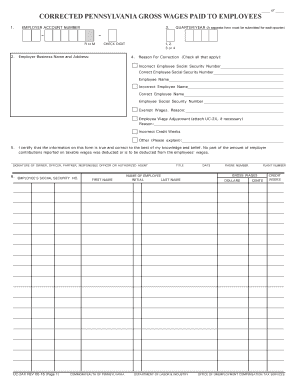
The document outlines the process for correcting Pennsylvania gross wages paid to employees using forms UC-2X and UC-2AX ...
New jersey application form
The document is an Application for Employment for the State of New Jersey, outlining the legal framework under the Oppor ...
Gigharborfire aboutemploymentEmployment Opportunities - Gig Harbor Fire & Medic One
Gig Harbor Fire & Medic One is seeking a Prevention Division Chief to oversee community risk reduction, public informati ...
Chestertwp resourcesdocumentsAn Equal Opportunity Employer Application - chestertwp
The document is an employment application form for Chester Township, outlining the necessary information required from a ...