




Here's how it works

01. Edit your equal employment opportunity plan online
Type text, add images, blackout confidential details, add comments, highlights and more.

02. Sign it in a few clicks
Draw your signature, type it, upload its image, or use your mobile device as a signature pad.

03. Share your form with others
Send eeop certification form via email, link, or fax. You can also download it, export it or print it out.
How to use or fill out eeop certification with our platform

- Click ‘Get Form’ to open the eeop certification in the editor.
- Begin by filling in the Recipient’s Name, Address, Grant Title, and Contact Person's details. Ensure accuracy as this information is crucial for identification.
- Select either Section A, B, or C based on your organization’s eligibility. If claiming exemption, check all applicable boxes in Section A.
- For Section B, certify that your organization has an EEOP on file if you have fifty or more employees and are receiving a qualifying award. Provide the office address where the EEOP is maintained.
- In Section C, confirm that an EEOP Utilization Report has been submitted if your organization meets the criteria of having received a single award of $500,000 or more.
- Finally, ensure all fields are completed accurately and sign the document before submitting it via email to EEOPForms@usdoj.gov.
Start using our platform today to streamline your eeop certification process for free!
Fill out eeop certification online
It's free
It's free
See more eeop certification versions
We've got more versions of the eeop certification form. Select the right eeop certification version from the list and start editing it straight away!
| Versions | Form popularity | Fillable & printable |
|---|---|---|
| 2014 | 4.9 Satisfied (44 Votes) |
Security and compliance
At DocHub, your data security is our priority. We follow HIPAA, SOC2, GDPR, and other standards, so you can work on your documents with confidence.
Learn more


Related forms
Application form for PO Box - pakpost gov
The document provides detailed instructions for applicants renting post boxes in the Lahore Postal Area, including eligi ...
1981 leave rules
The document outlines the Revised Leave Rules for Civil Servants in Khyber Pakhtunkhwa, established in 1981. It details ...

Fillable Online Spouse contributions - deposit form
The document is a form for current members of the Defence Force Retirement and Death Benefits Scheme (DFRDB) or Military ...
Australia post charity mail
The document is an application form for the Charity Mail service provided by Australia Post, intended for organizations ...
Rehabilitation program form
The document outlines the rehabilitation program for employees under the Safety, Rehabilitation and Compensation Act 198 ...
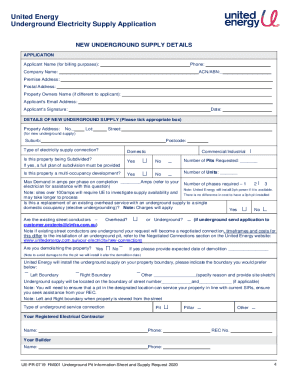
United energy pit application
The document is an application form for United Energy's underground electricity supply service. It outlines the process ...
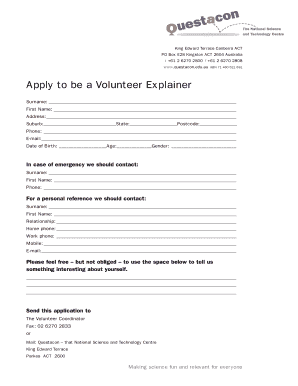
National science technology centre
The document is an application form for individuals interested in becoming Volunteer Explainers at Questacon, the Nation ...
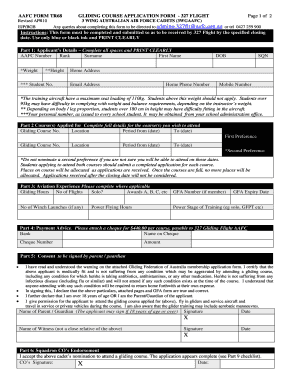
Australia air force cadets
The document is an application form for the Gliding Course offered by 327 Flight of the Australian Air Force Cadets (AAF ...