






Definition and Meaning
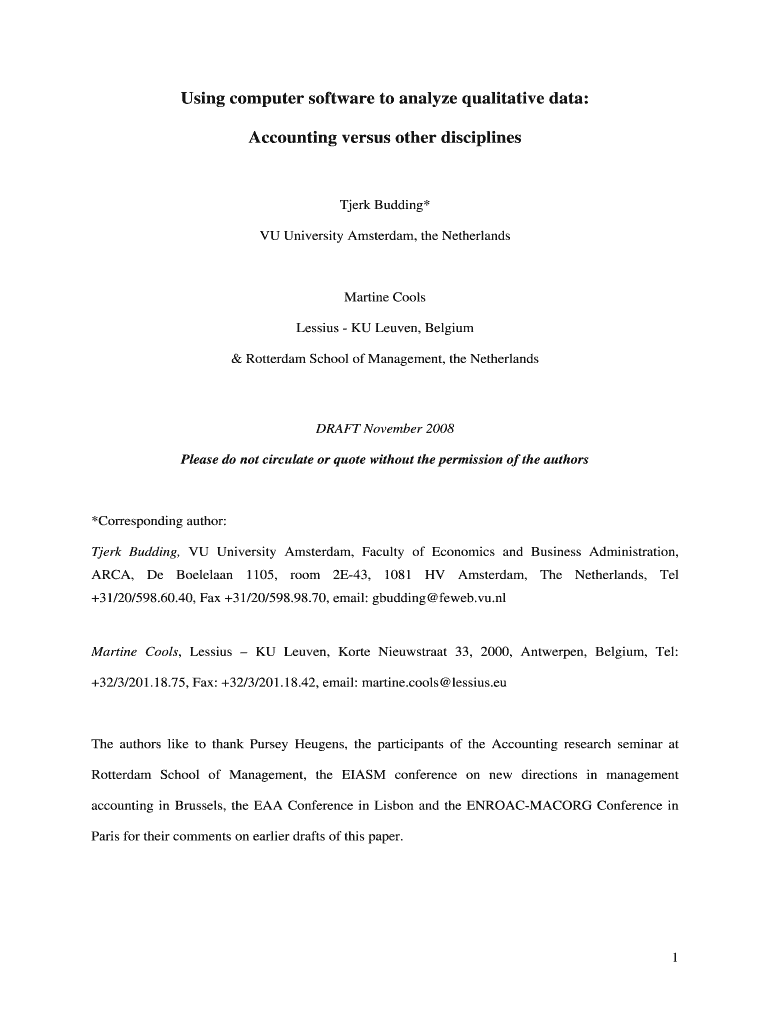
Using computer software to analyze qualitative data involves employing specialized tools to assist researchers in managing and interpreting qualitative data effectively. This can include tools within Computer Assisted Qualitative Data Analysis Software (CAQDAS), which streamline the data analysis process through coding, annotating, and the development of themes or patterns. The goal is to improve the depth and reliability of qualitative research findings by utilizing software that supports data organization and facilitates comprehensive analysis. These tools help uncover insights from complex data sets, making them essential for academic, business, and organizational research.
Key Elements of the Document
The document titled "Using computer software to analyze qualitative data" typically outlines the use and purpose of various software tools designed to aid in qualitative research. Key elements may include:
- Software Features: Description of functionalities such as thematic coding, text retrieval, and data visualization.
- User Instructions: Step-by-step guidance on how to navigate and utilize the software effectively.
- Application Context: Examples or case studies illustrating how the software has been used in actual research settings.
- Data Management: Information on organizing and storing qualitative data securely within the software.
- Output Options: Ways to export analyzed data into various formats for reporting or publication purposes.
How to Use the Document
To effectively use the "Using computer software to analyze qualitative data" document, follow these general steps:
-
Familiarize with the Interface: Begin by getting comfortable with the software’s user interface. Explore its menus, options, and available tools.
-
Data Input: Import your qualitative data into the software. This can include transcripts from interviews, field notes, or other relevant documents.
-
Coding Data: Use the software’s coding tools to categorize data into themes or patterns. This step is crucial for identifying key insights.
-
Analyze Patterns: Utilize analysis features to identify recurring themes, trends, or correlations within the data.
-
Export Results: Conclude by exporting your findings in a format suitable for reporting or further analysis, such as spreadsheets or text files.
Steps to Complete the Document
When completing the document involving computer software for qualitative data analysis, consider these essential stages:
-
Preparation Stage: Organize your data before importing. Ensure it’s clean, well-formatted, and ready for analysis.
-
Software Selection: Choose a CAQDAS tool that best fits the needs of your research project. Consider factors such as ease of use, available features, and compatibility with your data format.
-
Initial Setup: Set up your project within the software, including creating relevant categories and selecting initial coding schemes.
-
Data Analysis: Proceed with coding and analyzing your data, regularly saving your work to prevent data loss.
-
Review and Interpret Results: Continuously review the analysis results. Interpret the findings to make meaningful conclusions regarding your research questions.
Who Typically Uses the Document
The document is typically used by those engaged in qualitative research, such as:
- Academics and Researchers: In fields like sociology, anthropology, and psychology, where qualitative methods are essential.
- Business Analysts: Professionals conducting market research or customer feedback analysis.
- Healthcare Professionals: Those involved in patient experience studies and treatment impact assessments.
- Policy Analysts: Individuals working on social policy evaluations and reports.
These users rely on the document to optimize their workflows and enhance the accuracy and reliability of their qualitative findings.

Legal Use of the Document
It's crucial to use the document within the bounds of applicable research and privacy laws. Important considerations include:
- Confidentiality Agreements: Ensure that any data used adheres to confidentiality agreements and participant consent.
- Data Protection: Follow guidelines for securely handling sensitive data, compliant with regulations like HIPAA in healthcare.
Researchers are advised to be diligent in anonymizing personal information and to use pseudonyms when necessary.
Software Compatibility Considerations
When using computer software for analyzing qualitative data, consider its compatibility with other software and systems, such as:
- Integration with CAQDAS: Ensure the chosen tools are compatible with commonly used CAQDAS platforms.
- Export Formats: Check that the software supports exporting results into formats compatible with word processors, spreadsheets, and presentation software.
- Operating System Requirements: Verify that the software is compatible with your operating systems, such as Windows, MacOS, or Linux.
Examples of Using the Document
Here are some scenarios where the document can be practically applied:
- Academic Research: A sociology professor uses CAQDAS to analyze interviews conducted for a study on urban community development.
- Market Research: A business analyst uses qualitative analysis software to sort through open-ended survey responses about consumer preferences.
- Healthcare Analysis: A hospital uses qualitative data analysis to evaluate patient feedback concerning new healthcare services.
- Policy Development: A public policy researcher analyzes focus group discussions to inform new social welfare policies.
By employing this document effectively, professionals can gain valuable insights that drive informed decision-making across various fields.