
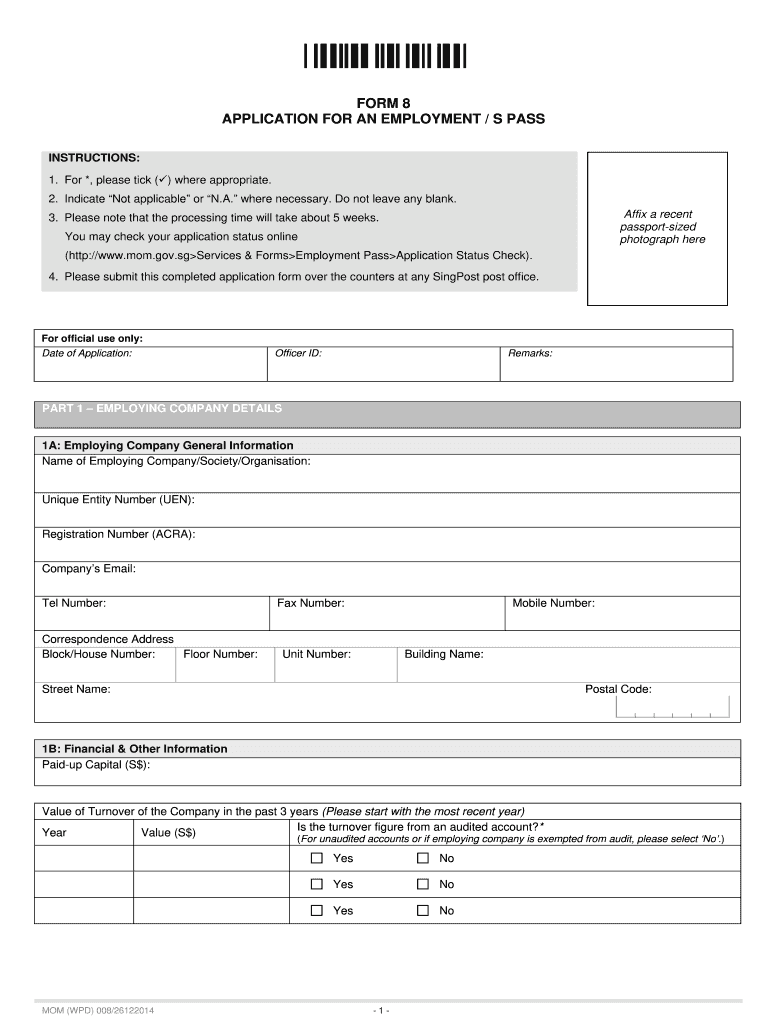




Here's how it works

01. Edit your singapore ep application form online
Type text, add images, blackout confidential details, add comments, highlights and more.

02. Sign it in a few clicks
Draw your signature, type it, upload its image, or use your mobile device as a signature pad.

03. Share your form with others
Send singapore s pass form via email, link, or fax. You can also download it, export it or print it out.
How to use or fill out ep application form with our platform

- Click ‘Get Form’ to open the ep application form in the editor.
- Begin with Part 1, where you will enter the employing company's details. Fill in the company name, Unique Entity Number (UEN), and contact information accurately.
- Proceed to Part 2, which includes pass declaration and duration. Indicate if the foreign employee has previously worked in Singapore and specify the duration of the pass applied for.
- In Part 4, provide personal particulars of the foreign employee. Ensure that all fields are filled correctly, including name, nationality, and marital status.
- Complete Part 5 by detailing the foreign employee's education and membership details. This section is crucial for assessing eligibility.
- Finally, review all sections for accuracy before submitting. Use our platform’s features to save your progress and ensure no fields are left blank.
Start filling out your ep application form today using our platform for a seamless experience!
Fill out ep application form online
It's free
Security and compliance
At DocHub, your data security is our priority. We follow HIPAA, SOC2, GDPR, and other standards, so you can work on your documents with confidence.
Learn more


Related forms
LETTER TO EMPLOYEE TO INITIATE FMLA AND PDL LEAVE
This document is a letter to an employee notifying them of their eligibility for Family Medical Leave Act (FMLA) and Pre ...
Business Phone Change of Ownership Form - Cable ONE Business
The document outlines the process for consenting to a change of ownership for a Cable ONE business phone account. It req ...
CATHOLIC CHARITIES OF SOUTHERN NEVADA
The document is a referral application for the Meals on Wheels service provided by Catholic Charities of Southern Nevada ...

BreWingZ Wicked Wing Challenge Accident Waiver and Release
The document is an Accident Waiver and Release of Liability for participants in the BreWingZ 'Wicked Wing Challenge,' a ...
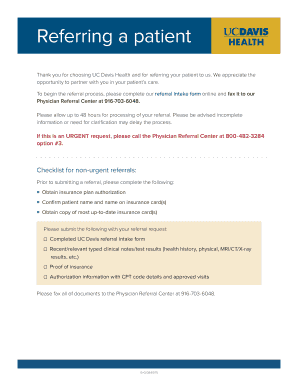
Uc davis referring
The document outlines the referral process for patients to UC Davis Health, detailing the steps required for non-urgent ...
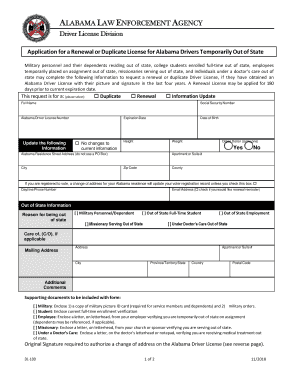
Alea gov cdl self certification
The document outlines the application process for Alabama drivers temporarily out of state to request a renewal or dupli ...
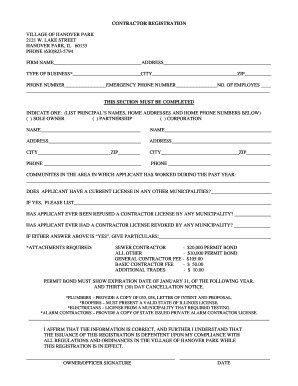
Charitable Solicitation Permit Application - Hanover Park, IL
The document is a contractor registration form for the Village of Hanover Park, Illinois. It requires information about ...