




Here's how it works

01. Edit your form online
Type text, add images, blackout confidential details, add comments, highlights and more.

02. Sign it in a few clicks
Draw your signature, type it, upload its image, or use your mobile device as a signature pad.

03. Share your form with others
Send it via email, link, or fax. You can also download it, export it or print it out.
How to use or fill out PDF Application for Membership Namozine Volunteer Fire and EMS Co 4, Inc

- Click ‘Get Form’ to open the PDF Application for Membership in our editor.
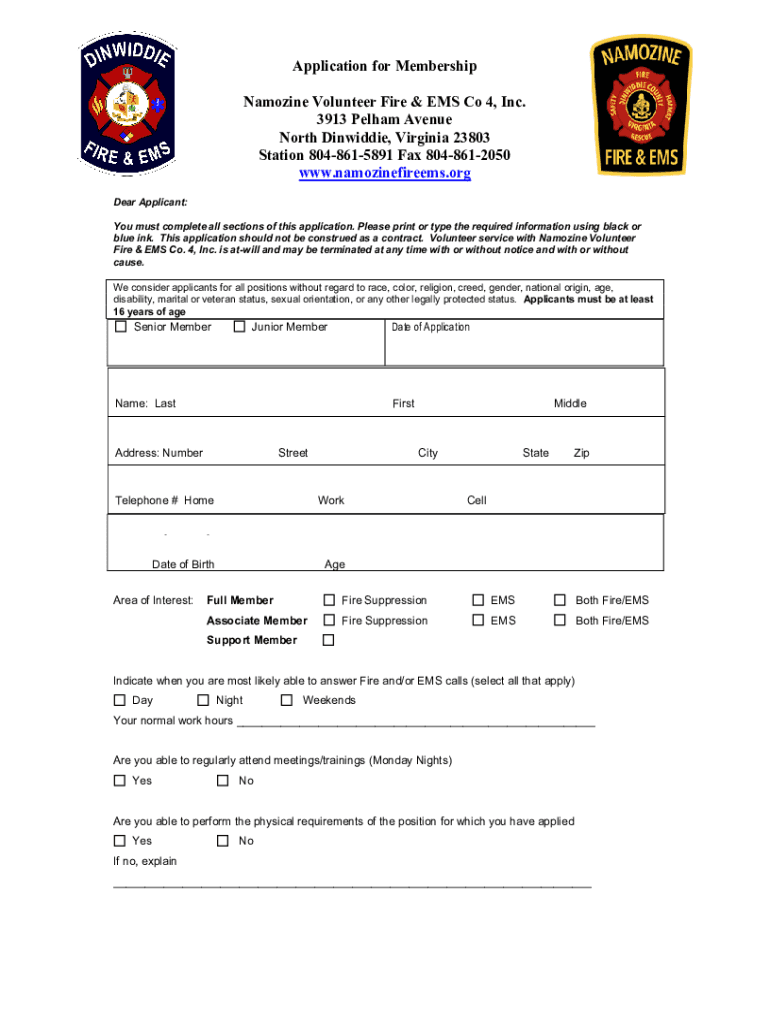
- Begin by entering your personal information in the 'Name' section. Ensure you include your last name, first name, and middle name if applicable.
- Fill out your address details accurately, including street number, city, state, and zip code. Don’t forget to provide your contact numbers.
- Indicate your age and select your membership type (Senior Member, Junior Member, etc.) along with your area of interest (Fire Suppression, EMS).
- Complete the education section by circling the highest grade completed and providing details about any specialized training or skills you possess.
- In the experience section, detail any previous firefighting or EMS experience and list relevant certifications like CPR or EMT licenses.
- Provide personal references who are not relatives and complete the employment/volunteer history section with accurate job titles and descriptions.
- If under 18, ensure parental permission is filled out correctly. Finally, review all sections for accuracy before signing the certification & authorization part.
Start filling out your application today using our platform for free!
Fill out PDF Application for Membership Namozine Volunteer Fire and EMS Co 4, Inc online
It's free
See more PDF Application for Membership Namozine Volunteer Fire and EMS Co 4, Inc versions
We've got more versions of the PDF Application for Membership Namozine Volunteer Fire and EMS Co 4, Inc form. Select the right PDF Application for Membership Namozine Volunteer Fire and EMS Co 4, Inc version from the list and start editing it straight away!
Security and compliance
At DocHub, your data security is our priority. We follow HIPAA, SOC2, GDPR, and other standards, so you can work on your documents with confidence.
Learn more


