




Here's how it works



How to use or fill out Fillable Online YORK COUNTY NO FAULT DIVORCE FORMS AND with DocHub

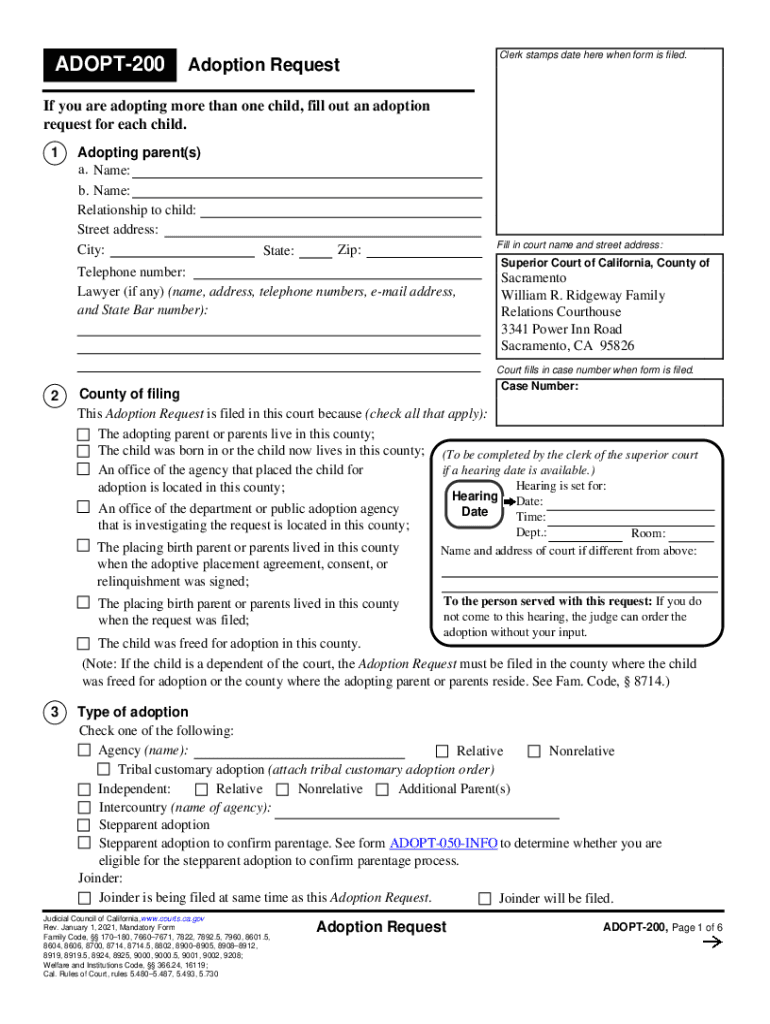
- Click ‘Get Form’ to open the Fillable Online YORK COUNTY NO FAULT DIVORCE FORMS AND in our platform.
- Begin by entering your personal information in the designated fields, including your name, address, and contact details. Ensure all entries are accurate.
- Proceed to fill out the sections regarding your spouse's information. This includes their name, address, and any relevant identification numbers.
- Complete the sections related to the grounds for divorce. Clearly indicate your reasons as per the options provided in the form.
- Review any additional requirements or documents needed for submission, such as financial disclosures or custody arrangements if applicable.
- Once all fields are filled out correctly, utilize our editor’s features to save your progress or print a copy for your records before final submission.
Start using our platform today to simplify your document editing and ensure a smooth completion of your divorce forms!
It's free
See more Fillable Online YORK COUNTY NO FAULT DIVORCE FORMS AND versions
Got questions?
Can I use DocHub to generate legal eSignatures on my Fillable Online YORK COUNTY NO FAULT DIVORCE FORMS AND?
Yes, you can use DocHub for signing any business and private documentation, including your Fillable Online YORK COUNTY NO FAULT DIVORCE FORMS AND. All electronic signatures you generate with our service are legally binding and court-admissible, as DocHub complies with standards required by ESIGN and UETA. Save your completed document with a detailed Audit Trail if necessary.
How do you complete Fillable Online YORK COUNTY NO FAULT DIVORCE FORMS AND online?
You can complete and sign your Fillable Online YORK COUNTY NO FAULT DIVORCE FORMS AND online, even on a tight deadline. All you need to access top-notch editing tools on any device is a DocHub account, that you can sign up in a few moments. When you register, add your document or find what you are looking for in our catalog, complete it utilizing the editing tools you want, and put your electronic signature on it at the end.
How to get a no-fault divorce in Pennsylvania?
Can you get divorce in PA without going to court?
How long do you have to be separated to be considered divorced in PA?
Security and compliance
At DocHub, your data security is our priority. We follow HIPAA, SOC2, GDPR, and other standards, so you can work on your documents with confidence.
Learn more


