




Here's how it works
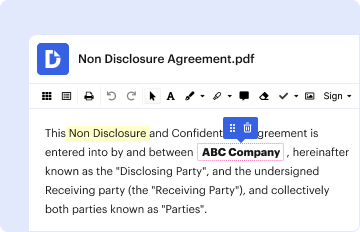
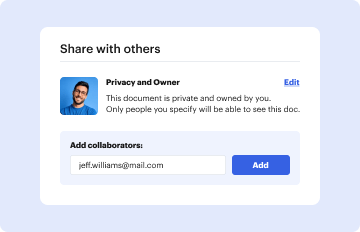
How to use or fill out Acaria Health - Gastroenterology Referral Form with our platform

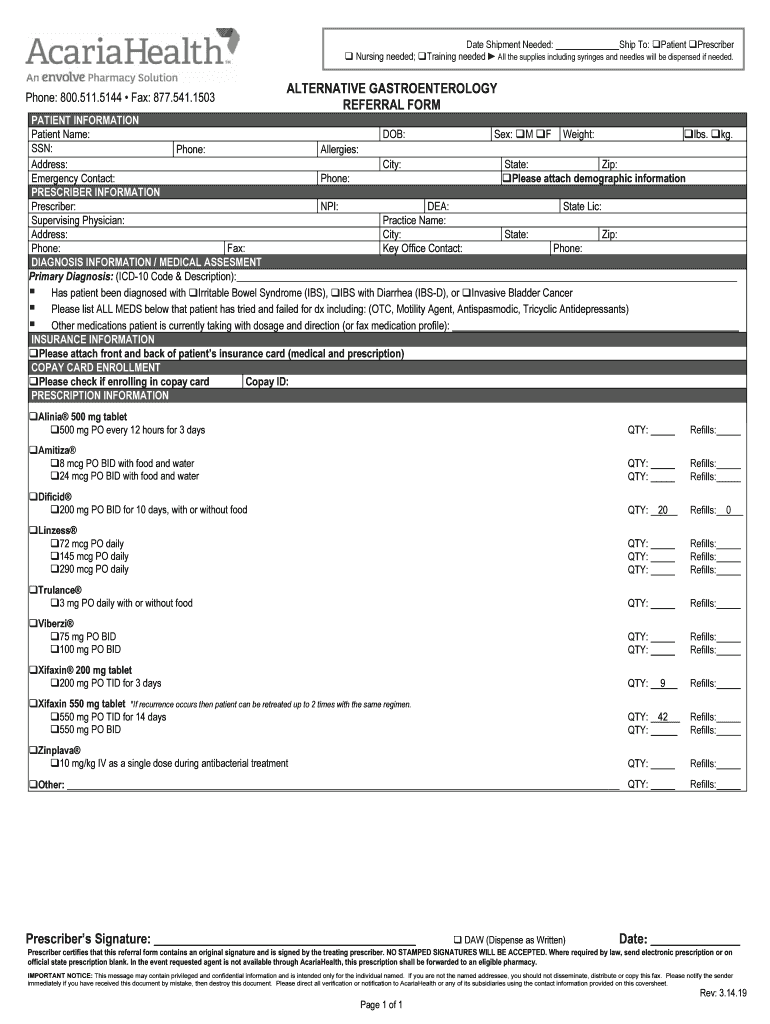
- Click ‘Get Form’ to open the Acaria Health - Gastroenterology Referral Form in the editor.
- Begin by filling out the 'Patient Information' section. Enter the patient's name, date of birth, sex, weight, and social security number. Ensure all fields are completed accurately.
- Next, provide 'Prescriber Information.' Fill in the prescriber's name, NPI, DEA number, state license, and practice details. This information is crucial for processing the referral.
- In the 'Diagnosis Information / Medical Assessment' section, specify the primary diagnosis using ICD-10 codes. Indicate any previous medications tried and current medications being taken.
- Complete the 'Insurance Information' by attaching a copy of the patient’s insurance card as instructed.
- Fill out the 'Prescription Information' section by selecting necessary medications and specifying quantities and refills as needed.
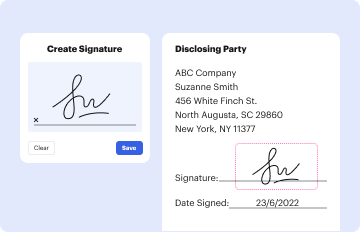
- Finally, ensure that you sign and date the form in the designated area before submitting it through our platform.
Start using our platform today to streamline your form completion process for free!
It's free
See more Acaria Health - Gastroenterology Referral Form Gastroenterology Referral Form versions
| Versions | Form popularity | Fillable & printable |
|---|---|---|
| 2019 | 4.8 Satisfied (135 Votes) |
Got questions?
Is it safe to sign my referral to gastroenterology electronically?
You should use only trustworthy software solutions with strong data protection compliance to approve your documents electronically. DocHub is just the type of editor you need! It stores data on Amazon Web Servers and complies with all essential security criteria and eSignature laws, so it’s a trusted way to eSign your referral to gastroenterology or other paperwork with this tool.
How do you modify intitle acaria health from Google Drive?
If you store your files in Google Drive, there is no need to download your intitle acaria health on your computer and upload it back to our editor. A much simpler way is to set up a browser extension developed by DocHub to simplify this flow. The extension allows editing PDFs right in your browser. Alternatively, you can integrate your DocHub and Gmail accounts for more efficient editing.
Security and compliance
At DocHub, your data security is our priority. We follow HIPAA, SOC2, GDPR, and other standards, so you can work on your documents with confidence.
Learn more


