



01. Edit your form online
Type text, add images, blackout confidential details, add comments, highlights and more.

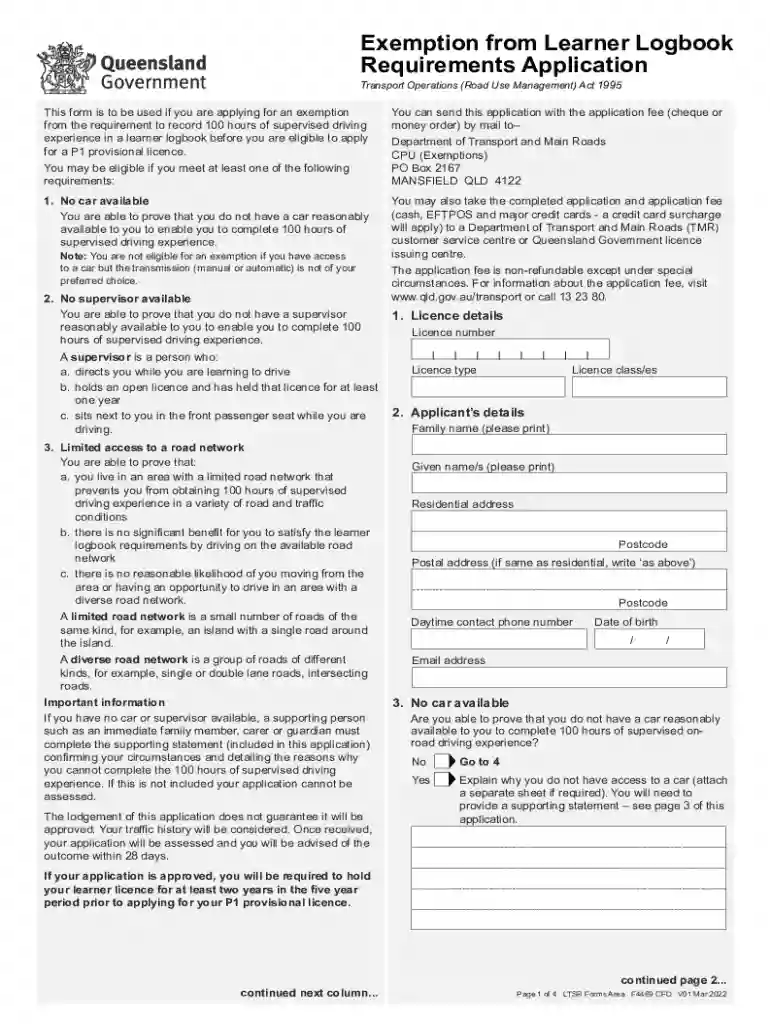
Type text, add images, blackout confidential details, add comments, highlights and more.

Draw your signature, type it, upload its image, or use your mobile device as a signature pad.

Send it via email, link, or fax. You can also download it, export it or print it out.

Start filling out your Logbook Exemption Form today using our platform for free!
We've got more versions of the Logbook Exemption Form - Fill Online, Printable, Fillable form. Select the right Logbook Exemption Form - Fill Online, Printable, Fillable version from the list and start editing it straight away!
You should use only reliable software solutions with strong security compliance to sign your paperwork electronically. DocHub is just the type of software you need! It stores data on Amazon Web Servers and complies with all essential security criteria and eSignature regulations, so it’s a trusted way to eSign your Logbook Exemption Form - Fill Online, Printable, Fillable or other paperwork using this tool.
You need only an internet connection and a web browser to complete your Logbook Exemption Form - Fill Online, Printable, Fillable by using an iOS phone. Open the DocHub website and authenticate. Then, add your document or select it from the list in your dashboard. Then use our editing tools to complete your form and save all your changes. You may also send it to a specified recipient right away.
At DocHub, your data security is our priority. We follow HIPAA, SOC2, GDPR, and other standards, so you can work on your documents with confidence.
Registration Application for Exemption from Estate Administration to Transfer a Decedents Vehicle (VR-481) - PDF. Contact Center: 410-768
Jun 3, 2026 this form view is NOT fillable. Form I-9 is a fillable form, Employers and employees using this fillable form must print and manually sign it
The information collected on this form is necessary to determine applicant eligibility for airman ratings. We estimate it will take 30 minutes to completeRead more


