




Here's how it works



How to use or fill out Duluth Young Farmers Coalition with DocHub

- Click ‘Get Form’ to open the Duluth Young Farmers Coalition document in our platform.
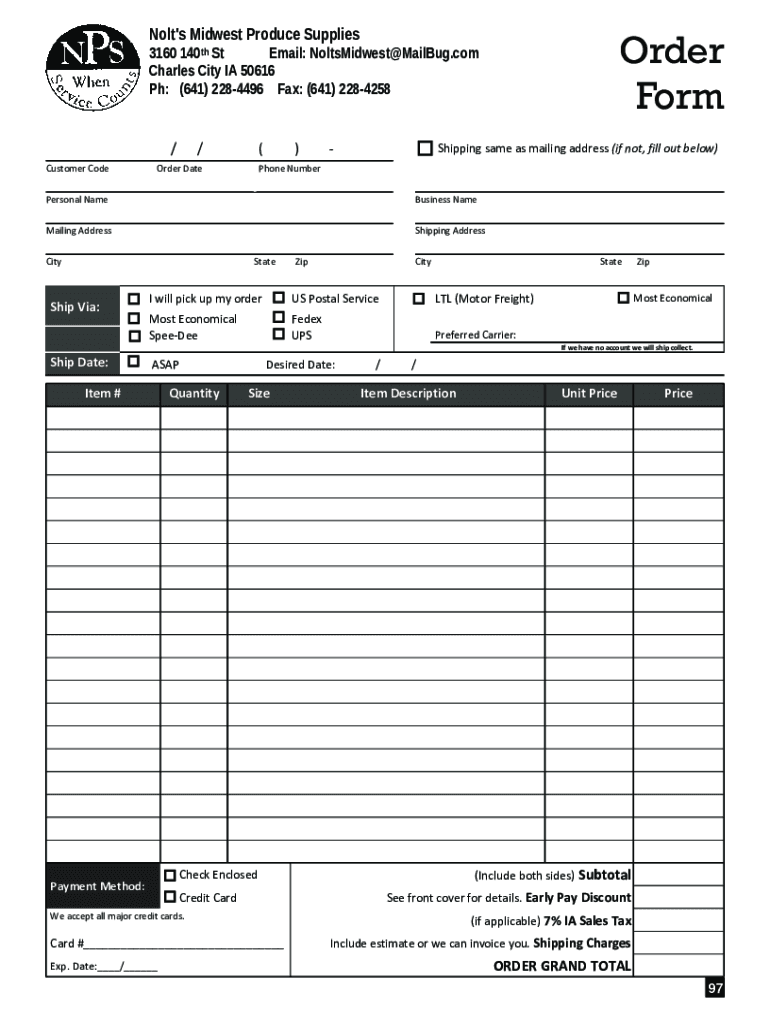
- Begin by filling in your personal information at the top of the form, including your name, address, and contact details. This ensures that all correspondence is directed to you.
- Proceed to the next section where you will indicate your membership preferences. Select the appropriate options from the dropdown menus or checkboxes provided.
- In the following fields, provide any additional information requested, such as your farming interests or specific areas of involvement within the coalition.
- Review all entered information for accuracy. Use our editor's features to make any necessary adjustments before finalizing your submission.
- Once satisfied with your entries, click on ‘Submit’ to send your completed form directly through our platform for processing.
Start using our platform today to easily fill out and submit your Duluth Young Farmers Coalition form!
It's free
See more Duluth Young Farmers Coalition versions
Got questions?
How can I eSign my Duluth Young Farmers Coalition from Gmail?
With DocHub, it’s quite simple. The service offers users an add-on called DocHub for Gmail, which you can locate in the Google Workspace Marketplace free of charge. Set it up and give it access to your Google account. Open your email with your Duluth Young Farmers Coalition attached and click on the add-on button in the right-side panel. Sign in to your DocHub account, and upload the form to our editor, where you can fill it out and sign.
How do you edit Duluth Young Farmers Coalition on iOS?
You can easily edit fill out your Duluth Young Farmers Coalition on any iOS device. Open an internet browser of your liking, visit the DocHub website, authorize or create a new account, add your file for editing, and make your desired adjustments. Our service is mobile-friendly, so using its functions on your phone will be a no-brainer, even on the first try.
What is the motto of the Young Farmers Club?
What is the Young Farmers Club in Nigeria?
Who can become members of Farmers Club?
Security and compliance
At DocHub, your data security is our priority. We follow HIPAA, SOC2, GDPR, and other standards, so you can work on your documents with confidence.
Learn more


