




Here's how it works

01. Edit your residential lease agreement anne arundel county online
Type text, add images, blackout confidential details, add comments, highlights and more.

02. Sign it in a few clicks
Draw your signature, type it, upload its image, or use your mobile device as a signature pad.

03. Share your form with others
Send anne arundel county residential lease via email, link, or fax. You can also download it, export it or print it out.
How to use or fill out residential lease with our platform

- Click ‘Get Form’ to open the residential lease in the editor.
- Begin by filling in the names of the Landlord and Tenant in Section 1. Ensure that all parties are correctly identified to avoid any future disputes.
- In Section 2, provide the complete address of the Premises, including street address, unit number, city, state, and zip code. This is crucial for legal identification.
- Specify the Term of the Lease in Section 3 by entering the duration in months and days along with start and end dates.
- Complete Section 4 by detailing the Rent amount due monthly and any pro-rated rent if applicable. Make sure to include payment instructions.
- List all authorized occupants in Section 5. This ensures clarity on who can reside at the property.
- Review Sections regarding Security Deposit (Section 7) and Community Association (Section 8) for compliance with local regulations.
Start using our platform today to easily fill out your residential lease for free!
Fill out residential lease online
It's free
It's free
See more residential lease versions
We've got more versions of the residential lease form. Select the right residential lease version from the list and start editing it straight away!
| Versions | Form popularity | Fillable & printable |
|---|---|---|
| 2005 | 4.9 Satisfied (517 Votes) |
Security and compliance
At DocHub, your data security is our priority. We follow HIPAA, SOC2, GDPR, and other standards, so you can work on your documents with confidence.
Learn more


Related forms
File Tax and Wage Reports and Make Payments
The document provides instructions for completing Parts I and II of the Annual Tax and Wage Report for Domestic Employme ...
Commonwealth of Massachusetts - Office of the Comptroller
The document is a Massachusetts State Tax Form 96, which serves as an application for statutory exemptions related to pr ...
Verification of ACGME Approved Graduate Medical Training
The document outlines the verification process for ACGME approved graduate medical training for graduates of unaccredite ...
Dakota commissioner
The document is an Electronic Return Payment Voucher (Form 40-EPV) issued by the North Dakota Office of State Tax Commis ...
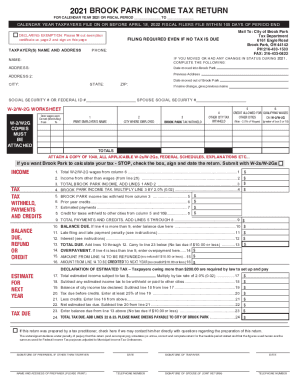
Ohio income tax return form
The document is the 2021 Brook Park Income Tax Return form, which outlines the requirements and instructions for residen ...
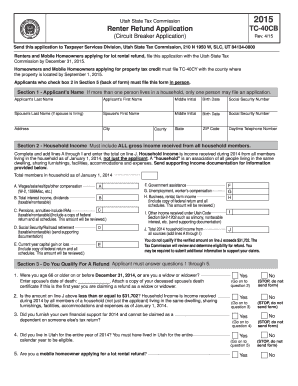
TC-40CB, Renter Refund Application. Forms & Publications - tax utah
The document is a Renter Refund Application (TC-40CB) from the Utah State Tax Commission for the year 2015. It outlines ...

The form must be completed by the prescriber and
The document is a Combined MassHealth Managed Care Organization (MCO) Medical Necessity Review Form for Enteral Nutritio ...
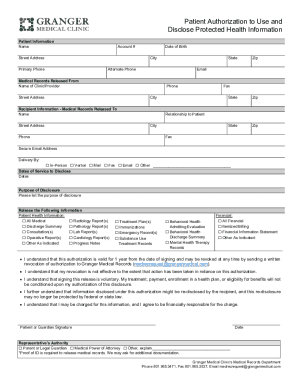
Pioneerphysicians patient-formsAuthorization for Use and Disclosure of Protected Health
The document is a Patient Authorization form that allows individuals to authorize the use and disclosure of their protec ...