




Here's how it works

01. Edit your dochub com fillable form online
Type text, add images, blackout confidential details, add comments, highlights and more.

02. Sign it in a few clicks
Draw your signature, type it, upload its image, or use your mobile device as a signature pad.

03. Share your form with others
Send continuation sheet application for employment north carolina 2009 via email, link, or fax. You can also download it, export it or print it out.
How to use or fill out nc state application pd 107 with DocHub

- Click ‘Get Form’ to open the nc state application PD 107 in our editor.
- Begin by filling out your personal information, including your last name, first name, middle name, address, and contact details. Ensure accuracy as this information is crucial for your application.
- Complete the availability section by indicating whether you currently work for the State of NC and if you are a layoff candidate eligible for RIF priority reemployment consideration.
- In the education section, list your educational background. Circle the highest grade completed and provide details about any degrees or certifications obtained.
- Detail your work history thoroughly. Include each job held, responsibilities, and highlight competencies that demonstrate your qualifications for the position you are applying for.
- Finally, review all sections for accuracy. Sign and date your application before submitting it through our platform.
Start using our editor today to complete your nc state application PD 107 easily and efficiently!
Fill out nc state application pd 107 online
It's free
It's free
See more nc state application pd 107 versions
We've got more versions of the nc state application pd 107 form. Select the right nc state application pd 107 version from the list and start editing it straight away!
Security and compliance
At DocHub, your data security is our priority. We follow HIPAA, SOC2, GDPR, and other standards, so you can work on your documents with confidence.
Learn more


Related forms

TUBERCULOSIS PRESCRIPTION / MEDICATION REQUEST FORM
The document is a prescription and medication request form for the Alaska Tuberculosis Program, detailing the process fo ...
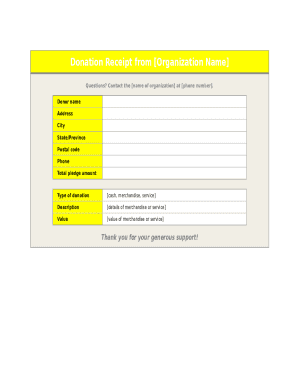
Organization donation receipt
The document is a donation receipt from an organization, detailing the donor's information, type of donation (cash, merc ...

SSC Player Agreement for 202021.docx
The document is a Player Agreement for the Southeast Soccer Club (SSC) for the 2020/21 season, outlining the commitments ...

Tarps application
The document outlines the eligibility application process for the Toledo Area Regional Transit Authority's Paratransit S ...

EPCC - Admissions & Aid - Admissions Forms
The document is a registration form for continuing education courses at El Paso Community College (EPCC). It emphasizes ...
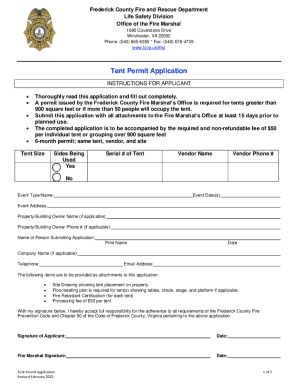
Ci merce ca us home showpublisheddocumentCITY OF COMMERCE PUBLIC WORKS ENCROACHMENT PERMIT APPLICATI
Ci merce ca us home showpublisheddocumentCITY OF COMMERCE PUBLIC WORKS ENCROACHMENT PERMIT APPLICATI
The document is a Tent Permit Application from the Frederick County Fire and Rescue Department's Life Safety Division. I ...
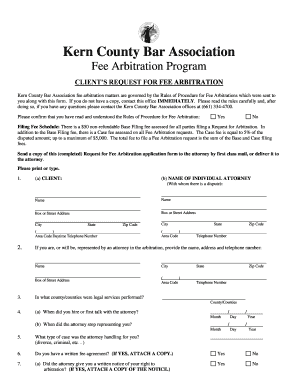
CLIENTS REQUEST TO ARBITRATE A FEE DISPUTE
The document outlines the Fee Arbitration Program of the Kern County Bar Association, providing a form for clients to re ...