
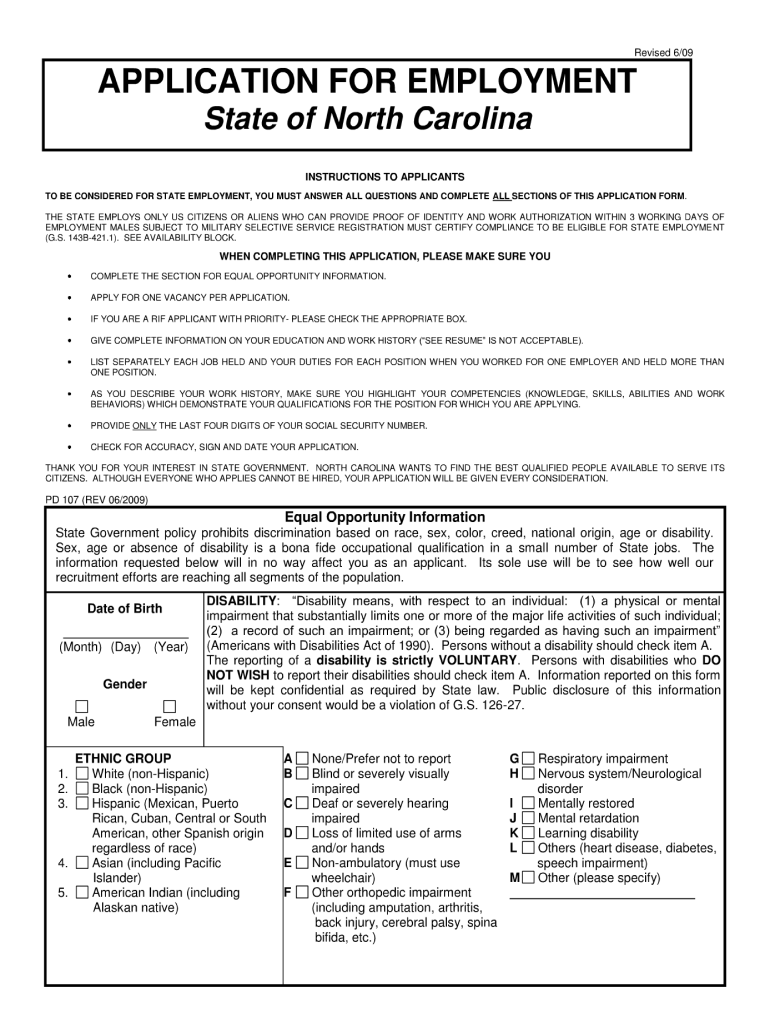




Here's how it works

01. Edit your continuation sheet application for employment north carolina 2009 online
Type text, add images, blackout confidential details, add comments, highlights and more.

02. Sign it in a few clicks
Draw your signature, type it, upload its image, or use your mobile device as a signature pad.

03. Share your form with others
Send state of north carolina jobs via email, link, or fax. You can also download it, export it or print it out.
How to use or fill out application for employment state of north carolina 2009 form with our platform

- Click ‘Get Form’ to open the application for employment state of north carolina 2009 form in the editor.
- Begin by entering your personal information in the designated fields, including your name, address, and contact details. Ensure accuracy as this information is crucial for potential employers.
- Proceed to the employment history section. Here, you will need to list your previous jobs, including company names, positions held, and dates of employment. Use our platform's features to easily add or remove entries as needed.
- Next, fill out the education section. Input your educational background, including schools attended and degrees obtained. This section may require you to upload transcripts or certificates; utilize our editor’s upload feature for convenience.
- Finally, review all sections for completeness and accuracy. Use our platform’s tools to sign electronically if required before submitting your application.
Start using our platform today to complete your application for employment effortlessly and for free!
Fill out application for employment state of north carolina 2009 form online
It's free
It's free
See more application for employment state of north carolina 2009 form versions
We've got more versions of the application for employment state of north carolina 2009 form form. Select the right application for employment state of north carolina 2009 form version from the list and start editing it straight away!
Security and compliance
At DocHub, your data security is our priority. We follow HIPAA, SOC2, GDPR, and other standards, so you can work on your documents with confidence.
Learn more


Related forms
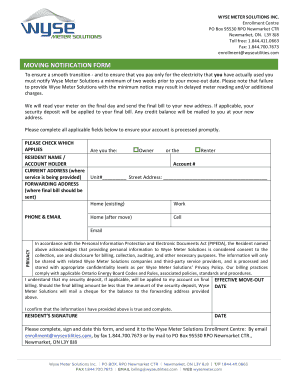
Fax:1
The document is a Moving Notification Form from Wyse Meter Solutions Inc., which requires residents to notify the compan ...

CHGME Report to Congress. Report to Congress on the Children's Hospital Graduate Medical Education program - bhpr hrsa
CHGME Report to Congress. Report to Congress on the Children's Hospital Graduate Medical Education program - bhpr hrsa
The report from the U.S. Department of Health and Human Services outlines the Children's Hospitals Graduate Medical Educ ...
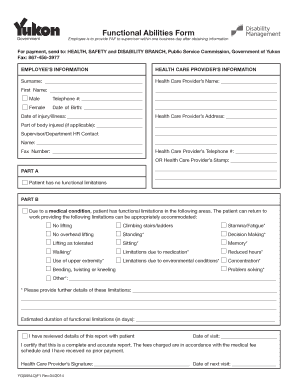
Faf form
The document is a Functional Abilities Form (FAF) used by employees to report their health status and any functional lim ...

Name you want to be known as
The document is a petition form for adults in Maryland seeking a legal name change. It outlines the necessary informatio ...

Cimaglobal DocumentsMember docsFellowship application form - Chartered Institute of
The document is a Fellowship application form for CIMA, requiring personal details, employment information, and a declar ...
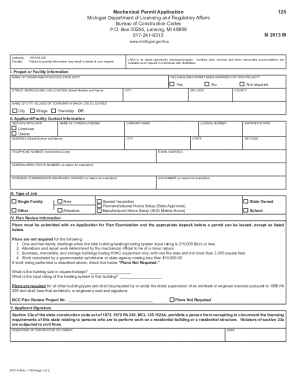
State Of Michigan Mechanical Permit - US Legal Forms
The document is a Mechanical Permit Application form from the Michigan Department of Licensing and Regulatory Affairs, o ...
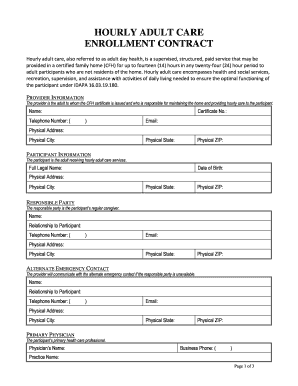
Adult day services - Office of The Assistant Secretary for ...
The document is an enrollment contract for hourly adult care services, detailing the provision of supervised care in a c ...

Oklahoma Identification Device Order Form
The document is an order form for identification devices (stamps) issued by the Oklahoma Corporation Commission's Transp ...