




Here's how it works

01. Edit your dochub com fillable form online
Type text, add images, blackout confidential details, add comments, highlights and more.

02. Sign it in a few clicks
Draw your signature, type it, upload its image, or use your mobile device as a signature pad.

03. Share your form with others
Send how to test an rpz via email, link, or fax. You can also download it, export it or print it out.
How to use or fill out rpz test report with our platform

- Click ‘Get Form’ to open the rpz test report in the editor.
- Begin by entering the name and signature of the person granting permission to turn off the supply. This ensures accountability.
- Next, fill in the details for turning on the supply, including names and signatures as required.
- Complete the section for the responsible person's name, water supplier's name, and address of the device location.
- Document the turn-off and turn-on times along with postal code and telephone number for easy reference.
- Proceed to fill in technical details such as make, model, serial numbers of both the test kit and device, along with calibration date.
- Answer yes/no questions regarding isolating valves, strainer presence, air gap unobstruction, and accessibility. Provide comments if necessary.
- Record test results including differential pressures for check valves and any repairs made. Ensure tester’s information is filled accurately.
- Finally, review all entries for accuracy before saving or exporting your completed report.
Start using our platform today to streamline your rpz test report completion for free!
Fill out rpz test report online
It's free
Security and compliance
At DocHub, your data security is our priority. We follow HIPAA, SOC2, GDPR, and other standards, so you can work on your documents with confidence.
Learn more


Related forms
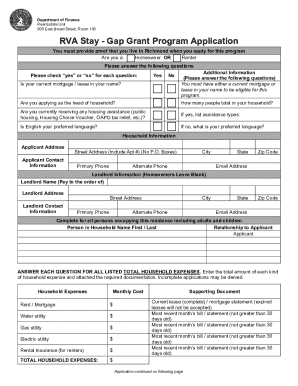
Rva Stay - Gap Grant Program Application
The document outlines the application process for the RVA Stay - Gap Grant Program, which provides financial assistance ...

Solano courts ca CRDEPT022020 06 05NOTICE OF CONTINUED HEARING - Solano County Superior Court
Solano courts ca CRDEPT022020 06 05NOTICE OF CONTINUED HEARING - Solano County Superior Court
The document is a notice from the Superior Court of California, County of Solano, informing that due to reduced court op ...
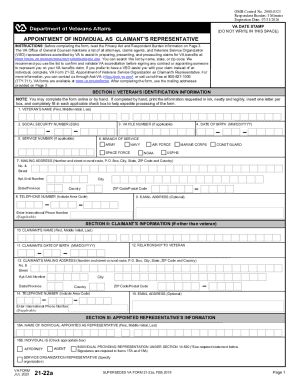
VA Form 21-22a
The document is a VA Form 21-22a, which is used for the appointment of an individual as a claimant's representative for ...

VISN 08 - Veterans Integrated Service Networks
The document is the Fall 2024 edition of 'Veterans Health Matters,' a wellness magazine produced by the VA Sunshine Heal ...

Attorney lookup new yorkState of New York - Open Data NY
The document is a legal form titled 'First and Final Report of Personal Representative and Petition for Final Distributi ...
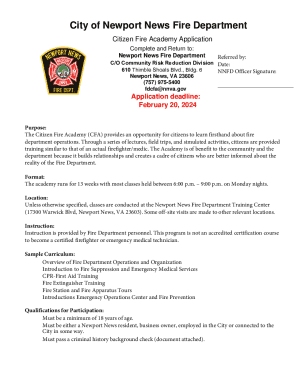
City of Newport News Fire Department
The document is an application for the Citizen Fire Academy (CFA) offered by the Newport News Fire Department, aimed at ...
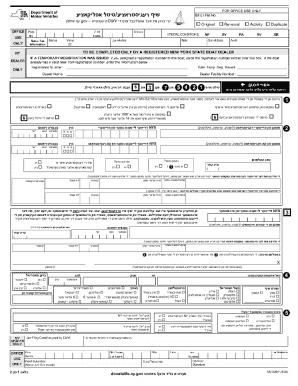
How do I notify the NYS DMV that I'm moving out of state?
The document is a registration application form for boats in New York State, intended for use by registered boat dealers ...
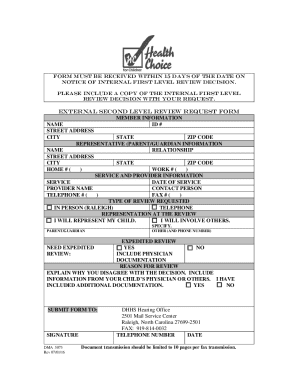
Health Choice Review Request Form
The document outlines the review process for parents seeking to contest delays, denials, reductions, terminations, or su ...