




Here's how it works



How to Use or Fill Out Traumatic Servicemembers' Group Life Insurance (TSGLI) with Our Platform

- Click ‘Get Form’ to open the TSGLI Claim Form in the editor.
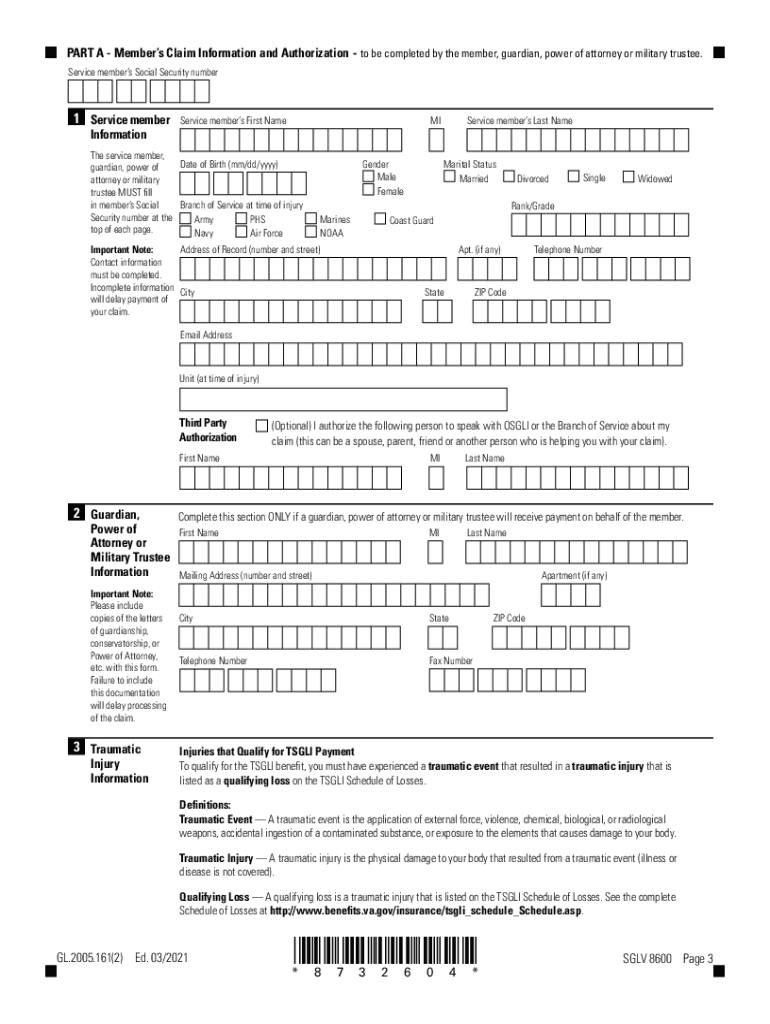
- Begin by completing Part A of the form, which includes entering the service member's Social Security number on each page. Fill in personal details such as name, date of birth, branch of service, and contact information.
- If applicable, a guardian or power of attorney must provide documentation and complete their section in Part A. Ensure all required fields are filled to avoid delays.
- In Part B, have a medical professional complete their statement regarding the qualifying injuries. This includes providing detailed descriptions and confirming hospitalization if necessary.
- Review all sections for accuracy and completeness before submitting. Use our platform’s features to sign and securely send your completed claim to the appropriate branch of service.
Start using our platform today for free to streamline your TSGLI claims process!
It's free
See more Traumatic Servicemembers' Group Life Insurance (TSGLI ...Traumatic Injury Protection (TSGLI)Veterans AffairsTraumatic Servicemembers' Group Life Insurance (TSGLI ...Traumatic Injury Protection (TSGLI)Veterans Affairs versions
Got questions?
Can I fill out and sign my traumatic sgli online?
Sure, and it’s really straightforward! DocHub is an online PDF editor with advanced document management features that allow you rapidly edit your forms, fill out blank fields and add new ones for other people to fill out, and create electronic signatures in several ways. Add your traumatic sgli, provide information as requested, and decide how you want to eSign your template - by typing your name, drawing your signature, uploading its picture, or utilizing a QR code.
How do you edit site dochub com prudential online?
With DocHub, there are several convenient ways to edit your site dochub com prudential online. You can drag and drop the form and modify it directly at the DocHub website or use our browser extension to fill out your form immediately. Additionally, you can modify your PDF on your smartphone, as DocHub works with all the accessible mobile platforms.
Security and compliance
At DocHub, your data security is our priority. We follow HIPAA, SOC2, GDPR, and other standards, so you can work on your documents with confidence.
Learn more


