




Here's how it works

01. Edit your military vehicle registration exemption form online
Type text, add images, blackout confidential details, add comments, highlights and more.

02. Sign it in a few clicks
Draw your signature, type it, upload its image, or use your mobile device as a signature pad.

03. Share your form with others
Send mv 120 pa form via email, link, or fax. You can also download it, export it or print it out.
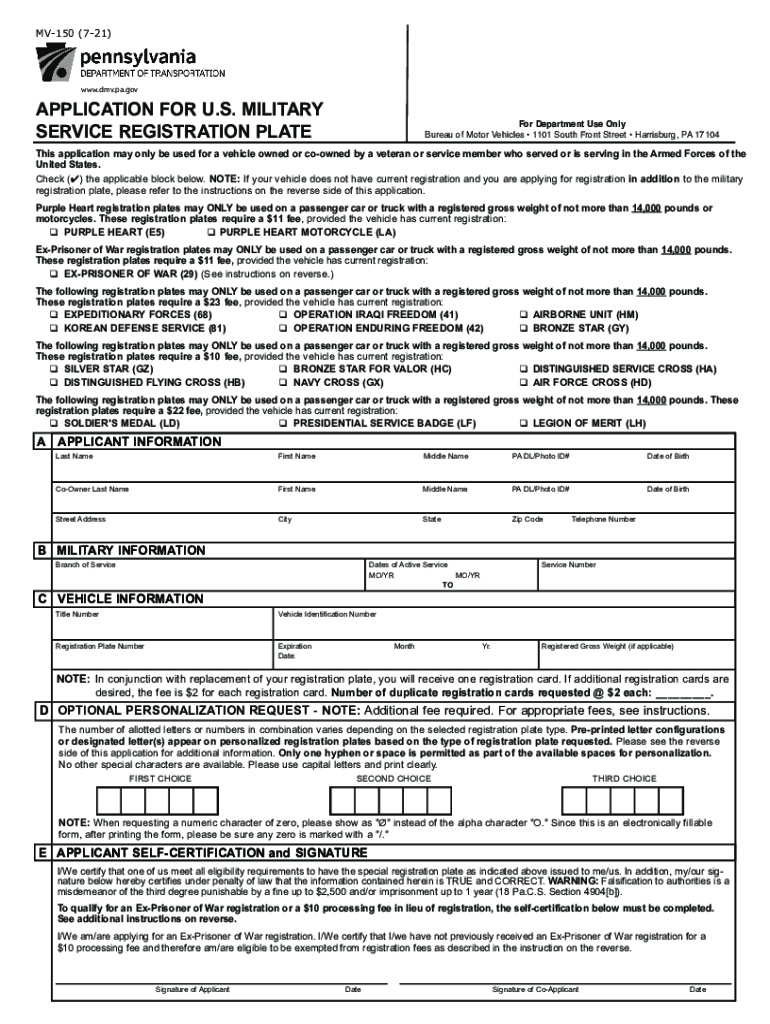
How to use or fill out Pennsylvania MV Military Form with DocHub

- Click ‘Get Form’ to open the Pennsylvania MV Military Form in our editor.
- Begin by filling out Section A, 'Applicant Information.' Enter your last name, first name, middle name, PA DL/Photo ID number, date of birth, and contact details including street address, city, state, zip code, and telephone number.
- Proceed to Section B for 'Military Information.' Indicate your branch of service and provide the dates of active service along with your service number.
- In Section C, 'Vehicle Information,' input the title number, vehicle identification number (VIN), registration plate number, expiration date, and registered gross weight if applicable.
- If you wish to personalize your registration plate, complete Section D. Provide three choices for personalization while adhering to the character limits specified.
- Finally, sign and date in Section E to certify that all information is true and correct. Ensure both applicant and co-applicant signatures are included if applicable.
Start using our platform today to easily fill out your Pennsylvania MV Military Form for free!
Fill out pennsylvania mv military form online
It's free
It's free
See more pennsylvania mv military form versions
We've got more versions of the pennsylvania mv military form form. Select the right pennsylvania mv military form version from the list and start editing it straight away!
Security and compliance
At DocHub, your data security is our priority. We follow HIPAA, SOC2, GDPR, and other standards, so you can work on your documents with confidence.
Learn more


Related forms
2025 Form 8936
Form 8936 is a tax form used by individuals and entities to claim Clean Vehicle Credits for new and previously owned cle ...
IRS Form 15434 Application for Second Employee Retention Credit
The document is the IRS Form 15434, used by employers to apply for the second Employee Retention Credit (ERC) Voluntary ...
Form 7218
Form 7218 is a tax document used to claim the Clean Fuel Production Credit for qualified facilities under section 45Z. I ...
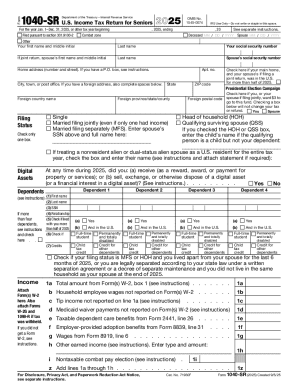
2025 Form 1040-SR
The document is the 2025 U.S. Income Tax Return Form 1040-SR specifically designed for seniors. It includes sections for ...
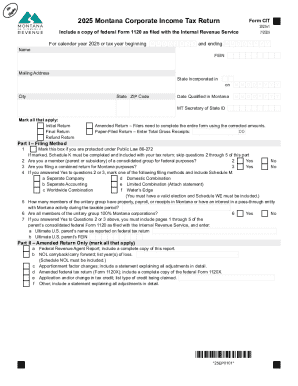
Free 2025 Tax Forms: Download and Print or File Online
The document is the 2025 Montana Corporate Income Tax Return (Form CIT2025), which outlines the requirements and section ...
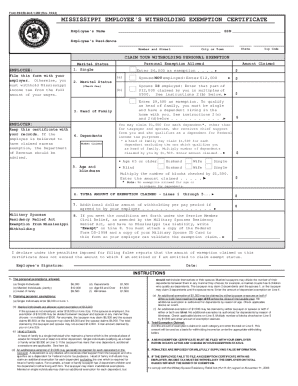
Mississippi Employee's Withholding Exemption Certificate
The document is the Mississippi Employee's Withholding Exemption Certificate (Form 89 -350-24-8-1-000) used by employees ...
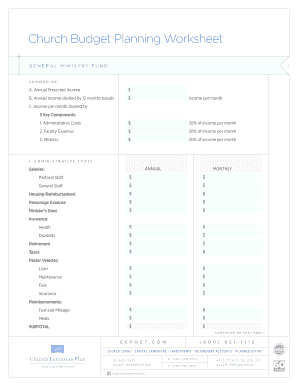
Printable church budget template
The document is a Church Budget Planning Worksheet designed to help churches plan their annual budget by outlining proje ...

Checklist for verification
The document is a checklist for the verification process of on-site registration of workers at the Philippine Overseas L ...