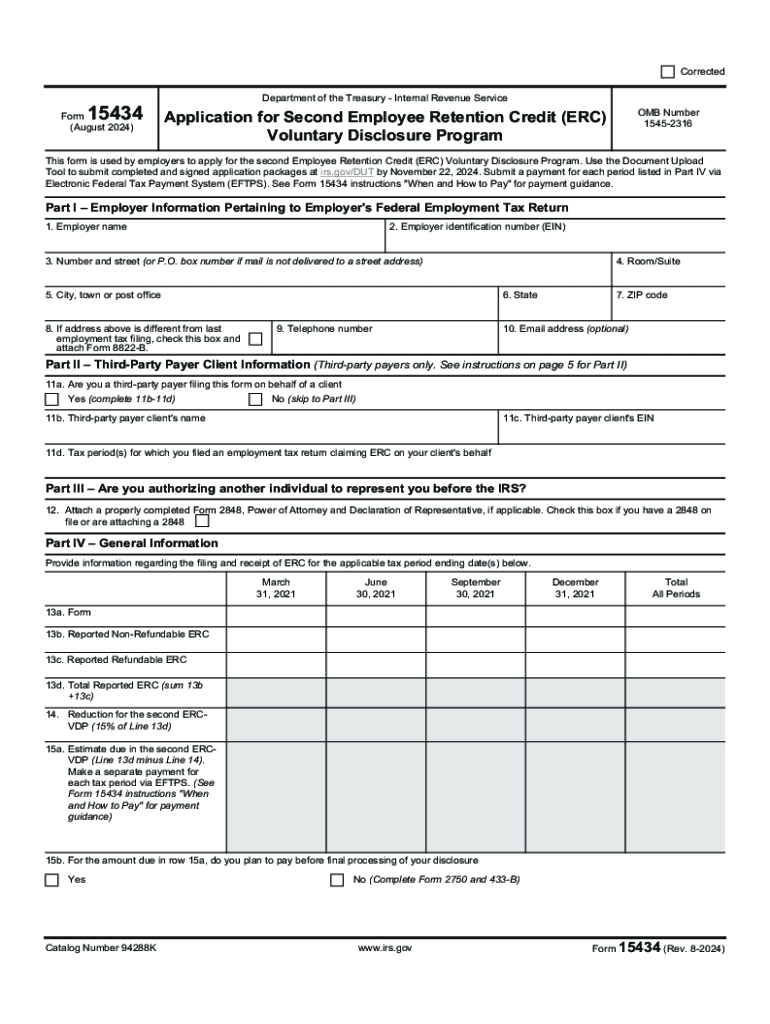







Understanding the Concept of "Form Online"
The term "form online" refers to digital documents accessible and fillable via the internet. These forms are integral to streamlining processes, allowing users to submit information electronically. They contrast with traditional paper forms by offering enhanced accessibility and efficiency, permitting users to complete necessary documentation from any location at any time.
Key Elements of Online Forms
Online forms typically include several crucial components designed to collect detailed information from users:
- Fields for Input: These can encompass text boxes, checkboxes, dropdowns, and radio buttons, allowing users to provide specific details or select from available options.
- Submit Functionality: An essential feature that enables users to send their completed forms to the intended recipient or database.
- Validation Rules: Ensures that the information entered meets the required format or criteria before submission, reducing errors.
- Security Measures: Often include encryption to protect sensitive data during transmission.
Steps to Complete a Form Online
Filling out an online form involves several straightforward steps:
- Access the Form: Locate and open the form on a web platform, such as DocHub.
- Enter Information: Fill in the required fields, adhering to any specified formats.
- Review Entries: Double-check each entry for accuracy and completeness to avoid future issues.
- Submit the Form: Use the designated submission feature to send your completed form.
- Receive Confirmation: Typically, a confirmation message or email is sent to verify receipt and successful submission.
Practical Examples
- Online Job Applications: Streamlined processes where candidates fill out qualifications and experiences directly on the employer's website.
- Government Forms: Many federal and state agencies provide online access to forms like tax submissions, which can be completed and submitted electronically.
How to Obtain Forms Online
Online forms can be accessed and downloaded through various platforms, each offering different methods:
- Official Websites: Most government and corporate entities host forms on their official websites for easy access.
- Email Requests: Some organizations may send forms directly to emails upon request.
- Document Management Services: Platforms like DocHub provide comprehensive access to various forms, allowing users to fill and submit them electronically.
Benefits of Using Forms Online
Online forms offer numerous advantages over their paper counterparts:
- Convenience: Access forms anytime and anywhere, provided there is an internet connection.
- Time Efficiency: Streamlines processes, reducing the time spent on form distribution, completion, and submission.
- Environmentally Friendly: Reduces paper usage, contributing to eco-friendly practices.
- Data Accuracy: Minimizes human errors through validation rules and digital input.
- Integration: Easily integrates with digital systems, enhancing workflow and data management.
Case Study: Digital Transformation in Businesses
Businesses adopting online forms for internal workflows, such as employee onboarding and client intake processes, witness significant efficiency from reduced administrative tasks and quicker information processing.
Legal Considerations for Online Forms
While online forms are convenient, certain legal aspects must be considered to ensure compliance:
- Legal Recognition: Many jurisdictions recognize electronic forms as legally binding, similar to paper forms, if they meet specific criteria.
- Privacy Regulations: Compliance with data protection laws, such as GDPR or CCPA, is critical in handling personal information.
- Electronic Signatures: Adhering to legal requirements, like the ESIGN Act in the U.S., ensures that electronic signatures on forms are valid and enforceable.
Who Typically Uses Online Forms
Online forms are utilized across diverse sectors and by various individuals:
- Businesses: Employ forms for customer feedback, order processing, and employee surveys.
- Educational Institutions: Use forms for admissions, student feedback, and event registrations.
- Government Agencies: Facilitate public services, such as tax filings and license applications.
- Healthcare Providers: Streamline patient intake, appointment scheduling, and record updates.
Form Submission Methods
Online forms can be submitted through several methods depending on the platform and nature of the form:
- Direct Web Submission: Submitting directly through a web platform or application.
- Email Submission: Downloadable forms that are completed and sent via email attachments.
- Integration with Third-Party Services: Forms directly sent to integrated services for further processing or storage.
Software Compatibility with Online Forms
Online forms should be compatible with a range of software solutions to extend their usability:
- Document Management Systems: Like DocHub, which offers form editing and signing capabilities.
- Accounting Software: Such as QuickBooks, for forms related to financial transactions and records.
- Tax Preparation Tools: Like TurboTax, which supports the completion of various tax forms electronically.
This structure maximizes the understanding of "form online," providing thorough insights and guidance for both general users and professionals.