Type text, add images, blackout confidential details, add comments, highlights and more.

02. Sign it in a few clicks
Draw your signature, type it, upload its image, or use your mobile device as a signature pad.

03. Share your form with others
Send i400 form pdf via email, link, or fax. You can also download it, export it or print it out.

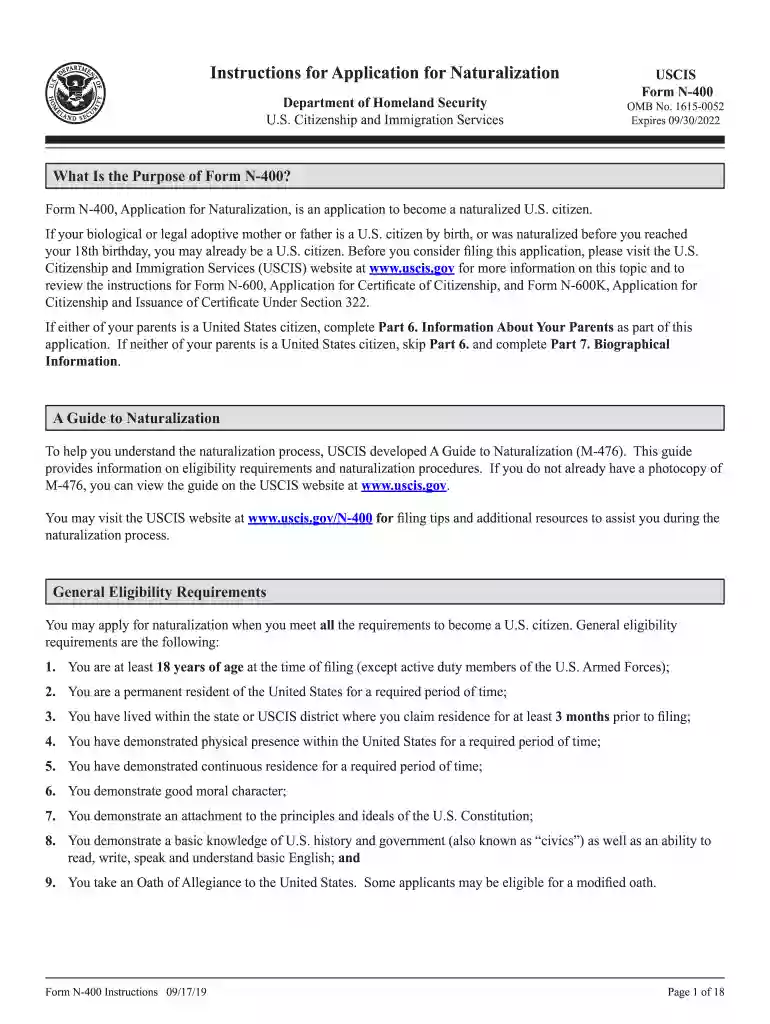
How to use or fill out Form N-400 with our platform
Ease of Setup
DocHub User Ratings on G2
Ease of Use
DocHub User Ratings on G2
Click ‘Get Form’ to open it in the editor.
Begin with Part 1, where you will select your eligibility category. Ensure you only select one box to avoid delays.
In Part 2, provide your personal information including your current legal name, date of birth, and A-Number if applicable. Make sure to type or print legibly.
Proceed to Part 5 and list all addresses where you have lived in the last five years. Include dates in the format mm/dd/yyyy.
Complete Part 7 by providing biographical information such as ethnicity and race. This helps streamline your application process.
In Part 12, answer all questions regarding your background truthfully. If any apply, provide explanations on a separate sheet.
Finally, review all sections for completeness before signing in Part 13. Remember that a stamped signature is not acceptable.
Start filling out your Form N-400 today for free using our platform!
3 days ago Naturalization is the process of becoming a US citizen if you were born outside of the United States. Use this form to apply for naturalization.Read more
Cookie consent notice
This site uses cookies to enhance site navigation and personalize your experience.
By using this site you agree to our use of cookies as described in our Privacy Notice.
You can modify your selections by visiting our Cookie and Advertising Notice.