Type text, add images, blackout confidential details, add comments, highlights and more.
02. Sign it in a few clicks
Draw your signature, type it, upload its image, or use your mobile device as a signature pad.
03. Share your form with others
Send n 400 form download via email, link, or fax. You can also download it, export it or print it out.
How to use or fill out N-400 with DocHub
Ease of Setup
DocHub User Ratings on G2
Ease of Use
DocHub User Ratings on G2
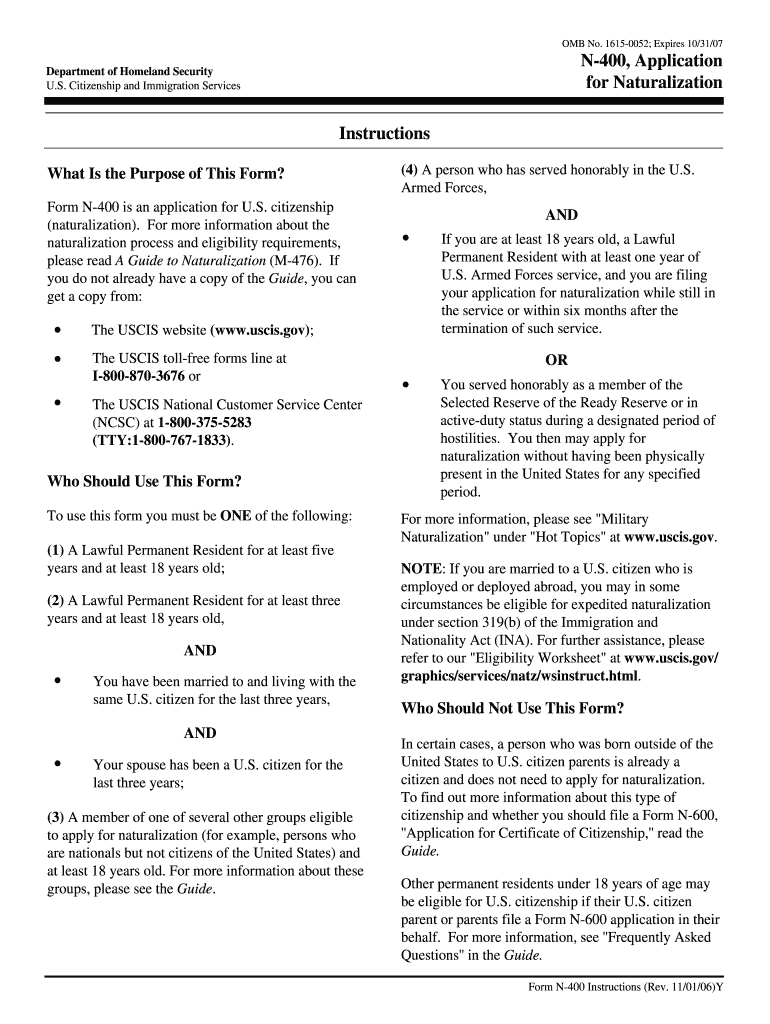
Click ‘Get Form’ to open the N-400 application in our editor.
Begin with Part 1, entering your current legal name as it appears on your Permanent Resident Card. If you have used other names, list them in the designated section.
In Part 2, check the box that corresponds to your eligibility for naturalization. Ensure you understand the requirements outlined in the accompanying guide.
Proceed to Part 3 and fill in your U.S. Social Security number, date of birth, and details about your permanent residency. Use the correct format for dates.
Complete Parts 4 through 10 by providing accurate information about your addresses, employment history, marital status, and any children. Be thorough and honest in your responses.
Finally, sign and date the application in Part 11. If someone else prepared this form for you, they must complete Part 12.
Start using our platform today to simplify your N-400 application process!
Application for Naturalization - Festival of Nations
Read the Form N-400 Instructions before you decide whether or not you would like to legally change your name. Name Change (Optional). 4. Date You Became aRead more
Cookie consent notice
This site uses cookies to enhance site navigation and personalize your experience.
By using this site you agree to our use of cookies as described in our Privacy Notice.
You can modify your selections by visiting our Cookie and Advertising Notice.