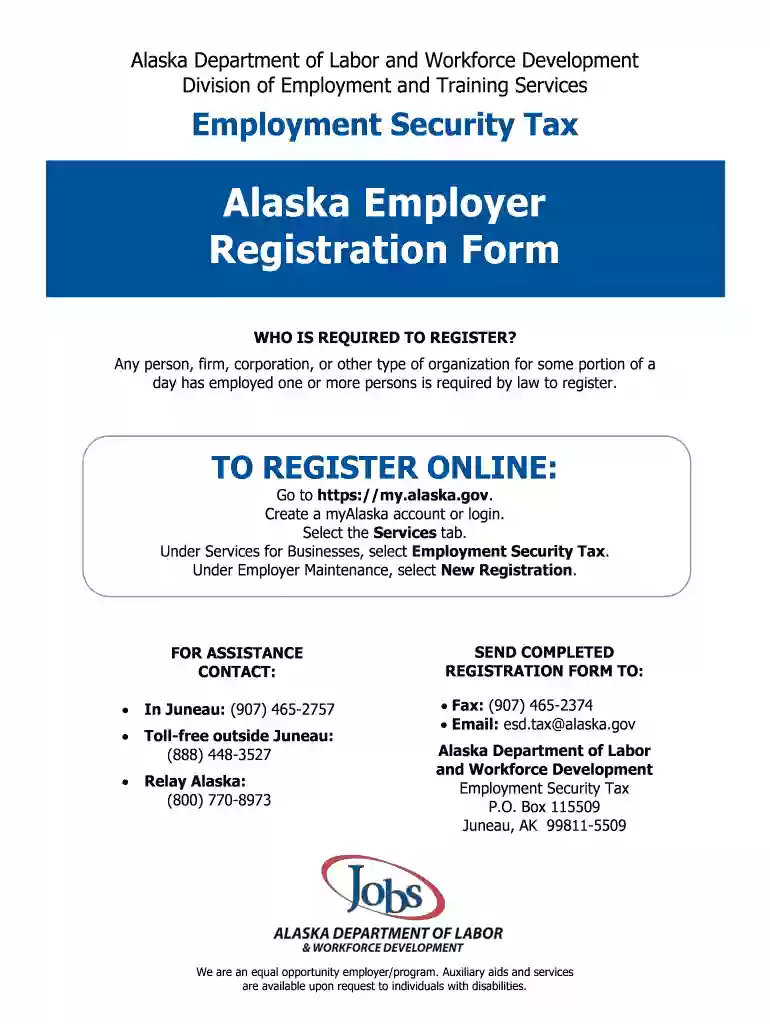
alaska pfd 2022 tax form Preview on Page 1

Pfd alaska 2022-2026

Here's how it works

  • 01. Edit your alaska pfd 2022 tax form online

    Type text, add images, blackout confidential details, add comments, highlights and more.

  • 02. Sign it in a few clicks

    Draw your signature, type it, upload its image, or use your mobile device as a signature pad.

  • 03. Share your form with others

    Send it via email, link, or fax. You can also download it, export it or print it out.

How to use or fill out pfd alaska 2022 with our platform

Form edit decoration
9.5
Ease of Setup
DocHub User Ratings on G2
9.0
Ease of Use
DocHub User Ratings on G2
  1. Click ‘Get Form’ to open the pfd alaska 2022 in the editor.
  2. Begin by checking the box at the top left to indicate if this is a new or update registration.
  3. Select your business entity type from the provided options, ensuring you understand any implications for tax reporting methods.
  4. Enter your Federal Employer Identification Number (FEIN) in the designated field. Remember, do not use your Social Security Number.
  5. If applicable, input any previously assigned account number by Employment Security Tax.
  6. Indicate whether you wish to provide coverage for excluded employees by marking ‘Yes’ and completing Page 3 if necessary.
  7. Fill in the anticipated date of your first payroll in Alaska along with the expected number of employees you will hire.
  8. Complete all required fields regarding your business name, address, contact information, and services provided in Alaska.
  9. Review all entries for accuracy before signing and submitting your form through our platform for free.

Start using our platform today to streamline your pfd alaska 2022 form completion!

See more alaska pfd 2022 tax form versions

We've got more versions of the alaska pfd 2022 tax form form. Select the right alaska pfd 2022 tax form version from the list and start editing it straight away!

VersionsForm popularityFillable & printable
20194.8 Satisfied (112 Votes)
20184.4 Satisfied (280 Votes)
20074.3 Satisfied (45 Votes)

be ready to get more

Complete this form in 5 minutes or less

Security and compliance

At DocHub, your data security is our priority. We follow HIPAA, SOC2, GDPR, and other standards, so you can work on your documents with confidence.

Related links

emergencysignaldevices [Surfski Knowledge Base]

Alaska Network Disrepair. Channel 16 is the internationally reserved channel for distress calls. Additional US information. Homeland Security VHF NavigationRead more

Learn more
The (Im)permanent Fund Dividend: Understanding the Law

In adopting the Permanent Fund, Alaska legislators desired to create a system that would encourage continued residency within the state and allow citizens toRead more

Learn more
Permanent Fund Dividend: Alaska Department of Revenue

Our mission is to administer the permanent fund dividend program assuring that all eligible Alaskans receive timely dividends, fraud is prosecuted.Read more

Learn more
If you believe that this page should be taken down, please follow our DMCA take down process here