




01. Edit your form online
Type text, add images, blackout confidential details, add comments, highlights and more.

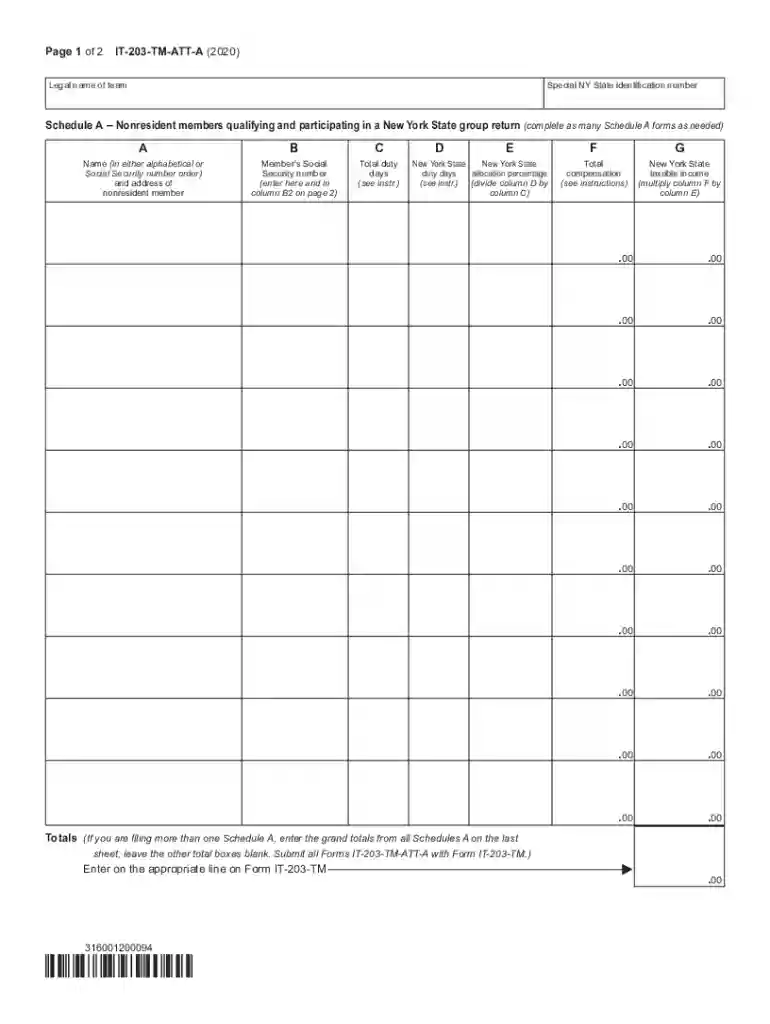
Type text, add images, blackout confidential details, add comments, highlights and more.

Draw your signature, type it, upload its image, or use your mobile device as a signature pad.

Send it via email, link, or fax. You can also download it, export it or print it out.

Start using our platform today to streamline your document editing and form completion process for free!
We've got more versions of the New York State Teamsters Council Prepaid Legal Services Fund ... form. Select the right New York State Teamsters Council Prepaid Legal Services Fund ... version from the list and start editing it straight away!
Microsoft Word doesn’t have signing tools to create legitimate eSignatures and enforceable paperwork. Luckily, DocHub is an online eSignature-compliant editor that works with different document formats, such as .doc files. Log in to your account and add the Word edition of your New York State Teamsters Council Prepaid Legal Services Fund ... from your device and cloud, or URL - our editor will automatically transform it into an editable PDF. Make all essential modifications in your form and click Sign to create your own legally-binding electronic signature. You will find four signing options from which to choose.
In addition to an extensive toolset for editing PDFs on mobile devices, DocHub allows you to sign your New York State Teamsters Council Prepaid Legal Services Fund ... along the way. Open our editor in your web browser, make modifications using DocHub’s toolset, and finish your editing by eSigning the finished form.
At DocHub, your data security is our priority. We follow HIPAA, SOC2, GDPR, and other standards, so you can work on your documents with confidence.
A. Open Versus Closed Panel Plans .. 22. 1. Benefits of the Open Panel .. 23. 2. Benefits of the Closed Panel . 24.
Oct 17, 2024 Prepaid Legal Service Benefit. Affected Employees: The following employees are affected: Employees represented by District Council 37 inRead more


