




Here's how it works



How to use or fill out rus bulletin 151 with our platform

- Click ‘Get Form’ to open rus bulletin 151 in the editor.
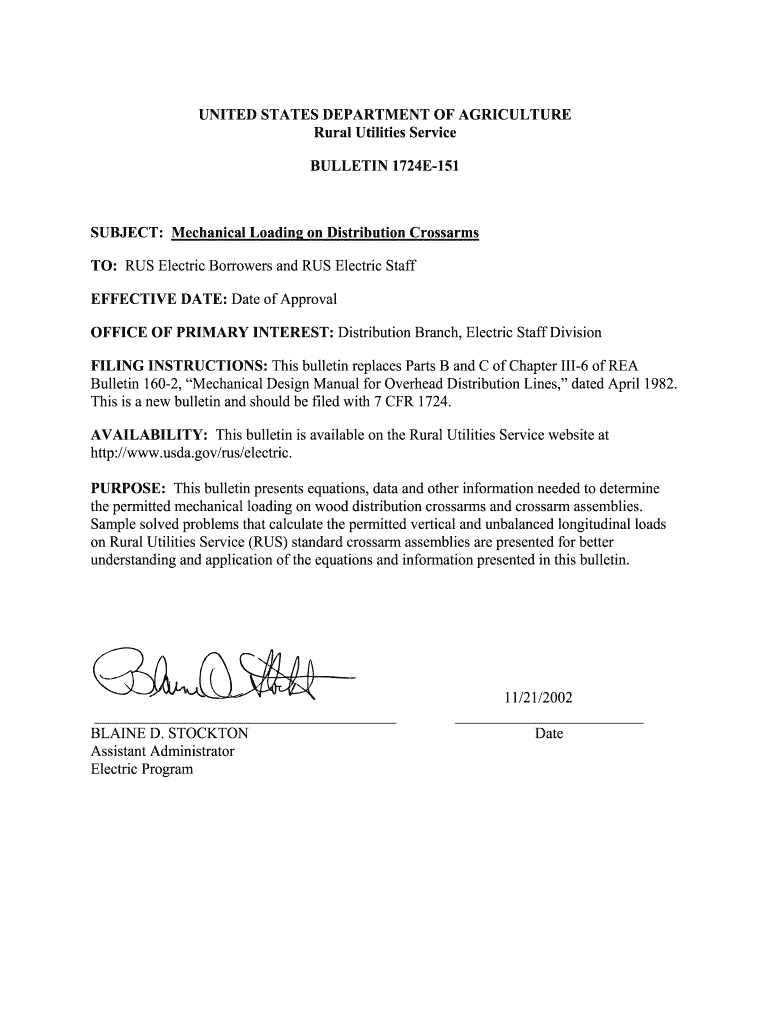
- Begin with the 'Introduction' section. Familiarize yourself with the purpose and scope of the bulletin, which outlines mechanical loading on distribution crossarms.
- Move to 'General Information Regarding Crossarms.' Fill in any required fields related to standard RUS crossarm assemblies, ensuring you understand dimensions and installation guidelines.
- In the 'Crossarm Moment Capacities' section, input values for moment capacities based on your specific assembly requirements. Use the provided equations for calculations.
- Proceed to 'Vertical Loading on Crossarm Assemblies.' Here, calculate vertical loads using the specified formulas and ensure they do not exceed permitted capacities.
- Finally, review 'Longitudinal Loading on Crossarm Assemblies.' Input longitudinal load data as necessary, ensuring compliance with all guidelines outlined in previous sections.
Start editing rus bulletin 151 today for free and streamline your document management process!
It's free
Got questions?
How can I create an electronic signature in my rus bulletin 151 on Android?
Signing documents on a mobile device is quick, straightforward, and doesn’t require software installation when you have an account with DocHub. Sign in from any browser, complete your blank fields with your information, and click on Sign → Create your signature. You can draw your electronic signature just as you usually do on paper, add its image to your rus bulletin 151, or type in your name and stylize its look. No matter what option you choose, your form will be valid.
How do you edit rus bulletin 151 online?
With DocHub, there are several convenient methods to edit your rus bulletin 151 online. You can drag and drop the form and edit it straight at the DocHub site or use our browser extension to fill out your form right away. On top of that, you can edit your PDF on your smartphone, as DocHub is compatible with all the available mobile platforms.
Security and compliance
At DocHub, your data security is our priority. We follow HIPAA, SOC2, GDPR, and other standards, so you can work on your documents with confidence.
Learn more


Related forms


