




Here's how it works

01. Edit your masshealth standard online
Type text, add images, blackout confidential details, add comments, highlights and more.

02. Sign it in a few clicks
Draw your signature, type it, upload its image, or use your mobile device as a signature pad.

03. Share your form with others
Send masshealth gym reimbursement via email, link, or fax. You can also download it, export it or print it out.
How to use or fill out bmc healthnet gym reimbursement with our platform

- Click ‘Get Form’ to open the bmc healthnet gym reimbursement form in the editor.
- Begin by filling out the Member Information section. Clearly print your Member ID number, last name, first name, address, middle initial, city, state, zip code, and phone number.
- Next, move to the Health Club Information section. Enter the name and address of your health club. Ensure you attach photocopies of dated receipts or statements as required.
- Indicate the total number of receipt copies attached and specify the reimbursement amount requested.
- Finally, complete the Certification and Authorization section by signing your name to confirm that all information is accurate and that you have not submitted for these services previously.
- Once completed, save your document and follow instructions to print it. Fold and mail it along with required documents to BMC HealthNet Plan at the specified address.
Start using our platform today for free to streamline your bmc healthnet gym reimbursement process!
Fill out bmc healthnet gym reimbursement online
It's free
See more bmc healthnet gym reimbursement versions
We've got more versions of the bmc healthnet gym reimbursement form. Select the right bmc healthnet gym reimbursement version from the list and start editing it straight away!
| Versions | Form popularity | Fillable & printable |
|---|---|---|
| 2016 | 4 Satisfied (21 Votes) |
Security and compliance
At DocHub, your data security is our priority. We follow HIPAA, SOC2, GDPR, and other standards, so you can work on your documents with confidence.
Learn more


Related forms

City of Kettering Individual Income Tax Return
The document is the 2023 Individual Income Tax Return form for residents and non-residents of the City of Kettering, Ohi ...
Uri transcript
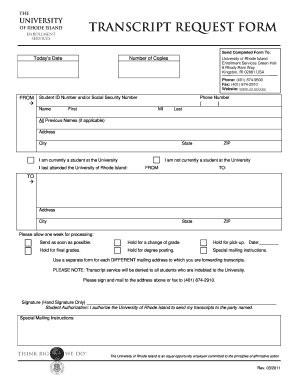
The document is a Transcript Request Form for the University of Rhode Island, detailing the process for students to requ ...
Prairie state college transcripts
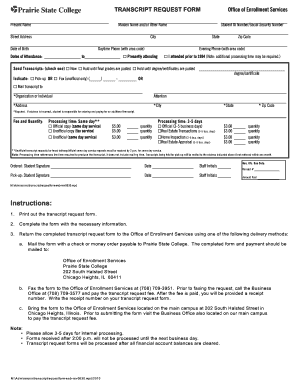
The document is a Transcript Request Form from the Office of Enrollment Services at Prairie State College. It outlines t ...

F700 014 000
The document is an application form for obtaining or renewing a Farm Labor Contractor License in Washington State. It in ...
Tx claim
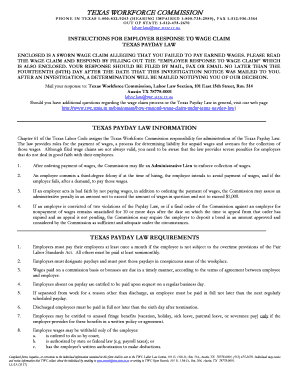
The document provides instructions for employers in Texas on how to respond to wage claims filed under the Texas Payday ...

Income Withholding for Support Form LDSS-5037
The document provides detailed instructions and information regarding the Income Withholding for Support process in New ...

Blank civil packet
The document is a revised civil packet for Pinal County, Arizona, providing instructions and forms for individuals filin ...
Orders restraining sv printable
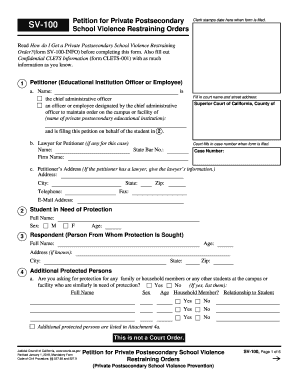
The document is a petition form (SV-100) for obtaining a Private Postsecondary School Violence Restraining Order in Cali ...