




Here's how it works

01. Edit your dochub com fillable form online
Type text, add images, blackout confidential details, add comments, highlights and more.

02. Sign it in a few clicks
Draw your signature, type it, upload its image, or use your mobile device as a signature pad.

03. Share your form with others
Send scac code application via email, link, or fax. You can also download it, export it or print it out.
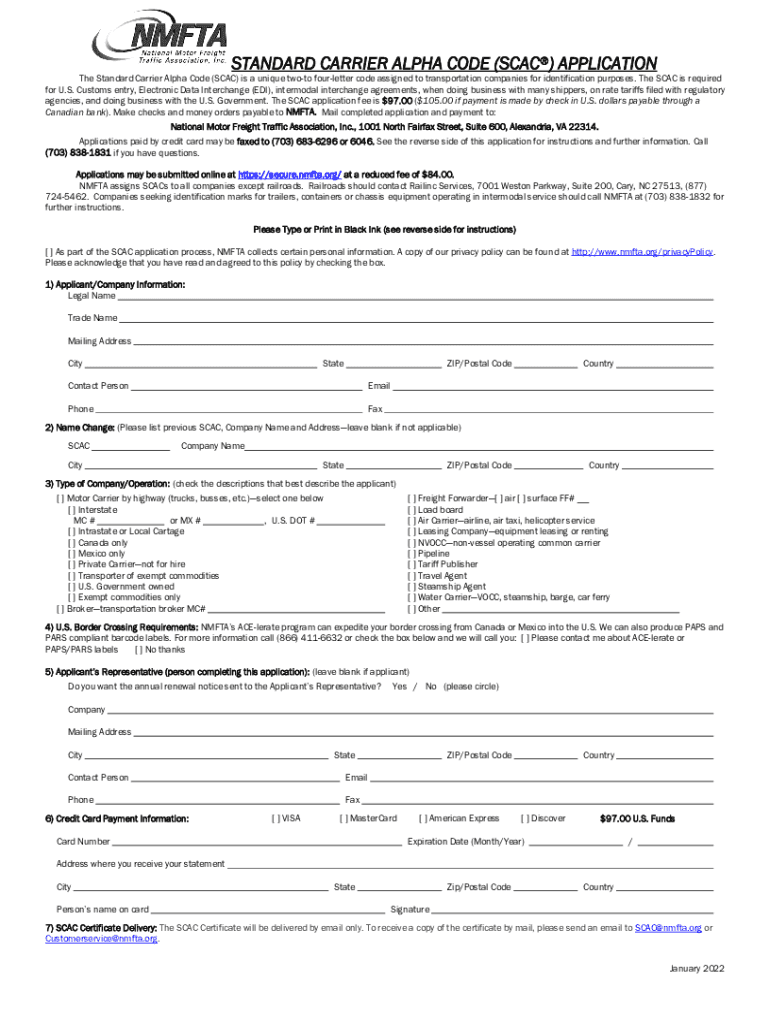
How to use or fill out STANDARD CARRIER ALPHA CODE APPLICATION FORM

- Click ‘Get Form’ to open it in the editor.
- Begin with the 'Applicant/Company Information' section. Enter your Legal Name and Trade Name (if applicable), followed by your complete mailing address, city, state, ZIP/Postal Code, and country.
- If applicable, provide details in the 'Name Change' section, including any previous SCAC or company name.
- In the 'Type of Company/Operation' section, check all descriptions that apply to your business operations. Ensure you include relevant MC#, MX#, or U.S. DOT# if available.
- Complete the 'U.S. Border Crossing Requirements' section by checking the box if you want more information about NMFTA’s ACE-lerate program.
- Fill out the 'Applicant’s Representative' section if someone else is completing this application on your behalf. Indicate whether you want renewal notices sent to them.
- Provide credit card payment information in the designated section if paying by card. Ensure all fields are filled accurately for processing.
- Finally, confirm how you would like to receive your SCAC Certificate—by email only or via mail upon request.
Start using our platform today to streamline your form completion process for free!
Fill out STANDARD CARRIER ALPHA CODE APPLICATION FORM online
It's free
See more STANDARD CARRIER ALPHA CODE APPLICATION FORM versions
We've got more versions of the STANDARD CARRIER ALPHA CODE APPLICATION FORM form. Select the right STANDARD CARRIER ALPHA CODE APPLICATION FORM version from the list and start editing it straight away!
| Versions | Form popularity | Fillable & printable |
|---|---|---|
| 2022 | 4.7 Satisfied (49 Votes) |
Security and compliance
At DocHub, your data security is our priority. We follow HIPAA, SOC2, GDPR, and other standards, so you can work on your documents with confidence.
Learn more


Related forms

Nebraska Form 1040NFill Out and Use This PDF
The document outlines the Nebraska tax forms and schedules for residents, partial-year residents, and nonresidents, spec ...

2023 Form 3801-CR Passive Activity Credit Limitations 2023 Form 3801-CR Passive Activity Credit Limi
2023 Form 3801-CR Passive Activity Credit Limitations 2023 Form 3801-CR Passive Activity Credit Limi
The document is the California Form 3801-CR for the taxable year 2023, which outlines the Passive Activity Credit Limita ...

Solicitud de arrendamiento
The document is a rental application form for individuals, detailing personal and financial information required from th ...

Kathryn j davis worksheets
The document consists of a series of spelling worksheets designed for students to practice matching words with correspon ...
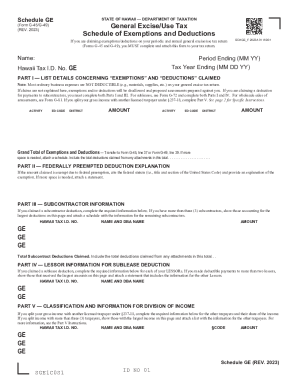
Schedule GE, Form G-45 G-49, Rev 2023, General Excise Use Tax Schedule of Exemptions and Deductions
Schedule GE, Form G-45 G-49, Rev 2023, General Excise Use Tax Schedule of Exemptions and Deductions
The document is a Schedule GE form from the State of Hawaii's Department of Taxation, specifically for claiming exemptio ...

N-11, Rev 2022, Individual Income Tax Return (Resident) Forms 2022
The document is the Hawaii Individual Income Tax Return Form N-11 for the calendar year 2023. It includes sections for p ...
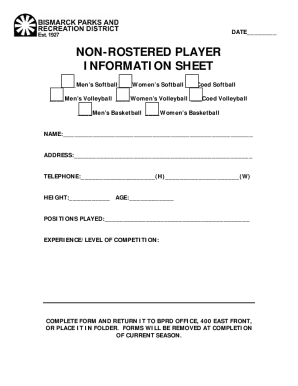
Non-Rostered Player Information Sheet
The document is a Non-Rostered Player Information Sheet for various sports, including softball, volleyball, and basketba ...
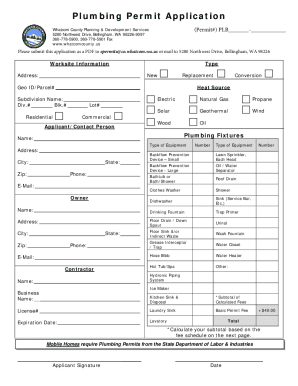
Fillable Online whatcomcounty Plumbing Permit Application
The document is a Plumbing Permit Application for Whatcom County, detailing the necessary information and fees required ...